When Apple releases a MacBook with a new processor, it feels like the previous generation instantly becomes obsolete. But in reality, things are different. In 2026, the market simultaneously features Macs with M2, M3, M4, and the latest models with M5 Pro and M5 Max. And the difference between them isn’t always obvious, especially if you don’t dig into the specs. Let’s figure out which MacBook processors are truly relevant in 2026, how they differ from each other, and which one suits whom.
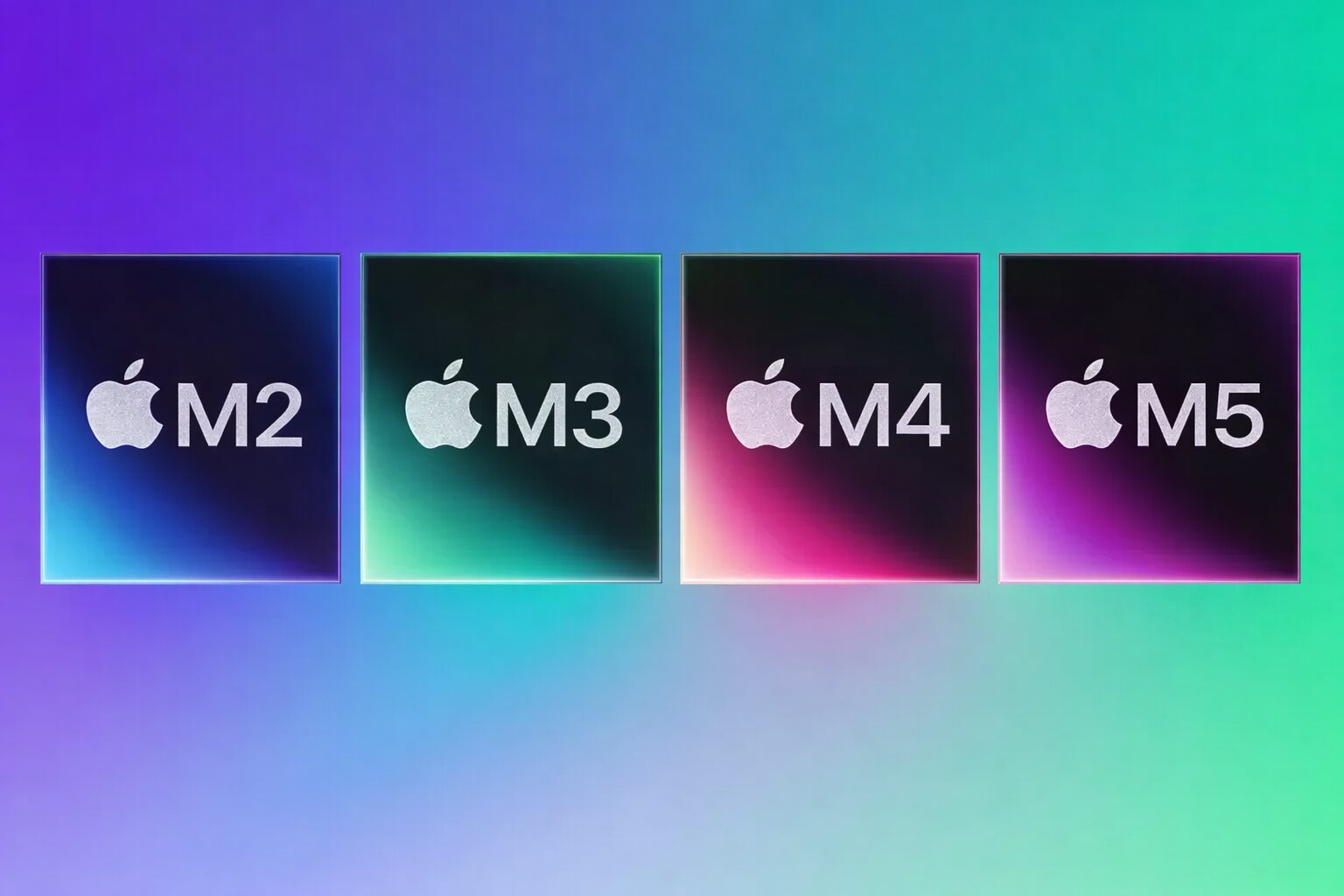
Comparing all current Apple M-series processors
Which Apple M-Series Processors Are Relevant in 2026 and Which Macs Run on Them
In practice, in 2026 you can find MacBooks with different processors on sale: M2, M3, M4, and the new M5. Moreover, each generation has three tiers: base, Pro, and Max. It’s precisely this division that determines the performance difference, not just the generation number.
Base versions are designed for universal tasks — office work, browsing, programming, photo editing, and light video editing. Pro versions are aimed at heavier workloads: large projects, code compilation, working with multiple video streams. Max is the segment for heavy graphics, 3D, and complex computations where not only GPU power matters but also memory capacity.
How Apple Processors Differ: Key Differences in CPU, GPU, and Memory
The main difference between Apple processors lies not so much in the CPU as in memory and graphics. Base chips M2, M3, M4, and M5 deliver balanced performance with limited memory capacity. Pro versions increase the number of CPU cores and significantly boost memory bandwidth, which is critical for heavy workflows.

Obviously, the new MacBooks are positioned for the most power-hungry tasks
Max versions take the next step: even more graphics cores and twice the memory bandwidth compared to Pro. It’s precisely this parameter that most often becomes decisive when working with 8K video, complex 3D scenes, and large AI models.
Comparison of M2, M3, M4, and M5 Processors
The evolution of M-series processors looks less dramatic than it appears in presentations. The transition from M2 to M3 brought a more modern manufacturing process and improved energy efficiency. M4 placed greater emphasis on neural computations and optimization of on-device AI.
M2 — the most minimal solution available today
With M5, Apple focused on local operation with large language models. M5 Pro and M5 Max feature increased memory bandwidth, and the graphics portion gained additional capabilities for AI acceleration. This isn’t a revolution for everyday work, but a noticeable step forward for professional scenarios. We compared all chipsets starting from M2, since M1 has clearly become outdated compared to today’s chips.
| Chip | CPU (up to) | GPU (up to) | Max Memory | Bandwidth |
|---|---|---|---|---|
| M2 | 8 | 10 | 24 GB | 100 GB/s |
| M2 Pro | 12 | 19 | 32 GB | 200 GB/s |
| M2 Max | 12 | 38 | 96 GB | 400 GB/s |
| M3 | 8 | 10 | 24 GB | 100 GB/s |
| M3 Pro | 12 | 18 | 36 GB | 150 GB/s |
| M3 Max | 16 | 40 | 128 GB | 400 GB/s |
| M4 | 10 | 10 | 32 GB | 120 GB/s |
| M4 Pro | 14 | 20 | 64 GB | 273 GB/s |
| M4 Max | 16 | 40 | 128 GB | 546 GB/s |
| M5 | 10 | 12 | 32 GB | 120 GB/s |
| M5 Pro | 18 | 36 | 64 GB | 307 GB/s |
| M5 Max | 18 | 48 | 128 GB | 614 GB/s |
From the table, it’s clear that each new generation primarily increases memory capacity and bandwidth. CPU grows gradually, while memory bandwidth changes significantly from generation to generation — and it’s precisely what determines real performance gains in heavy tasks.
How M5 Pro and M5 Max Differ from M4 Pro and M4 Max
In the new 2026 MacBook Pro models, Apple’s processor performance gains can be noticed in the following areas.
- CPU. The M4 Pro has a maximum of 14 CPU cores (10 performance + 4 efficiency). The M4 Max comes with either 14 or 16 CPU cores. For the M5 Pro and M5 Max, Apple claims an 18-core CPU (6 + 12), meaning a noticeable increase in core count.
- GPU. In terms of core count, the ceiling is similar: M4 Pro up to 20-core GPU, M4 Max up to 40-core GPU. The M5 Pro also has up to 20, and M5 Max up to 40, but Apple emphasizes the new graphics architecture with a neural accelerator in each GPU core and increased performance.
- Memory and Bandwidth. This is where the upgrade is most clear-cut in numbers: M4 Pro — 273 GB/s vs. M5 Pro — 307 GB/s. M4 Max — 546 GB/s vs. M5 Max — 614 GB/s. A +12% improvement in favor of the new version.
- Ray Tracing and AI. Apple directly compares with M4: for M5 Pro, it claims up to +35% in ray tracing and up to +20% in graphics relative to M4 Pro; for M5 Max — up to +30% in ray tracing and up to +20% in graphics relative to M4 Max.
Additionally, a significant increase in AI performance of M5 Pro and M5 Max on GPU is claimed thanks to the new architecture, especially in prompt processing and local model tasks. Note that in everyday work you won’t feel a “cosmic” improvement compared to M4. The difference is noticeable specifically in professional scenarios, as well as when upgrading from an older processor — for example, from M2 or M3.
Which Apple Processor to Choose in 2026
For studying, browsing, and everyday tasks, a base M3 or M4 is sufficient. They provide comfortable performance without overpaying. If you edit 4K video or work on large projects, a reasonable choice would be MacBook M4 Pro or M5 Pro — the additional memory and bandwidth ensure stability under load. The newer model has more headroom for the future if you plan to keep the laptop for an extended period.
Max versions only make sense when your work truly hits the limits of graphics and data volume. Obviously, buying a laptop with such hardware when you just sit in Safari all day is pointless — even the new MacBook Air with M5 would suffice. In all other cases, the premium will be more psychological than practical and won’t provide any advantage.
Is It Worth Upgrading to M5 Pro or M5 Max
Upgrading from M1 to M5 Pro will indeed deliver a noticeable performance boost. From M3, the upgrade is justified only under professional workloads. And MacBook owners with M4 should consider upgrading only if their tasks are directly related to AI or heavy graphics. Or if they have money that urgently needs to be spent. Preferably — wisely.
The new chips are the most powerful. But their performance may be overkill
Apple is gradually shifting its focus from raw CPU power to memory, graphics, and AI acceleration. In 2026, choosing a chip depends not on the generation but on the use case. If you just need a fast and stable Mac — even M3 or M4 will do. If your work involves video, 3D, or neural networks — you should choose only the latest M5 Pro and M5 Max, as these processors are optimized specifically for these purposes.