YouTuber ETA PRIME built a DIY water cooling system for the MacBook Neo — Apple’s most budget-friendly laptop — and achieved nearly double the gaming performance. If before the MacBook Neo could barely be used for gaming, now everything has changed. The chip temperature under load dropped by more than 30 degrees, and throttling — the forced slowdown of the processor due to overheating — disappeared completely. It sounds impressive, but there are some caveats.
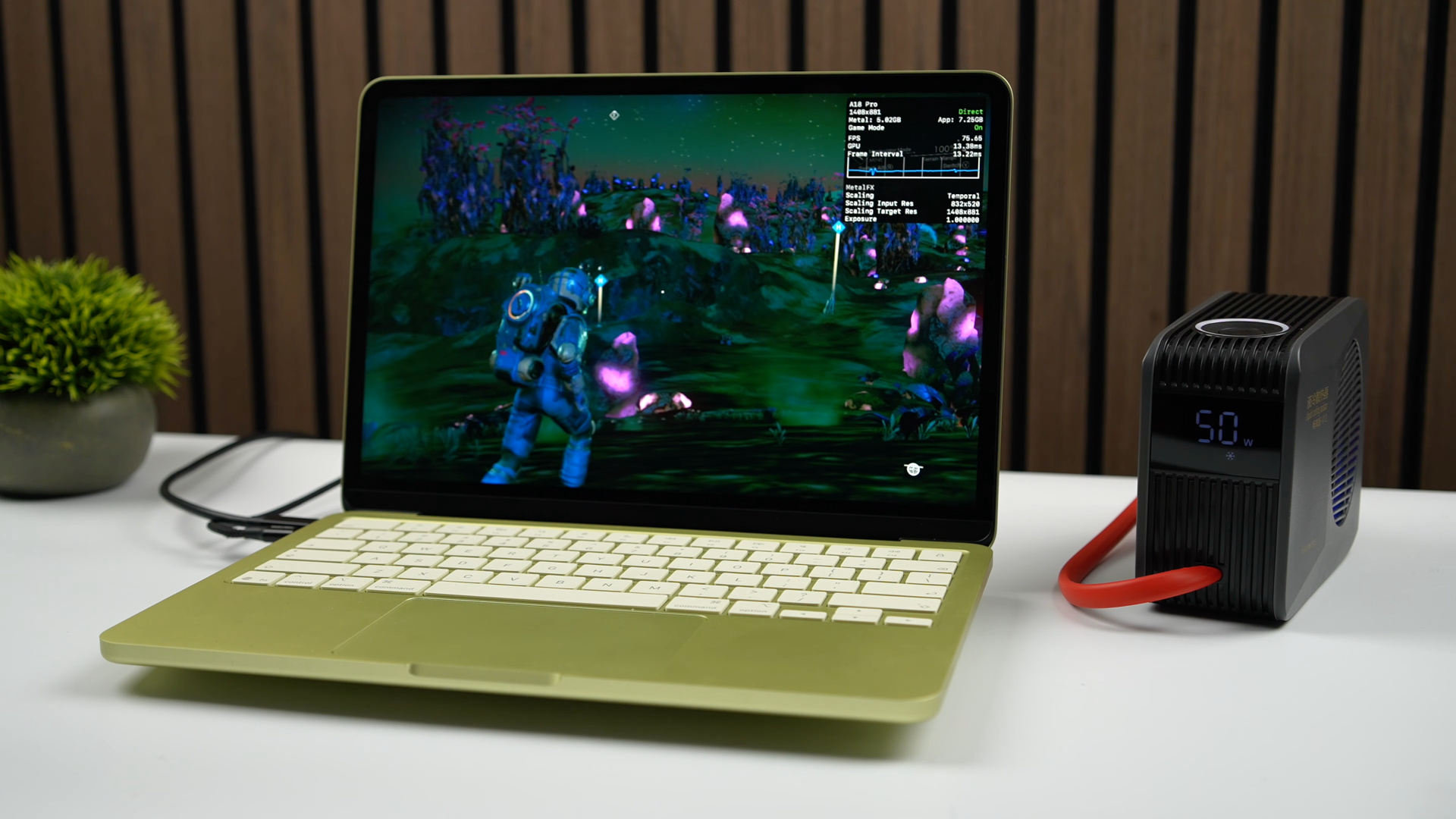
How to boost MacBook Neo performance for just $25. Image: ETA PRIME
Why the MacBook Neo Overheats Without a Fan
The MacBook Neo is an ultra-budget Apple laptop powered by the A18 Pro chip. Its key feature: it has no active cooling. No fan whatsoever. Heat from the processor is dissipated passively through the aluminum body. This is sufficient for office tasks, but under heavy load — for example, in games — the chip heats up quickly and starts reducing its clock speed to avoid burning out. This is throttling.
In practice, this means games periodically stutter: frame rates drop, micro-freezes appear, and the image jerks. This is exactly the problem the enthusiast set out to solve.
How Water Cooling Was Installed in the MacBook Neo
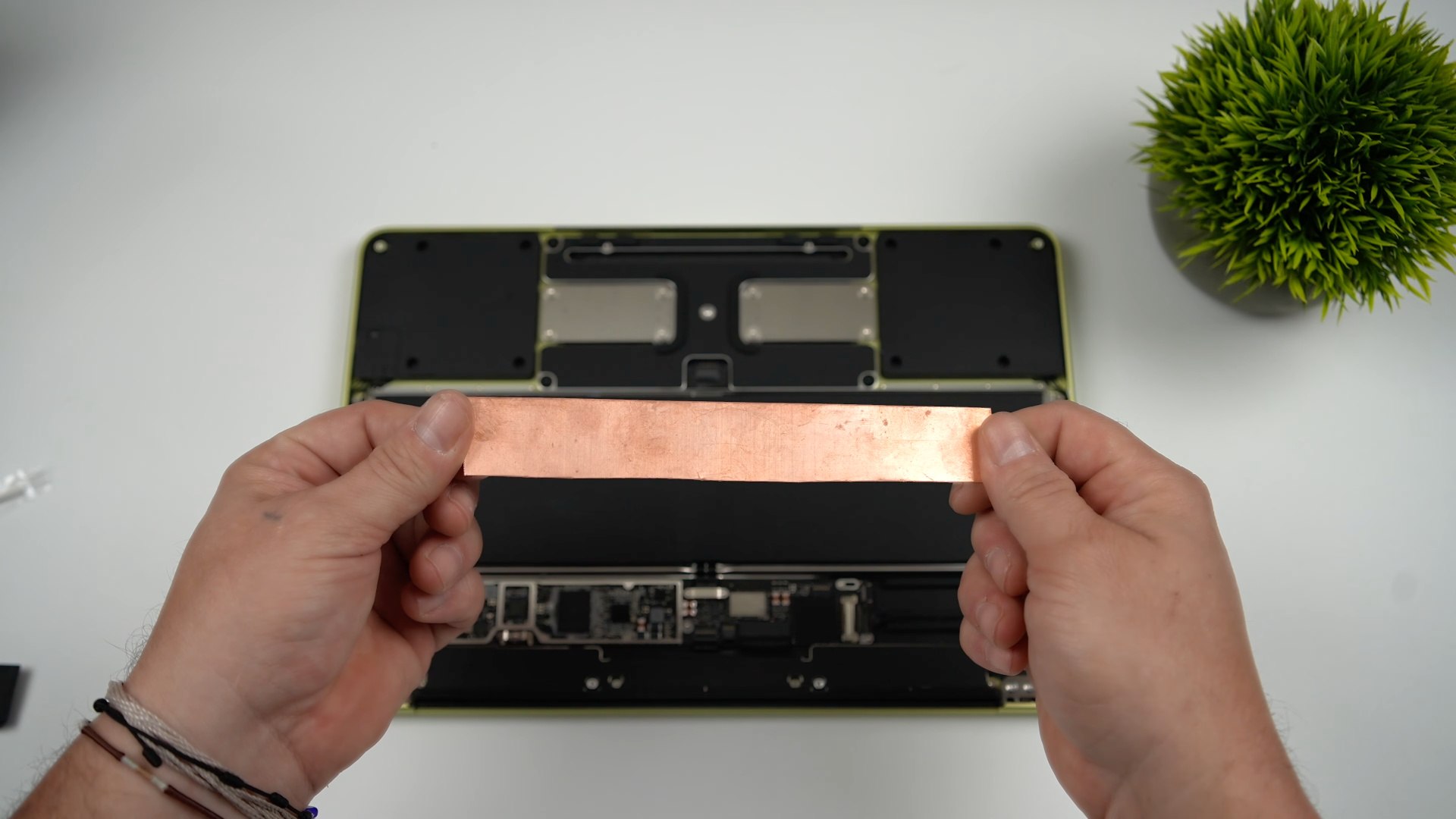
The plate had to be installed inside the case
The setup turned out to be fairly simple. ETA PRIME cut a small heatsink from a copper sheet that sits tightly against the chip and transfers heat directly to the aluminum body of the laptop. On top of this heatsink, he installed a so-called “puck” — a component of the external water cooling system.

This is the puck that gets installed on the outside. Image: ETA PRIME
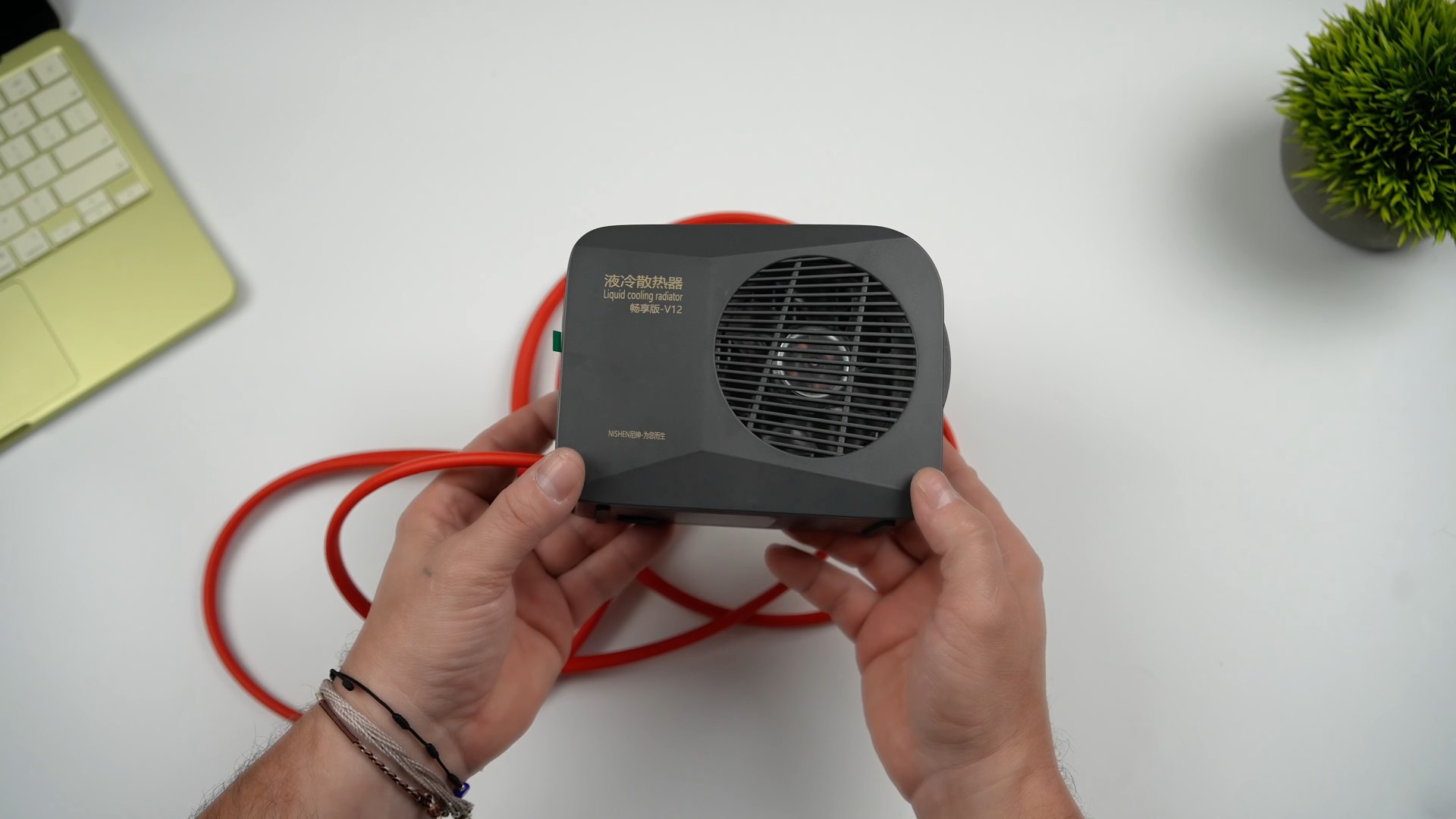
And then we add a fan on top. Image: ETA PRIME
Here’s how it works: water circulates through the puck, absorbs heat from the copper heatsink, and carries it to an external unit with a fan sitting nearby on the desk. Essentially, the laptop gets full-fledged active cooling that it originally lacks. The total cost of the components — a copper plate (approximately $5), a water block (hoses + clamps + thermal paste ~$3–6 from the nearest auto parts store, DIY from a copper plate with copper tubes), a pump ($7), and a radiator ($6) — fits within a budget of about $25.
MacBook Neo Cooling Results: Temperature and Benchmarks
The numbers speak for themselves. Under peak load, the chip temperature dropped by more than 30°C, and the Cinebench synthetic benchmark score (a standard benchmark for evaluating processor power) increased by 20%. This means the chip is finally running at full power without hitting its thermal limit.
But the truly impressive gains are in gaming. In No Man’s Sky, the frame rate jumped from 30 to 60 FPS. And it’s not just about average numbers: frame time stabilized, which means micro-freezes and stutters — those jerks that ruin the experience even at acceptable average FPS — disappeared.
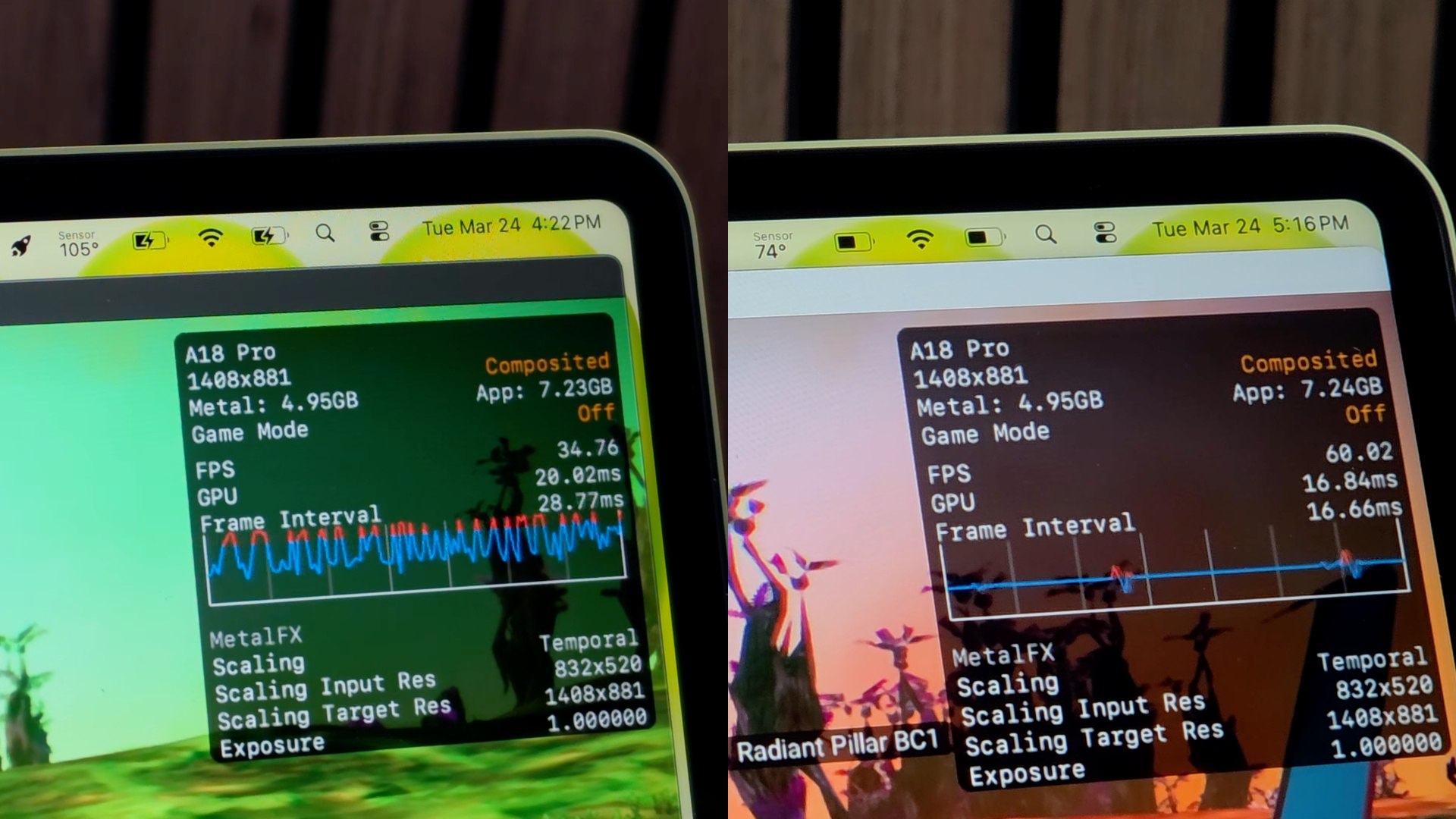
Left: processor behavior without cooling. Right: with cooling. Image: ETA PRIME
Fallout 4, running through a special program for launching Windows games on Mac, also consistently delivered 60 FPS. However, Cyberpunk 2077 turned out to be too demanding: even with cooling and the built-in upscaler, the Neo produces an unstable ~30 frames. Here the bottleneck is no longer temperature but the GPU power of the A18 Pro chip itself.
Downsides of DIY Cooling for the MacBook Neo
The main practical downside is that the setup makes the laptop unstable on a desk. The water block “puck” attaches to the bottom and raises the MacBook, causing it to wobble. The video’s author suggests fixing this with a stand, but it’s obvious that portability is completely out of the question — the external fan unit and tubing tether the laptop to the desk.
There are other things to keep in mind as well:
- Any modification to the MacBook’s body automatically voids the warranty
- Installation requires careful work with the copper plate and precise fitting to the chip
- A water cooling system means noise from an external fan, which the original Neo doesn’t have at all
- Results heavily depend on the specific game: in demanding titles like Cyberpunk, the bottleneck isn’t temperature but the chip itself
Who Needs Cooling for the MacBook Neo
The MacBook Neo is positioned as Apple’s most affordable laptop. It’s built on the A18 Pro chip but lacks a fan, making it completely silent during normal use. For browsing, documents, and video — it’s more than enough. Problems only arise during prolonged heavy workloads.

With this cooling, you can game on the MacBook Neo, but not every title. Image: ETA PRIME