You know what’s the most frustrating thing about modern smartphones? You buy a device, seemingly with plenty of headroom — 128 GB, why would I need more — and a year later the familiar circus begins: delete photos, clear cache, move videos to the cloud. All just to download an app. Meanwhile, manufacturers are actively selling 1 TB versions and charging such prices that you can’t help but wonder — do I really need it? In practice, most users don’t even realize how much free space they need to keep so that their phone doesn’t turn into a sluggish brick. Let’s figure it out — without marketing fluff and with specific numbers.
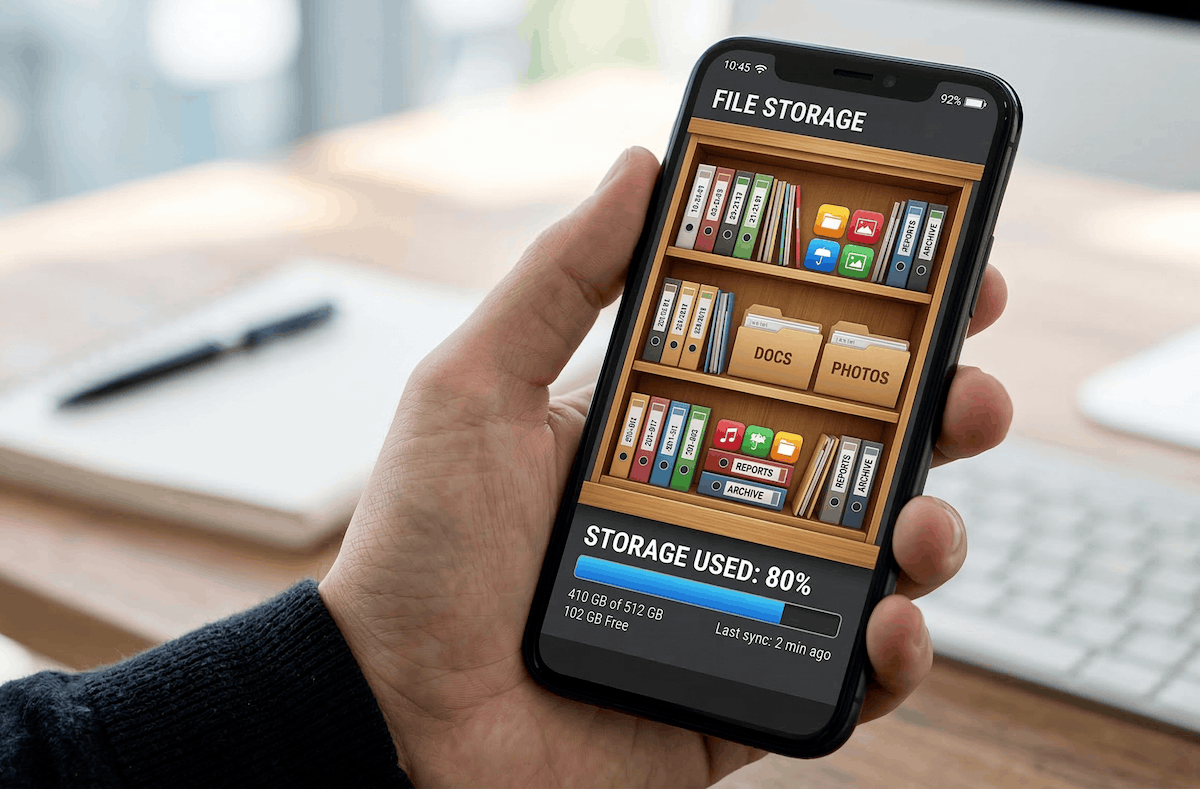
Few people think about smartphone storage.
Why You Shouldn’t Fill Your Phone’s Storage Completely
It’s simple — but only at first glance. Internal storage isn’t just a digital closet for photos and apps. The system constantly uses it for service needs — cache, temporary files, updates — and it needs free space. When there’s barely any room left, the phone starts choking: the camera opens with a delay, apps freeze, and updates refuse to install. Sound familiar? It’s worth understanding how storage works just as much as understanding how RAM affects performance.
The rule is simple — keep about 20% of your storage free. For a 128 GB model, that’s roughly 25 free gigabytes; for 256 GB — about 50. If you have less than 5–7 GB remaining — expect problems. It’s like a wardrobe. If you stuff it with clothes to the brim, you’ll break the doors and won’t be able to find anything. Flash memory physically works faster when there’s free space on it. A smartphone filled to 95% will be noticeably slower than an identical device with 30% free space — even with the same processor.
How Much Storage Does a Smartphone Need
Let’s do the math. The operating system with the manufacturer’s skin takes up 20–30 GB right out of the box. Add software that can’t be deleted — and out of the nominal 128 GB, roughly 90–95 GB are actually available. A standard set of 30–40 apps — messengers, banking apps, social media, navigation, a couple of games — that’s another 15–25 GB. Subjectively — Telegram alone with a couple of years’ worth of chat history easily eats up 10–15 GB. And we haven’t even opened the camera yet.
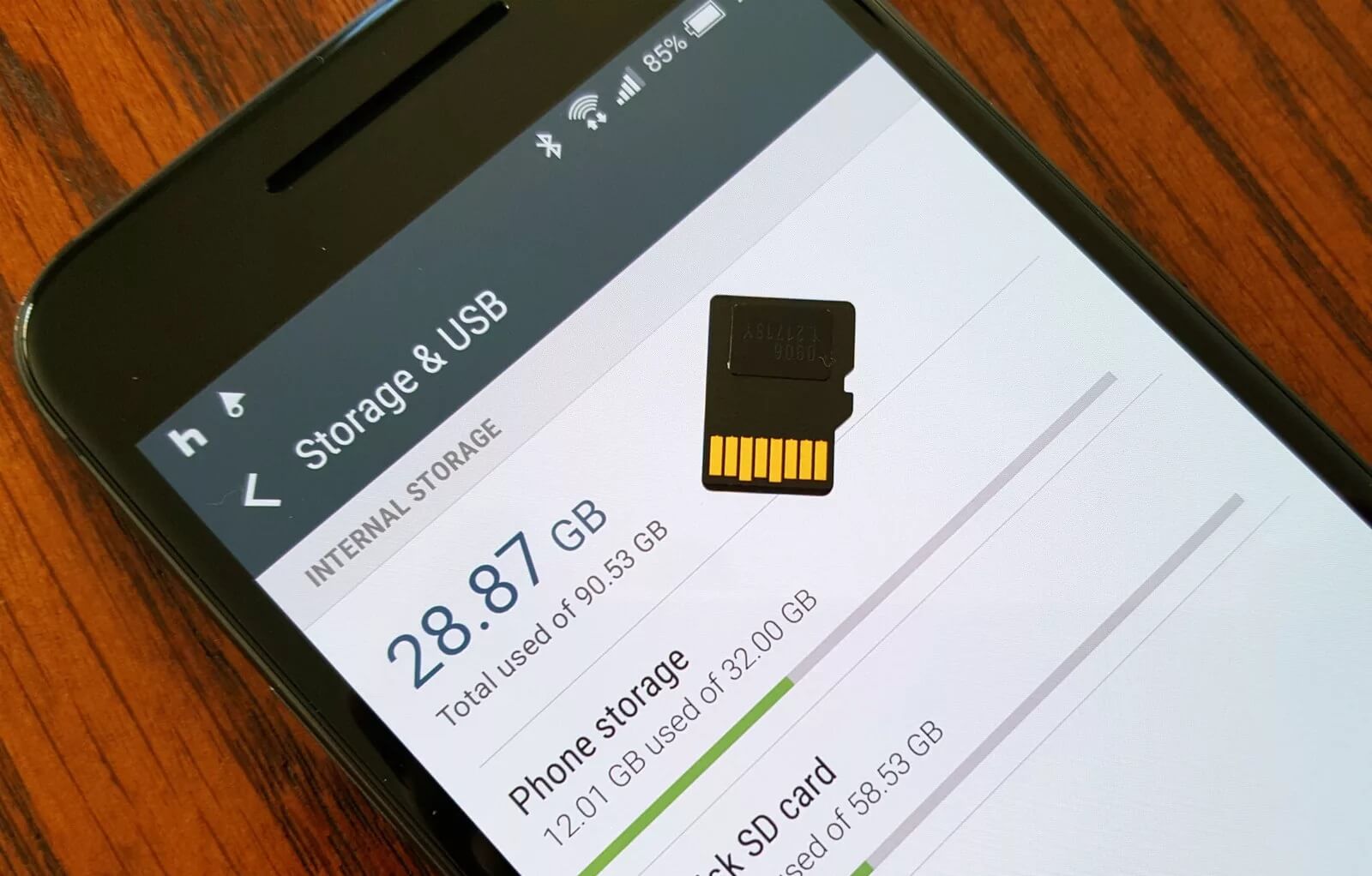
A memory card helps expand storage without deleting files. But it’s much slower than built-in storage and the smartphone may start lagging.
This is where it gets interesting. One minute of 4K video at 60 fps is about 400 MB. And sometimes up to 1 GB if you’re shooting through third-party apps in uncompressed format. A ten-minute clip from a kids’ recital — that’s already at least 4 GB. A photo in HEIF is 2–4 MB, in ProRAW — a full 25–30 MB per shot. An active user generates 1–2 GB of content per day, accumulating 400–700 GB per year. Naturally, some of it goes to the cloud — but not everyone has stable internet or the desire to pay for a subscription. Yes, some things get deleted, but far from everything, and many people only think about it when they’re forced to.
So it turns out that 128 GB in 2026 is the minimum you can live with, but you’ll have to regularly tidy things up. The comfortable amount for most people is 256 GB. And 512 GB is a future-proof buffer for those who don’t want to bother with cleanups.
Who Needs a 1 TB Smartphone
I’ll be honest — a terabyte in a smartphone is overkill for most people. It’s a nice number, marketers love to flaunt it, but in reality the average user won’t fill even 512 GB in three years. This is that rare case where more doesn’t mean better — it just means more expensive.
However, there are scenarios where 1 TB is truly justified, although smartphones with more storage do weigh more. You’re a blogger or photographer — shooting dozens of minutes of 4K video every day and working with ProRAW. Or you’re buying a flagship for 4–5 years and want to forget about running out of space forever. Or you travel frequently and download offline maps, movies, podcasts — because on a plane or at a countryside cottage, the cloud is useless. If none of these scenarios apply to you — overpaying makes no sense. The difference between 256 GB and 1 TB on a Samsung Galaxy S26 Ultra or iPhone 17 Pro is 30,000–40,000 rubles. For that money, you could pay for 2 TB on Google One for several years — with automatic backup and access from any device. Or even buy a home NAS to offload everything to.
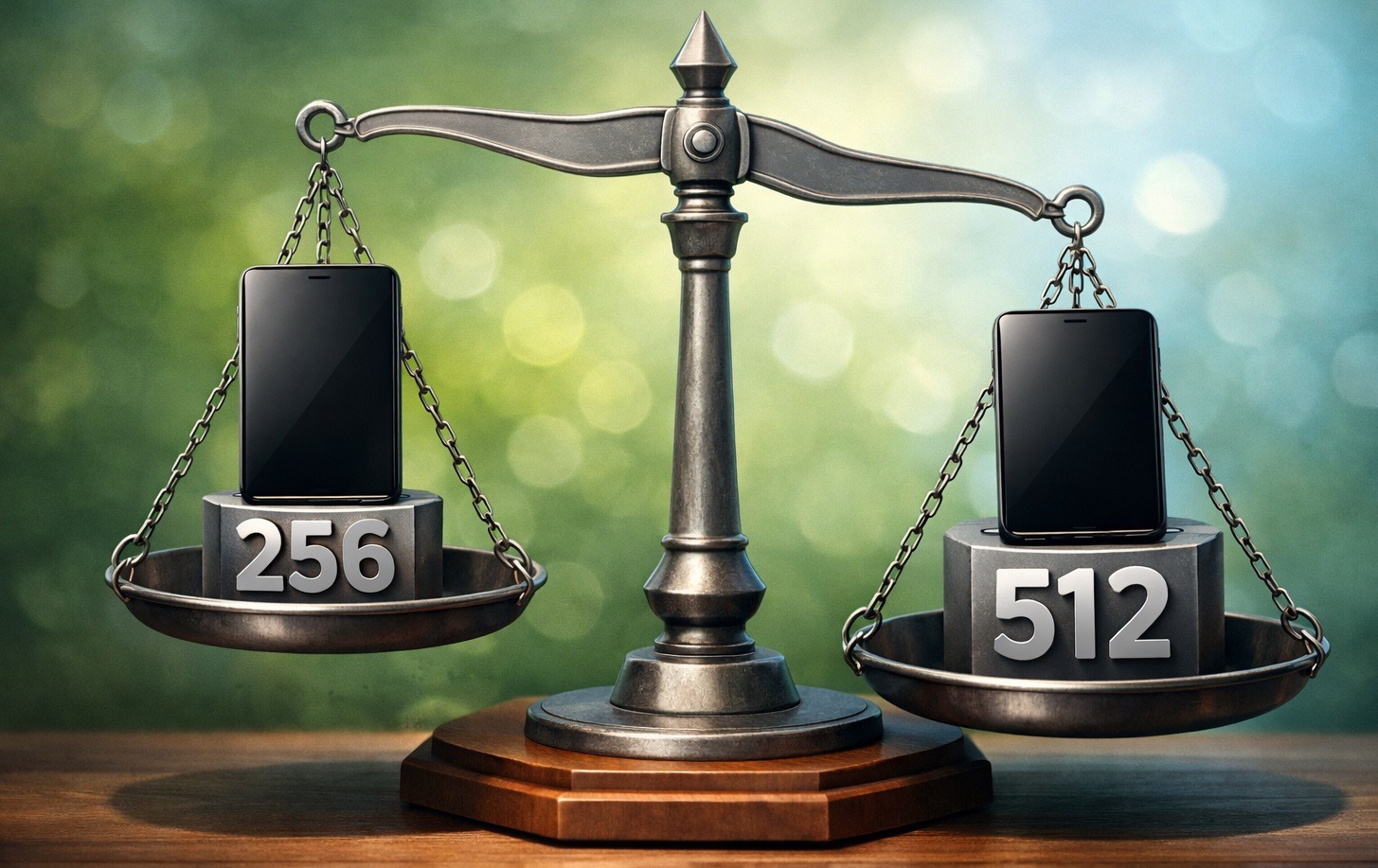
Remember that smartphones with different storage capacities weigh differently?
That said, cloud or NAS isn’t a cure-all either. If you have unstable internet, you fundamentally don’t want to store personal photos on someone else’s servers, or you need everything to always be at your fingertips — a terabyte in your pocket becomes a sensible investment. In any case, this decision is entirely individual.
Should You Buy a Smartphone with Maximum Storage
For 90% of users, the optimal choice in 2026 is 256 GB. It’s enough for photos, apps, and a couple dozen saved movies. Those who shoot a lot of video or buy a phone for 4–5 years should look at 512 GB. And 1 TB is for content creators and those willing to overpay for absolute peace of mind. Don’t expect miracles from a terabyte. Your phone won’t get faster — at least as long as there’s free space — there will just be more than enough room.
So the main thing is — whatever capacity you choose — don’t fill your storage to the brim. Keep 20% free and at least once every six months do a digital cleanup. For the money, 256 GB is the sweet spot that nobody complains about. 512 GB is even better. 1 TB is far from necessary for everyone. And 128, not to mention 64 GB, should gradually be consigned to the dustbin of history. To know exactly how much you need, just open “Storage” in your settings and much will become clear based on the numbers I’ve provided above.