Apple has significantly reworked the processor architecture in the M5 Pro and M5 Max chips. Not only are they now assembled using a new method, which delivered such a performance boost that the MacBook Pro 14 could barely handle it, but instead of the familiar combination of powerful and energy-efficient cores, the company has added a new intermediate class — cores that Apple calls “performance” cores. According to MacGeneration, they sit between the old efficiency cores and the most powerful cores — both in speed and power consumption. Let’s break down what this means for those choosing a new MacBook Pro.
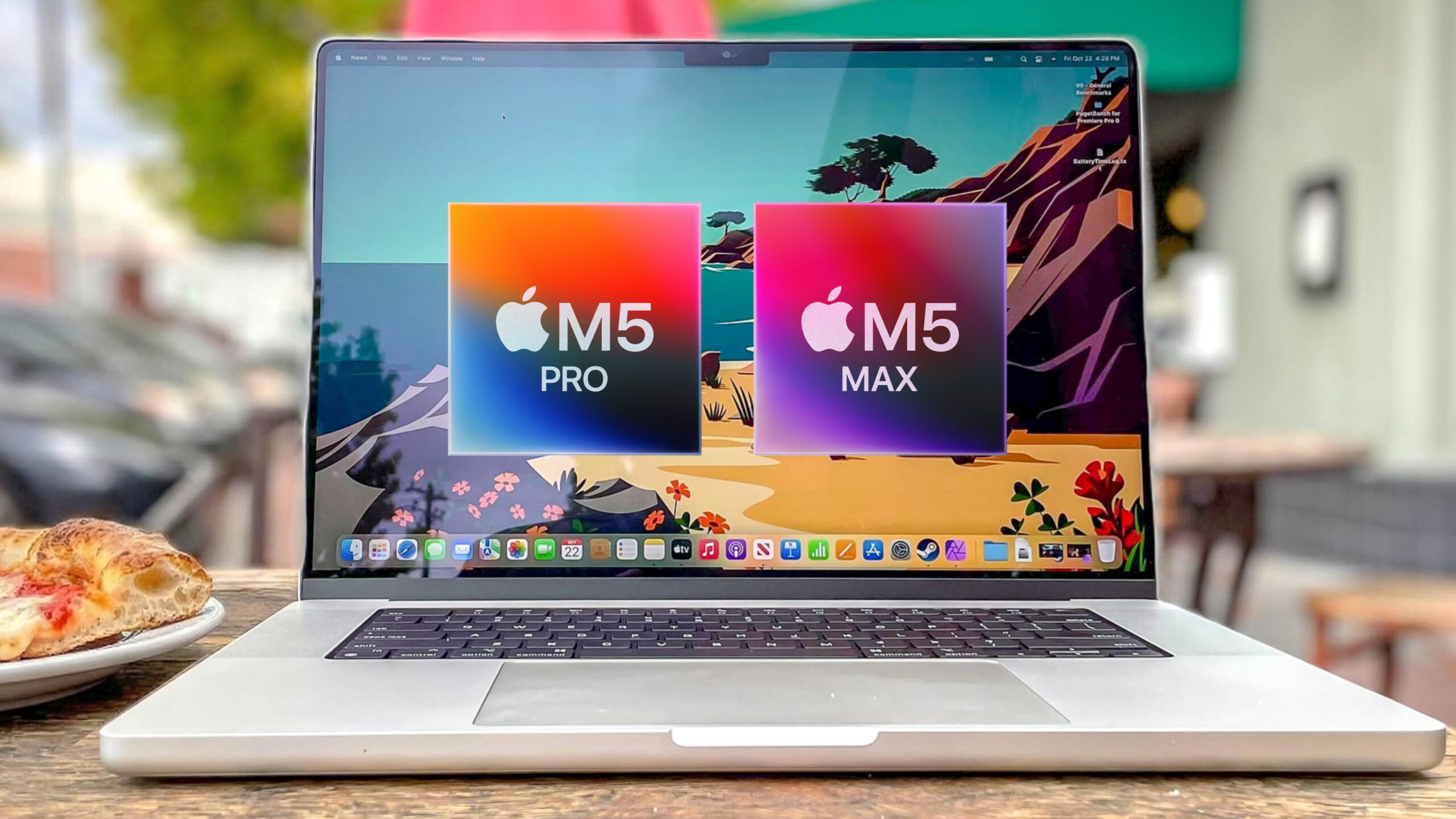
M5 Pro and M5 Max: Apple introduces powerful intermediate cores that are more powerful than M2. Image: tomsguide.com
How Cores Are Structured in M5 Pro and M5 Max Chips
Since the M1, all Apple Silicon chips were built on a single principle: powerful cores (P) for heavy tasks and efficiency cores (E) for background work. In the base M5 chip, this scheme is preserved — it still has 4 powerful and 6 efficiency cores.
But in the M5 Pro and M5 Max, Apple completely removed the efficiency cores and replaced them with a new type — intermediate cores (in system tools they are designated with the letter M, presumably from middle or medium). At the same time, the most powerful cores were renamed to “super cores,” although technically they are the same performance cores from the standard M5.
In total, the M5 Pro and M5 Max now have three levels of cores instead of two: super cores for maximum single-threaded performance and intermediate cores for energy-efficient multi-threaded work. This is what Apple calls new terminology, although in practice everything is a bit more confusing than it sounds during the presentation.
How Many Cores Are in M5 Pro and M5 Max
The configurations of the new chips differ significantly from the previous generation. The M4 Pro had a maximum of 14 CPU cores (10 performance + 4 efficiency), while the M4 Max had 16 cores (12 + 4).
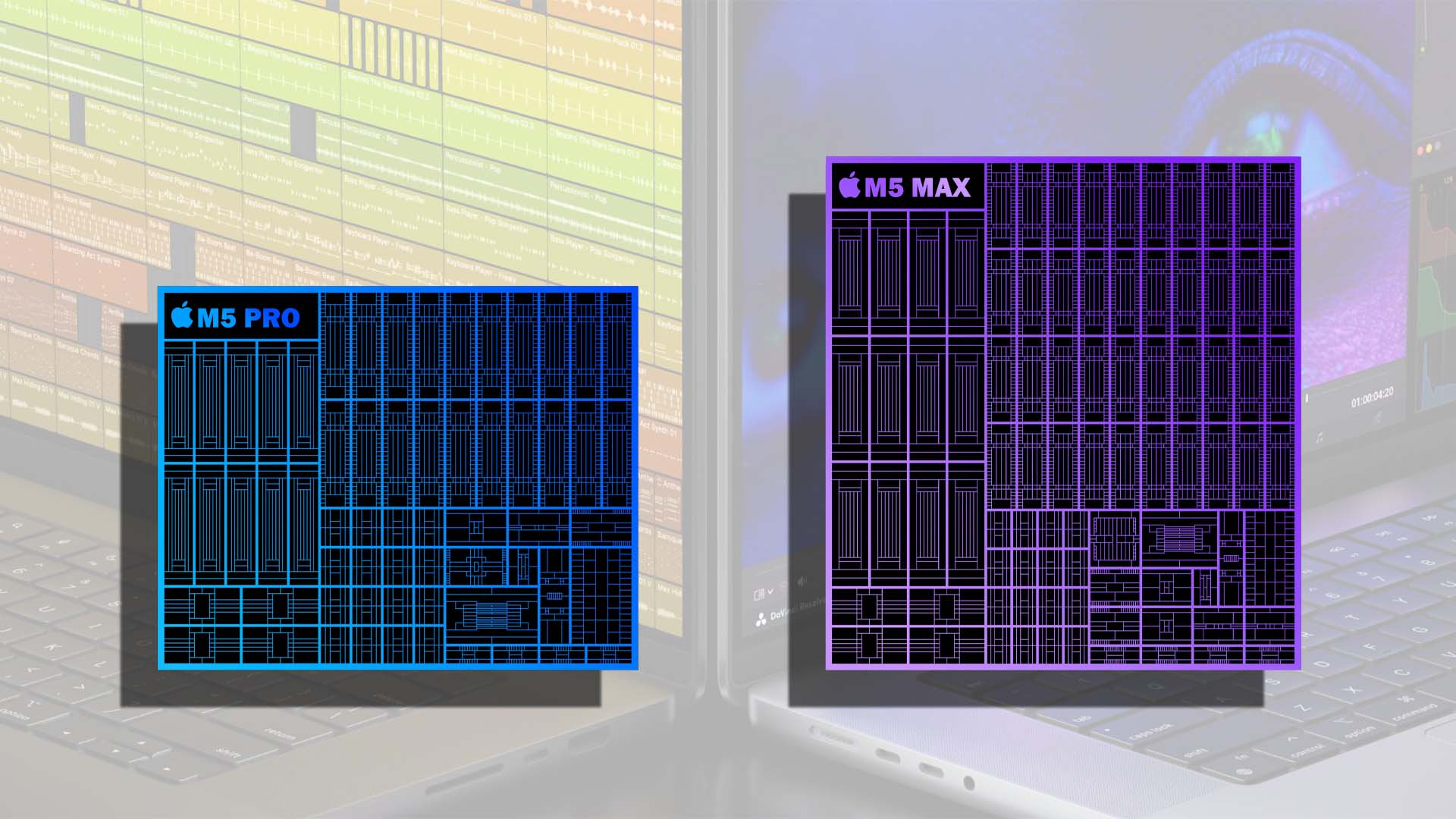
M5 Max is larger than Pro, and that makes sense. Image: texno.org
Now the breakdown is as follows:
- M5 Pro (base variant) — 15 cores: 5 super cores + 10 intermediate
- M5 Pro (full variant) — 18 cores: 6 super cores + 12 intermediate
- M5 Max — 18 cores: 6 super cores + 12 intermediate
The number of cores has grown substantially — from 14–16 to 15–18. According to Apple, this delivers up to a 30% boost in multi-threaded performance compared to the M4 Pro and M4 Max, and up to 2.5 times compared to the M1 Pro and M1 Max.
Why Apple Added New Cores to M5 Pro and M5 Max
The essence of the new architecture is balance. Previously, Apple’s chips had two modes: either full power or maximum efficiency. The intermediate cores operate somewhere in between — faster than efficiency cores but consuming less power than super cores.
In practice, this matters for tasks that require high multi-threaded performance without peak battery drain: code compilation, processing large photo libraries, video rendering, and running local AI models. These are exactly the scenarios typical for MacBook Pro.
Additionally, M5 Pro and M5 Max are built on the new Fusion Architecture — for the first time in Apple Silicon, two dies (CPU and GPU) are combined in a single chip through a high-speed interconnect. This allowed increasing the number of cores and memory bandwidth without sacrificing energy efficiency.
It’s worth being honest: the new core classification has caused confusion even among experienced reviewers. Previously, Apple’s chips had “performance” and “efficiency” cores. Now the former performance cores have been renamed to “super cores,” while a completely new type of core was named… “performance.” In other words, “performance cores” in M5 Pro are not the same as “performance cores” in M4 Pro.
Apple essentially swapped the terminology: the new “performance” cores are improved efficiency cores, not the previous powerful ones. The marketing creates the impression that all 18 cores are powerful, even though 12 of them are intermediate in performance. This doesn’t make the chips worse, but it complicates cross-generation comparisons.
MacBook Pro Pricing with M5 Pro and M5 Max Chips
Officially, starting prices have increased, but Apple simultaneously increased the base storage capacity:
- 14-inch MacBook Pro with M5 Pro — from $2,199, storage from 1 TB
- 16-inch MacBook Pro with M5 Pro — from $2,699
- 14-inch MacBook Pro with M5 Max — from $3,599, storage from 2 TB
- 16-inch MacBook Pro with M5 Max — from $3,899
If you compare with the M4 Pro at the same storage capacity, the actual price difference is minimal: previously, upgrading to 1 TB required an extra $200, but now it’s already included in the base configuration. RAM capacity has also increased: the M5 Pro supports up to 64 GB (compared to 48 GB on the M4 Pro), while the M5 Max supports up to 128 GB with bandwidth up to 614 GB/s.
Who Should Buy a MacBook Pro with M5 Pro and M5 Max
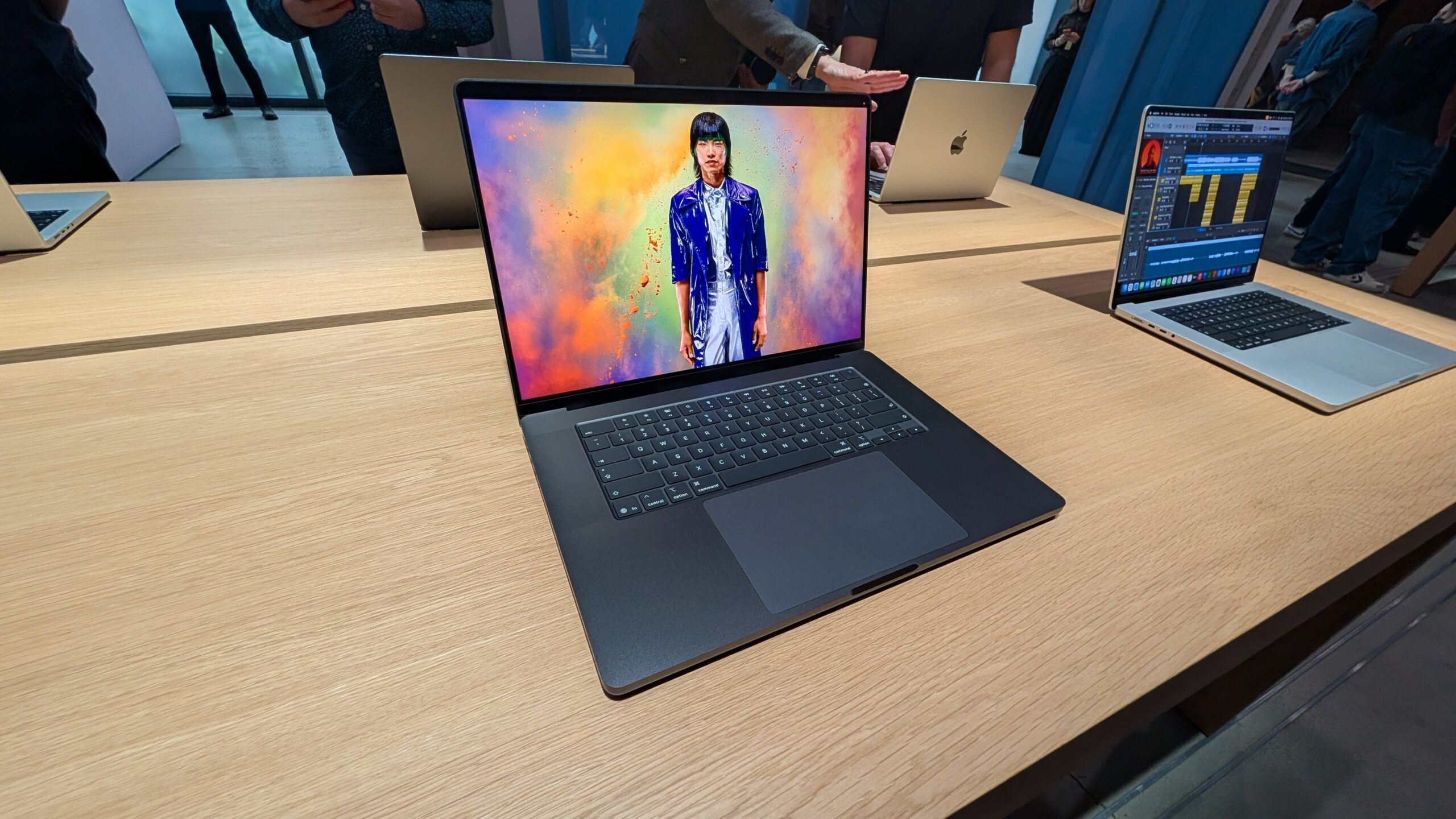
The new MacBook Pros will be an excellent purchase, but not everyone needs this level of performance. Image: pcmag.com
The new chips are primarily aimed at those who work with heavy multi-threaded tasks: video editing, 3D rendering, data processing, and locally running AI models. According to Apple, processing requests to large language models is 4 times faster compared to the M4 Pro, and AI image generation is up to 8 times faster than on the M1 Pro.
If you have a MacBook Pro with M3 or M4 Pro, there’s no rush to upgrade — the improvement is 12–15% in multi-threaded scenarios, which is practically unnoticeable in everyday work. But for owners of M1 and M2 models, the difference will be significant: Apple is specifically targeting this audience. Those very intermediate cores that MacGeneration writes about are precisely what provide the main boost in multi-threaded tasks — they are significantly more powerful than the old efficiency cores, and there are 12 of them in the chip.