Apple provides iPhone security updates for up to seven to eight years, and repairs are available for models that are five to seven years old. But the difference between “receives the latest iOS” and “occasionally gets a security patch” is enormous. Along with iOS 26, the company also began releasing special background security updates that now arrive separately from the main update and are recommended for everyone to install. Let’s figure out which models are still relevant, which are on the edge, and which ones it’s time to let go of.
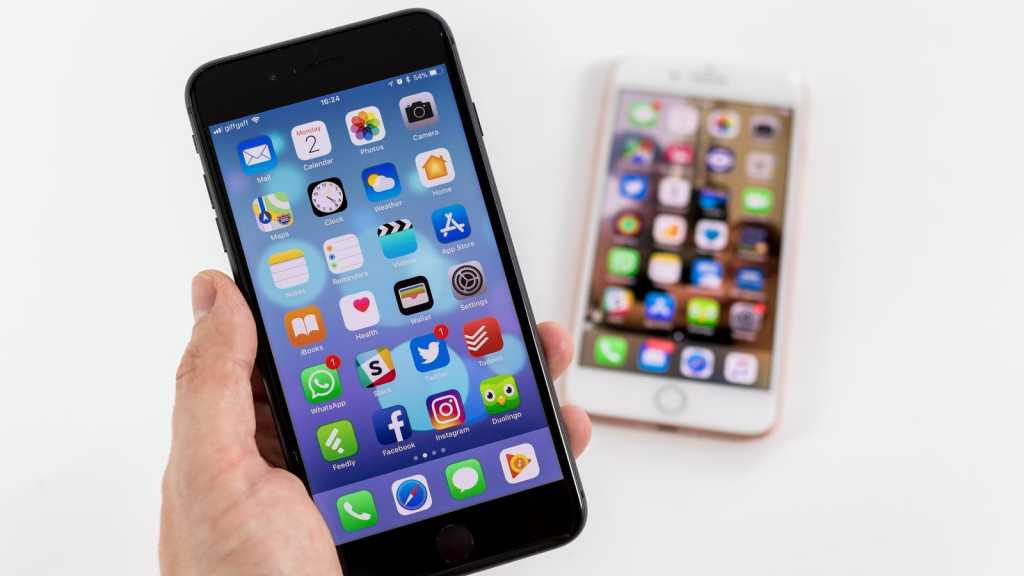
Is your iPhone becoming obsolete? Find out Apple’s real support period for each model. Image: macworld.com
Which iPhones Support iOS 26
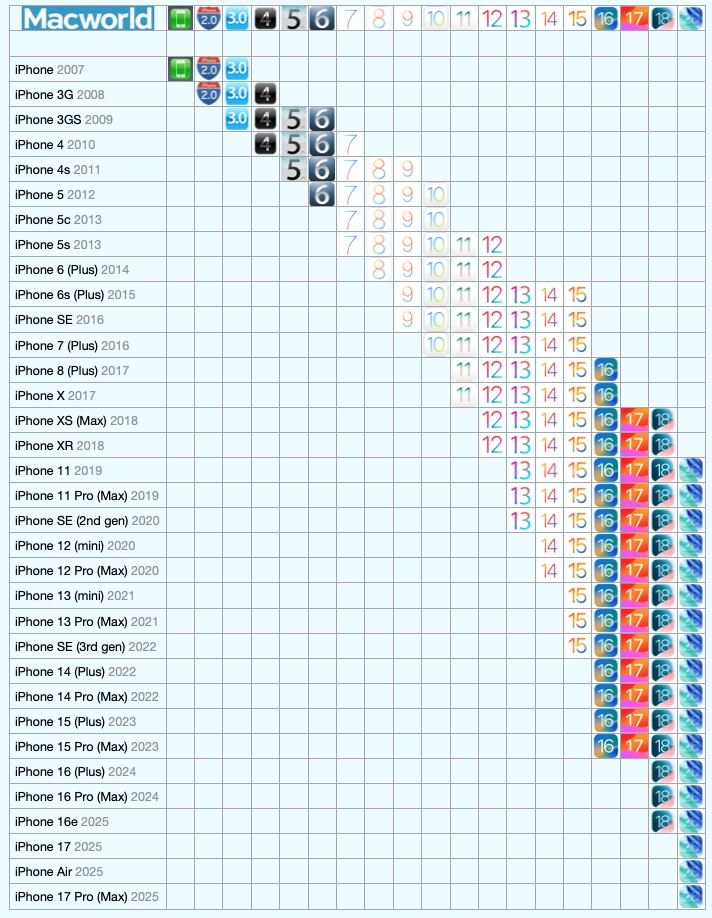
iOS 26 is the current version of the system, released in September 2025. It runs on iPhones with the A13 Bionic chip and newer. The oldest compatible model is the iPhone 11, released in late 2019. The iPhone XS, XS Max, and XR with the A12 chip were left behind: they supported iOS 18 but won’t update to iOS 26.
The full list of supported devices includes lineups from iPhone 11 to iPhone 17 (including iPhone Air), as well as the second and third generation iPhone SE. However, not all iOS 26 features are available on all compatible models. For example, Apple Intelligence only works on iPhone 15 Pro and newer — meaning with the A17 Pro chip and above.
It turns out that the formal iOS 26 support for iPhone 11 is more of a basic package: the Liquid Glass interface, security updates, and some system improvements. But without the AI features that Apple is actively promoting.
How Long Does an iPhone Get Updates
Apple doesn’t officially promise a specific timeframe, but practice shows a fairly consistent pattern. Major iOS updates come to iPhones for five to seven years. Security updates can stretch even longer. In January 2026, Apple released an update that even affected the twelve-year-old iPhone 5S — though it was about extending the certificate for iMessage and FaceTime, not a full patch.
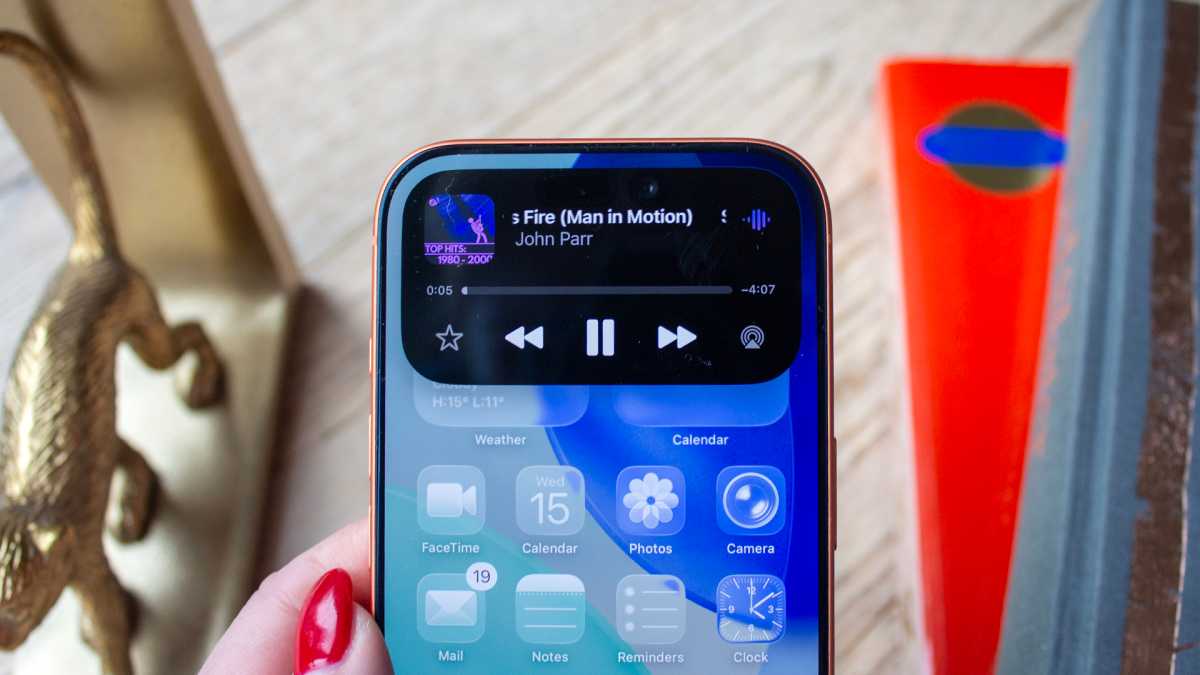
If you have an iPhone with Dynamic Island, it will continue receiving updates for a long time. Image: macworld.com
In March 2026, Apple released iOS 16.7.15 and iOS 15.8.7 updates — security patches for iPhone 6s, iPhone 7, iPhone 8, iPhone X, and the first-generation iPhone SE. These devices haven’t received major updates in a long time, but Apple patched serious vulnerabilities related to the Coruna exploit kit. So even an old iPhone stuck on iOS 15 or 16 can still receive a critical patch — but you can’t count on it as a system.
What Vintage and Obsolete iPhone Mean
Apple divides old devices into two categories. Vintage products are those discontinued more than five but less than seven years ago. Repairs are still possible for them, but only if parts are available — and they’re becoming increasingly scarce.
Obsolete devices are those that have been more than seven years since sales were discontinued. For these, Apple completely stops hardware servicing — no battery replacement, no screen repair through official channels.
For obsolete models, repair at the Apple Store is no longer available. Image: macworld.com
In March 2026, Apple moved the iPhone 4 (8GB) and iPhone 5 from the “vintage” category to “obsolete” — more than 12 years after they were discontinued. An amusing fact: Apple sometimes extends support far beyond stated timeframes. At the same time, in early 2026, the iPhone 11 Pro was added to the vintage list — despite still supporting iOS 26.
Which iPhones You Shouldn’t Buy in 2026
If you’re buying a used or refurbished iPhone, the key criterion is compatibility with iOS 26. Without it, the phone gradually loses not only new features but also app support, and security updates become rare and irregular.
iPhone XS, XS Max, XR, and all older models are no longer recommended for purchase. They run at most iOS 18, don’t receive iOS 26, and will remain without future updates. iPhone 11, 11 Pro, and 11 Pro Max still receive iOS 26 but are on the edge: the iPhone 11 Pro is already on the vintage devices list, and support could end as early as the release of iOS 27 in 2026.
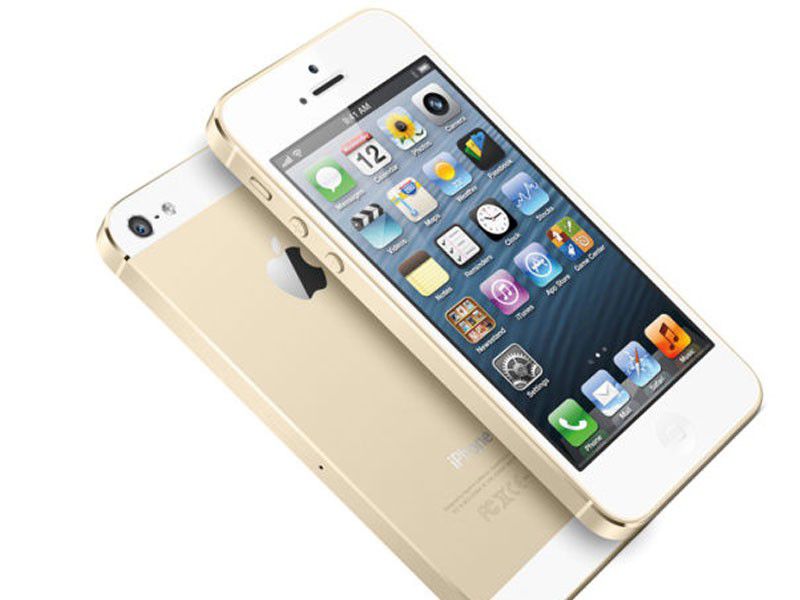
The iPhone 5S has also long been obsolete. Image: macworld.com
For those who want to buy an iPhone with several years of runway, the reasonable minimum is iPhone 12 or iPhone 13. These models will very likely continue receiving updates until at least 2028–2029.
Should You Update an Old iPhone to iOS 26
If your iPhone is compatible with iOS 26, updating makes sense for security alone: Apple ties fresh patches to the current version of the system. Since January 2026, the company has been releasing security updates for iOS 18 only for devices that cannot upgrade to iOS 26. If your iPhone supports iOS 26 but is running iOS 18, you risk being left without protection.
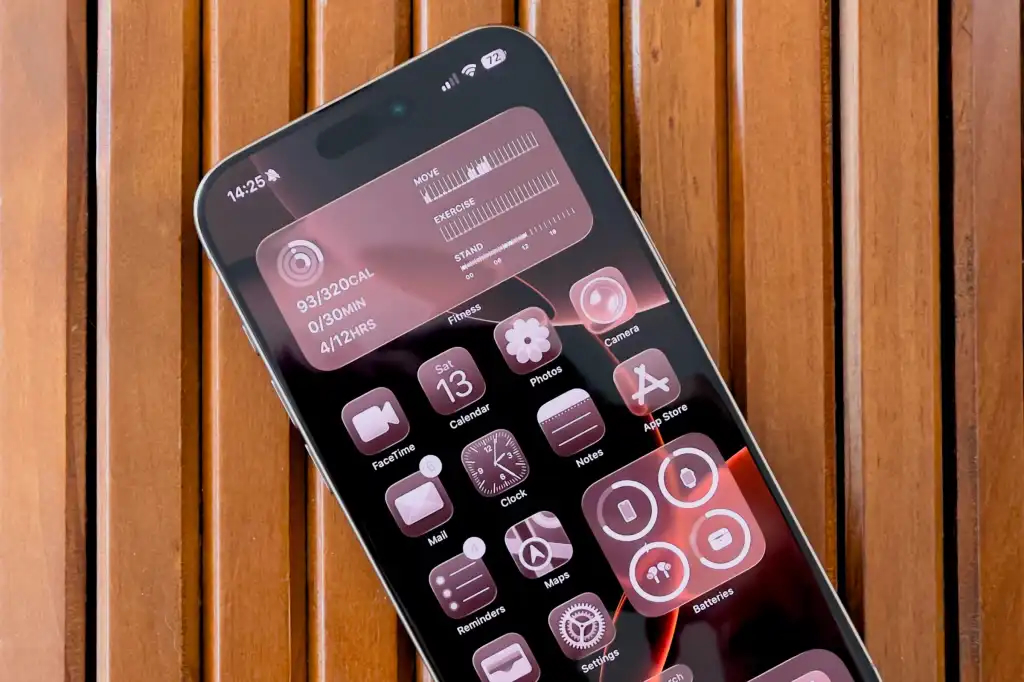
Focus on the latest major update. Image: macworld.com
At the same time, iPhone 11 owners note that after updating to iOS 26, animations can stutter and performance isn’t always stable. Interim updates (like iOS 26.2) gradually improve the situation, but expecting full Liquid Glass smoothness from a six-year-old phone isn’t realistic.
If you have an iPhone 13 or newer, updating to iOS 26 is a no-brainer: the system runs stably, the full basic feature set is available, and owners of iPhone 15 Pro and above also get Apple Intelligence.
In summary, Apple truly supports iPhones longer than any competitor in the Android market. But “supports” is a multi-layered concept. The real comfortable iPhone usage period is about five to six years. Everything beyond that is a bonus in the form of security patches that shouldn’t be relied upon as full protection. If your iPhone is older than the iPhone 12, it’s time to start looking for a replacement.