Many iPad owners have complained for years about limited multitasking, and Apple in iPadOS 26 finally removed those limitations — now you can open as many windows as you want and freely resize them. But the more windows you have, the easier it is to lose track of them. In iPadOS 26.4, a new feature has appeared that allows you to manage multi-window mode even more effectively — the system itself will tell you when an app has hidden windows.
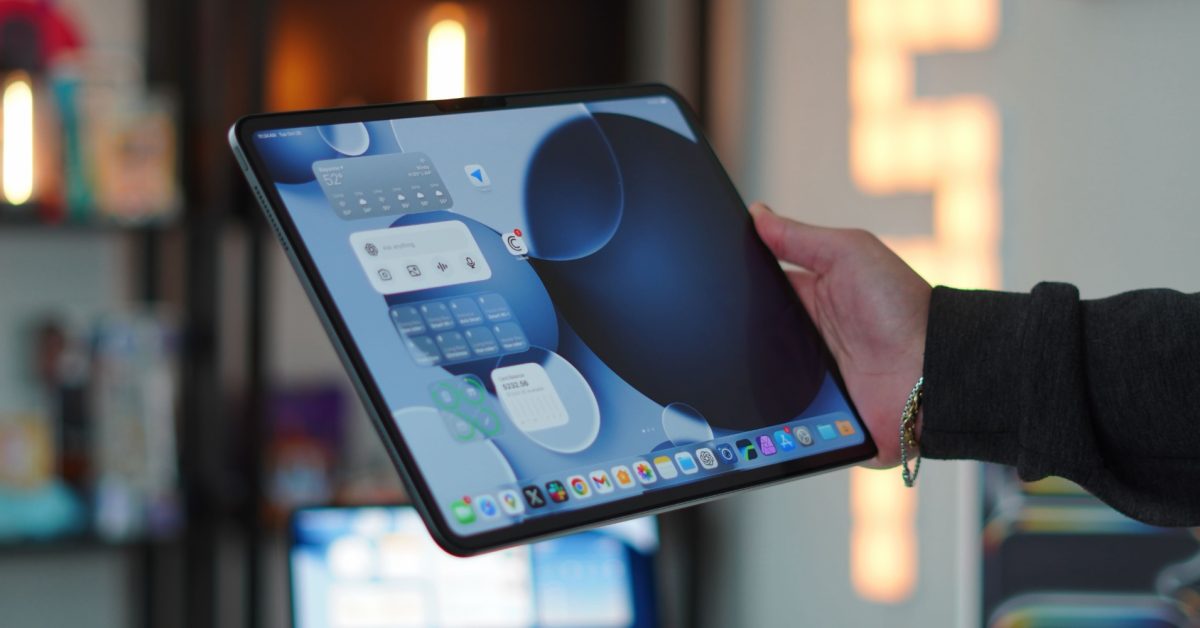
iPadOS 26.4 has finally given professionals the feature they’ve been waiting for years. Image: 9to5mac.com
What’s New in iPadOS 26.4 Multitasking
iPadOS 26 became a real turning point for advanced iPad users. After many years of requests, Apple finally introduced a full-fledged windowing system: apps can be opened in any number of windows and freely resized. But this freedom had a downside — windows became very easy to lose track of. Apple even had to bring back Split View and Slide Over modes on iPad in one of the updates.
This is exactly the problem that iPadOS 26.4 solves. Now, when you launch an app that has multiple open windows (some of which are hidden), a pop-up notification appears on screen. It tells you exactly how many windows are hidden and offers to show them all with a single tap.
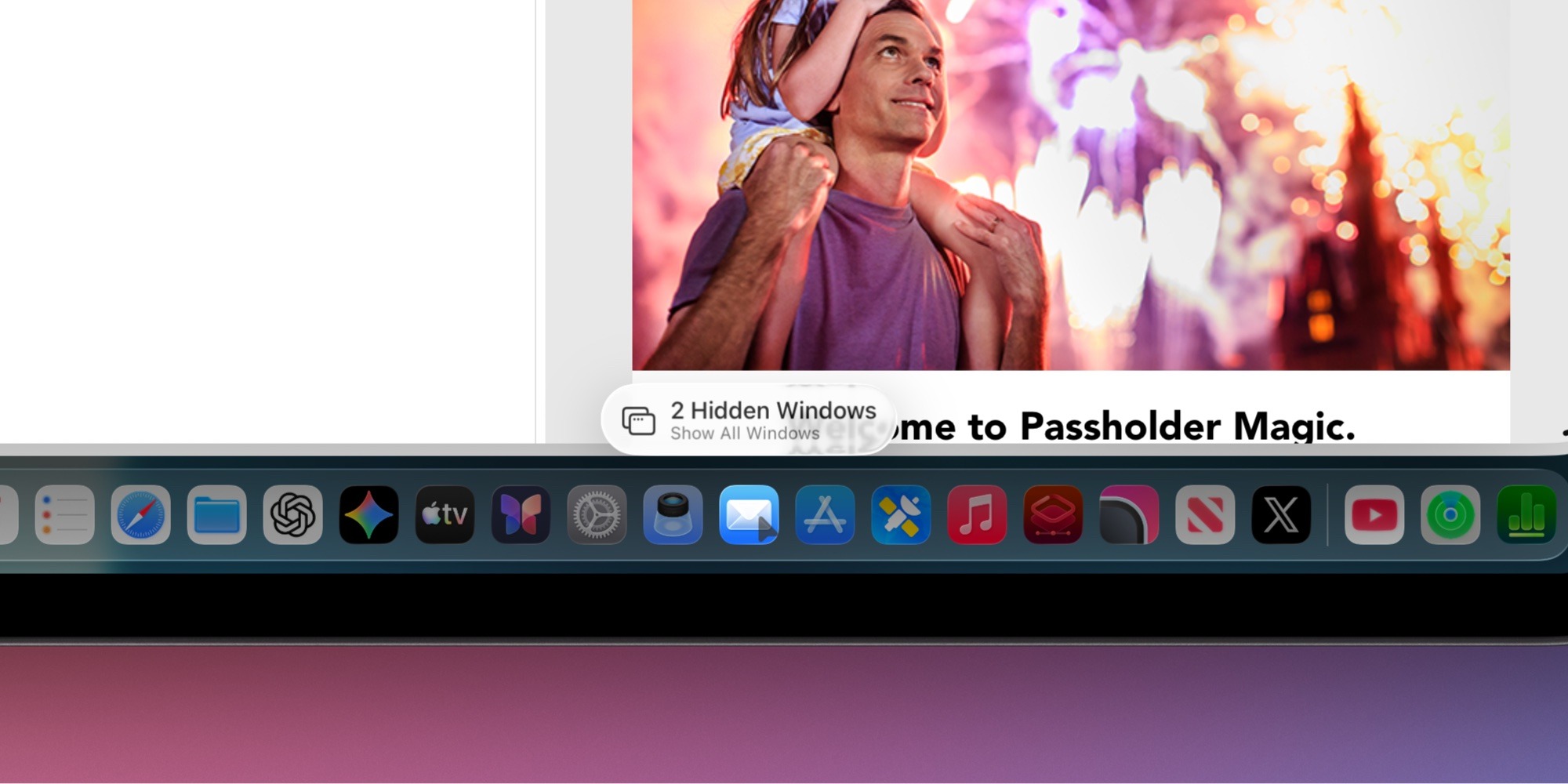
This is how iPadOS 26.4 will indicate the presence of minimized windows. Image: 9to5mac.com
The pop-up appears right next to the launched app’s icon, so its position on screen changes depending on where the icon itself is located. Essentially, this feature serves the same role as the old “Shelf”, which debuted back in iPadOS 15, but looks more organic and convenient.
When iPadOS 26.4 Shows Hidden Windows
An interesting nuance: according to observations from iPadOS 26.4 beta testers, the pop-up notification about hidden windows doesn’t appear every time you launch an app. It usually triggers only when some time has passed since you last accessed the app.
It’s still unclear whether this is intentional or a beta bug. But if it’s a deliberate decision by Apple, it seems quite reasonable. The thing is, constant appearance of such notifications would quickly become annoying, especially if you actively switch between apps every few seconds. Simply put, Apple seems to have found a balance between usefulness and unobtrusiveness.
Who Needs iPadOS 26.4’s New Multitasking
If we’re being realistic, most iPad owners probably never open multiple windows of the same app. For the average user, one Safari window or Pages is more than enough. But there’s a category of people for whom this feature will be a real lifesaver.

iPad is increasingly becoming a full laptop replacement — especially for those who know how to use multitasking
We’re talking about so-called “power users” — those who use iPad as a full-fledged work tool. For example, you’re working with multiple documents in Pages simultaneously, keeping a couple of Safari windows open with different projects, and carrying on conversations in several chats at the same time. In such a situation, losing one of the windows is incredibly easy.
Before iPadOS 26.4, you had to manually search for lost windows through the task manager. Now the system itself hints that your work windows are “hiding” somewhere and offers to bring them on screen. It may seem like a small thing, but it’s precisely these small things that distinguish a convenient work tool from a source of constant frustration.
What Changed in Window Management on iPad in iPadOS 26
To understand why this seemingly small feature is so important, it’s worth recalling the context. Before the release of iPadOS 26, multitasking on iPad was noticeably limited. Users had been asking Apple for years to give them more freedom in window management, and the company finally obliged.
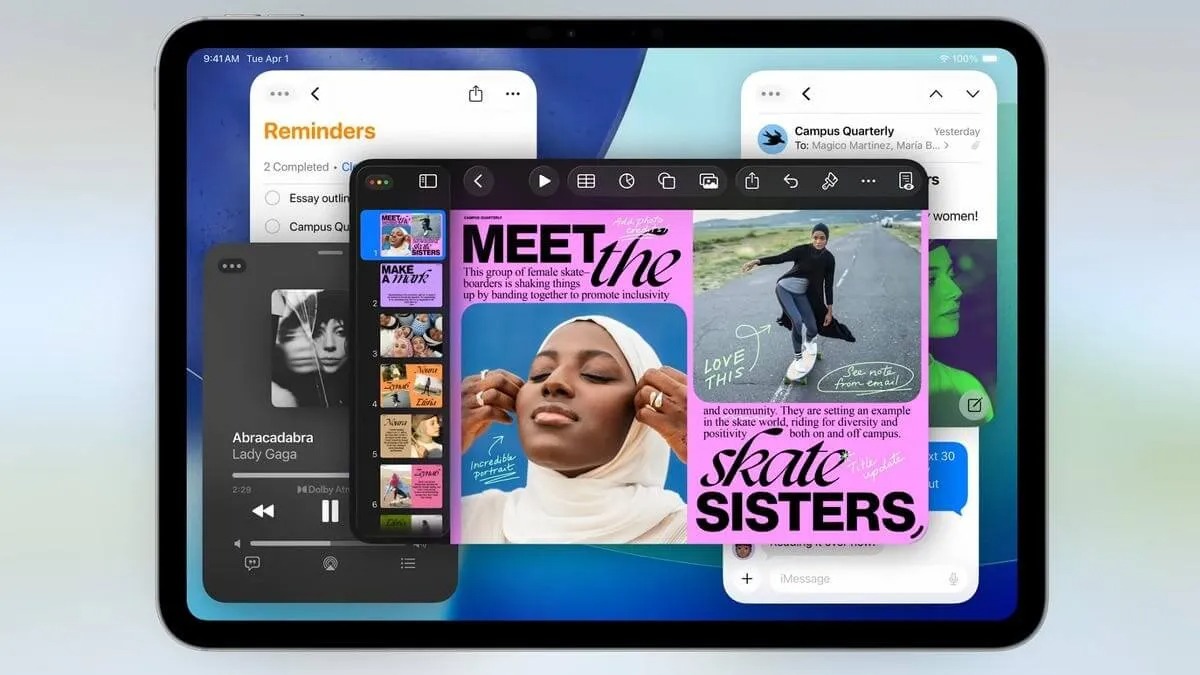
iPadOS 26 brought full-fledged windows to tablets. Image: cnet.com
iPadOS 26 brought a completely new windowing system: now you can open as many app windows as needed and freely resize them. This made the iPad a truly flexible work tool. But along with new capabilities came new problems — the main one being losing windows from view.
iPadOS 26.4 with its notifications about hidden windows looks like a logical continuation of this story. Apple didn’t just give users freedom but also made sure that this freedom doesn’t turn into chaos.
Small but thoughtful improvements like hidden window notifications show that Apple continues to refine the iPadOS windowing system. And for those who use iPad as their primary work device, each such update makes life a little easier.


