One of my developer friends suggested an unexpected idea: buy the AI agent Claude its own dedicated computer — a Mac mini. In other words, he confirmed once again that Mac mini is the ideal computer for agents. Why not, I thought. An interesting concept. Let’s break it down: what Claude Code is, how it differs from ChatGPT, why it needs a dedicated machine, and how to control it via Telegram — even if you’re far from programming.

Agents can do a lot of routine work for you much faster. Image: claude.com
What Is Claude Code and How It Differs from a Regular Chatbot
Claude Code is not just a chat where you type a question and get an answer. It’s an AI agent, meaning a program that can not only respond but also take action: read files on your computer, edit them, run commands, and work with your projects.
Imagine you’ve hired an assistant who sits at your computer. You tell them: “Find the bug in this file and fix it.” They open the right folder, find the file, figure out the problem, and make the fix. That’s exactly how Claude Code works. It reads your codebase, edits files, executes commands, and integrates with development tools. It’s available in the terminal, code editor, desktop app, and browser. It’s an AI assistant that helps build features, fix bugs, and automate tasks. It understands your entire codebase and can work across multiple files.
It also knows how to work with Git — a version control system that programmers use to store the history of code changes. Claude Code works directly with Git: stages changes, writes commit messages, creates branches, and opens pull requests for code review.
How Claude Code Differs from ChatGPT and Other AI Assistants
If you’ve used ChatGPT, you know: it’s a dialog window. You copy a piece of text or code into it, get a response, and copy it back. All communication happens through the clipboard.
ChatGPT only sees the pasted text, while Claude Code understands the context of the entire project: it can go through dozens of files, prepare a refactoring, or compile documentation. Essentially, it’s an engineer-assistant that works alongside the project’s history and dependencies, rather than on top of an editor.
Put simply: ChatGPT is an advisor you show fragments to. Claude Code is a worker who digs into files themselves, examines the project structure, and makes edits on their own. You just give instructions in plain human language.
What the Claude AI Agent Can Do in Practice
Essentially, Claude is like a full-fledged colleague. For those who build standard web applications, AI can perform a significant portion of real work — finding files, making edits, running tests.
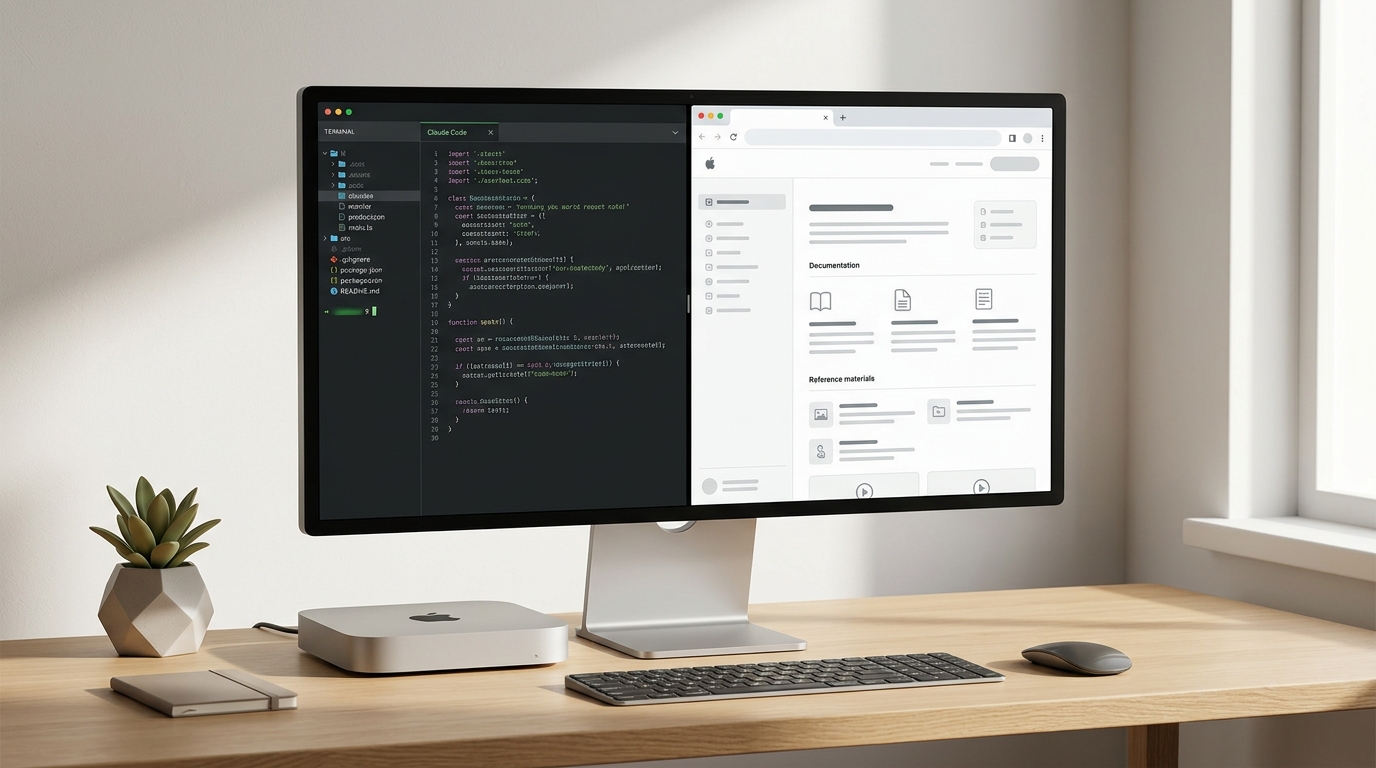
The AI agent can work both in the terminal and with application interfaces
However, existing AI agents have a limitation: they can’t visually verify the result themselves. The agent will write code but won’t open a browser to check if the page looks correct.
In theory, Claude Code can already control the entire computer — take screenshots, click on interfaces, launch applications. After all, it has access to the terminal, and through the terminal, you can do virtually anything on a computer. The question is just how well current models handle such tasks. But the author is confident: it’s only a matter of time.
Why the AI Agent Specifically Needs a Mac mini
Here’s the key idea: if the AI agent runs on your computer, it gets in your way. You move the mouse — it moves the mouse. You edit a file — it edits the same file. It’s as if two people were trying to work on the same keyboard.
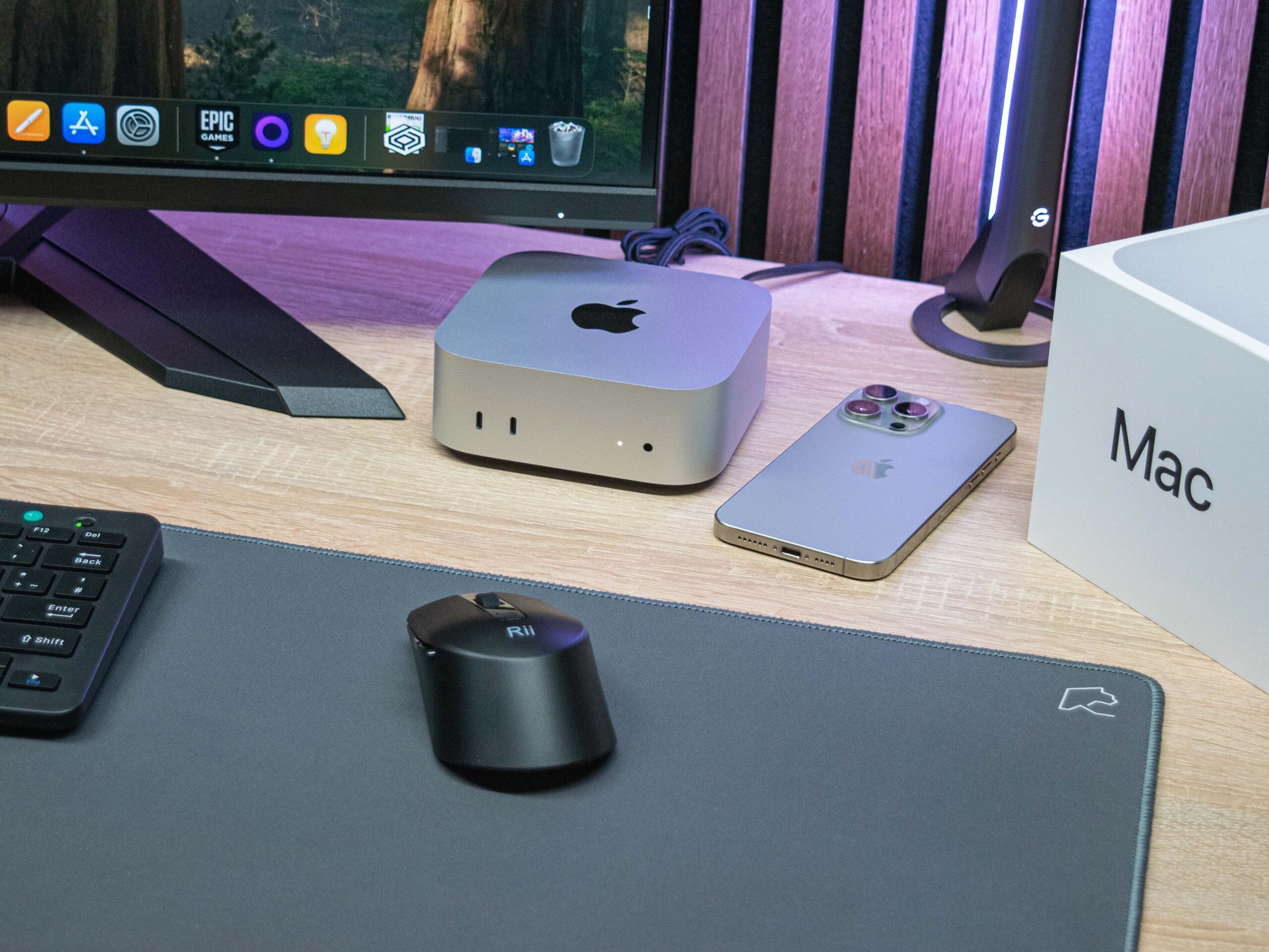
Mac mini for an agent is truly top-tier. Image: notebookcheck-ru.com
The solution — give the AI its own dedicated computer. And Mac mini is the best fit for several reasons:
- It’s compact — approximately 12.7 × 12.7 × 5 cm. You can put it on a shelf and forget about it.
- It’s quiet — the cooling system is nearly silent.
- It runs macOS — the native system for Apple development and beyond.
- It has all the necessary ports, Wi-Fi, and Ethernet — you can connect it to a network and manage it remotely.
- If the AI “breaks” the system, you can restore it from a Time Machine backup.
An additional bonus is that you can set up the Mac mini at home or in the office, and you won’t have to deal with virtual servers, Docker configurations, or VPNs. The computer has persistent storage, can be monitored by connecting a display, and accessed remotely via Tailscale (a free service for secure device access over the internet).
How Much Does Mac mini M4 Cost in Russia
The official price of the base Mac mini M4 is $599. Using our conversion formula, that’s approximately 65,000 ₽ in Russia. In Russian stores, the base model with 16 GB of memory and 256 GB of storage can be found for 51,000–63,000 ₽.
There are also alternatives suggested by the author:
- Virtual machine — running a “computer inside a computer.” There are free tools like c/ua, but this takes resources from your main Mac.
- Cloud server — renting a remote computer on the internet. But setting up a desktop environment on a Linux server isn’t for beginners.
- Ready-made cloud solutions — startups like Cyberdesk offer ready-made desktops for AI agents, but it’s a paid subscription.
Mac mini wins on simplicity: buy it, turn it on, set it up once — and it works.
How to Control Claude Code via Telegram
One of the most interesting capabilities is controlling the AI agent right from your phone via Telegram. The official Anthropic plugin for Telegram connects a bot to your Claude Code session. After setup, you message the bot in direct messages, and the messages are forwarded directly to your AI assistant — essentially providing mobile access to Claude Code through any Telegram client.
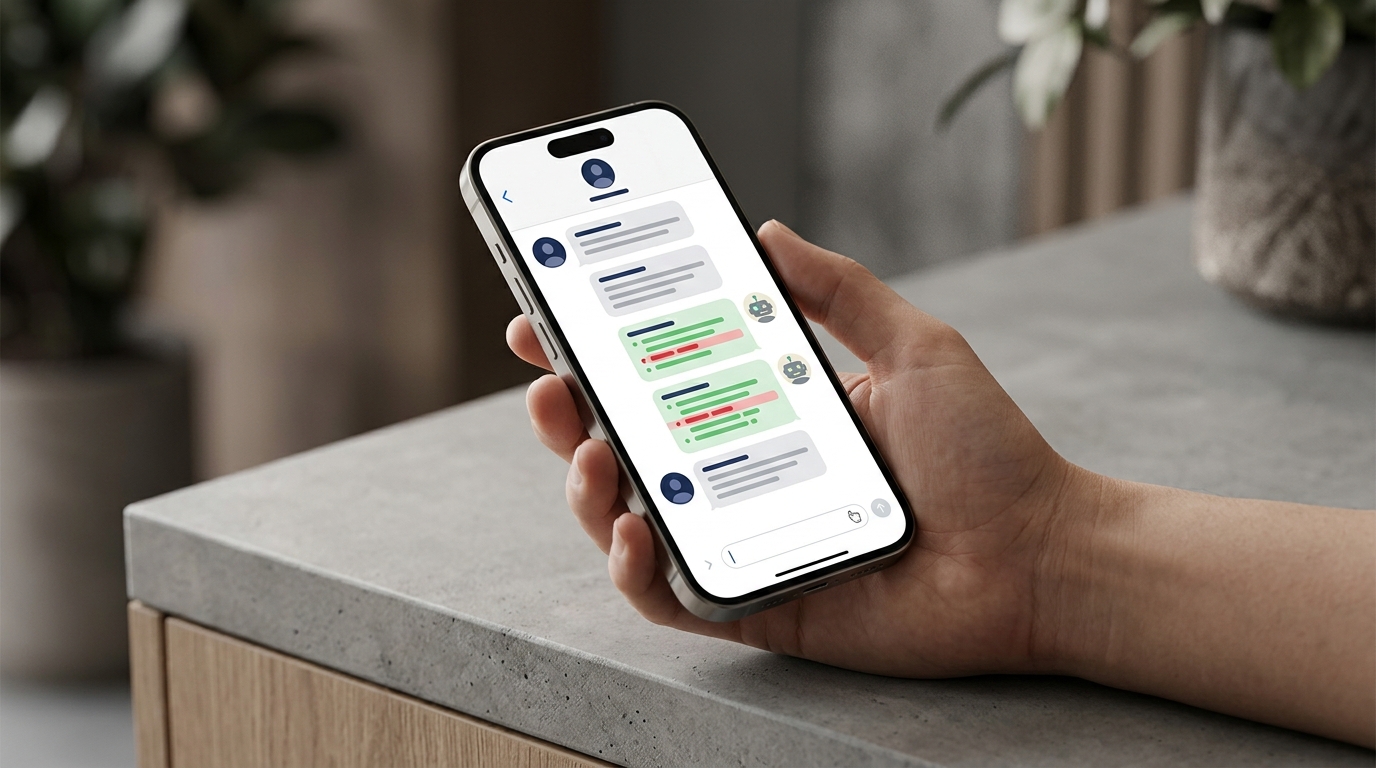
Controlling Claude Code via a Telegram bot on a phone
Here’s how it works in practice: Claude Code runs on your computer. Through the Telegram bot, you essentially give it a “phone number.” You send a message — Claude reads it, performs the work on the computer, and sends you the result. The messenger simply acts as a remote control.
The entire setup process takes about 10 minutes. Here are the main steps:
- Open Telegram and find @BotFather. Send the /newbot command. Come up with a name and username. BotFather will give you a token — copy it.
- Install the Telegram plugin in Claude Code and enter the received token.
- Restart Claude Code with the –channels flag to activate the channels system.
- Open Telegram and send any message to your bot. It will respond with a linking code. Enter this code in the terminal to connect your account to the session.
After that, you can give Claude tasks directly from Telegram: ask it to check code, fix a bug, run tests, or organize files.
An important limitation: the computer running Claude Code must remain turned on. That’s exactly why a Mac mini sitting at home and connected to the network is a convenient solution. It runs quietly, consumes little power, and doesn’t require a permanent monitor.
Another nuance: if Claude Code requests permission for an action, you cannot confirm it through Telegram.