TECNO has officially confirmed the rollout schedule for the HiOS 16 update for its smartphones. The skin is based on Android 16 and was first shown at MWC 2026. The update will arrive in stages throughout 2026, covering models from the CAMON, POVA, and Phantom lineups. While some manufacturers are only announcing their plans, TECNO has already published specific timelines, which is great news for owners of the brand’s current devices.
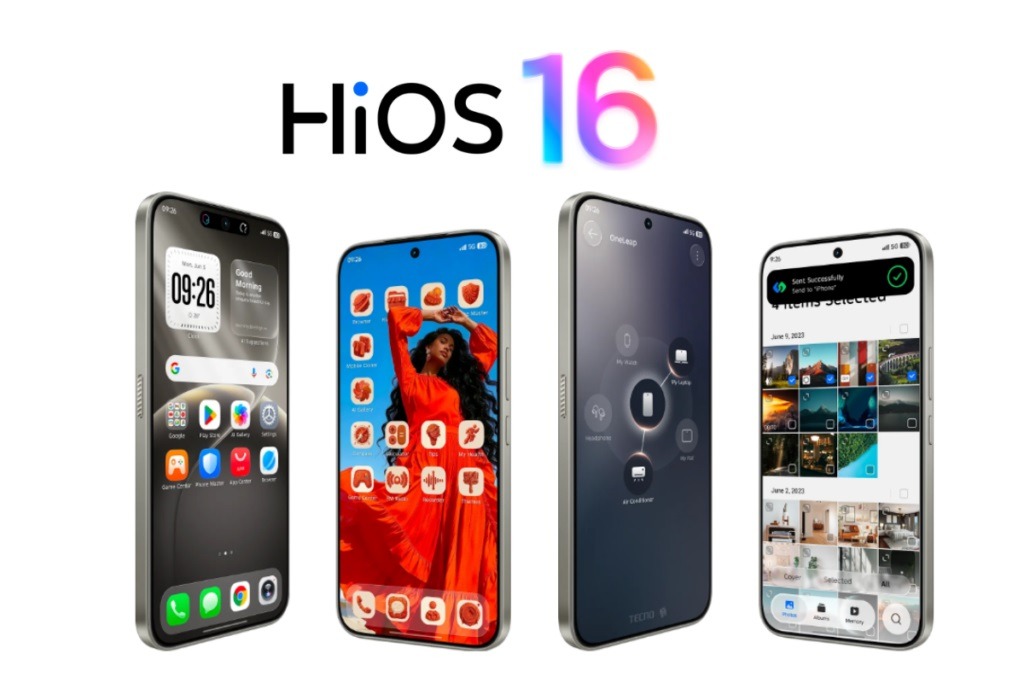
The HiOS 16 update has been officially unveiled. Image: TECNO
What’s New in HiOS 16
The HiOS 16 skin has received several notable changes that users should notice in everyday use.
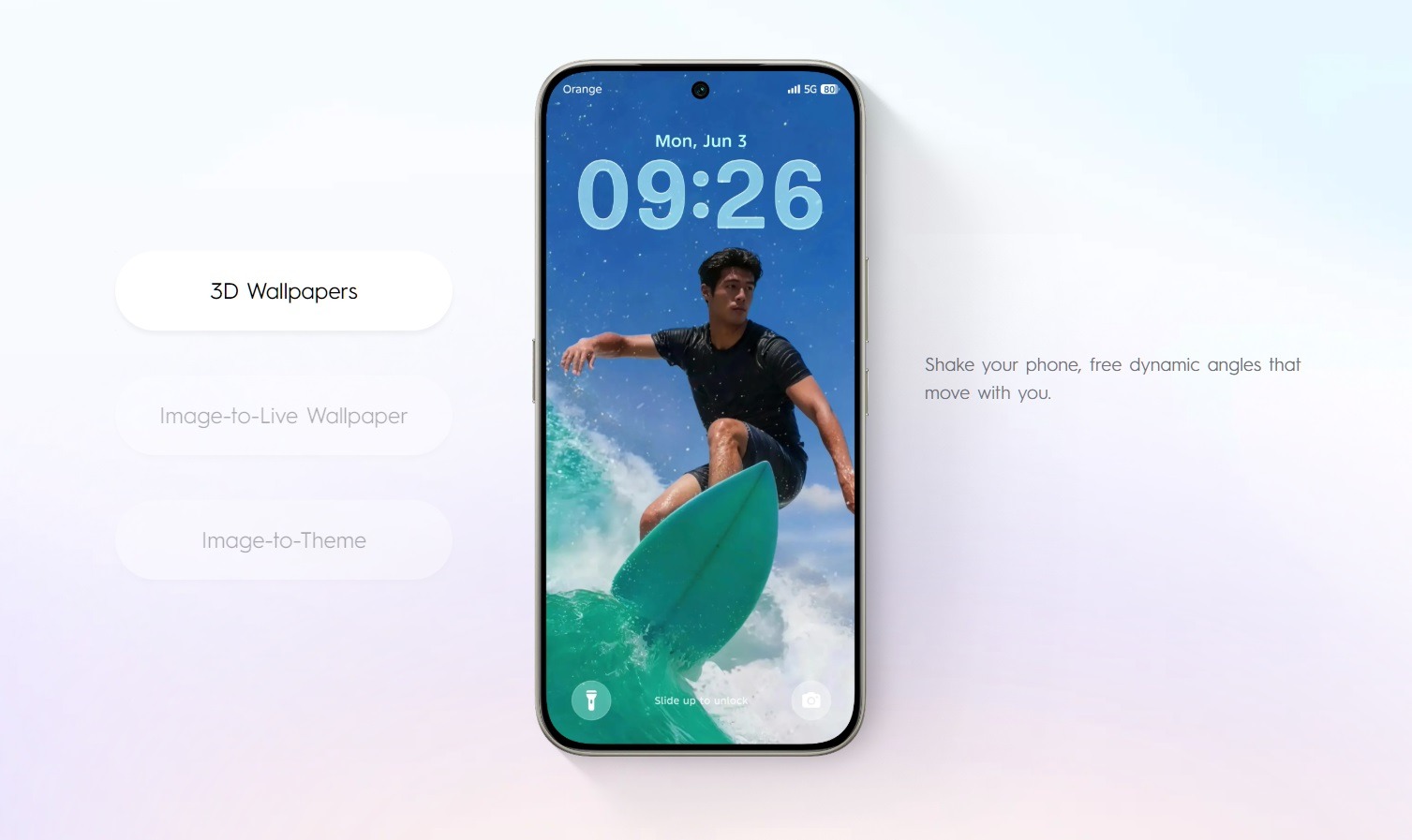
The main visual innovation is the Superfluidity design language. It’s all about animations and transitions: they’ve become smoother and cleaner. It sounds like marketing, but in practice, the difference between choppy and smooth transitions is genuinely noticeable during daily use.
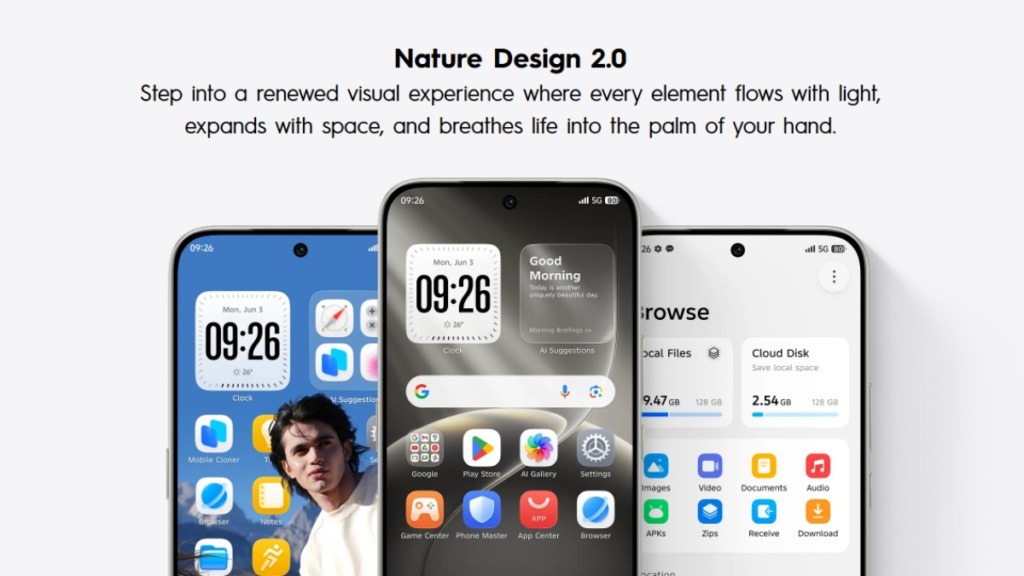
This is what the new system design looks like. Image: TECNO
The second notable change is a revamped “Minus One” screen. Previously, it had a standard set of widgets. Now it’s a full-fledged hub: productivity tools, smart services, AI content, and real-time translation — all in one place.
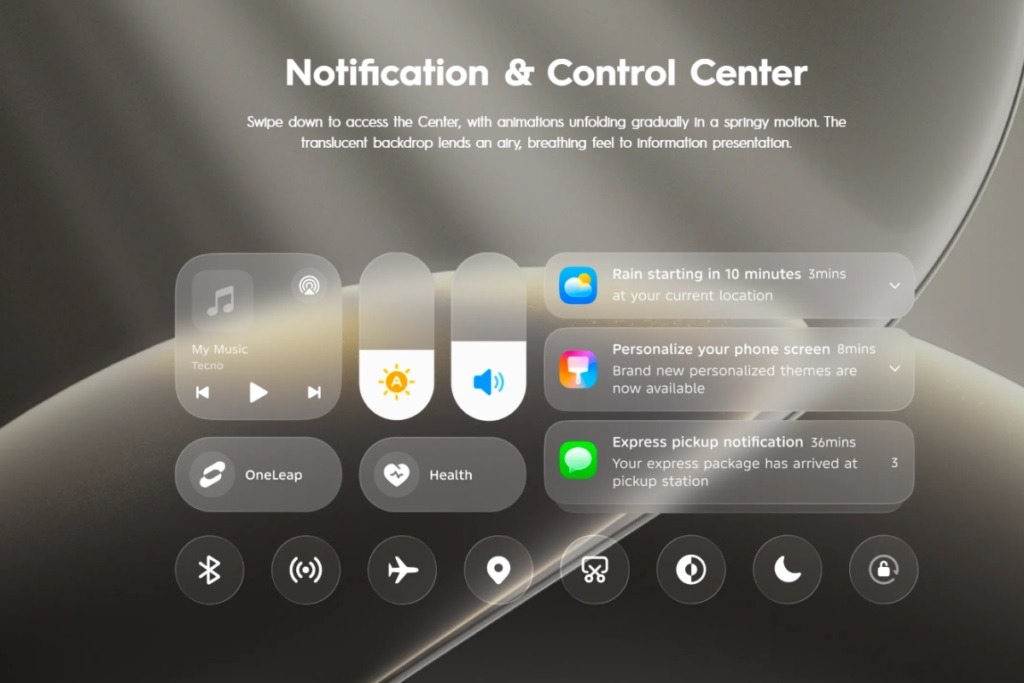
The quick settings icons have been updated too. Image: TECNO
On the AI side, new AIGC-based tools have appeared:
- AI Art Gallery: image generation right on the device;
- AI LightMaster 2.0: enhanced AI-powered photo editing;
- An updated AI assistant Ella with improved query understanding.
Among the HiOS 16 features inherited from Android 16, three stand out. Live Updates — dynamic notifications in the style of Dynamic Island that show delivery or ride status right on the lock screen. Notification Cooldown — the system automatically lowers the volume and groups notifications if an app starts spamming. Identity Check — an additional layer of protection: accessing sensitive settings requires biometrics, even if the phone is already unlocked.
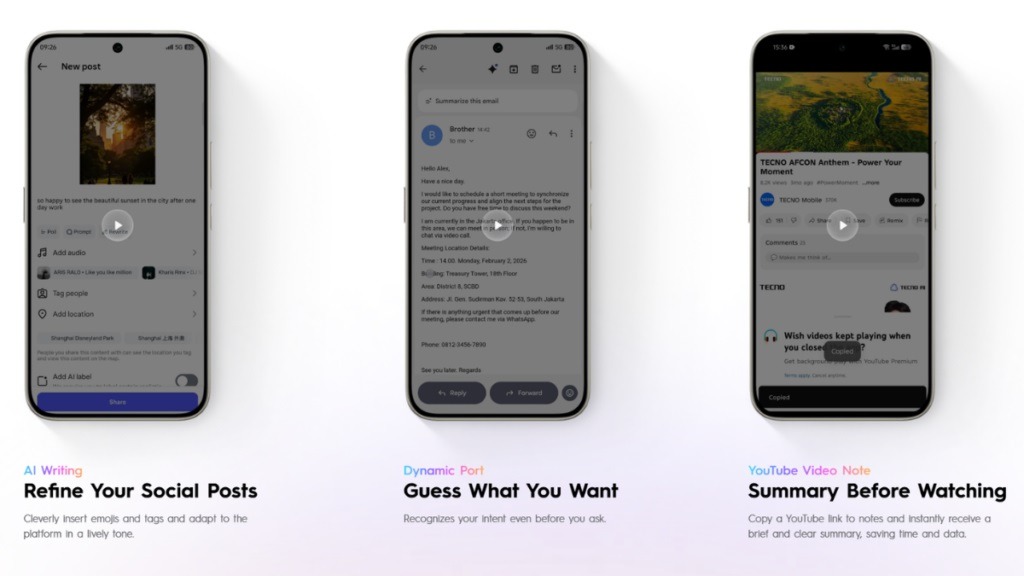
Plenty of AI features on board. Image: TECNO
There’s also an Advanced Protection Mode, which with a single toggle enables three protections at once: blocking app installations from unknown sources, forced HTTPS in the browser, and blocking outdated 2G connections to protect against call interception.
When Is HiOS 16 Coming Out
The HiOS 16 release date depends on the specific model. TECNO has split the HiOS 16 rollout into three waves:
- Q2 2026 (April – June);
- Q3 2026 (July – September);
- Q4 2026 (October – December).
An important caveat from TECNO itself: the schedule is approximate, not fixed. Timelines may shift due to testing specifics in a particular region or local carrier requirements. Owners of the same model in different countries may receive the TECNO system update with a difference of several weeks.
Which Phones Will Get HiOS 16
Not everyone will get the update. Image: TECNO
TECNO has officially confirmed the following list of devices that will receive the HiOS 16 firmware:
- CAMON 40, CAMON 40 Pro, CAMON 40 Pro 5G, CAMON 40 Premier 5G — first wave, Q2 2026;
- CAMON 30, CAMON 30 Pro 5G, CAMON 30S, CAMON 30S Pro — Q3 2026;
- POVA 7, POVA 7 5G, POVA 7 NEO, POVA 7 Ultra 5G, POVA 7 5G Pro — Q3 2026;
- POVA Slim 5G, POVA Curve 5G — Q3 2026;
- Phantom V Fold2 5G, Phantom V Flip2 5G — Q4 2026.
The general rule from TECNO: smartphones released in 2024 and later can expect the Android update for TECNO. Older devices (Phantom X2, SPARK 30, and similar models) didn’t make the list. They will continue to receive security patches but won’t get the major update.
How to Install HiOS 16 on a TECNO Smartphone
When the TECNO phone update becomes available for your model, you can install it the standard way:
- Open “Settings” on your smartphone.
- Go to the “System” or “About Device” section.
- Select “System Update” or “Software Update.”
- Tap “Check for Updates.”
- If an update is available, tap “Download” and wait for it to finish.
- After downloading, tap “Install” and restart your smartphone.
Before installing, make sure your battery is at least 50% charged and you’re connected to Wi-Fi. The update is quite large, and using mobile data to download it isn’t advisable.
If the update doesn’t appear even though your smartphone is on the list, don’t worry. The staged HiOS 16 rollout means that devices in one region don’t receive the update all at once, but in waves. Wait one to two weeks and check again. If there’s still nothing after that, you can try downloading the HiOS 16 firmware through the official TECNO website and installing it manually via the update tool — there’s a dedicated section for manual firmware installation.