Gemini has long been one of the most discussed Google neural networks, but for users in Russia, there are still more questions than clear instructions. The service is officially available in many countries and supports the Russian language, however paying for a Google neural network subscription isn’t that simple. That’s exactly why many people have to figure out separately why Gemini doesn’t open in Russia and what’s actually needed to get access to the paid version of the service. We help you understand what the AI can do and what its limitations are.
Understanding what the Gemini neural network can do and how to pay for it. Photo: techcrunch
It’s doubly frustrating not to have access to Gemini on an Android smartphone, where the AI is now installed by default instead of Google Assistant. You could, of course, go through the hassle — find a payment service, get a paid foreign card, or buy a ready-made long-term subscription. But why bother when you can do it more simply and pay for a Gemini subscription for exactly the period you need the neural network?
Gemini or AI Search Mode in Google
The main problem is that Google’s neural network supports the Russian language, but that doesn’t mean access to Gemini in Russia. Google explicitly states that it opens the service by country taking local regulations into account, and in other cases, the web version and mobile app are usually unavailable for Russian users due to US sanctions.
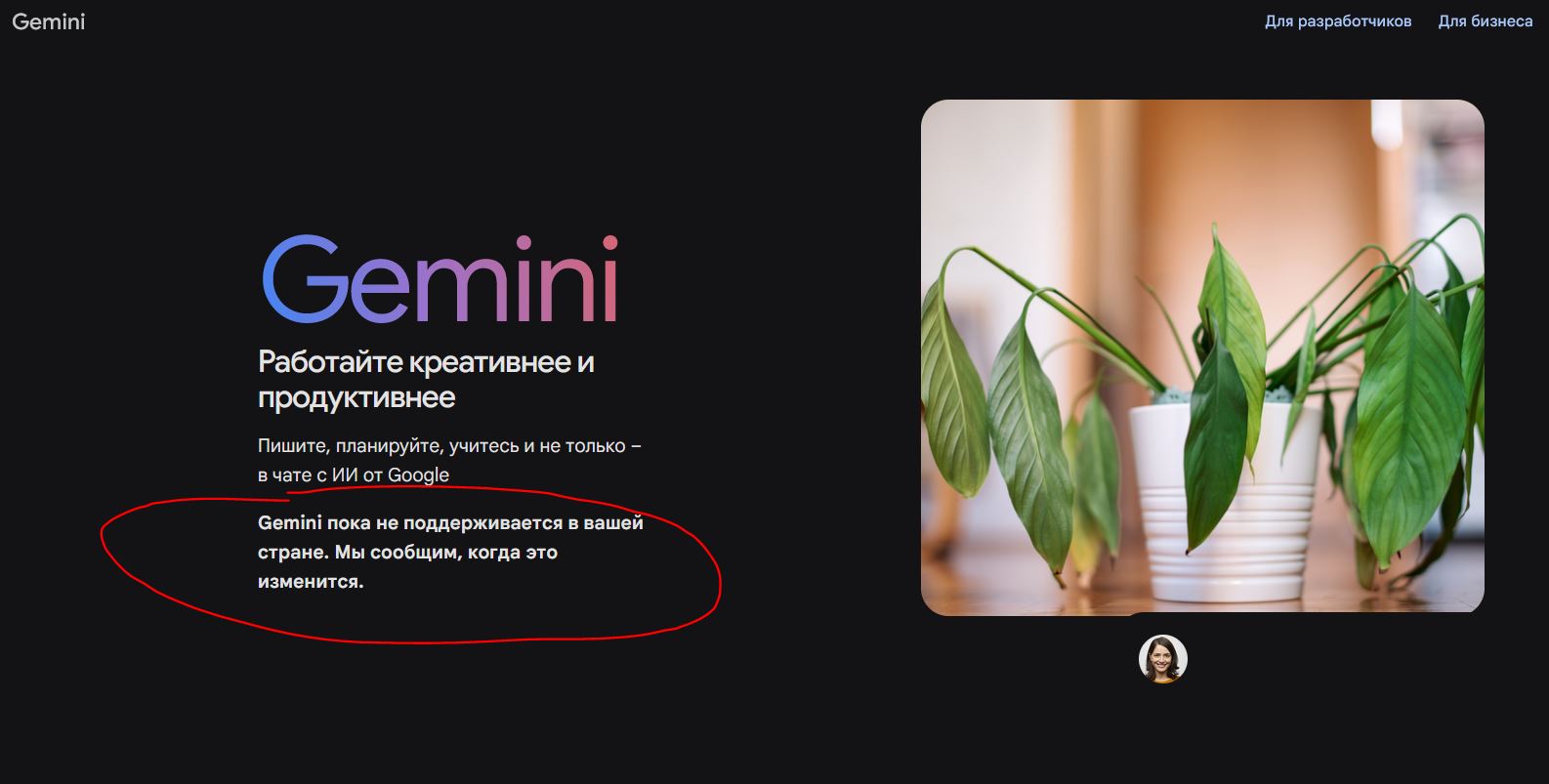
Without a VPN, you simply can’t open Gemini
Unfortunately, Gemini doesn’t work without a VPN due to restrictions from Google. And when this will change — nobody knows. Currently, the service simply won’t let you past the login screen and blocks the ability to purchase a subscription. But things aren’t all bad.
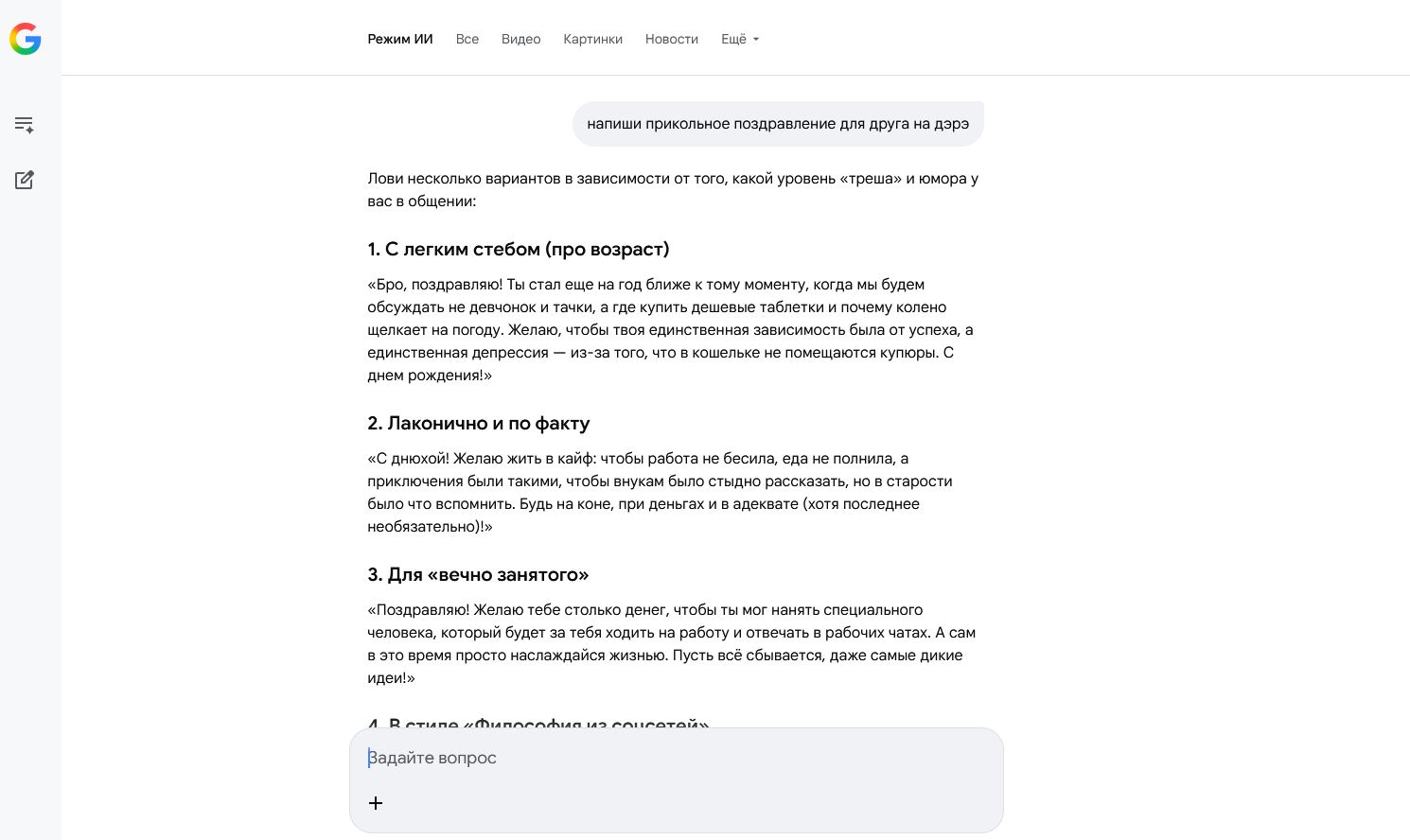
In AI search, you can ask various questions and generate texts
However, the AI mode from Google is available right in the search engine. It’s a lightweight version of Gemini with important features like text writing and processing complex queries. Unlike regular Gemini, it doesn’t require a VPN — in Russia it works without restrictions or subscriptions. All you need to do is click the “AI Mode” button below the search bar!
What Google Gemini Can Do
The Gemini neural network is a full-fledged replacement for ChatGPT or Yandex Alice. Google trained the AI to perform a ton of cool functions: from writing texts to composing music. Here’s the full list.
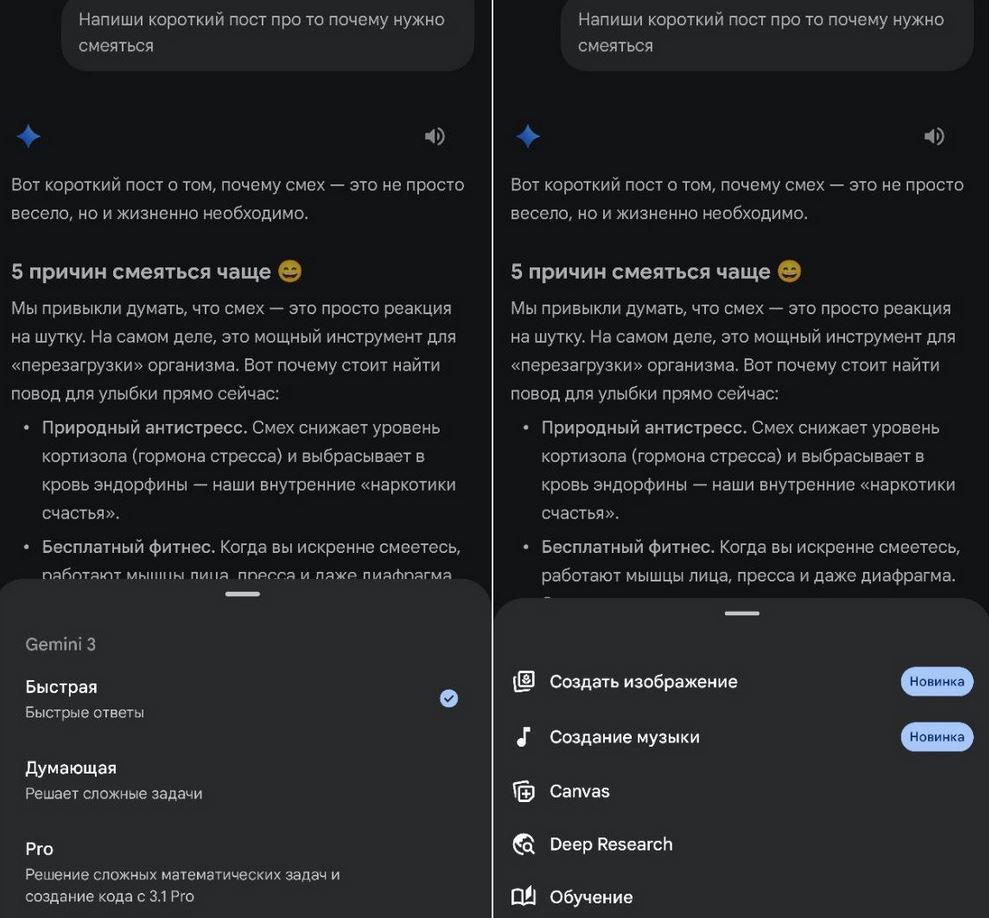
Gemini helps in everyday life — gives advice, writes texts, reasons, and even draws
- Texts and code: writes posts, articles, translates texts, programming and data analysis.
- Images: creates pictures using the powerful Nano Banana 2 model.
- Video: generates video from text descriptions or photos based on the advanced Veo model.
- Music: composes 30-second tracks with professional arrangement and vocals.
- Real-time voice communication on smartphones, as well as object recognition through the camera.
How do you create the right prompt for Gemini? There are no strict requirements as such — just recommendations to include as many details as possible. Here are a few — for text writing.
- Specify the genre: a long article for a website or a short post for a Telegram channel.
- Number of sections and their length: introduction, subheadings, their volume in words.
- Writing style: light, serious, humorous, and so on.
- Lists in the article: if not needed, it’s better to specify “no lists” or “fewer lists.”
And the main point — don’t forget to make edits: in the finished text you can indicate replacement of this or that part, reduce the size, add lists, or rename some subheadings. To avoid confusion, simply create separate chats through the side menu. An approximate version looks like this.
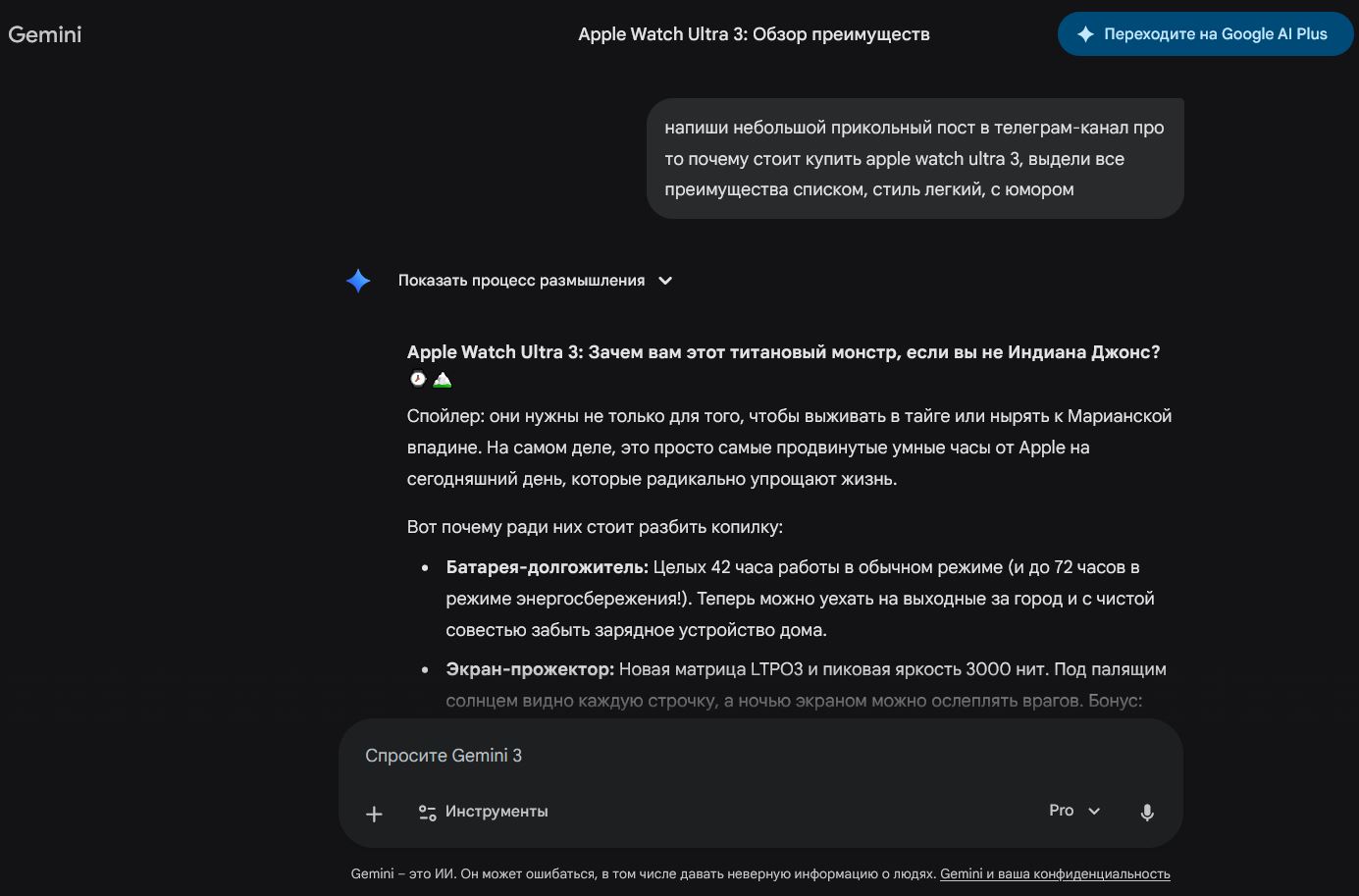
The text query should contain as many details as possible. You determine the order.
Personally, I try to use as many details as possible in my prompts, even if sometimes it comes out a bit awkward. But the AI takes them into account and does everything almost perfectly. By the way, Gemini can write like you: you need to upload a link or full text to it, asking it to remember the style. You can even “feed” the neural network your social media messages so it writes a response stylistically similar to yours. The other person won’t notice — tested and confirmed.
How to Draw with Nano Banana
Nano Banana deserves special mention — a neural network for image generation built into Gemini. It’s with a paid subscription that its capabilities are fully unlocked. In the free version it works with limitations, while the Google AI Plus subscription gives access to a more powerful model and extended editing features.
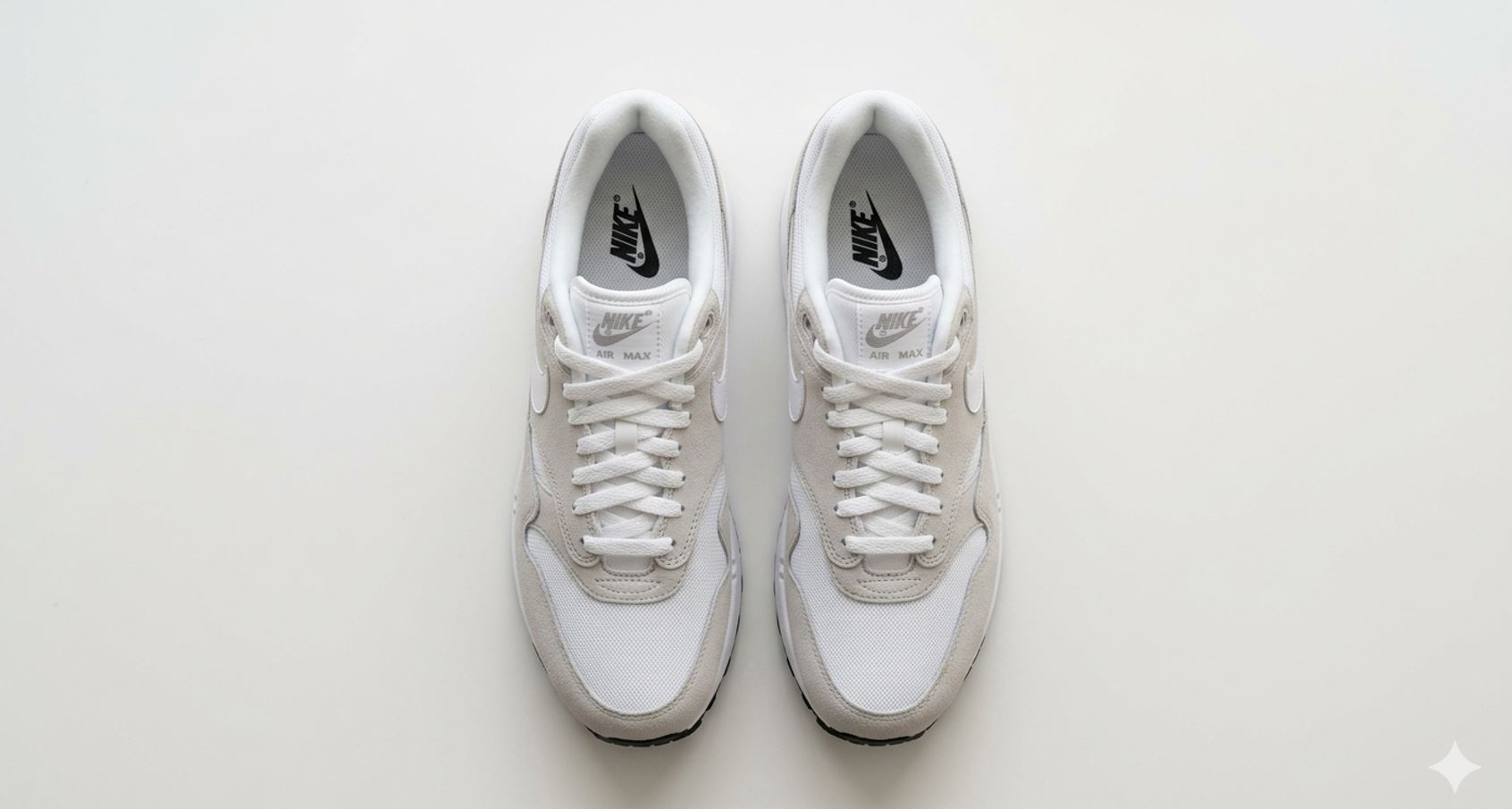
It’s impossible to tell a Nano Banana picture from a real photo
This means that after subscribing, the number of available generations increases, image quality improves, and working with more complex queries becomes available. The Nano Banana photo editor better understands scene descriptions, draws details more accurately, and less frequently produces errors when creating complex images. You can draw with Nano Banana at this link. How to make your query more precise?
- The more precisely you describe what you want to see, the better. Don’t just write “beautiful sunset” — specify where the sunset is, what colors predominate, whether there are clouds, sea, or mountains.
- Choose words that best convey the essence of your query. These can be names of objects, actions, emotions, styles, etc.
- Indicate what style the result should be in: photorealism, anime, cyberpunk, oil painting, and so on. Also convey the mood of the picture: gloomy, cheerful, mysterious.
- Describe how objects should be positioned, what angle should be used, what lighting (daytime, nighttime, backlighting, soft).
If you didn’t like the Nano Banana image, try changing the wording. You can also add or remove certain details in subsequent queries by writing “change,” “remove,” or “add” this or that detail.
Example prompt in English: A breathtaking cinematic wide shot of an alien forest at sunset. Bizarre, twisted trees and giant bioluminescent flora glowing in vibrant cyan, magenta, and neon green. Luminous spores floating in the air. The sky is a dramatic alien sunset blending deep orange, dark purple, and golden hues, with a faint ringed planet in the background. Hyper-detailed, photorealistic, intricate textures, volumetric lighting, Unreal Engine 5 render, 8k resolution, masterpiece, 16:9