Apple has quietly relaxed its region-change rules for Russian accounts. You can now switch countries without canceling active subscriptions or linking a bank card from the new region. This is especially important given the complete shutdown of App Store payments for Russian users starting April 1, 2026. Such concessions haven’t been made for other countries — apparently, Cupertino understands the complexity of the situation and is giving users the opportunity to switch regions without issues.
Changing the App Store region is possible even with active subscriptions, but only for Russians. Image: habr.com
Why Apple Disabled App Store Payments in Russia
Apple confirmed the shutdown of payments for Russian users starting April 1, 2026. Previously, Russian residents could pay for purchases through their mobile phone balance — now that option is gone. Russian mobile operators received a government directive to disable the ability to top up Apple ID balance from phone accounts. Operators MegaFon, Beeline, MTS, and T2 complied with the order.
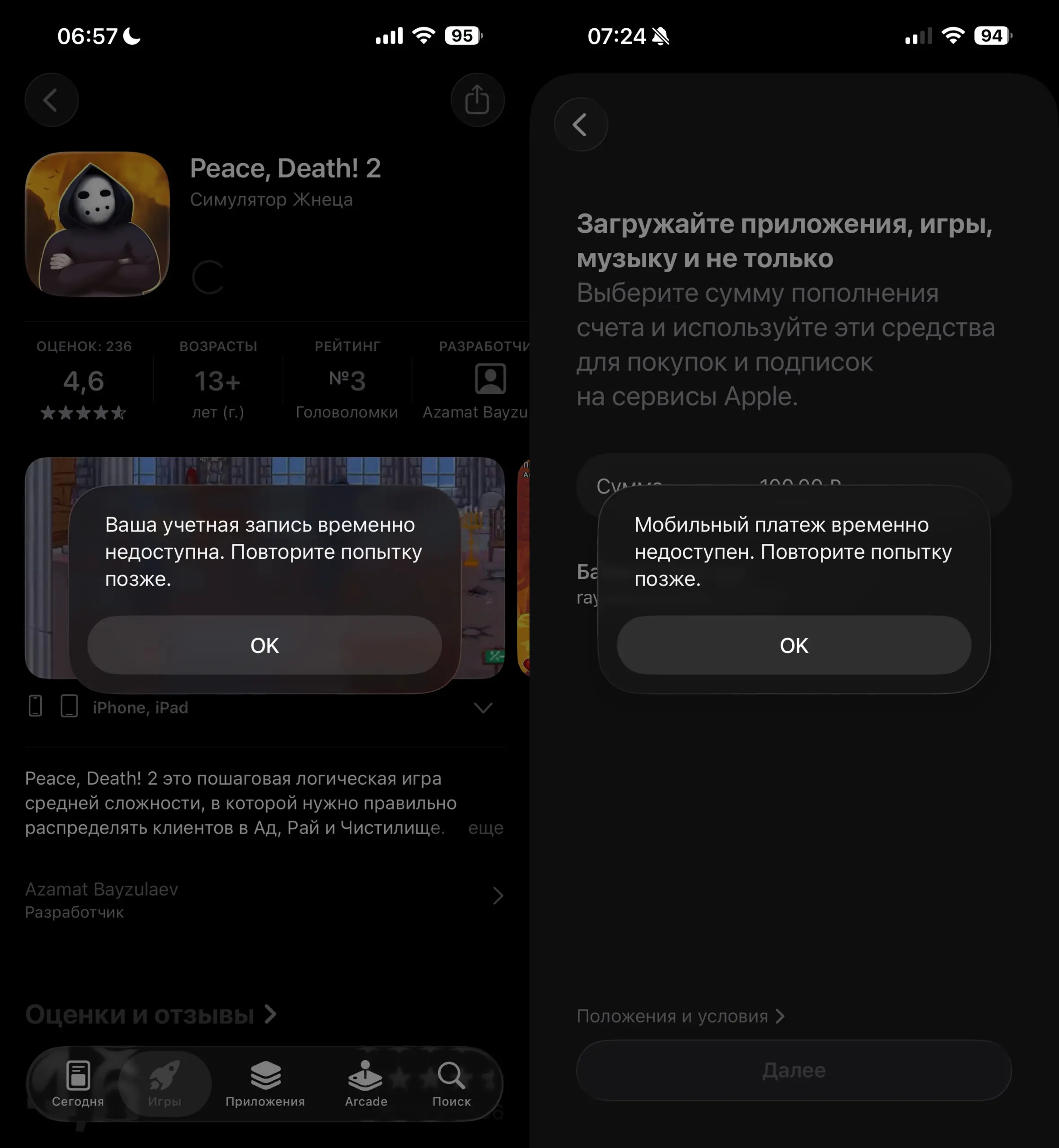
Paying from phone balance for App Store purchases is no longer possible
According to several media outlets, the authorities are pursuing two goals: to prevent Russians from paying for VPN services needed to bypass blocks, and to force Apple to restore removed apps to the Russian App Store. For millions of users, this means one thing: regular subscriptions to iCloud+, Apple Music, and other services will soon stop renewing unless they find a payment method.
How to Change Your Apple ID Region With Active Subscriptions
Until now, Apple required two mandatory conditions to change your region: spend your entire account balance and cancel all subscriptions. If you had an iCloud+ subscription, you had to cancel auto-renewal and wait for the paid period to end. Only then would the system allow you to change the account’s country.
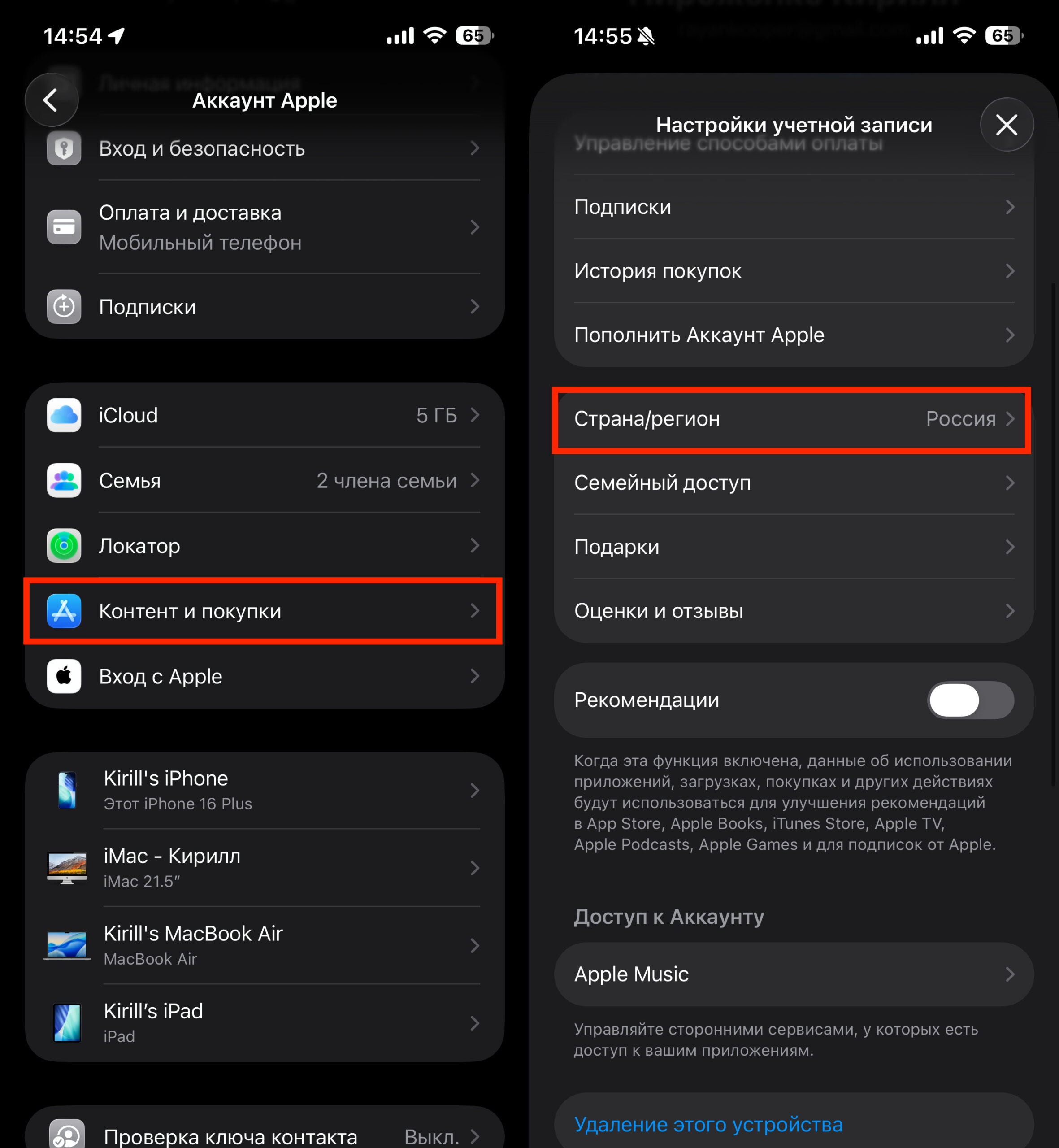
Just make sure there are no funds on your account, and change the region with active subscriptions
However, according to “Code Durov,” the situation has changed. The outlet’s correspondent contacted Apple’s English-language support and was advised to simply change the region, ignoring the standard requirements — and it worked. The region was successfully changed from Russia to Georgia, despite an active iCloud+ subscription.
On another Russian account without active subscriptions, the journalist also changed the region to Georgia — without specifying a payment method. Apple again allowed the switch, even though normally a bank card from the new region is required to change countries.
What Happens to Apple Subscriptions After Changing Regions
According to the source, subscriptions behave differently after a region change:
- iCloud+ subscription remained active. The currency was automatically converted from rubles to US dollars.
- Annual Google One subscription disappeared from the subscription list in the Apple account but will continue to work until the end of the period paid in rubles. After that, it can be re-subscribed in a different currency.
This is an important point: subscriptions paid through the App Store but belonging to third-party services may “drop off” from the Apple interface, although access to them is preserved until the end of the paid period.
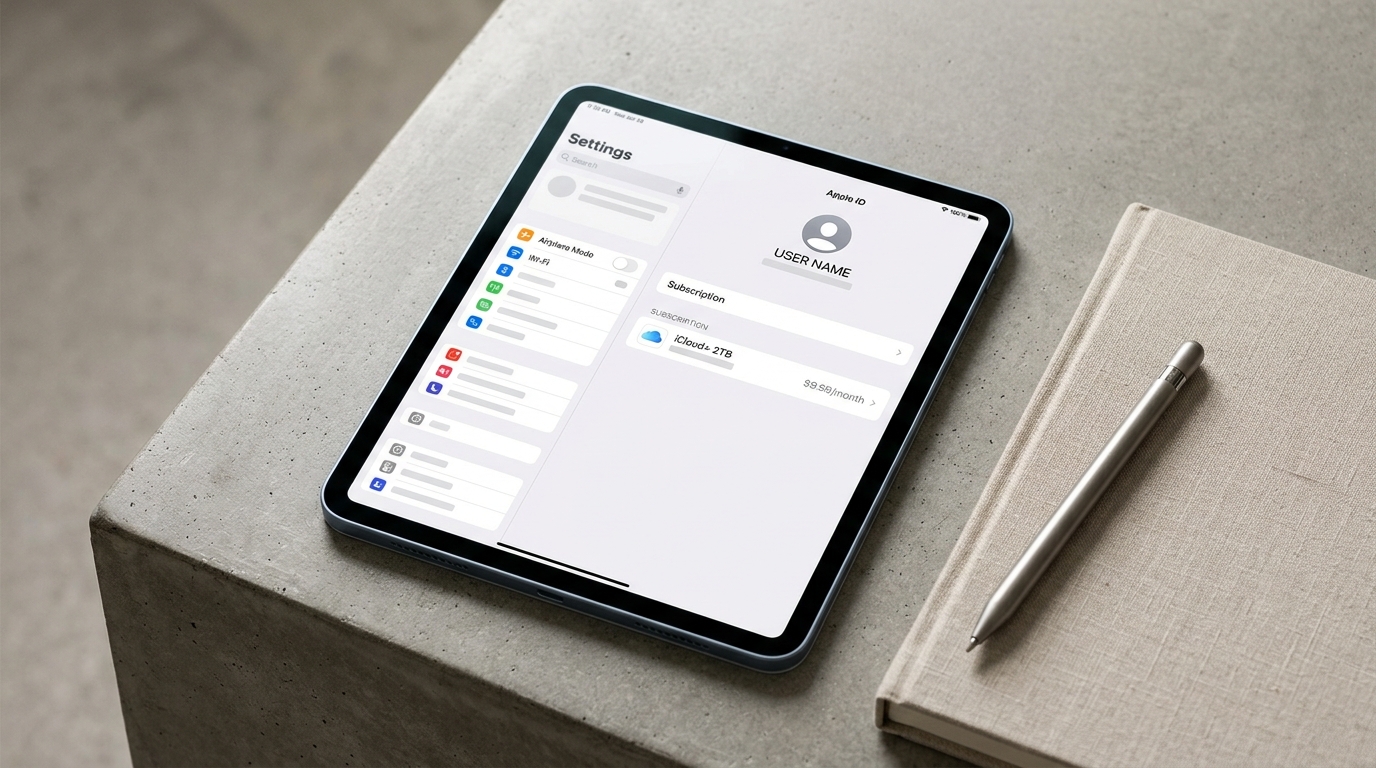
iCloud+ subscription after region change — currency switched to dollars
Restrictions When Changing Apple ID Region for Russians
Despite the relaxed rules, one restriction remains unchanged: you cannot change your region if there are funds on your balance. You must first spend all the money in your account. If a small amount remains that isn’t enough to buy anything, you’ll need to contact Apple support and ask them to zero out the balance.
It’s also worth remembering that Apple limits region changes — no more than once every 90 days. Changing the region doesn’t mean losing your account: data, purchases, and settings are preserved. Only the App Store catalog and available payment methods change.
iCloud+ Subscription When Changing Region for Russians
Alongside relaxing the region change rules, Apple made another gesture toward Russian users. The company preserved access to content after iCloud+ subscriptions expire for users from Russia. Apple’s website states:
Your data will remain accessible after your subscription ends. You will still be able to manage your storage and download photos and videos from iCloud.
Technical support clarified that this condition was preserved exclusively for users with Russian accounts.
However, there is an important limitation: if after the subscription ends your storage exceeds the limit, saving new data to iCloud won’t be possible. This means old photos and files will stay in place, but there will be nowhere to upload new ones — until you free up space or renew your subscription.
At the same time, some users receive a different answer from Apple support — that data will be accessible for 30 days after the subscription ends, and then access will be lost (although the data won’t be deleted, and access can be restored by renewing the subscription). The situation remains ambiguous, so it’s better not to count on unlimited storage without payment.
Cancel Apple Subscriptions or Change Apple ID Region
Will you be changing your Apple ID region? Image: rg.ru
Russian users currently have two main scenarios:
- Do nothing — subscriptions will stop renewing when the account balance runs out. Apple promises to preserve iCloud data, but uploading new files won’t be possible.
- Change region — transfer the account to another country (Georgia, Turkey, USA, Kazakhstan) and pay for subscriptions using gift cards from that region. Currently, based on the described experience, Apple has simplified this process.
It appears that Apple has deliberately accommodated Russian users so they can continue paying for subscriptions and not lose their data. Officially, Apple hasn’t announced any simplification of the rules, but in practice, support helps bypass standard restrictions.
If you’ve decided to change your region — do it now, while the relaxation is still in effect.


