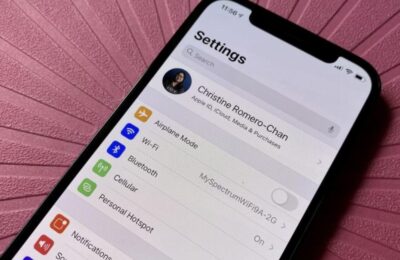
After April 1, when App Store payments via mobile carrier billing stopped working in Russia, users faced a new problem: Family Sharing broke. Family group members can no longer purchase apps and subscriptions, even though the group organizer has money on their balance. Apple has not yet offered a solution.
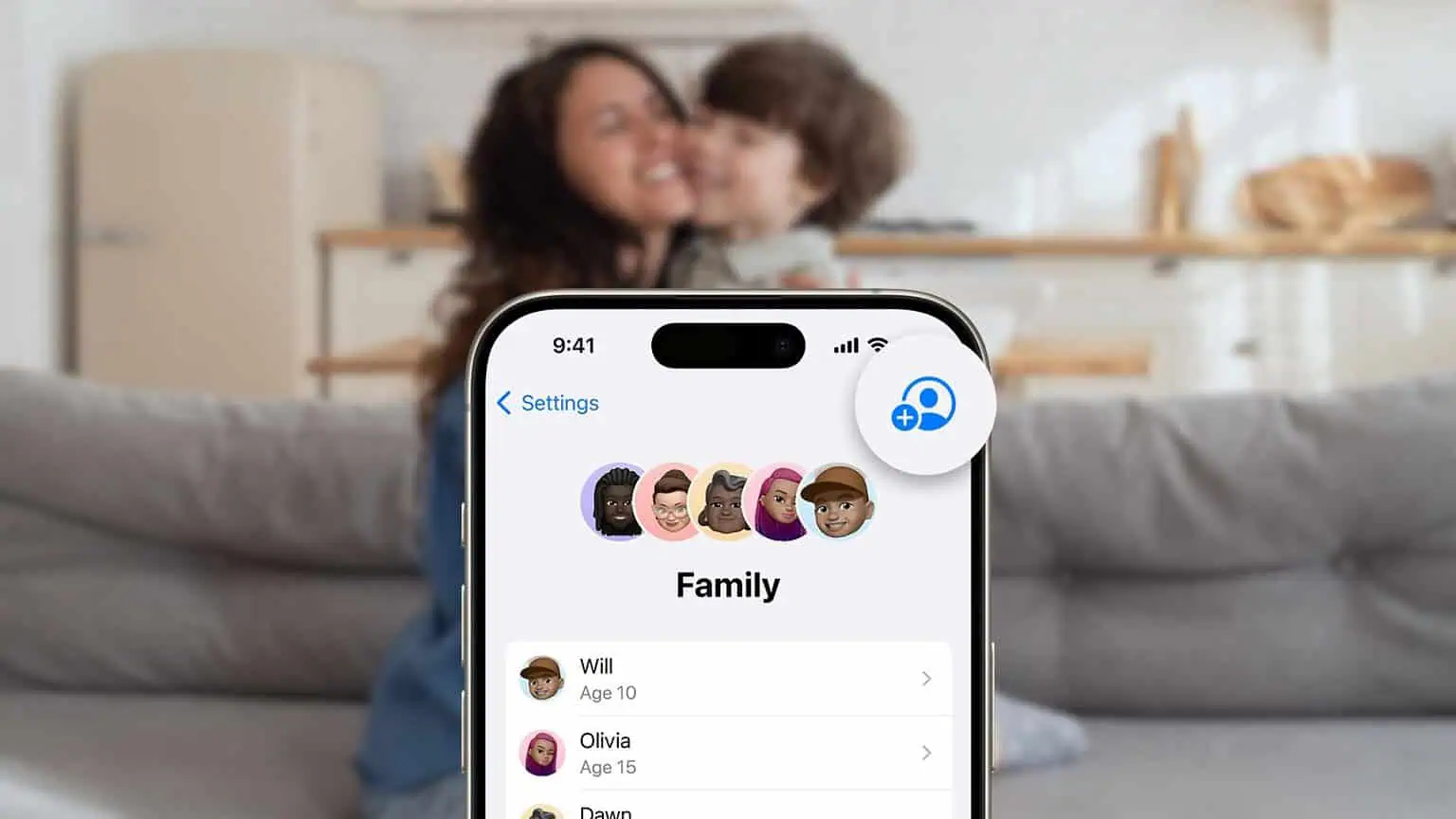
Users are facing the inability to pay for apps through a family account
Why Apple ID Family Sharing Doesn’t Work in Russia
Until April 1, 2025, everything worked as expected: family group members purchased apps and subscriptions, and the money was charged from the group organizer’s account, just as Apple Family Sharing was designed to work.
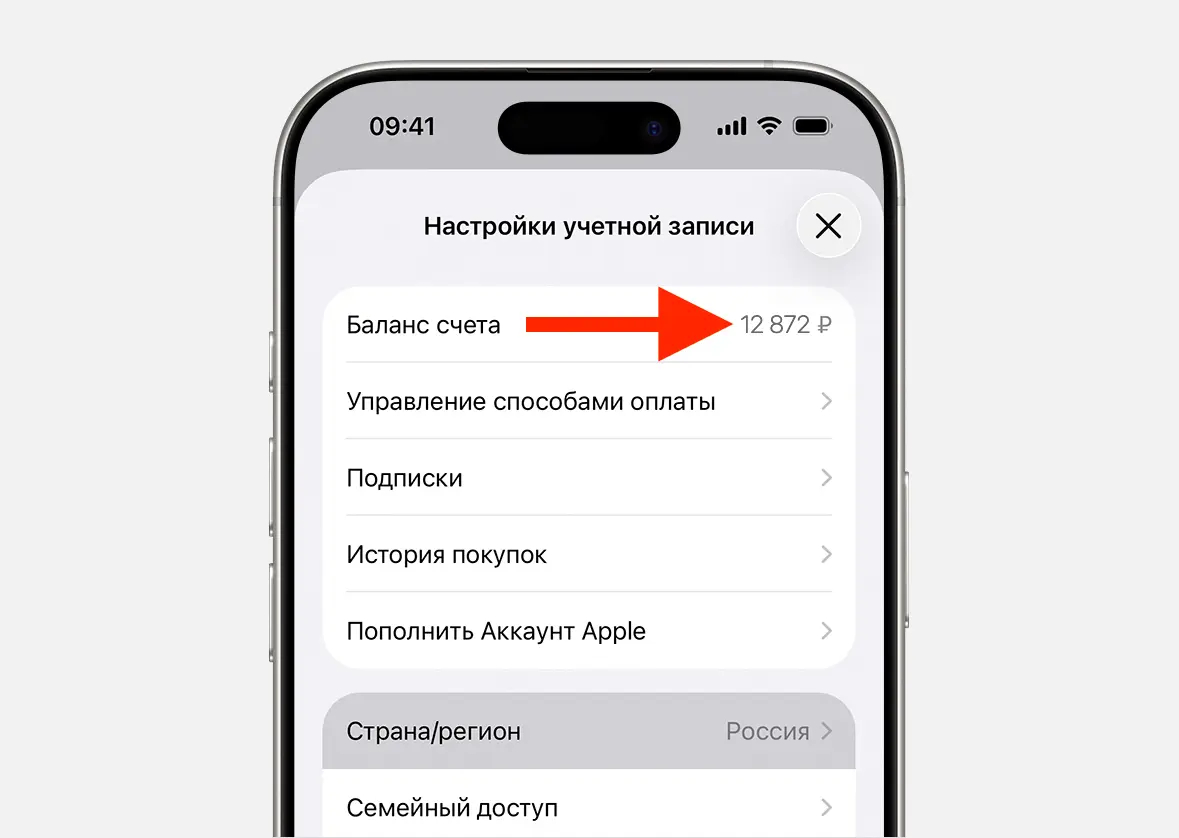
Family members cannot spend funds from the organizer’s Apple ID balance
Now the mechanism is broken. Even if the family head topped up their Apple ID balance in advance and can freely purchase any apps themselves, other family group members cannot complete purchases. The money simply doesn’t get charged.
The problem is directly related to the disabling of mobile carrier billing — the only convenient payment method that worked in Russian accounts until recently. After it disappeared, Apple apparently did not adapt the payment logic for family groups in the Russian region. Meanwhile, users are starting to panic, fearing they might lose important data from iCloud.
How to Buy Apps in Family Sharing After April 1
Until Apple fixes the situation, there are two working options:
- Change your Apple ID country. If you switch your account to a different region, Family Sharing will work normally again. However, this method has its own risks and nuances: from losing purchased content to needing a payment method in the new country.
- Buy apps through the family organizer. If an app or subscription supports Family Sharing, the group organizer can make the purchase on their account, after which it becomes available to other members. Information about Family Sharing support is listed on the app’s page in the App Store.
The second method is simpler and safer, but doesn’t always work. It all depends on app developers, who don’t always add this feature.
Which Apps Don’t Support Apple Family Sharing

If there’s no such label on the app’s page, the organizer cannot share the purchase with family members
The main catch is that not all services support Family Sharing. This means buying a subscription for everyone through the family organizer won’t work even if everyone switches their Apple ID region. Among such apps:
- CapCut
- ChatGPT
- Gemini
- YouTube Premium
- Duolingo
Obviously, ChatGPT and Gemini are not available in the Russian App Store, but you get the logic. These are services that believe everyone should subscribe individually.
iOS 26.5 and Family Sharing Payments
In the beta version of iOS 26.5, currently available to developers, Apple added the ability for family members to choose their own payment methods. Theoretically, this could solve the problem: each group member would top up their own balance and pay for purchases themselves.
But in practice, this changes little — the only available way to top up an Apple ID in Russia currently comes down to buying promo codes from resellers at a markup of 2–4 times. It’s inconvenient, expensive, and unreliable.
When exactly iOS 26.5 will be released for all users and whether it will help in the Russian region remains unknown.
Who Is Affected by the Apple ID Family Sharing Problem
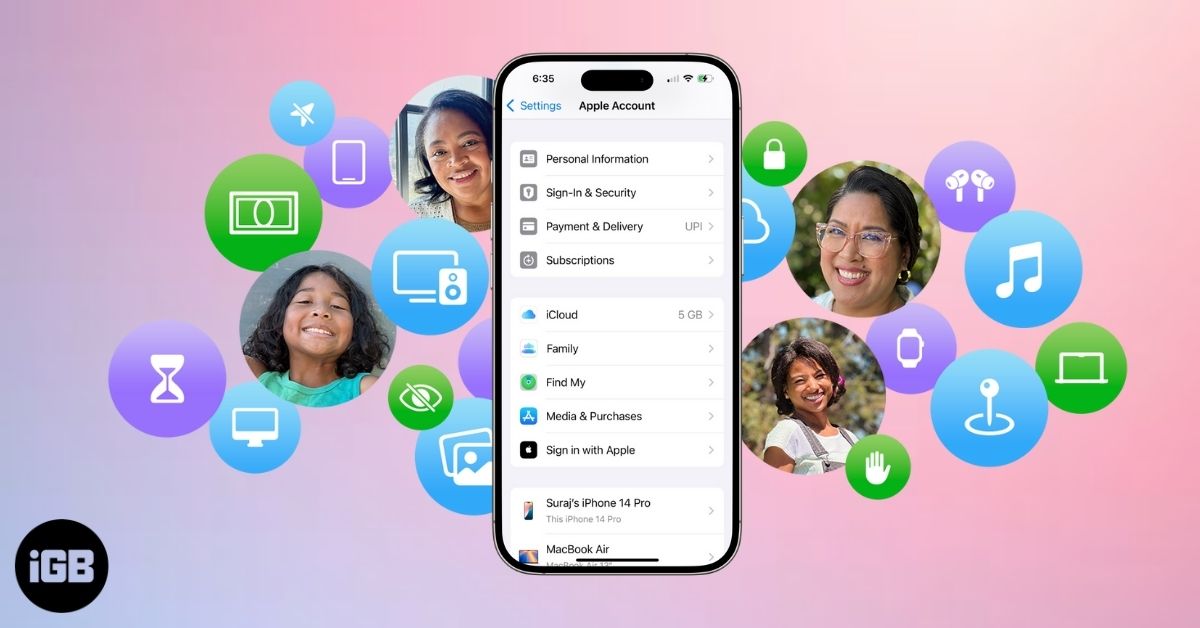
Due to the disabling of mobile payments in Russia, family account users have encountered many problems
The problem affects everyone who uses Apple Family Sharing with a Russian Apple ID. If anyone in your family besides the group organizer buys apps or subscribes to services, chances are it stopped working after April 1.
The most practical solution today is to buy the necessary apps and subscriptions through the family organizer’s account, checking for Family Sharing support on the app’s page. Changing the Apple ID region solves the problem completely but isn’t suitable for everyone due to potential complications with already purchased content. Those who are satisfied with the current state of their main account and don’t need purchases for family members can simply wait — perhaps Apple will fix this on its own over time.