April 10, 2026 — the day when problems with accessing Telegram in Russia escalated to the maximum, and a flash mob unexpectedly went viral in the messenger. Banks, marketplaces, and brands started publishing mysterious posts labeled “Draft” in their channels with text like “answer Durov’s call” or “don’t forget to buy milk.” It was while digging into this trend that I discovered Telegram has had a genuinely useful draft feature for many years that many people have no idea about. But now you’ll know everything.
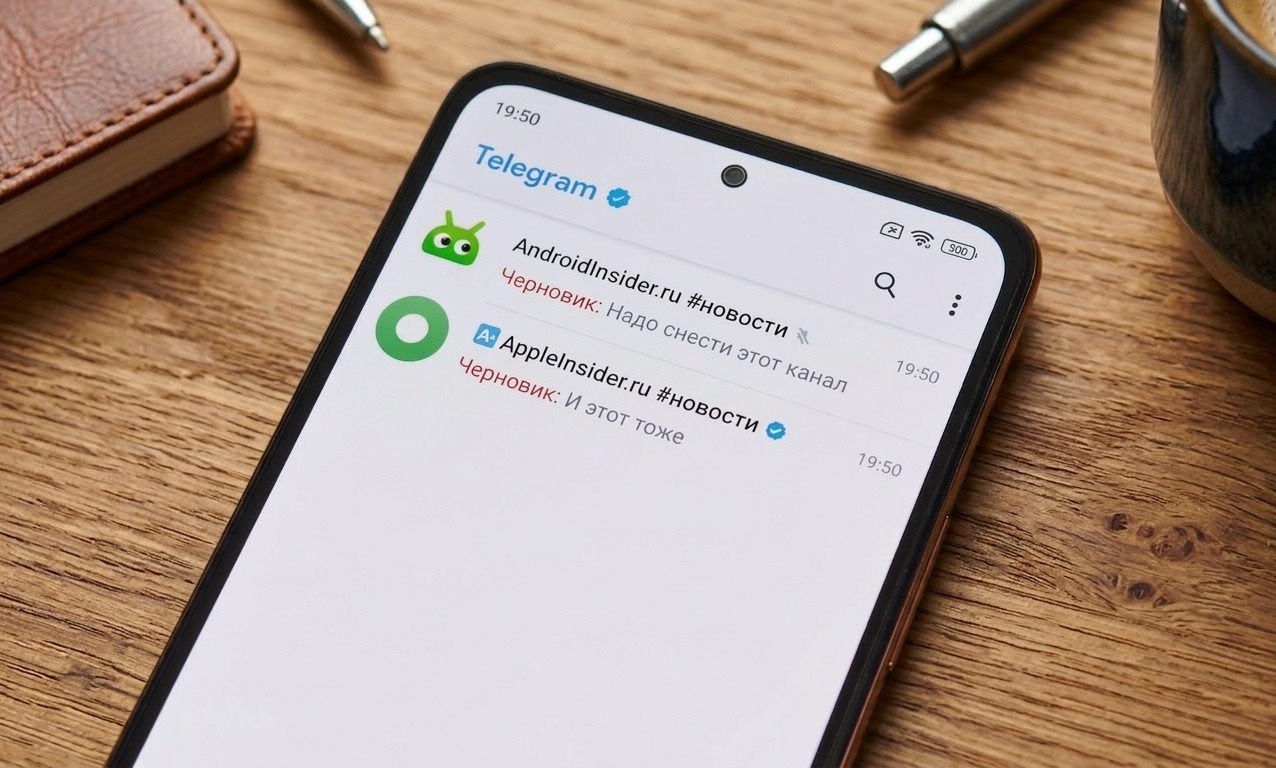
The trend behind which lies a real Telegram feature
What “Draft” Means in Telegram
“Draft” is a flash mob that started on April 9-10, 2026. Channel authors publish a post that visually imitates an accidentally sent message draft: the characteristic red badge with the “Draft” label in Telegram and some unfinished or absurd text. The idea is to create the illusion of an accidental publication and intrigue subscribers.
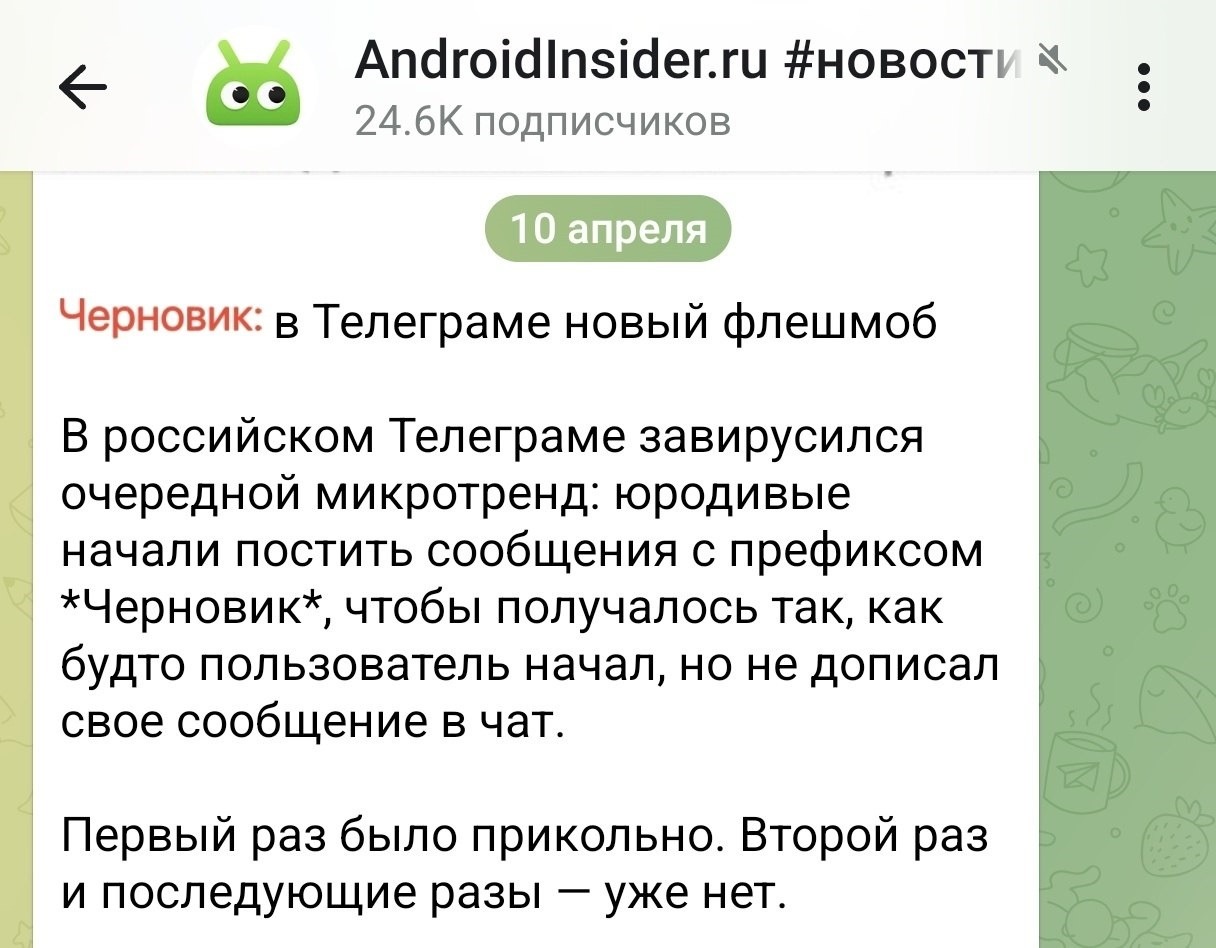
This trend became widely discussed
The trend was picked up by major players:
- The Bank of Russia published a “draft” with mysterious text;
- T-Bank, Ozon, S7, “Mir,” VK, “Samokat” — everyone participated;
- “Sber” and “Yandex Market” responded on theme — they published “final copies.”
Technically, a “Draft” in a channel is made using a special emoji pack that was published on April 9 by one of the sticker pack channels. The emoji imitates that very red draft badge from the Telegram interface. If you want to participate in the trend yourself, add the “Draft” emoji pack in Telegram and use it in your publication.
Important nuance: custom emoji in channels are only available to Telegram Premium subscribers.
Message Drafts in Telegram
While everyone was discussing the trend, I discovered that Telegram has a draft feature — a function that has been available since 2016, and that many people don’t even know about. Here’s how it works: you start typing a message in a chat or channel, then get distracted, switch to another chat, or close the app without sending the text. Telegram automatically saves what you wrote as a draft. It doesn’t disappear anywhere, doesn’t get sent without your knowledge — it just waits for you to come back. This is convenient if you:
- are writing a long message and want to think it over;
- switched to another chat and don’t want to lose the text;
- accidentally closed the app while typing.
By the way, the much-discussed MAX also technically has drafts — unsent messages are saved there too. But they aren’t highlighted in red there, and no trend would go viral around that. Another reason to consider whether it’s worth switching from Telegram to MAX, right?
Where Are Drafts in Telegram
Finding chats with a message draft in Telegram is very easy. They automatically float to the top of the chat list. Next to the chat or channel name, a red draft label in Telegram appears — the word “Draft” with a fragment of the text you didn’t send.
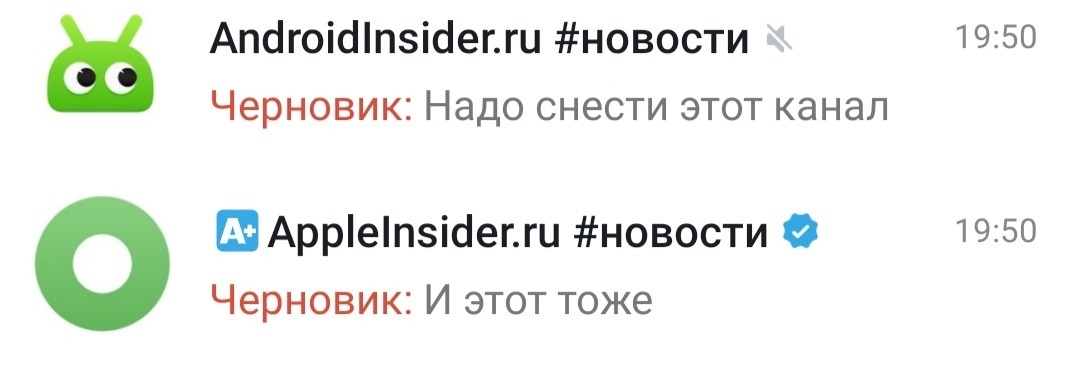
This feature really exists in Telegram
This is exactly the visual detail the flash mob exploits — the emoji in trending posts imitates this very red badge. A subscriber scrolls through the feed, sees the familiar icon, and thinks: the channel accidentally published a draft. Intrigue, click — and they’re already reading the post. If you constantly see a draft in Telegram next to some chat, know that this is normal if you often start writing and don’t send. There’s nothing scary about it — the app is just carefully storing your unfinished thoughts.
How to Delete a Draft in Telegram on Android
Deleting a draft in Telegram is very simple. There are two ways to do it. Here are both.
Method 1 — erase the text:
- Open the chat where the draft is stuck.
- The input field will contain the text you didn’t send.
- Select it and delete it — the draft will disappear.
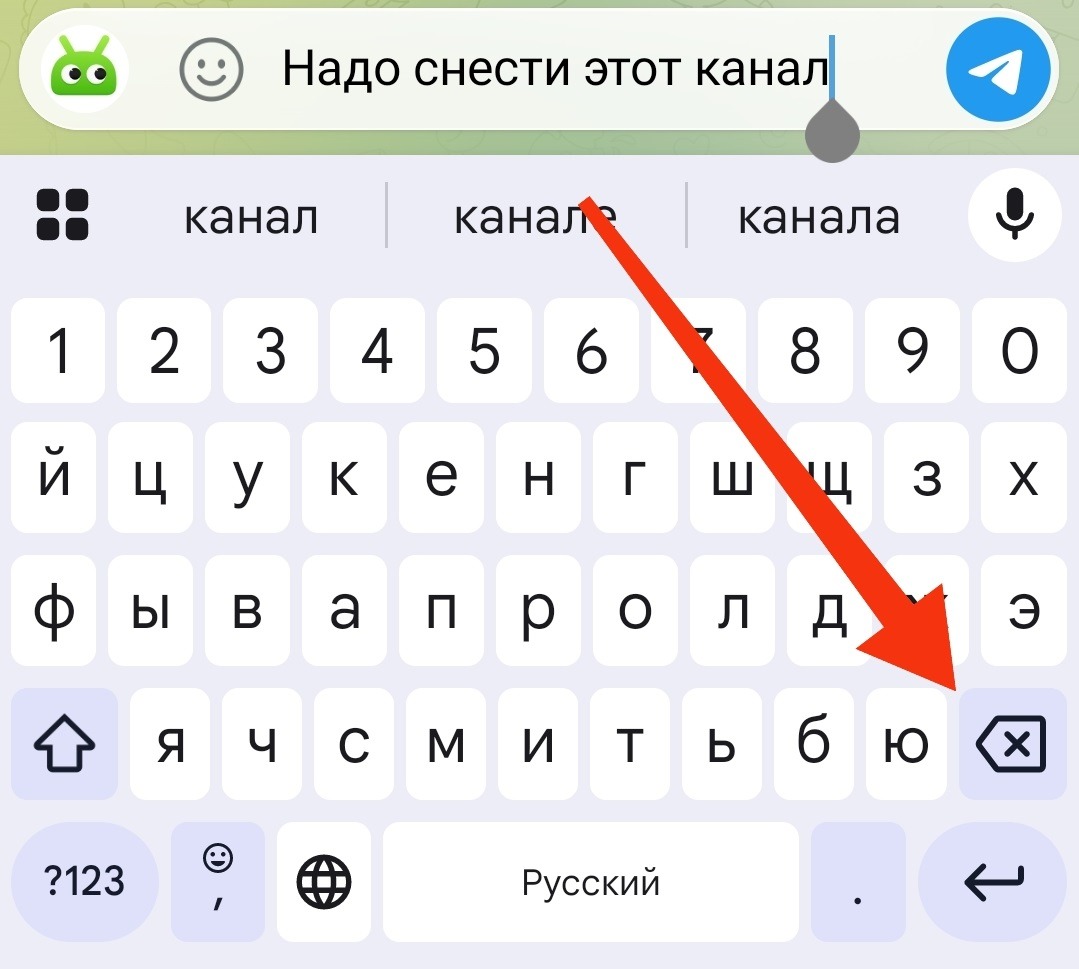
You can simply delete the text
Method 2 — send the message:
- Open the chat with the draft.
- Edit the text if needed.
- Press “Send,” and the draft will become a regular message.
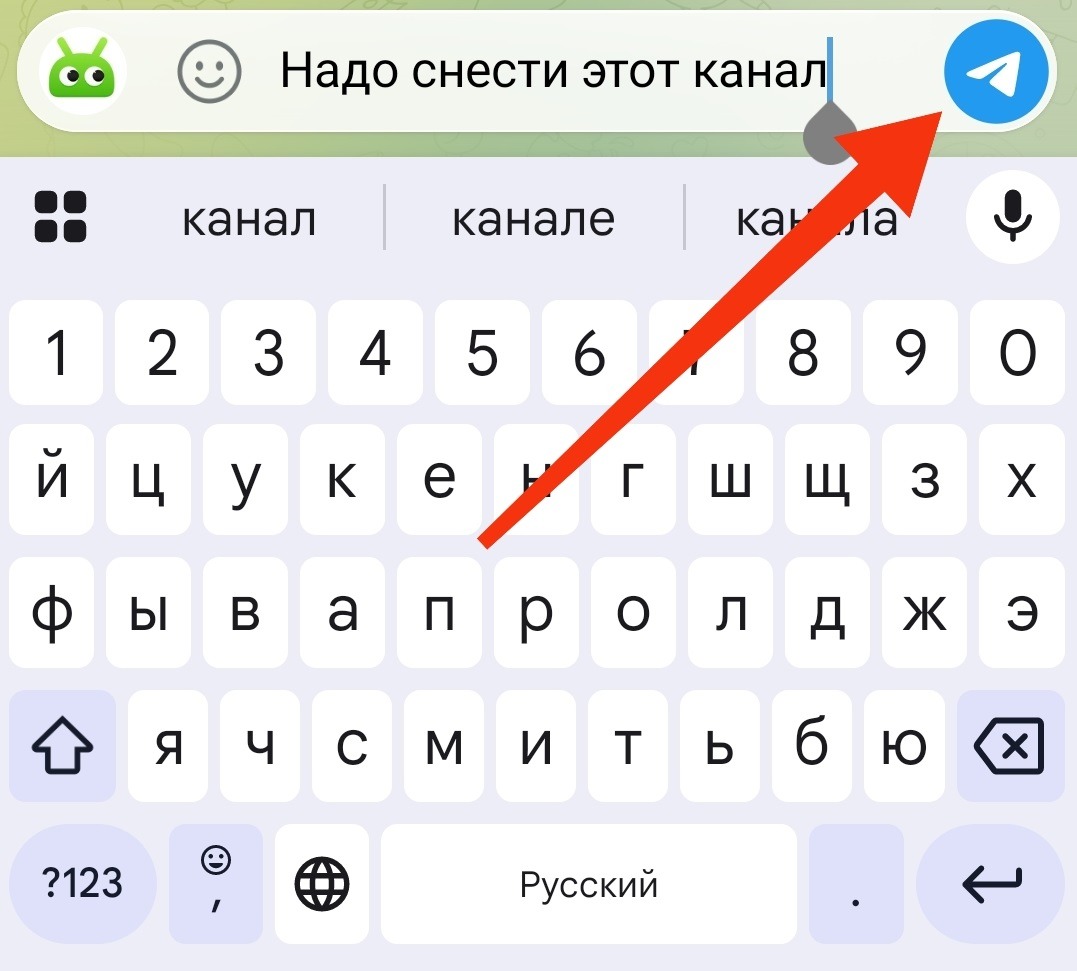
Or you can send it
If a draft is stuck in Telegram and it seems like it won’t delete — check whether an invisible space remains in the input field. Sometimes that’s exactly what prevents the unsent message from disappearing. Simply clear the input field completely, and the red badge will vanish from the chat list.
That’s it. Unsent messages in Telegram are not a bug or an accident, but an intentional feature that has been working for almost ten years. It’s just that few people talked about it until the flash mob did it for everyone.