The FBI recovered deleted messages on an iPhone from one app using data from the internal iOS notification database. The messenger had been deleted from the device, but incoming messages remained in the phone’s memory. This case shows that even “secure” messengers don’t guarantee full protection if they’re not configured properly.

FBI extracted deleted Signal messages through iPhone notification data
How Deleted Messages Remain on iPhone
404 Media reports on a court case related to an attack on an ICE immigration center in Texas. One of the defendants, Lynette Sharp, had previously pleaded guilty to aiding terrorism. During court hearings, an FBI agent testified about how digital evidence was obtained.
According to the evidence description, messages were extracted from Apple’s internal notification storage on the suspect’s iPhone. Signal had been deleted from the device by that point, but incoming notifications remained in the internal memory. Only incoming messages were recovered — outgoing messages were not stored in the notification database. By the way, to prevent anyone from gaining access to your iPhone externally, avoid using public USB ports for charging. Use only your own power adapter or a portable battery pack.
Why Notifications Preserve Message Text
The iPhone has a setting that hides message content in notifications — instead of text, it simply displays “New Message.” However, based on case materials, the suspect did not enable this option, and iOS saved the full text of incoming messages in the system notification database.
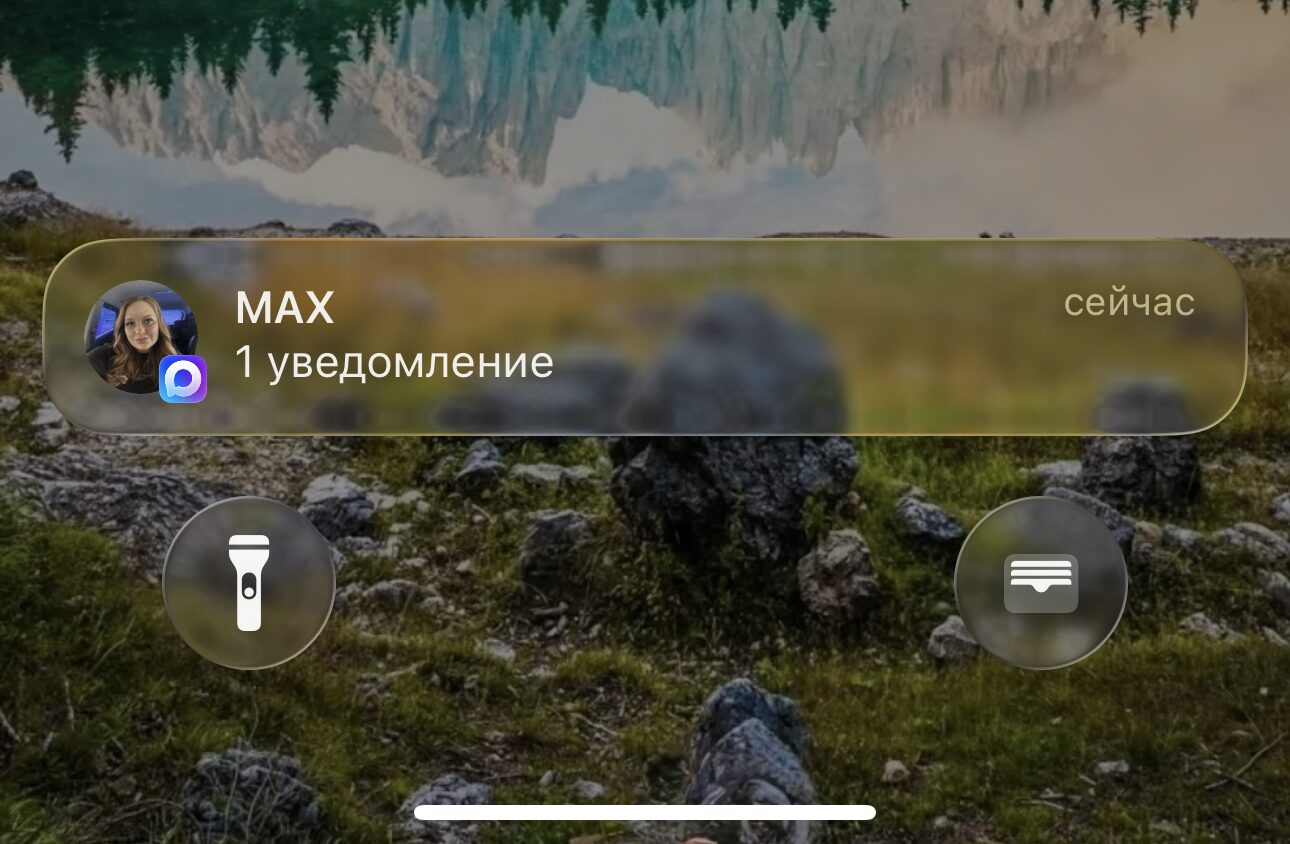
The iPhone has a special setting that hides notification text, but it wasn’t enabled
iOS locally caches a large volume of data, relying on built-in protection mechanisms — encryption, different access levels depending on device state (locked, unlocked, before first unlock after reboot). The system considers these protection levels sufficient and stores data for quick access by the owner.
Another important point: when an app is deleted from an iPhone, the push notification token is not invalidated immediately. The server is not informed that the app has been deleted and may continue sending notifications. The iPhone itself decides what to do with them, but the data can remain in system storage.
How Deleted Messages Are Extracted from iPhone
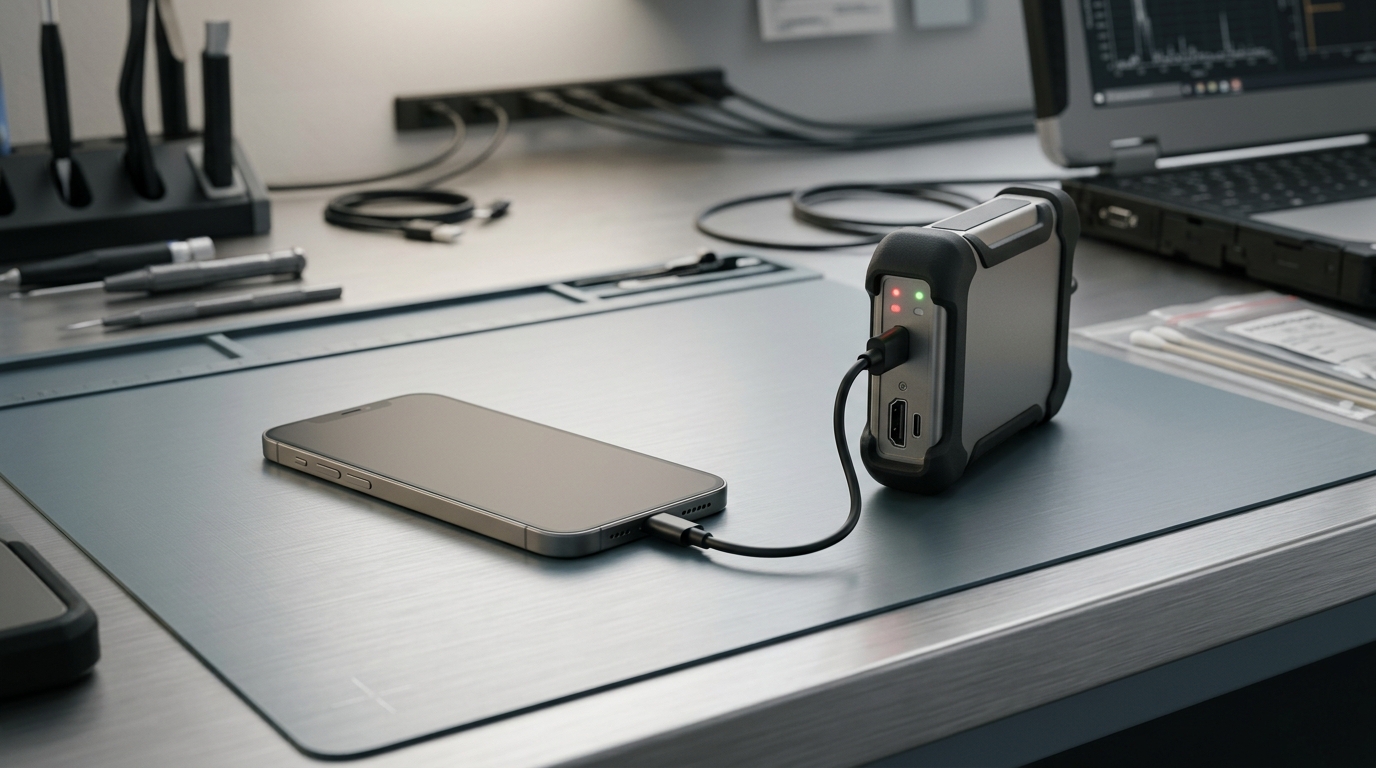
Forensic equipment for extracting data from iPhone
Exact technical details about the suspect’s iPhone state are not available in the case materials. As 9to5Mac notes, there are several possible scenarios. Much depends on the state of the device: whether it was locked, unlocked, or had not yet undergone the first unlock after a reboot. Each of these modes provides a different level of data access.
Based on the evidence description, the FBI may have extracted data from a backup of the device. Law enforcement agencies have access to commercial tools (for example, from Cellebrite or GrayShift) that exploit iOS vulnerabilities for data extraction. Neither Apple nor Signal have commented on the situation.
What Changed in iOS 26.4
An interesting coincidence: Apple recently changed the push notification token validation mechanism in iOS 26.4. It’s impossible to claim this is a direct consequence of this case, but the timing coincidence is noteworthy.

iOS 26.4.1 has already been released, and this fix is included there too
The update could potentially close the very mechanism that allowed notifications from deleted apps to be preserved. Neither Apple nor Signal have yet provided official comments on how exactly notifications are processed and stored at the system level.
How to Protect Your Messages on iPhone
Regardless of whether you have anything to hide, this case is a good reason to check your privacy settings. Here’s what you should do:
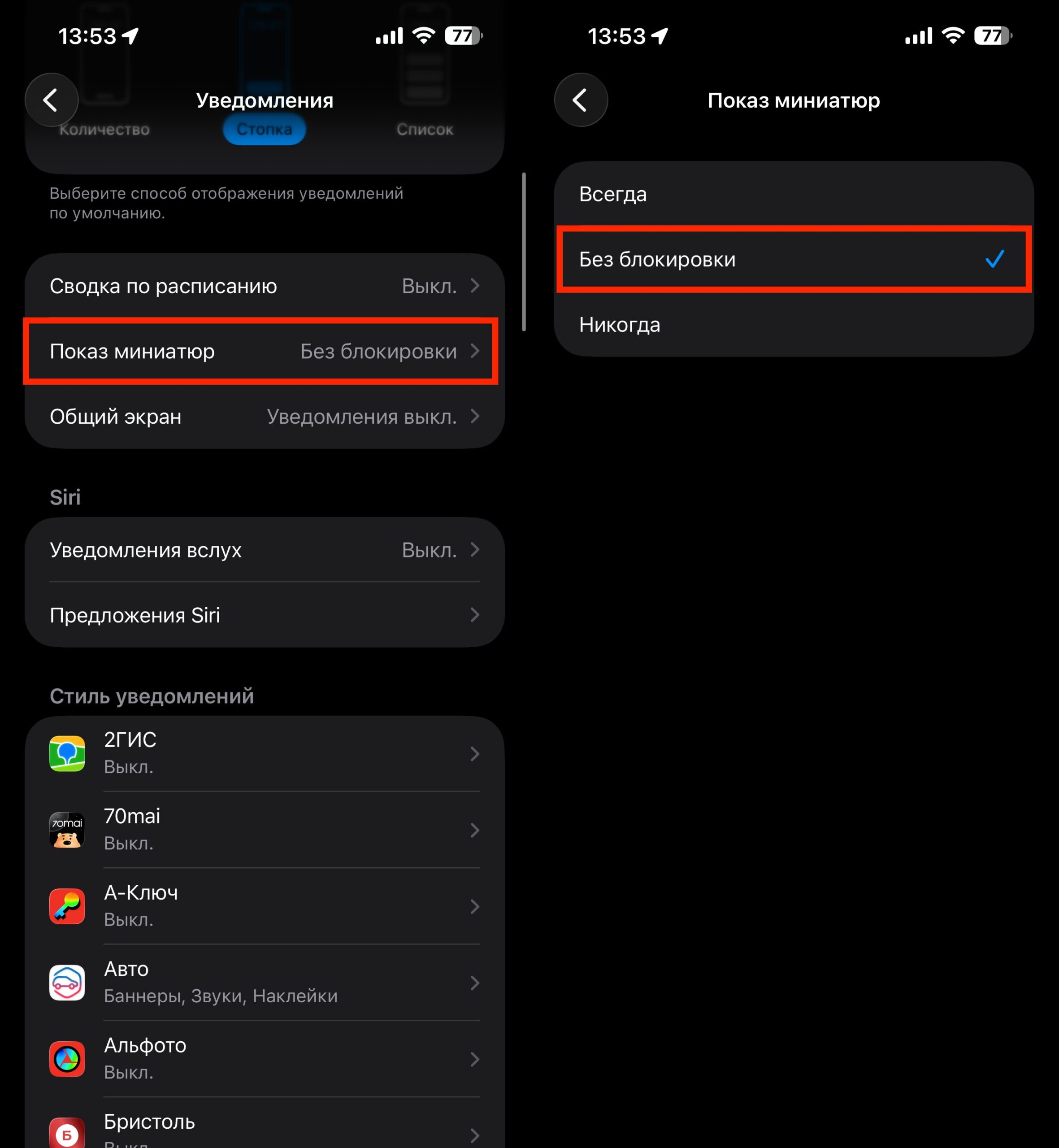
Check this box and the problem will be solved and you’ll be protected
- On your iPhone, go to “Settings” — “Notifications”
- Tap “Show Previews”
- Select “When Unlocked”
- Update your iPhone to the latest iOS version — in iOS 26.4, Apple changed how notification tokens work
This case is not just about Signal users. Any messenger with notifications potentially leaves traces in iOS internal storage. This applies to Telegram, WhatsApp, and any other app with push notifications.
If you use Signal or another secure messenger specifically for privacy, disabling notification previews is the minimum necessary step. Without this setting, the messenger’s encryption itself loses practical meaning: data is still saved in an unprotected form at the operating system level.