Despite the universal shift to streaming, local Android players haven’t gone anywhere. Some people keep rare recordings that aren’t available on streaming services, some collect FLAC files, and some simply don’t want to depend on the internet. Some brands have a decent pre-installed player — for example, we’ve already talked about the cool features of Xiaomi’s Music app. But if you don’t have a Xiaomi or want something more, a good third-party player solves several problems at once. I’ve gathered five music apps worth trying.

Choosing the best offline player for your phone
Oto Music — A Minimalist Android Player with Material You
Oto Music is an app that fits perfectly into the modern Android ecosystem thanks to its Material You design. The interface looks like it was made in Google’s design studio: smooth animations, adaptive colors, neat widgets. At the same time, the music app remains lightweight and takes up little space on the phone, which is rare among full-featured players.
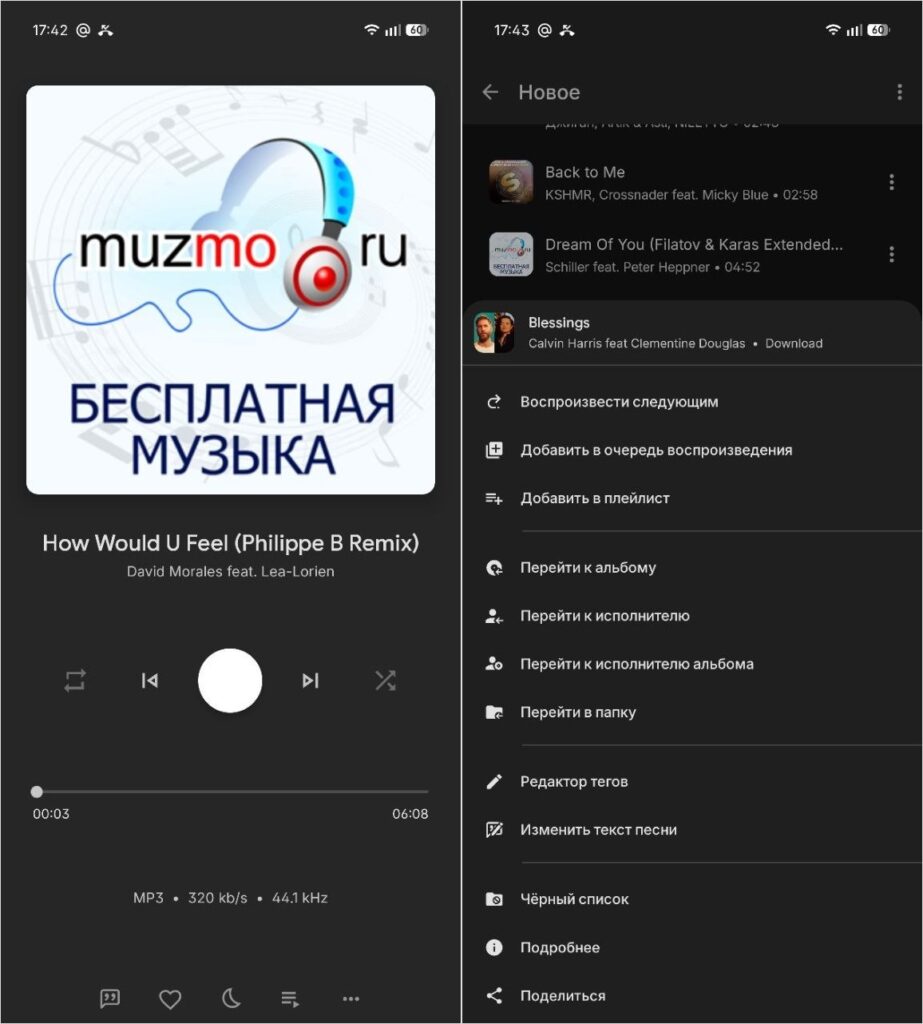
A minimalist player suitable for low-end smartphones
Feature-wise, it includes: Android Auto and Chromecast support, synchronized lyrics, built-in equalizer, sleep timer, ReplayGain, tag editor, and five widgets. The basic version is free, but for a couple of dollars you can unlock Oto Music+ with a 10-band equalizer and additional themes. If you frequently listen to music on your phone and want a beautiful, fast player without being overwhelmed — Oto Music is the optimal choice.
KMPlayer — A Universal Audio and Video Player
KMPlayer is a media player from a Korean company that can play virtually all modern audio and video formats. It’s not purely a music player, but a universal Swiss army knife: it handles a FLAC album, an MKV movie, or a YouTube video equally well. For those who don’t want to keep two or three different players on their smartphone, it’s a convenient compromise.
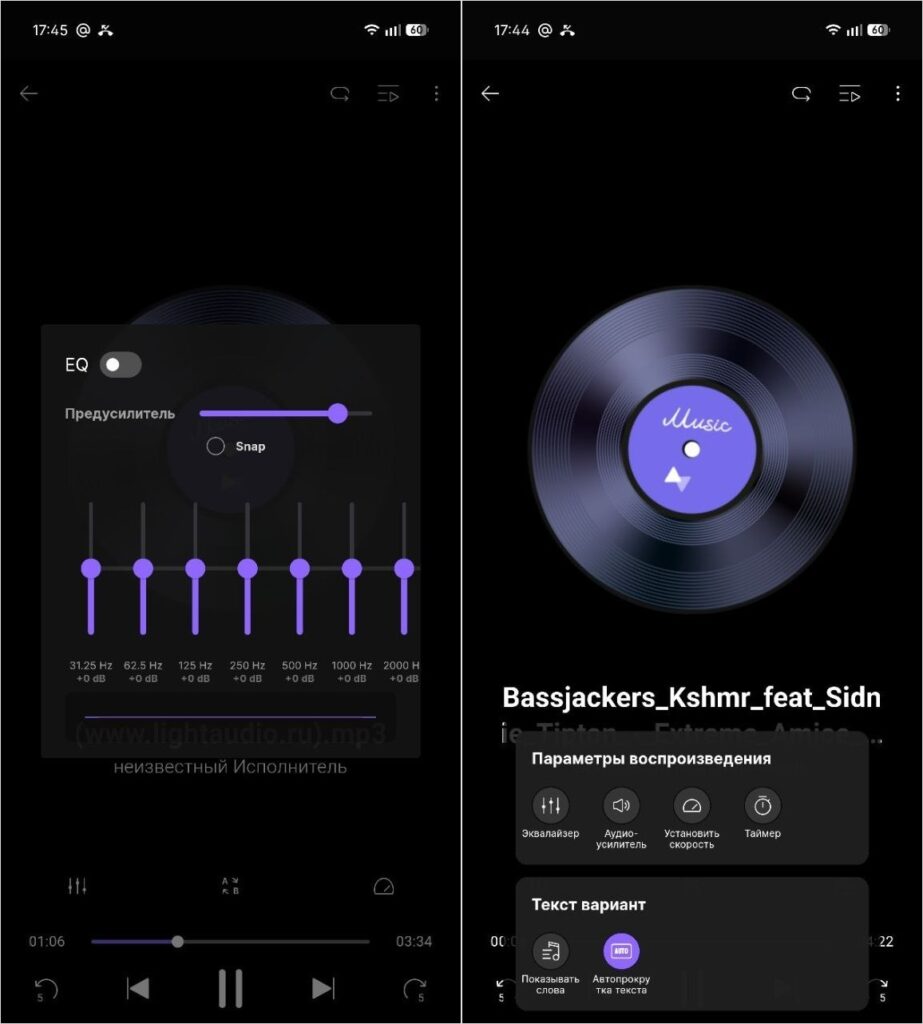
A pretty decent player with a ton of built-in features
It also offers Wi-Fi file transfer between phone and computer, playback from cloud services and network sources via FTP, SMB, and WebDAV. By the way, if you plan to seriously listen to music offline through KMPlayer with headphones, it makes sense to figure out the sound settings in advance. The main downside of the app is ads in the free version, and the interface is still more geared toward video than managing a large music library.
Lark Player — A Stylish Android Player with a Floating Window
Lark Player is a free offline player for music and video that supports all major formats and, according to the developers, is used by more than 100 million users worldwide. Functionally, it’s something between a lightweight player and a universal media tool — it handles both audio and video without looking overloaded.
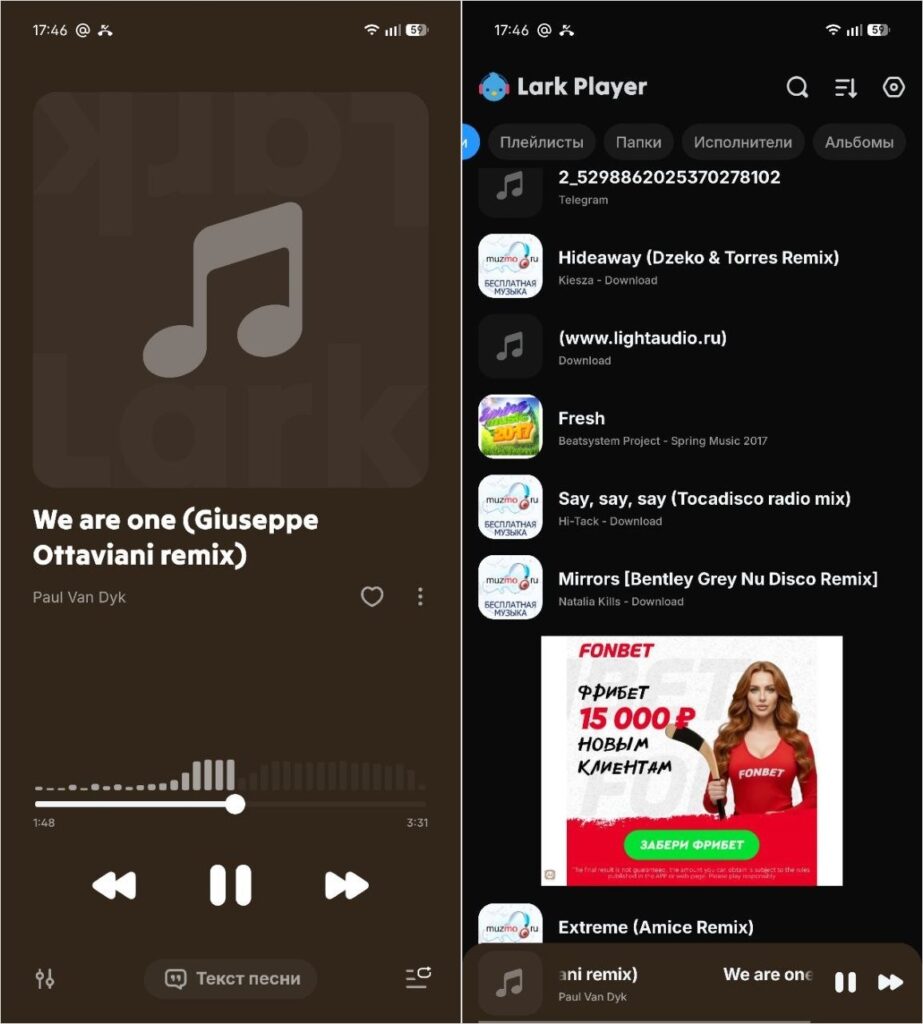
A cool animation appears on the progress bar when scrolling through music
On board there’s an equalizer with ready-made presets for Classical, Dance, Folk, Heavy Metal, Hip-hop, Jazz, Pop, and Rock, support for MP3, WAV, FLAC, AAC, M4A, and for video — MP4, 3GP, and MKV. The killer feature is a floating window whose size and position can be freely adjusted, allowing you to listen to music or watch video alongside other tasks. There’s a sleep timer, setting a track as a ringtone, offline lyrics, and day/night themes. The only downside is ads in the free version, but they’re not aggressive.
Simple Music Player — A Minimalist Player Without Ads or Tracking
Honestly, Simple Music Player is my favorite out of all the apps. The secret is that it’s the simplest phone player to listen to music offline without ads and unnecessary permissions. It’s an open-source and free app without ads, with a customizable widget and sleep timer.
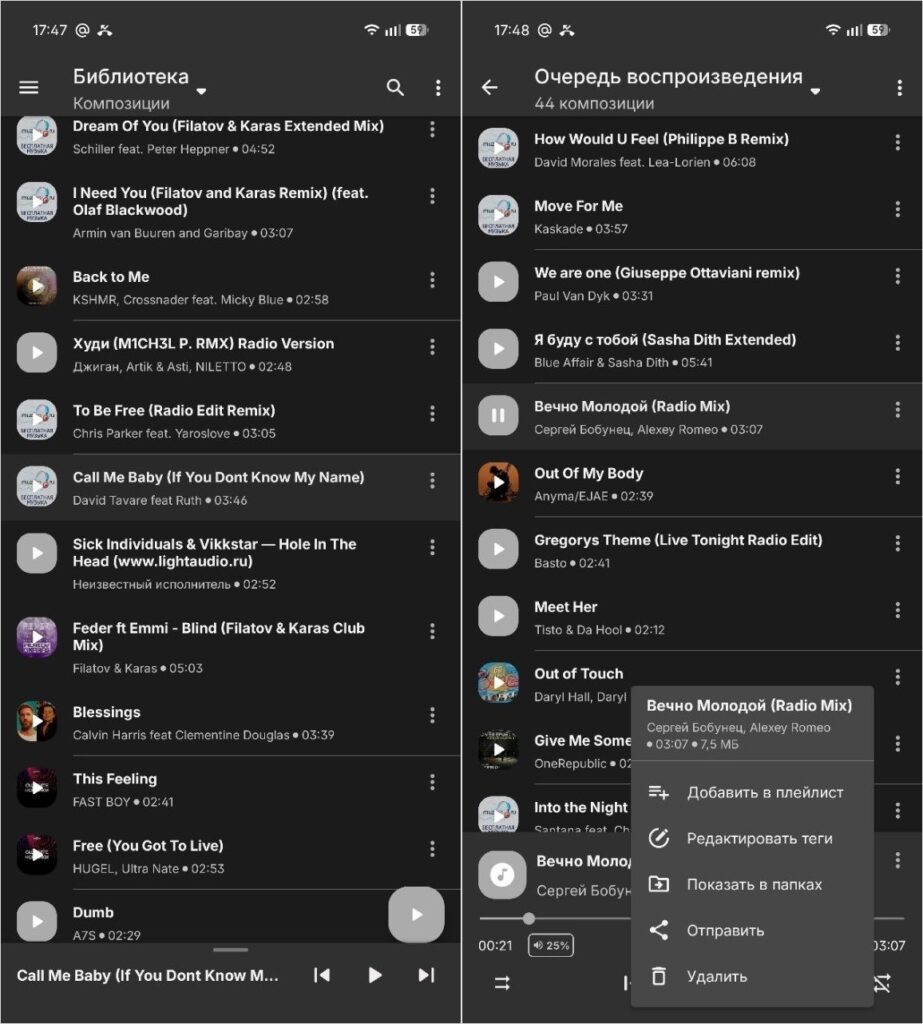
The best player of all thanks to its simple design. There’s not even a playback screen — it’s replaced by a bar at the bottom
The player works completely offline, doesn’t collect or share data with third parties, has a lightweight design with a dark theme and customizable interface colors. On board there’s an equalizer with presets for different genres, a playlist manager, track info editing, and headphone controls. Perfect for those who value privacy, don’t want to see ads, and appreciate minimalism — no recommendations, no unnecessary features, just your music.
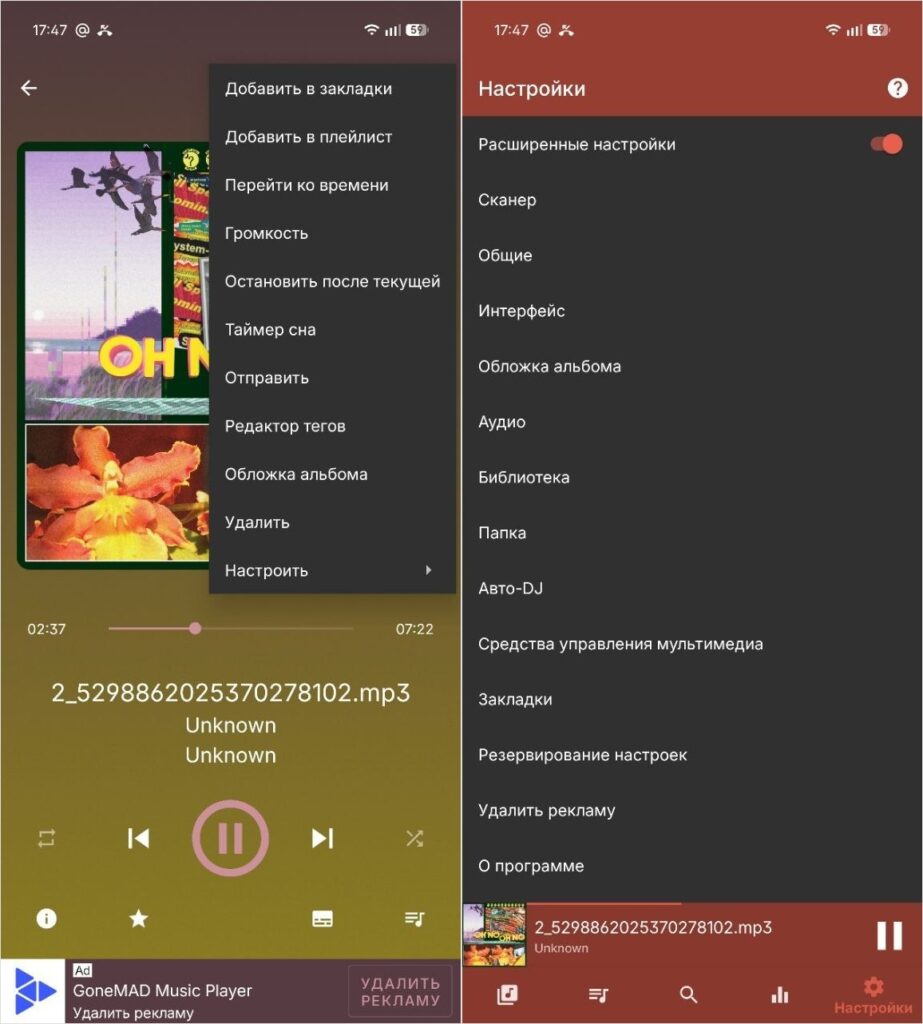
GoneMAD Music Player — An Android Player with Support for All Formats
GoneMAD Music Player is a feature-rich and highly customizable offline player for Android. If the other music apps in this roundup are about simplicity, this one is the complete opposite. Here you can customize literally everything: dynamic themes, gestures, custom color schemes, headphone and Bluetooth device controls.