Claude by Anthropic is one of the three most powerful neural networks in the world, alongside ChatGPT and Gemini. The service excels at working with long texts, follows instructions precisely, and hallucinates less often than other AIs. But for users in Russia, there are still more questions than clear answers about Claude: how to access it, how it differs from competitors, why you need the paid version, and how to pay for a Claude AI subscription from Russia. Let’s break it all down step by step.
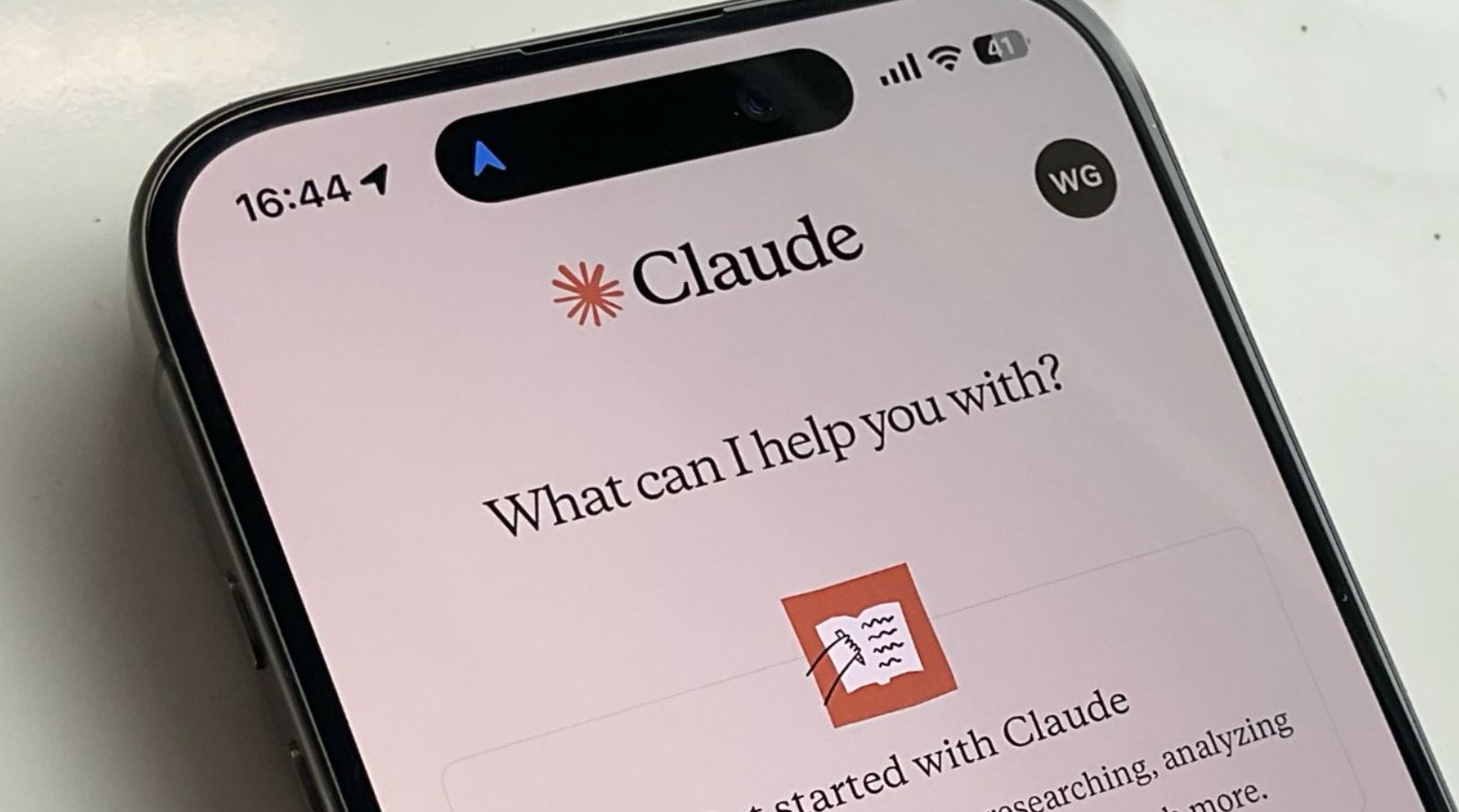
Here’s why you need Claude and how to pay for it in Russia. Photo: appleinsider.com
Claude vs ChatGPT and Gemini — What’s the Difference
If you’re already familiar with ChatGPT or Google Gemini, you’re probably wondering: why do we need yet another AI called Claude? It’s not a clone — it’s a fundamentally different approach to building a neural network. Anthropic — a company founded by former OpenAI employees — bet on safety and honesty of responses.
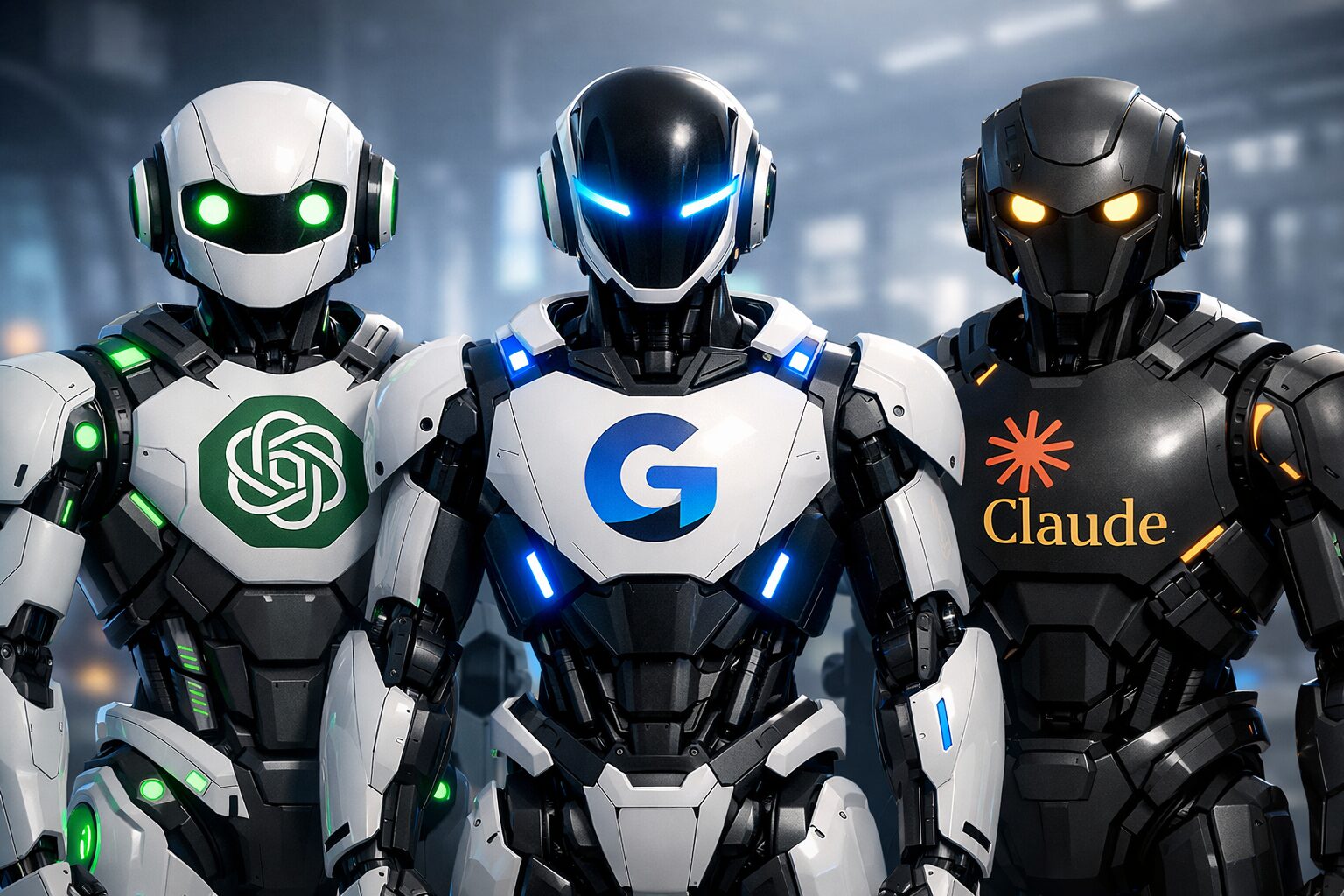
The differences between these AIs are real
At its core lies Constitutional AI technology: the model is trained not only on human feedback but also on a set of ethical principles that the AI uses to evaluate and correct its own responses. In practice, this means that Claude hallucinates less often — that is, it less frequently presents made-up facts as truth. If Claude doesn’t know something, it will say so directly rather than confidently making things up. This is especially important when working with documents, legal texts, and analytics.
Key differences from competitors:
- Claude supports up to 200,000 tokens of context — that’s approximately 500 pages of text per request. You can upload an entire book and ask questions about it. ChatGPT’s free version is limited to a much smaller window.
- ChatGPT and Gemini often “lose the thread” in long conversations. Claude is better at maintaining context and remembering what you discussed at the beginning of the conversation.
- Claude writes more natural, “human-like” texts. Many users note that its responses read more pleasantly and require fewer edits.
- Anthropic publishes an 80-page “constitution” for Claude — a document with AI behavior rules. This makes the model more predictable and less prone to toxic responses.
The current flagship model as of early 2026 is Claude Opus 4.6, released on February 5, 2026. It features adaptive thinking (the AI decides how long to “think” about a task) and long-term project memory.
What Claude AI Can Do
The Claude neural network is a full-fledged replacement for ChatGPT and Gemini for work and everyday tasks. Unfortunately, unlike its competitors, it can’t generate images, but it compensates with other capabilities. Here’s a complete list of what Claude can do right now.
- Text and analysis: writes articles, posts, emails, reports, and translations. Analyzes and summarizes long documents, highlights key ideas, and breaks down text structure. You can upload PDFs, DOCX files, Excel spreadsheets — and get a summary in seconds.
- Writes, explains, and debugs code in Python, JavaScript, Java, C++, and dozens of other languages. Claude Code is a separate developer tool that works directly in the terminal and has access to the project’s file system.
- The AI recognizes and analyzes photos, screenshots, charts, and documents. You can upload a photo of handwritten text — Claude will decipher it.
- Claude can search for current information on the internet during a conversation to provide fresh and verified answers.
- Generates ready-made Word, Excel, PowerPoint, PDF, and HTML documents right in the chat. Not just text for copying, but files you can download.
- Claude Cowork: an AI agent that can independently work with files, create documents, organize folders, and complete multi-step tasks without constant supervision. It’s like a personal assistant on your computer.
It’s worth noting separately that in early 2026, many premium Claude features became free for all users: dialogue length was increased, interactive elements were improved, along with voice features and image search. The company emphasizes that the new capabilities were added without ads or hidden restrictions.
How to Write Prompts for Claude Properly
Claude works differently than ChatGPT — it doesn’t latch onto keywords but tries to grasp the goal, tone, and format of the task. If a prompt is structured like an address to someone familiar with the subject, Claude performs especially well. Here are several personal recommendations that will come in handy when working with text.
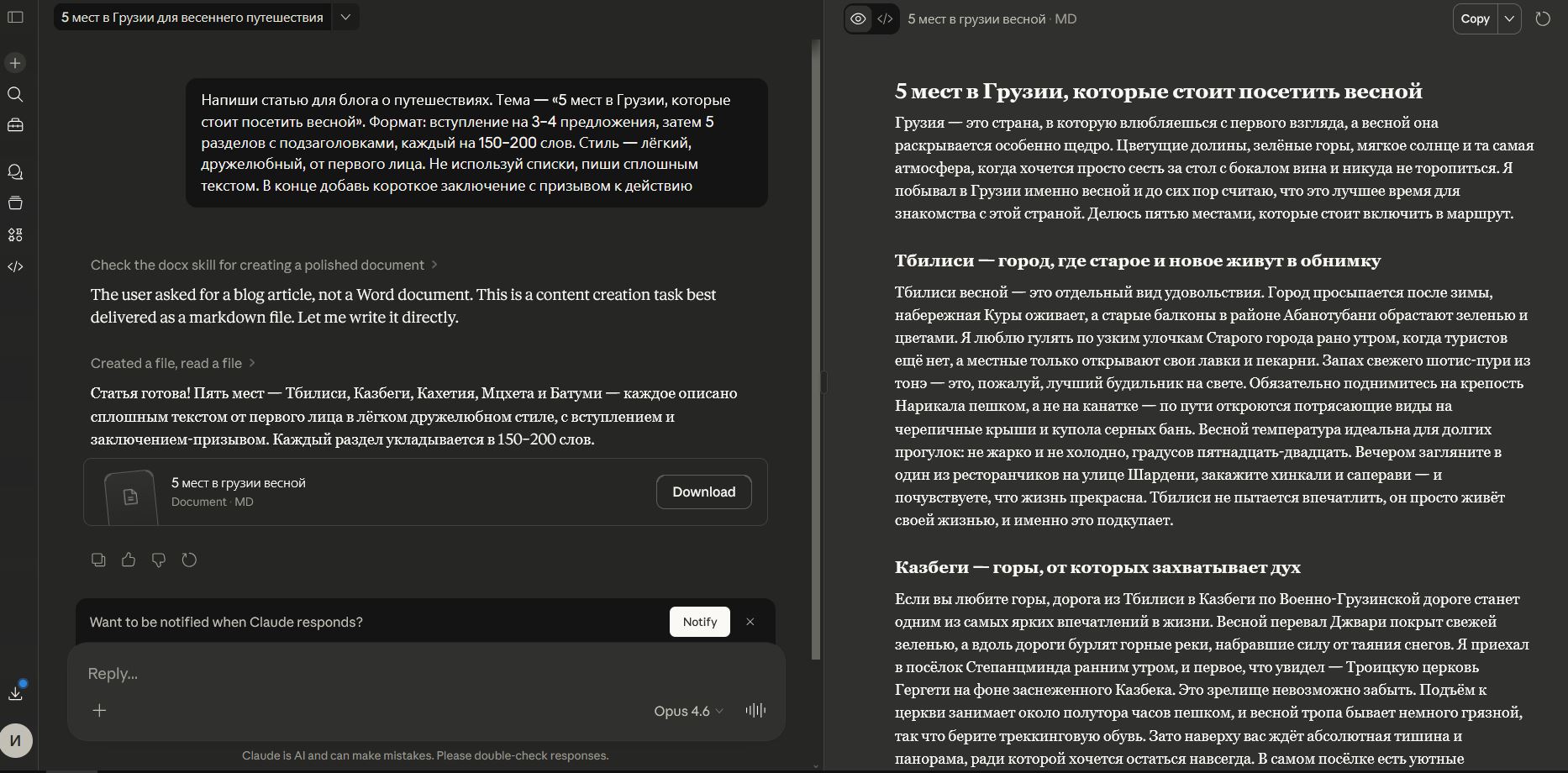
Claude has a cool interface: results open in a side panel and don’t cover the chat
- Specify the genre and format: “write a long article for a website” or “a short post for a Telegram channel, 200 words.”
- Make edits gradually: “shorten the second paragraph,” “add a list at the end,” “rewrite the introduction more vividly.”
- Describe the structure: number of sections, their approximate length, whether subheadings and lists are needed.
- Set the style: “light and friendly,” “formal and business-like,” “with humor.”
- Upload documents, files, or finished articles as text to get an advanced result.
In general, you can “feel out” the right direction yourself by gradually adding requests. You can’t back Claude into a corner: it always corrects itself or offers alternative solutions but never gets stuck. Here’s an example prompt:
Write a blog post about travel. Topic — “5 Places in Georgia Worth Visiting in Spring.” Format: an introduction of 3–4 sentences, then 5 sections with subheadings, each 150–200 words. Style — light, friendly, first person. Don’t use lists, write in continuous text. At the end, add a short conclusion with a call to action.
The main tip: don’t be afraid to write long and detailed prompts. Unlike other AIs, Claude works better when it gets more context, without getting confused or missing details. Even if the prompt is “clumsily” worded — the AI will figure it out and take it into account. The result will be more accurate.
How to Access Claude from Russia
Unfortunately, the Claude neural network is unavailable in Russia. Anthropic restricts access from certain countries, and Russia is on that list. When trying to access it from a Russian IP, you’ll either see an error or get your account blocked. Moreover, in early 2026, Anthropic conducted a massive wave of blocking Russian users. Nevertheless, accessing Claude from Russia is possible — here’s a step-by-step guide:
- Make sure your VPN is working reliably — if it disconnects, Claude will freeze.
- Go to the claude.ai website or download the Claude app for iOS or Android.
- Register or sign in to your account. For registration, you’ll need an email — it’s better to use Gmail or another international service.
- Verify your account via SMS. Russian numbers don’t work, so you can use a disposable virtual number — finding such a service is fairly easy. Or use a foreign number from someone you know — that’s what I did.
- Done! Enter your query in the input field and get a response from Claude.
At the bottom of the chat, you can switch models: the most powerful right now is Claude Opus 4.6, but it has request limits. For simple tasks, you can use Claude Sonnet 4.6 (faster and more economical), and for the most complex ones — Opus with Extended Thinking, where the AI shows its step-by-step reasoning process.
How to Pay for Claude in Russia in 2026
Obviously, you can’t pay for Claude in Russia directly — Russian MIR cards won’t work. Fortunately, there are backup methods that aren’t hard to find. With an Ozon card, you can easily pay for the service through the bank app. Here’s how it’s done:
- Open the Ozon app.
- Go to the payments section.