After the disabling of App Store payments via mobile carrier balance, Russians rushed to change their Apple ID region. And immediately ran into errors: the iPhone won’t let you change the country, the button is inactive, and instead of a new region — a dry notification about the impossibility of switching. Telegram channels immediately started writing that Apple had blocked region changes for Russia. In reality, there’s no block — these are standard restrictions that apply to users worldwide. It’s just that in April 2026, everyone encountered them all at once. Let’s figure out why you can’t change your Apple ID region and how to solve each of the problems.
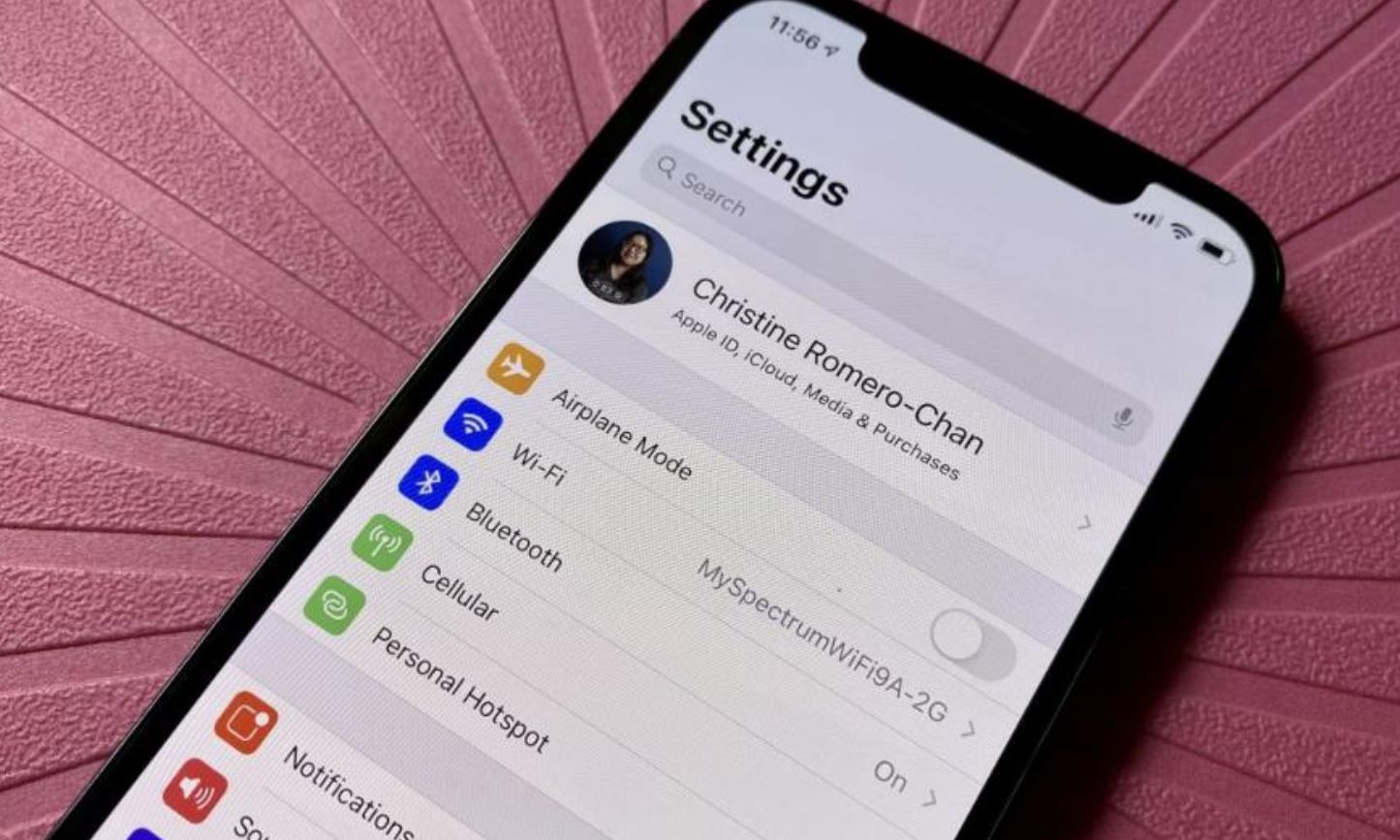
Let’s see what to do if you can’t change your Apple ID region. Photo: macnoob.ru
Why Apple Won’t Let You Change Your Apple ID Region
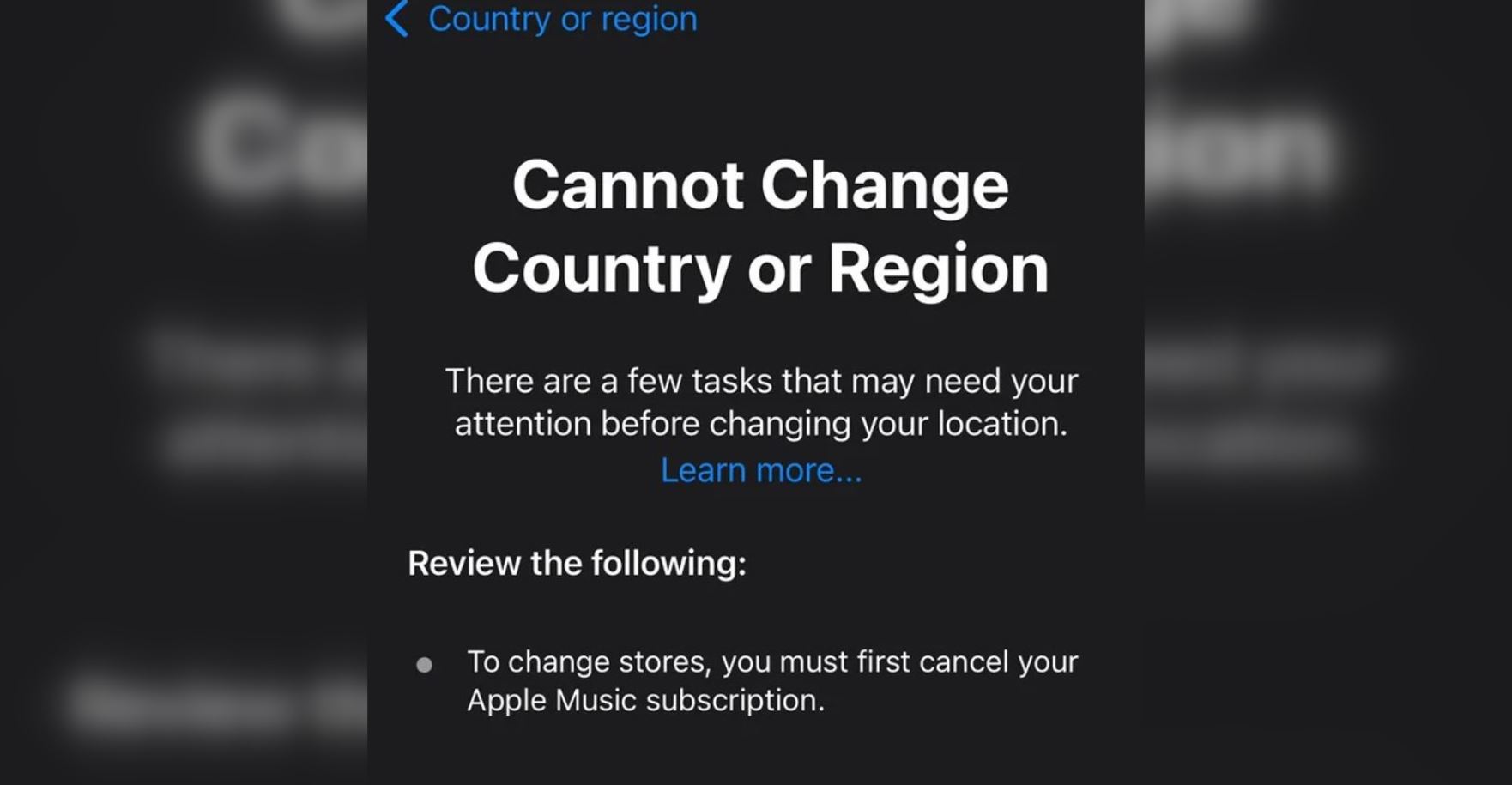
Sometimes the Apple ID region just won’t change
Before changing the country, the system checks several conditions, and if at least one is not met — the iPhone won’t let you change the region. Here’s the full list of reasons:
- There’s money left on your Apple ID balance — even 3 rubles will block the procedure
- The paid period of a cancelled subscription hasn’t expired — cancelling isn’t enough, you need to wait until the period ends
- You’re part of Family Sharing — especially if you’re the organizer of the group
- There are pending pre-orders for apps or games in the App Store
The system doesn’t explain the reason in detail — it simply refuses. So we’ll have to check each point manually.
How to Check Balance and Subscriptions on iPhone
Before changing anything, you need to understand what exactly is blocking you. Let’s start with the simplest thing — the Apple ID balance, which may still have money on it.
How to Zero Out Your Apple ID Balance
First, check if there are funds in your Apple Account.
- Open the App Store.
- Tap on your avatar in the upper right corner.
- The balance will be displayed right under your name.
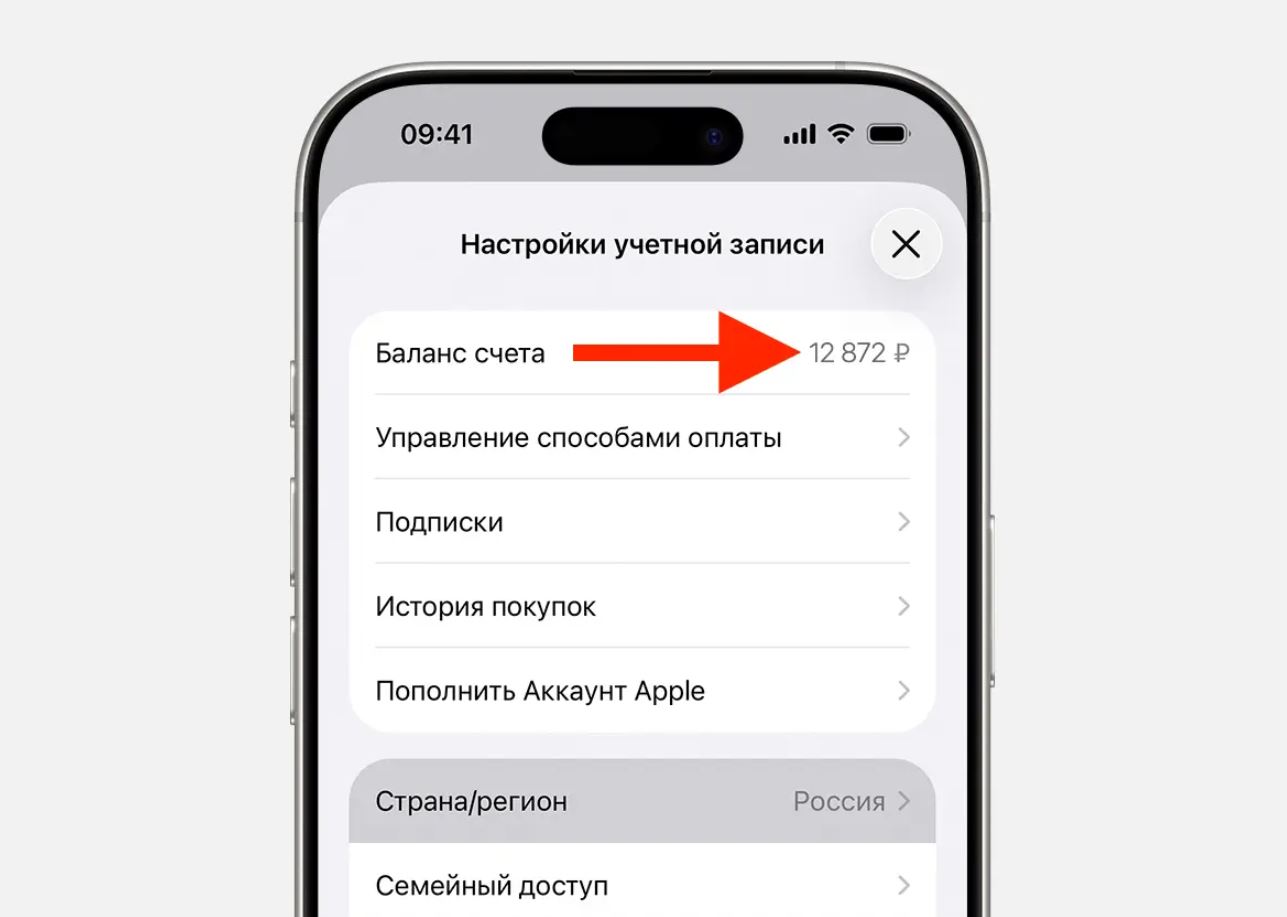
Make sure to zero out your Apple ID balance. It’s not that hard
You need to spend the money until the balance is zero. You can buy a subscription, game, app, or send them as a gift. You can also contact Apple support to have the funds written off at 8-800-555-67-34.
How to Turn Off Family Sharing on iPhone
Family Sharing blocks region changes, especially if you’re the group organizer. All family members must be in the same region — and until this condition is met, the system won’t let you move.
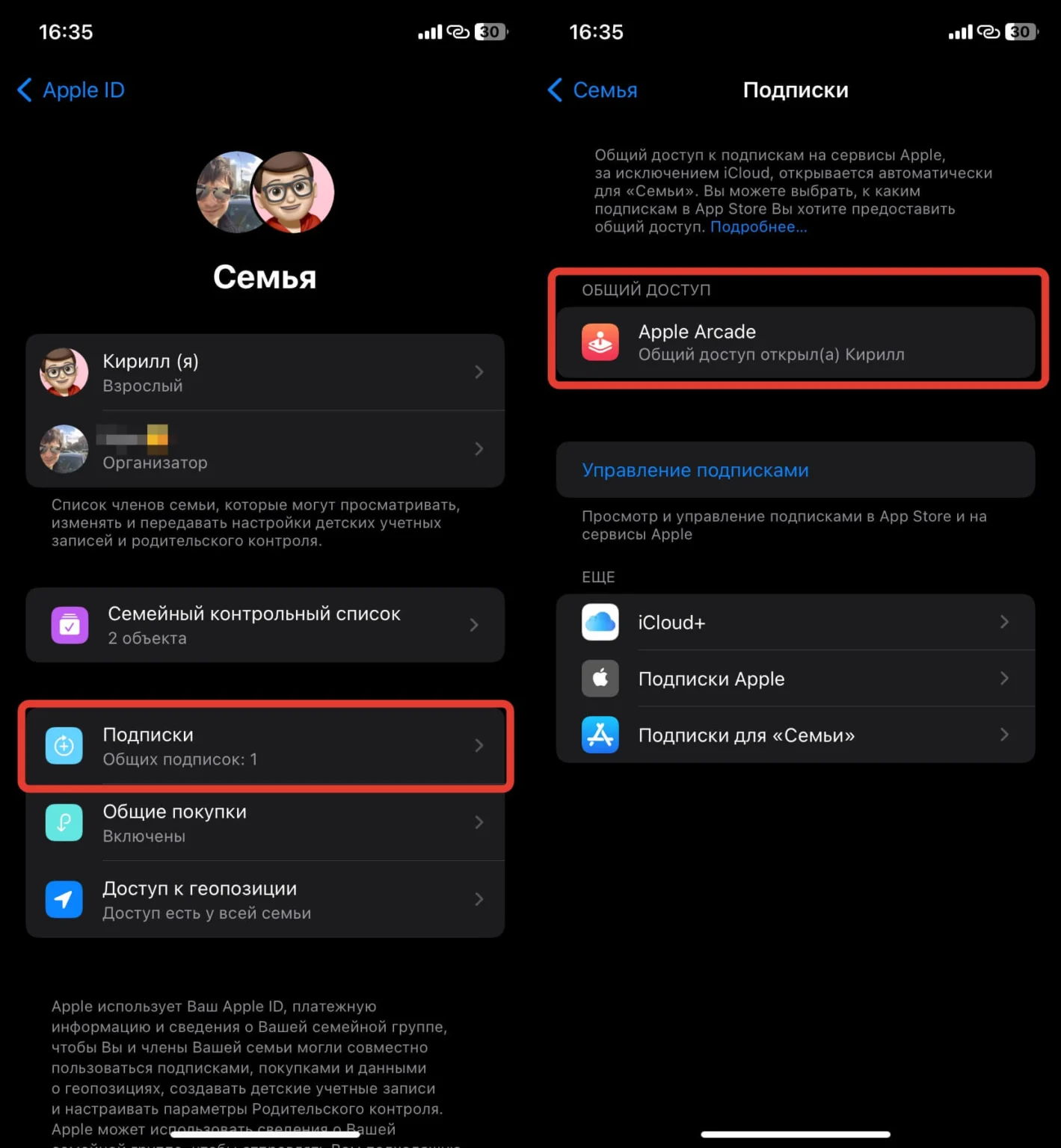
Make sure to turn off Family Sharing on iPhone
- Open Settings.
- Tap on your name.
- Go to Family Sharing.
- Check if you’re in a group and what your role is.
If your Apple ID balance is zero, there are no subscriptions, and the family group is disbanded — changing the App Store region should go smoothly. If any of these are still present — do the following.
- If you’re a member — simply leave the group: Go to the “Family” section, then tap on your name and select “Stop Family Sharing.”
- If you’re the organizer — you need to either disband the group by removing each member individually, or transfer the organizer role to another member in the “Parent/Guardian” section.
- After disbanding, wait a few hours — the system needs time to sync.
After changing the region, you can reassemble the family group on iPhone — but in the new region.
What Happens to Subscriptions If You Change Apple ID Country
Good news here. Since April 2026, Apple made an exception for Russian accounts: now you don’t have to cancel subscriptions before changing the region. This works specifically for accounts with the “Russia” region — for other countries, the rules are still strict.
- iCloud+ is preserved, the currency automatically changes to the currency of the new region.
- Third-party subscriptions (Google One, etc.) may disappear from the list but will continue to work until the end of the paid period.
- Apple Music — the only exception: this subscription may block the region change due to regional music licenses. If it’s active — you’ll have to wait until the end of the paid period.
If you don’t have Apple Music and your account region is Russia, you can safely change the country without touching other subscriptions.
How to Change Apple ID Region on iPhone
When all obstacles are removed, the actual Apple ID region change takes just a couple of minutes:
- Open Settings.
- Tap on your name at the top of the screen.
- Go to Media & Purchases (or “Content & Purchases”).
- Tap View and confirm your login.
- Open the Country/Region section.
- Select the desired country from the list.
- Accept the terms and conditions.
- In the payment method field, select “None” — this currently works for Russian users.
- Enter an address for the new region — you can find any real address online, including the zip code.
- Tap Done.
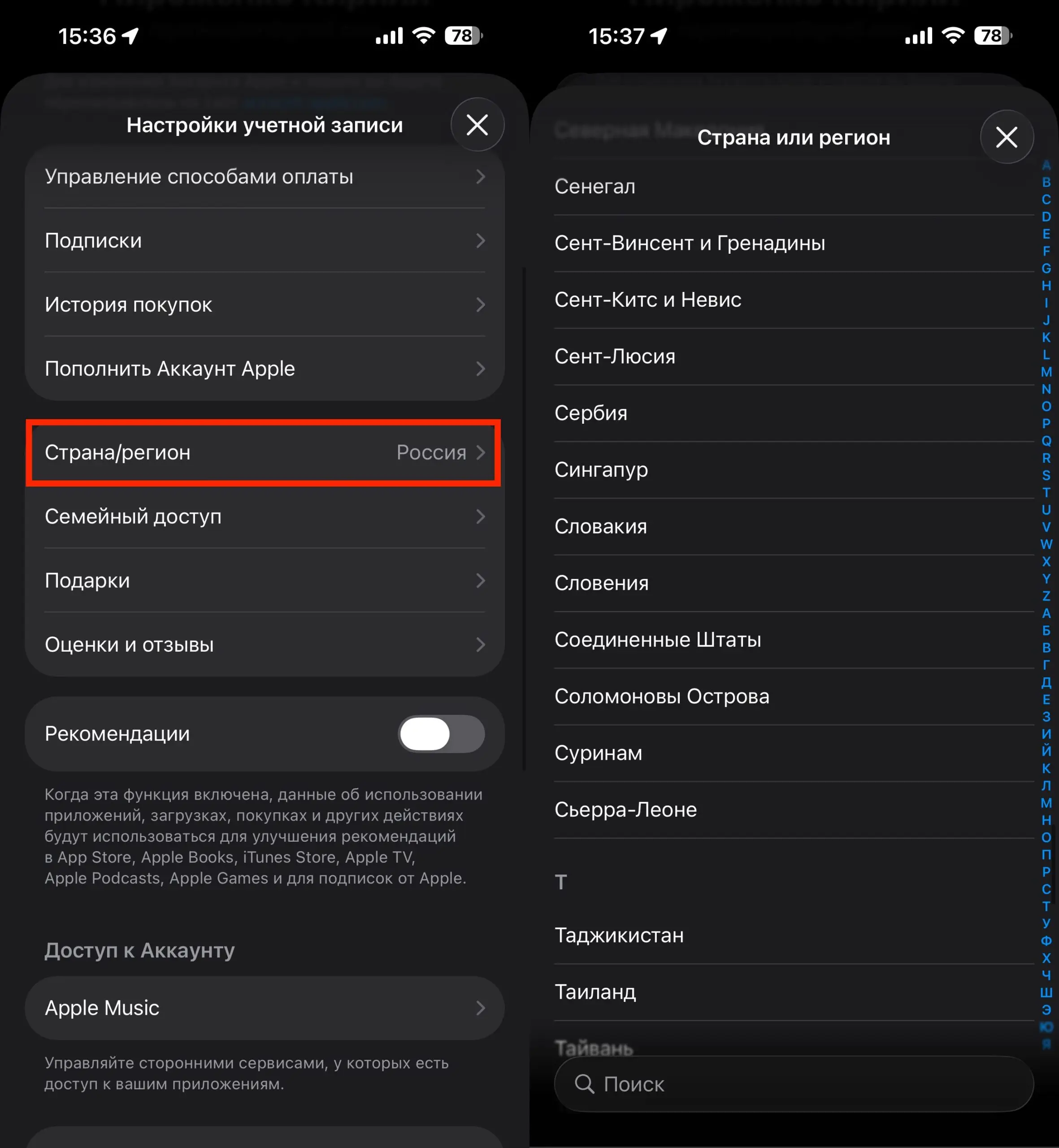
After all the steps, you can proceed to change the region
If you chose the US region — pay attention to the state. Some states have a tax on digital purchases that is added on top of the price. To avoid this, specify a state with no sales tax: Oregon (zip code 97201), Montana (59001), or New Hampshire (03101).
How to Get and Top Up a Foreign Card for App Store Payments
After changing your Apple ID region, you’ll likely need a foreign card for App Store purchases. You don’t need to look far — there’s a service called WantToPay. With it, you can create a virtual card right through Telegram. It works very simply.