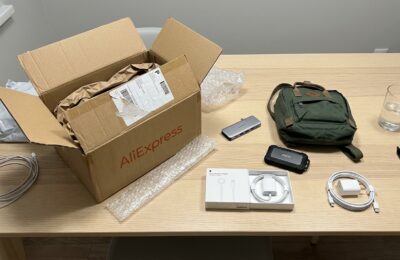
The original AirTag in Russian retail isn’t cheap — starting from 3,000 rubles per unit, and a four-pack goes for over 10,000. I spent a long time studying the differences between AirTag 1 and AirTag 2 and realized that it has exactly one function: to help find lost keys, a backpack, or a suitcase through the Find My app. I kept looking at this price tag and thought that I didn’t want to spend that much for the ability to occasionally find a set of keys. And then I stumbled upon the UGREEN Smart Tag on AliExpress.
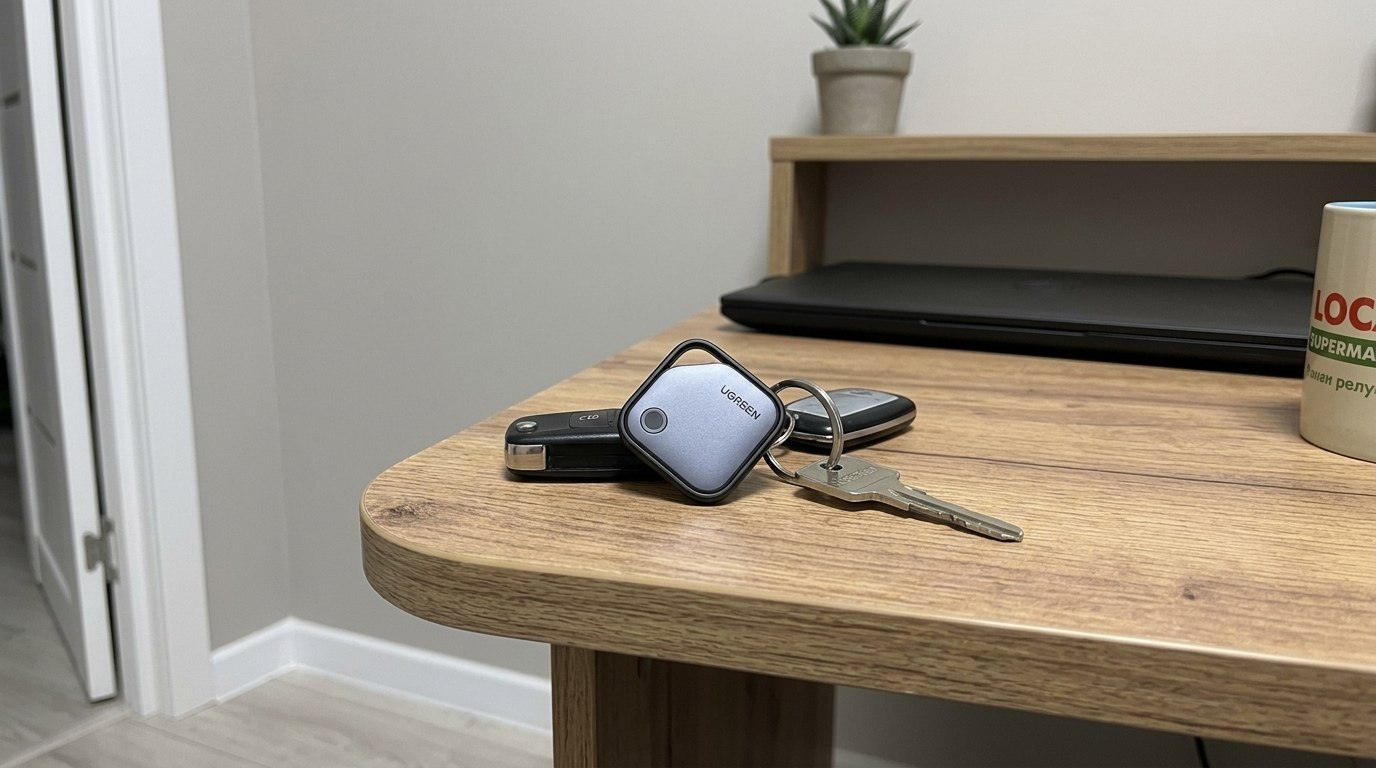
A small tracker for finding things
What Is the UGREEN Smart Tag and How It Differs from AirTag
UGREEN isn’t some no-name brand from a basement — it’s a major Chinese accessories manufacturer well known for quality chargers, cables, and docking stations. Their tracker is officially Apple-certified under the Find My program, meaning it works exactly like an AirTag: it connects directly to the app, uses the global network of millions of iPhones worldwide for tracking, and doesn’t require any third-party apps.
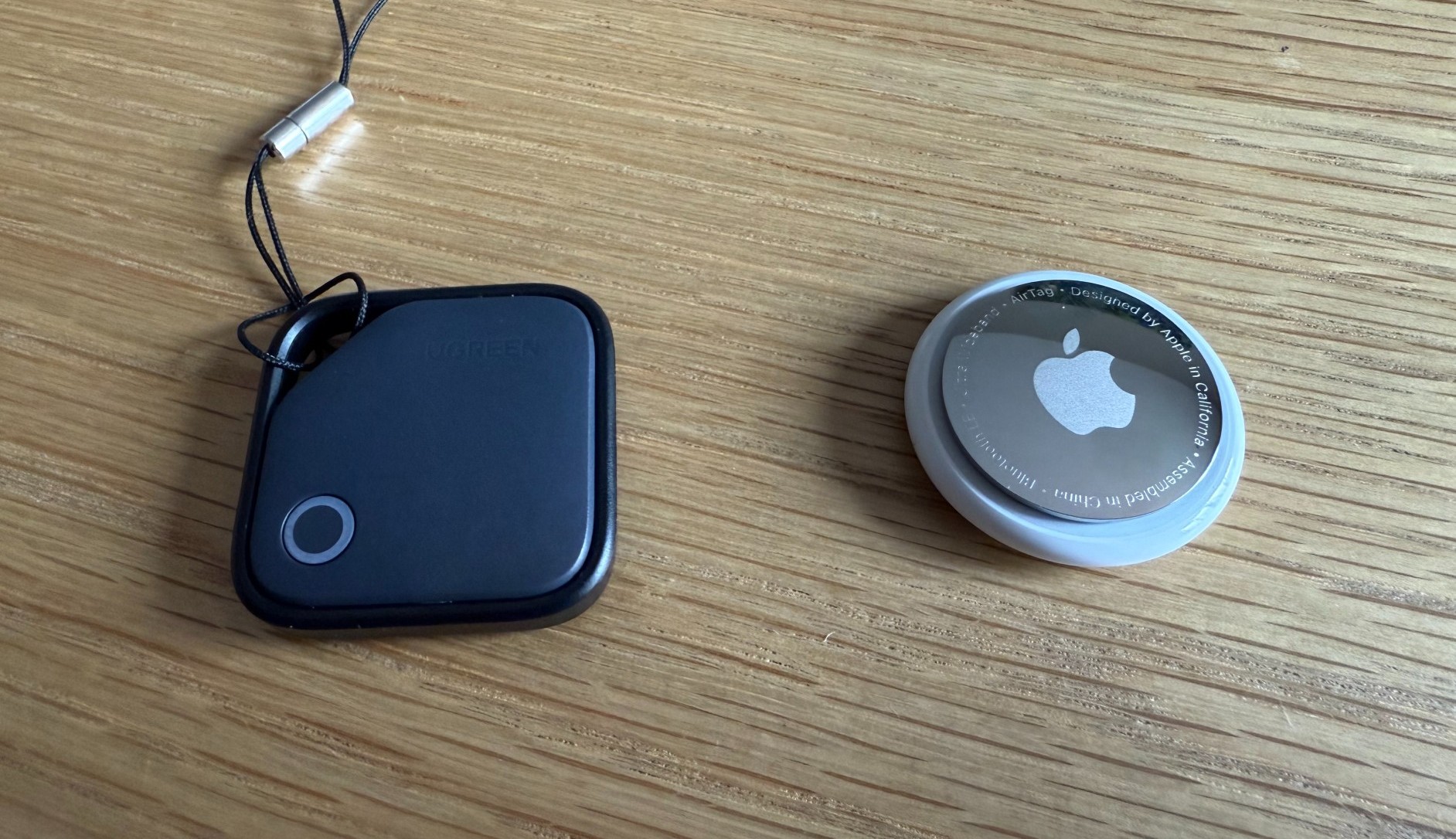
Comparison with AirTag
In appearance, it’s a square plastic “pill” measuring 36 mm per side and 7.4 mm thick — slightly thinner than AirTag but larger in surface area. Unlike the round original, the UGREEN comes with a built-in plastic loop for attachment, so you don’t need to buy a separate keychain holder (and for AirTag, those holders cost from 500 rubles, and those are the cheapest ones). A lanyard is included — a small touch, but a nice one.
UGREEN Smart Tag Price
At the time of ordering, a single tracker in black cost me 901 rubles with a seller coupon. For comparison: an AirTag in the same single-unit format costs from 3,000 rubles in Russia depending on the platform. The difference is significant. There are also bundles of 2, 3, and 4 units with volume discounts, plus several color options — black, white, pink, blue, and beige.
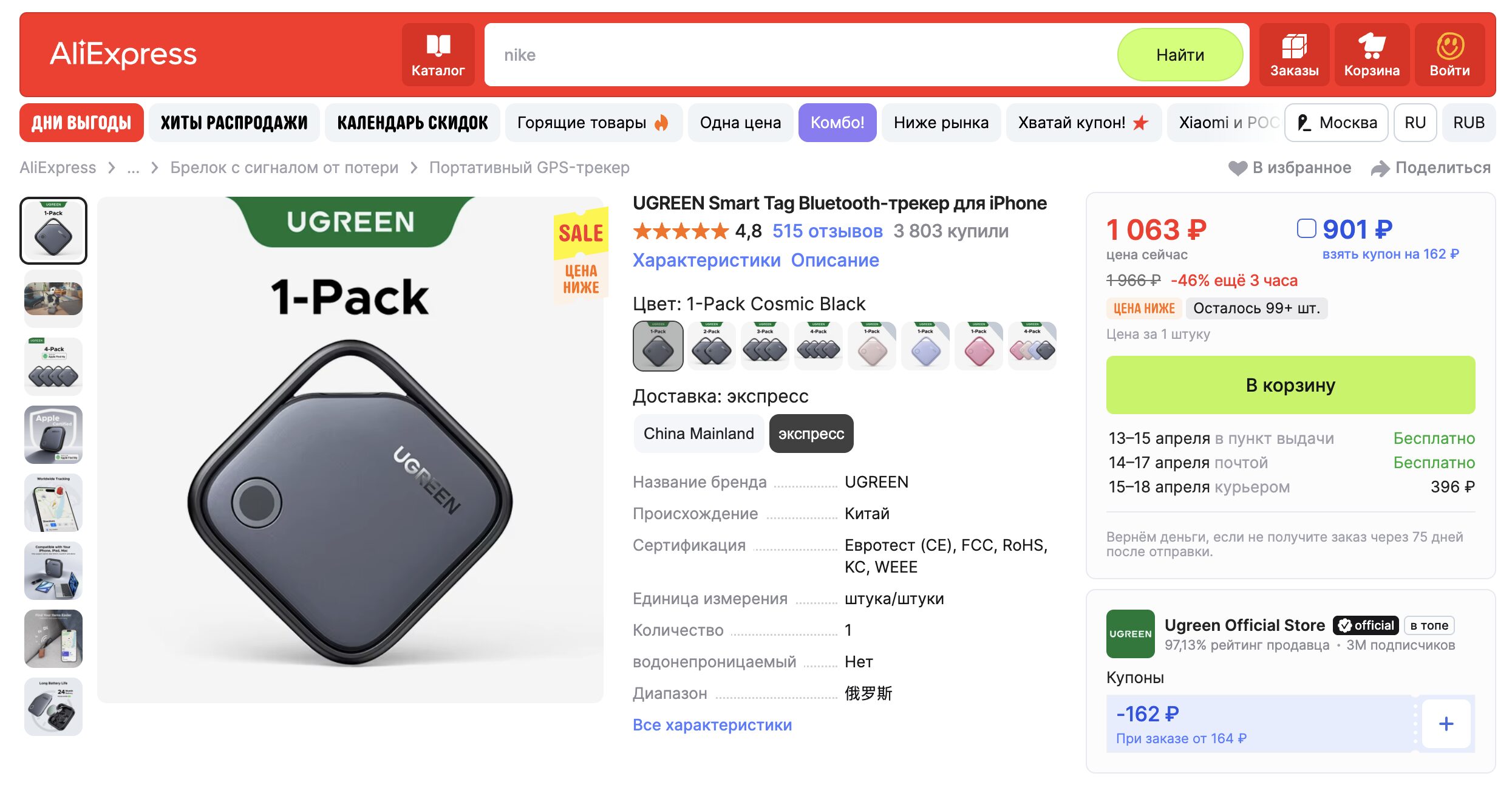
The price for this tracker is practically a gift
It seems like UGREEN’s offering is practically ideal in terms of price for such a device. Before buying, not everyone knows if they actually need such a gadget, and spending 900 rubles is much easier than dropping 3,000 right away. So at the very least, as something to try out, the UGREEN tracker is definitely more interesting.
How to Connect UGREEN Smart Tag to iPhone
No surprises here. The connection process is identical to AirTag:
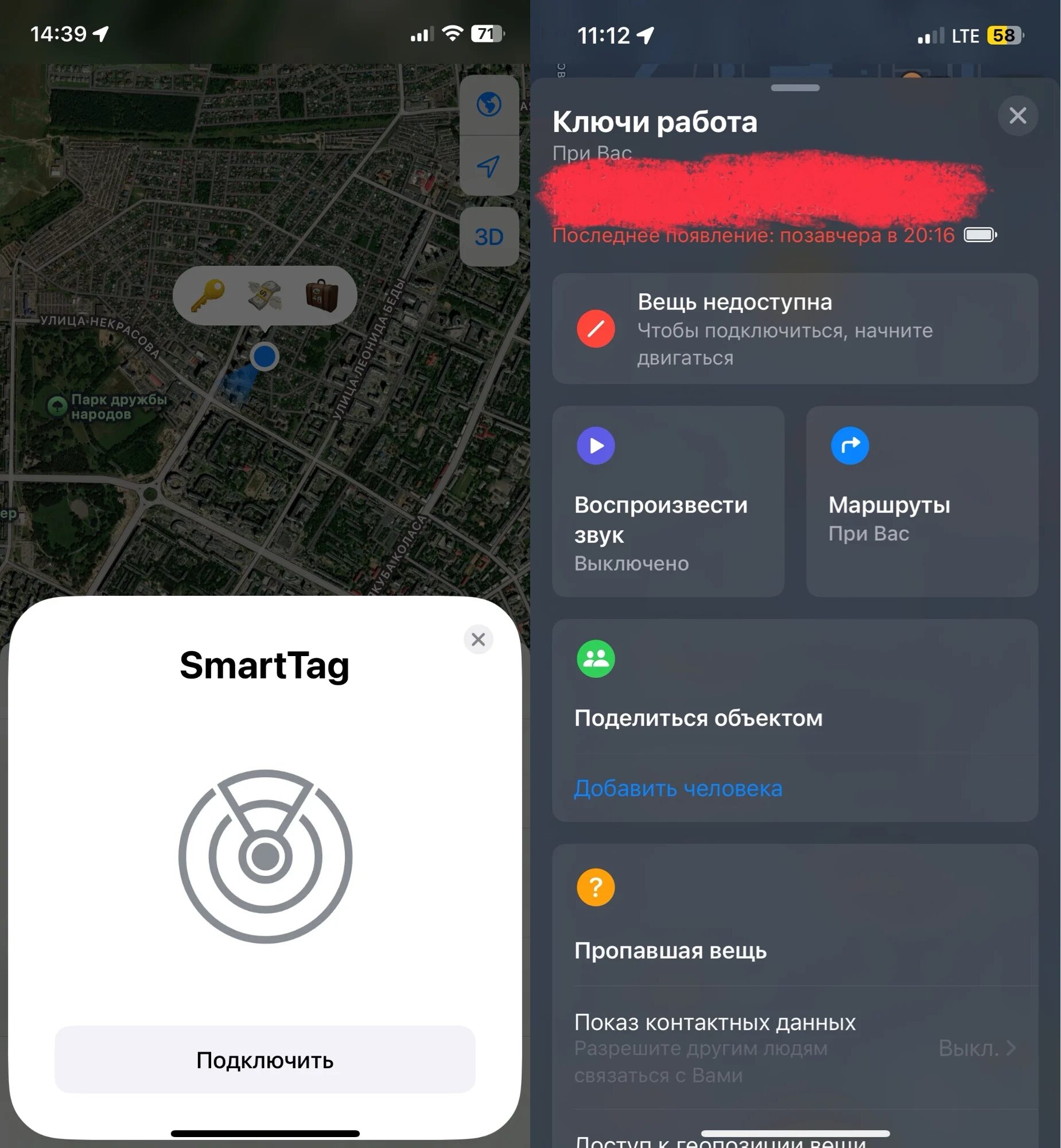
The tracker connects to the smartphone just like AirTag
- Press and hold the button on the tracker for a couple of seconds until it beeps.
- Bring it close to your iPhone — a pop-up window appears offering to add the device.
- Give it a name (“Keys,” “Backpack,” “Car”) and an icon.
The whole procedure takes about three minutes. After that, the tracker appears in the Find My app under the “Items” tab, and you can do everything you’d do with the original Apple tracker: see the last known location on the map, play a sound, receive left-behind notifications, and share access with family members through Family Sharing.
How the UGREEN Smart Tag Works
For the first couple of weeks, the impressions were generally positive. The connection held stable, the keys showed up on the map, and the “notify when left behind” feature worked reliably — when I left work and forgot my keys at the office, my iPhone reminded me. The search sound also worked: not as loud as AirTag’s (the original claims about 60 dB, and the UGREEN feels quieter by comparison), but in the quiet of an apartment, hearing it under the couch is perfectly doable. In an open space or a noisy environment — it’s harder.
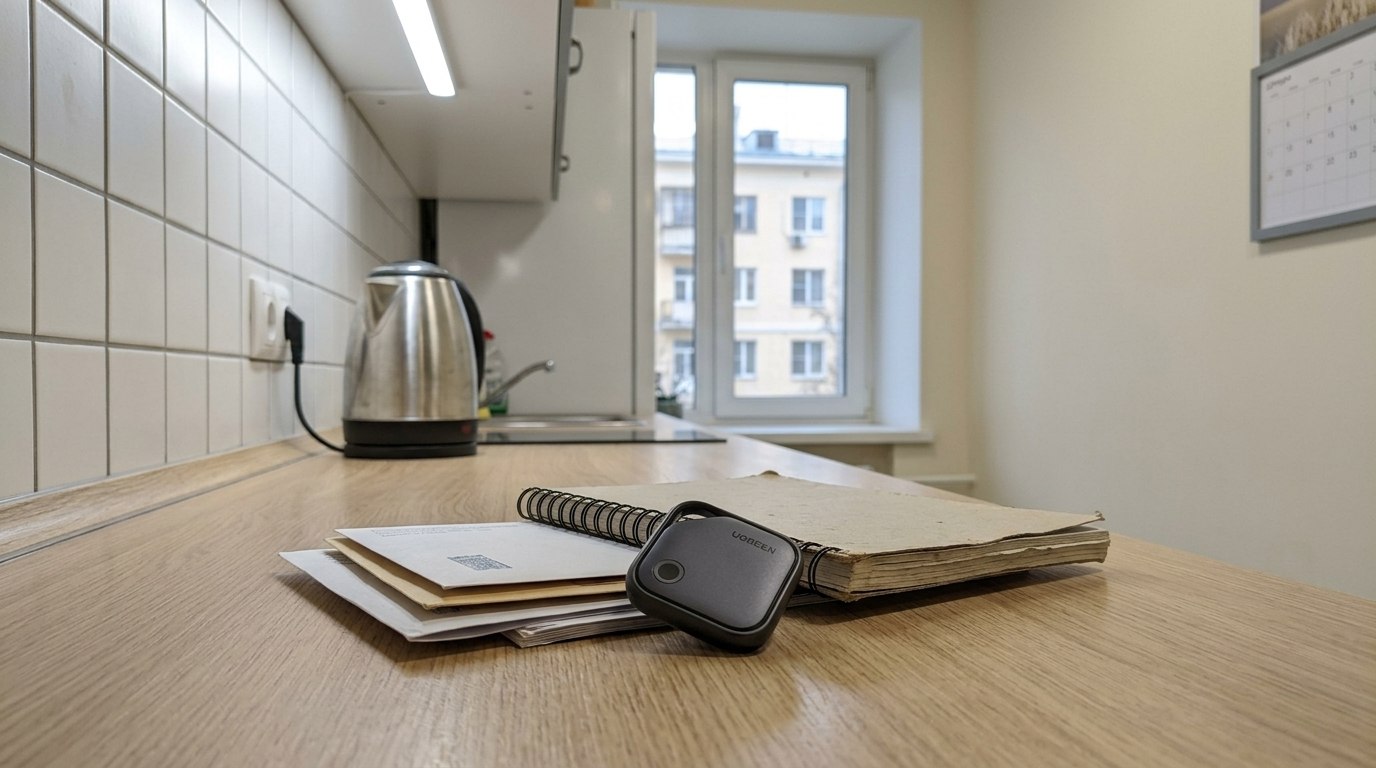
You can attach it to almost anything
But then the nuances began, and they’re worth discussing in detail because they’re what determine whether this tracker is worth getting.
Location accuracy sometimes leaves something to be desired. The UGREEN Smart Tag doesn’t support precision finding — it only shows a point on the map and plays a sound. Within an apartment or office, this is usually enough, but if you dropped your keys in the grass at your countryside house, you’ll have to search by ear.
Moreover, geolocation sometimes has a mind of its own. Several times my keys were sitting at home, but Find My confidently showed them at work. Or vice versa. This happens because the UGREEN only updates its coordinates when any iPhone connected to the Find My network passes nearby. In the center of a big city, this isn’t a problem — there are plenty of iPhones around. But in a residential area, at a countryside house, or somewhere away from crowded places, the tracker can “freeze” at an old location for several hours. This, by the way, is a general characteristic of the entire Find My network — it works exactly the same way with AirTag — but the original seems to update more frequently.
Battery life. Inside is a standard CR2032 battery that, according to the manufacturer, should last up to two years — twice as long as AirTag (which gets about one year). I obviously can’t verify this in a month, but the charge indicator in Find My still shows a full battery. The battery is replaceable: a small pin is included in the kit to pry open the cover. This is important — many cheap alternatives on AliExpress make their trackers disposable, and when the battery dies, the device goes in the trash.
Build quality and attachment. It’s plastic, and it feels like it. While the AirTag has a nice glossy metal cover that scratches quickly but looks premium, the UGREEN is just matte plastic. The keychain loop is also plastic, and this is where I have doubts about durability: if you carry your keys in jeans pockets or toss them into a bag, after six months to a year that loop might crack. It’s holding up so far, but predicting how the material will behave over time is difficult.
False button presses. This is a separate story. A couple of times the tracker started beeping on its own in my pocket — as if I were pressing the button, even though I wasn’t pressing anything. Apparently, the button triggers from fabric pressure or other objects in the pocket. Not critical, but annoying, especially if it happens in a quiet room.
UGREEN Smart Tag or AirTag: Which to Choose
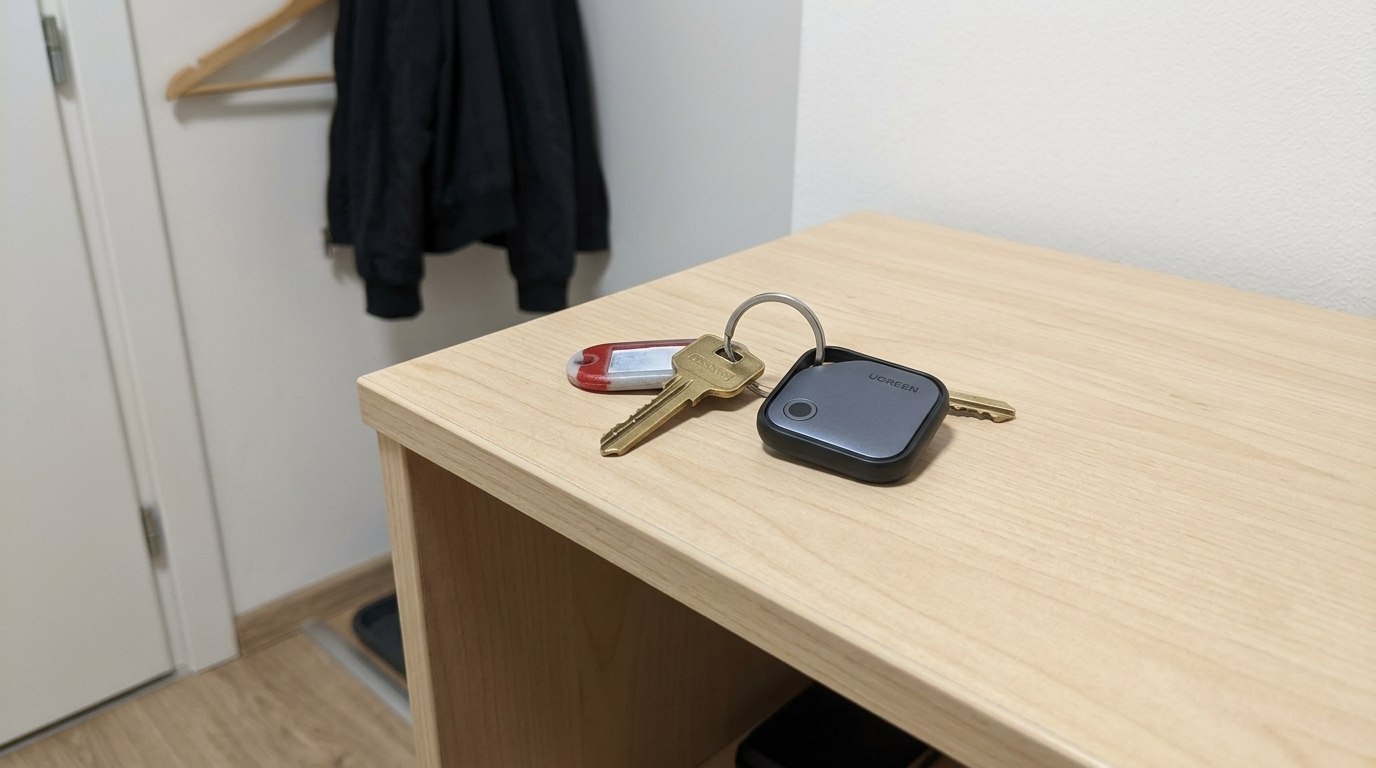
You can even attach it to office keys if you lose them often