Beeline users have encountered an unexpected problem: the internet stops working properly if Telegram is running on the device. According to reviews, it’s not just the messenger that gets blocked, but all traffic — on the phone, computer, and even other devices on the home network. The operator’s support supposedly advises simply closing Telegram. Let’s figure out what’s true here and what’s exaggeration.

They say Beeline is jamming internet because of Telegram
What Happened with Beeline’s Internet and Telegram

Here’s that infamous screenshot. Photo: iphones.ru
The information appeared in a user blog on the iphones.ru website. The author claims that Beeline doesn’t just slow down Telegram but blocks all internet traffic on the device if it detects the running messenger. According to them, the operator’s support confirmed this and recommended closing Telegram on all devices so that the internet would work normally.
It’s important to understand the context: this is a user post, not a journalistic investigation. The author describes their experience communicating with support and provides a not-very-high-quality screenshot of the conversation as evidence.
Is It True That Beeline Blocks Internet Because of Telegram
After a wave of complaints online, the operator responded officially. According to TASS, Beeline denies intentionally blocking internet because of Telegram. The operator stated that it does not apply such measures and does not restrict access to other services because of the messenger’s operation.
This is a typical situation: users report a problem, and the operator doesn’t confirm it. The truth, as usual, is somewhere in the middle. It’s quite possible that the issues are real, but their cause is not a deliberate decision by Beeline to “punish” Telegram users, but rather the technical specifics of how operators implement the requirements for slowing down the messenger.
Telegram Throttling in Russia in 2026 — What We Know
Since early 2025, measures to slow down Telegram have been in effect in Russia. Roskomnadzor doesn’t block the messenger completely but uses technical means — so-called TSPU (traffic filtering equipment installed at telecom operators) — to reduce the app’s operating speed.
The problem is that these filtering systems don’t work perfectly. They analyze all passing traffic, trying to determine which data belongs to Telegram. And sometimes they make mistakes — slowing down or blocking traffic from other apps and services as well.

Traffic filtering systems can affect not only Telegram but other services as well
This is most likely what Beeline users are observing. Not malicious intent from the operator, but a side effect of the filters. When the system detects Telegram traffic, it begins more aggressively checking all connections from the device — and this can slow down the entire internet.
Why Internet Slows Down When Telegram Is Open
There are several possible reasons why an open Telegram can affect the speed of the entire internet:
- Aggressive traffic filtering. TSPU equipment may slow down not individual Telegram data packets, but the entire connection from a device where messenger traffic is detected.
- Errors in traffic classification. Filters can confuse regular traffic with Telegram traffic and throttle what they shouldn’t.
- Implementation specifics of a particular operator. Each operator configures filtering differently, and Beeline’s settings may be more aggressive than those of competitors.
- Telegram’s VPN and proxy. The messenger can bypass blocks through built-in proxies, and the filters’ fight against these workarounds can additionally burden the connection.
At the same time, the support’s advice to “close Telegram” is not cynicism but probably the only working option the operator can offer. Beeline doesn’t control the TSPU operation — this is Roskomnadzor’s equipment installed in the operator’s network.
What to Do If Beeline’s Internet Doesn’t Work Because of Telegram
If you’ve encountered this problem, there are several steps worth trying:
- Completely close Telegram on all devices — don’t minimize it, but actually close it (remove it from background processes). Check if the speed has recovered.
- Try using a VPN. This may help bypass the filtering, although in some cases VPN traffic is also throttled.
- Check if the internet works normally via Wi-Fi from a different provider. This will help determine whether the problem is in the mobile network or in the home connection.
- Contact Beeline support and report the problem. The more reports there are, the higher the chance that the operator will adjust the settings.
- If the problem is critical — consider switching to another operator. Users of MTS, MegaFon, and Tele2 also experience Telegram throttling, but there are no mass complaints about blocking all internet from them yet.
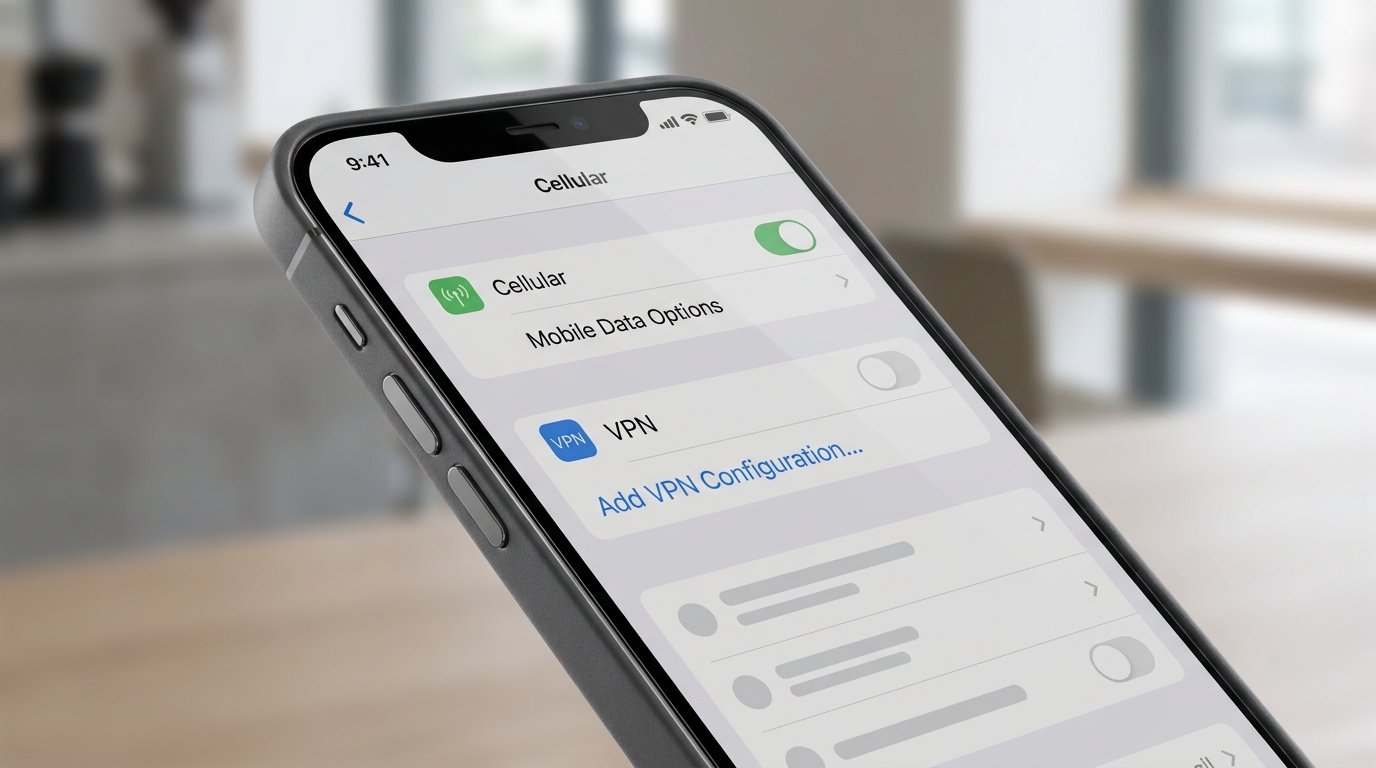
VPN can help bypass traffic filtering issues
Should You Switch Operators Because of Beeline’s Telegram Issues
The situation is unpleasant, but so far there’s no evidence that Beeline blocks all internet because of Telegram. Most likely, this is a side effect of filtering that can manifest with different operators at varying intensity.
Telegram throttling in Russia is a reality faced by subscribers of all operators. A complete block of the messenger has not been implemented yet, but it works noticeably worse than before. This is not a problem of a specific operator but a consequence of government regulation.
If your Beeline internet consistently doesn’t work when Telegram is open, while friends on other operators have no issues — that’s a reason to consider switching. If the problem occurs sporadically, it’s most likely related to filtering settings and may be fixed by the operator. The main thing is not to take a single blog post as proven fact and to follow official statements.


