You know what has always annoyed me about Android? The dark theme switches either manually or on a schedule. In practice, this works half the time. You walk into a dark cinema during the day, and your phone blinds you with a white interface. You’re sitting in a brightly lit room in the evening, and the screen has already gone dark. Your smartphone has an ambient light sensor, so why doesn’t the system use it for switching? Honestly, I’ve been asking this question for years. And now an app has appeared that solves this problem.

Dark theme and light theme on Android — manual switching is no longer needed
How Automatic Dark Theme Switching Works
The app is called Adaptive Theme and it can be downloaded from Google Play. It reads data from the Android ambient light sensor and switches the system theme depending on the surrounding light. Stepped outside — the phone activates light mode. Walked into a dimly lit bar — the interface goes dark. All without a single tap on your part.
It sounds elementary, but stock Android still doesn’t have this feature. Google somehow thinks a time-of-day schedule is enough. I disagree. The app itself looks clean, built with Material You. Essentially, it’s one screen with a toggle and a brightness threshold setting. It’s free, open-source, and ad-free.
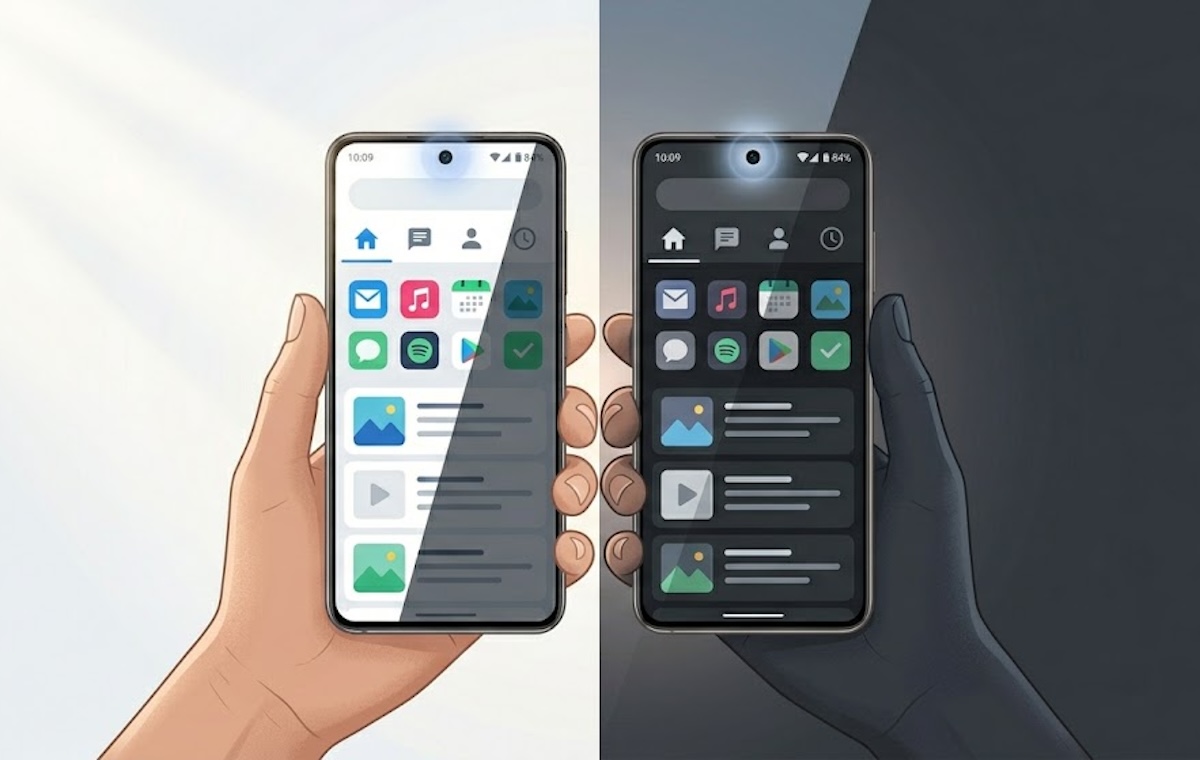
The smartphone’s ambient light sensor detects the surrounding light level
How to Set Up Adaptive Theme on Your Phone
Installation takes seconds, but there’s a catch. Android doesn’t allow third-party apps to switch the system theme. You need to grant the WRITE_SECURE_SETTINGS permission, and there are several ways to do this. The easiest is a web tool from the developers. Connect your phone to a computer via USB, go to the website, and grant the permission from the browser. No need to install ADB. If you have Shizuku installed, you can do everything right on your phone. And for those with root — it’s a single tap. On-screen hints won’t let you make a mistake. Just follow what the app tells you.
The web tool works without issues for everyone who has tried it. After granting the permission, all that’s left is to choose the brightness threshold for theme switching. There are six presets and manual input of a value in lux from 0 to 10,000. The current ambient light level is displayed on screen, which is convenient for fine-tuning.
What Brightness Threshold to Choose for Dark Mode
In practice, not everyone finds the ideal threshold on the first try. Many initially set a value too high, and the theme changed with every turn of the head. Then too low — the app does nothing even in the dark. The optimal value is 300–400 lux. That’s roughly a well-lit room. Below this threshold, Android dark mode activates; above it — light mode. Every phone’s sensor is calibrated differently, so your numbers may vary.
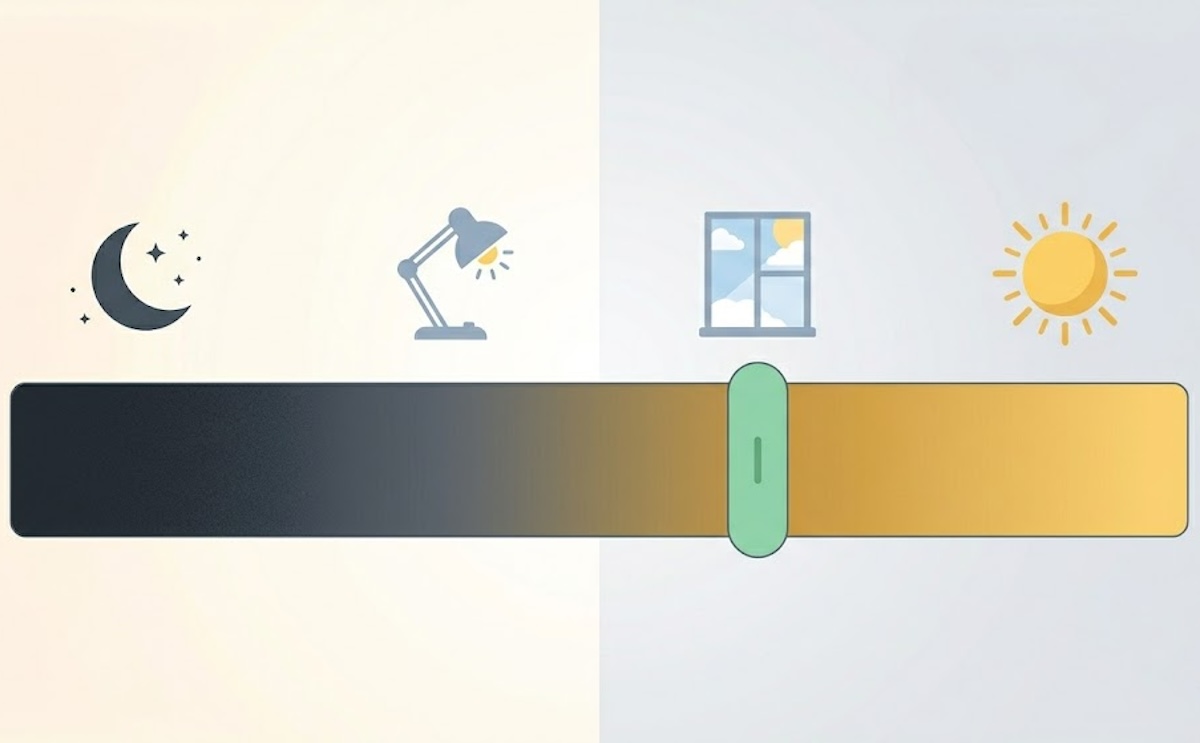
Brightness scale in lux — from a dark room to a sunny day
An important point: Adaptive Theme checks the sensor only when the screen turns on. The theme will switch on the next unlock, not immediately during use. This is sensible and saves battery, but you won’t see an instant change. Keep this in mind.
Are There Any Downsides to Adaptive Theme
It’s not without drawbacks. The main one, as I already mentioned, is that switching only happens after unlocking. If you walk into a dark room and continue scrolling your feed — the screen stays light until the next screen activation. The second nuance is the initial setup. For an unprepared user, granting permissions via USB might seem complicated. If Google built automatic theme switching based on ambient light into the system, these workarounds wouldn’t be necessary.
The app switches the system theme but not the wallpaper. This is an Android limitation, not the app’s. On the plus side, Adaptive Theme doesn’t drain the battery because it doesn’t run in the background.
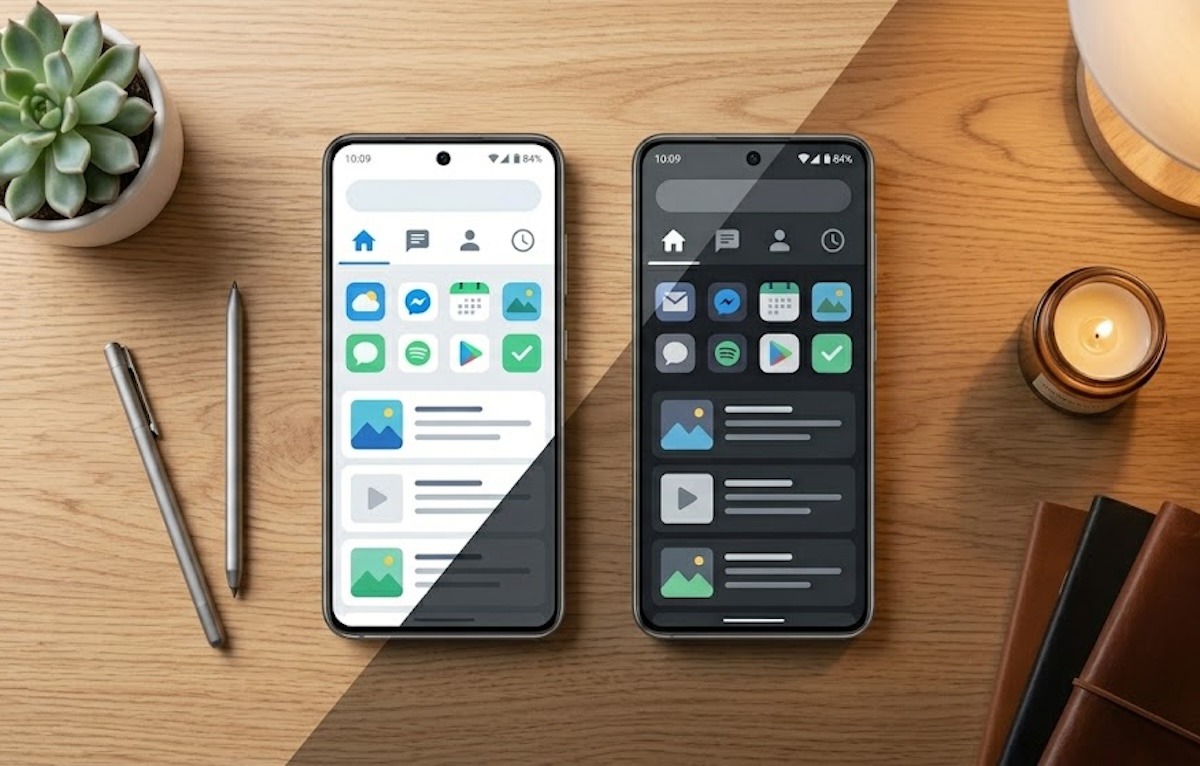
Adaptive Theme adjusts the theme to match ambient lighting
Is It Worth Installing Adaptive Theme
If you’ve long wanted the dark theme to turn on automatically based on lighting conditions, this app solves the problem, albeit not natively. Yes, there’s the setup nuance and the unlock-based switching, but after a couple of days you’ll forget about it. It’s great for those who frequently move between indoors and outdoors.
And if you always stick with the dark theme or the schedule works fine for you, there’s no need for Adaptive Theme. Personally, after installing the app, I don’t quite understand why I needed it. I was just curious to try it. But it’s good that such an alternative exists, and I hope that Google will someday add this feature to stock Android.


