Apple has published a document urging iPhone owners to immediately update to the latest version of iOS available for their smartphones. The reason is the discovered hacking tools Coruna and DarkSword, which exploit vulnerabilities in various versions of the iPhone operating system. If your iPhone already has the current version of the system installed, there’s nothing to worry about. But for those who haven’t updated their phone in a long time, the situation is serious. This is yet another reason why it’s important to install updates on your iPhone right away and not skip new iOS versions.
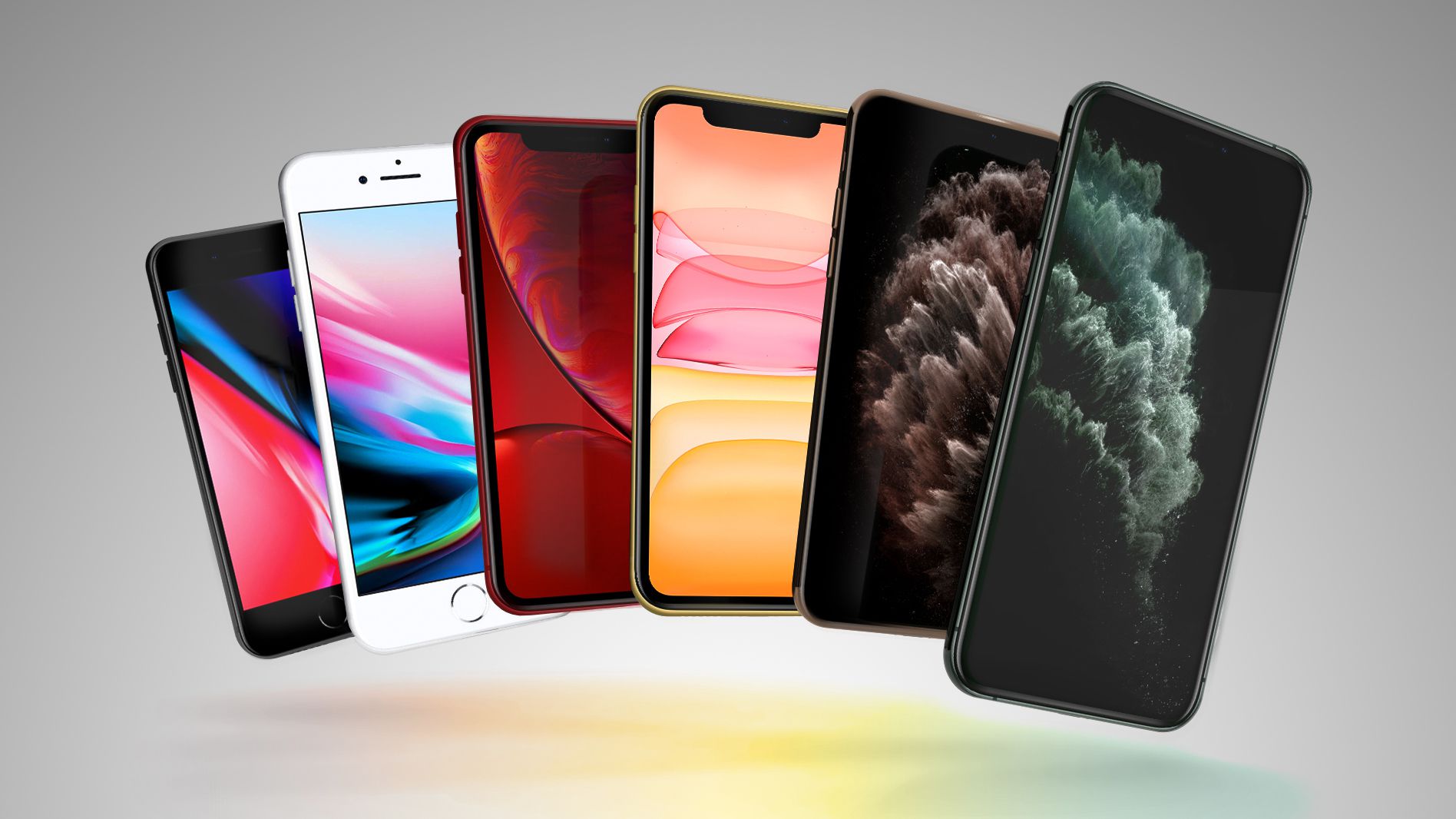
Apple urgently asks iPhone users to update outdated iOS versions. Image: macrumors.com
Do You Need to Update Your iPhone
The hacking tools Coruna and DarkSword are so-called exploit kits: ready-made packages that allow hacking an iPhone through malicious websites. Simply visiting an infected page in Safari is enough for attackers to gain access to data on the device. No additional actions from the user are required.
Apple has seriously taken on the security of even older iPhones. Image: 9to5mac.com
According to Google and companies iVerify and Lookout, which discovered these tools, attacks have already been recorded in Ukraine, China, Saudi Arabia, Turkey, and Malaysia. There is no evidence yet of these tools being used against users in the US, but they work against any iPhone with an outdated iOS.
Coruna contains 23 exploits and targets iOS versions from 13.0 to 17.2.1. DarkSword, in turn, targets newer versions — from iOS 18.4 to 18.7. Apple has already patched these vulnerabilities in the latest updates.
Which iPhone Should You Update
The most concerned should be owners of iPhones running iOS 13 or iOS 14. Apple states directly: these devices need to be updated to iOS 15. The good news is that all iPhones with iOS 13 or iOS 14 can update to iOS 15, meaning there are no models for which iOS 13 or iOS 14 would be the last available version.
On March 11, 2026, Apple released updates iOS 15.8.7 and iOS 16.7.15, which patch vulnerabilities in older systems. These updates are intended for devices that cannot install the newest iOS:
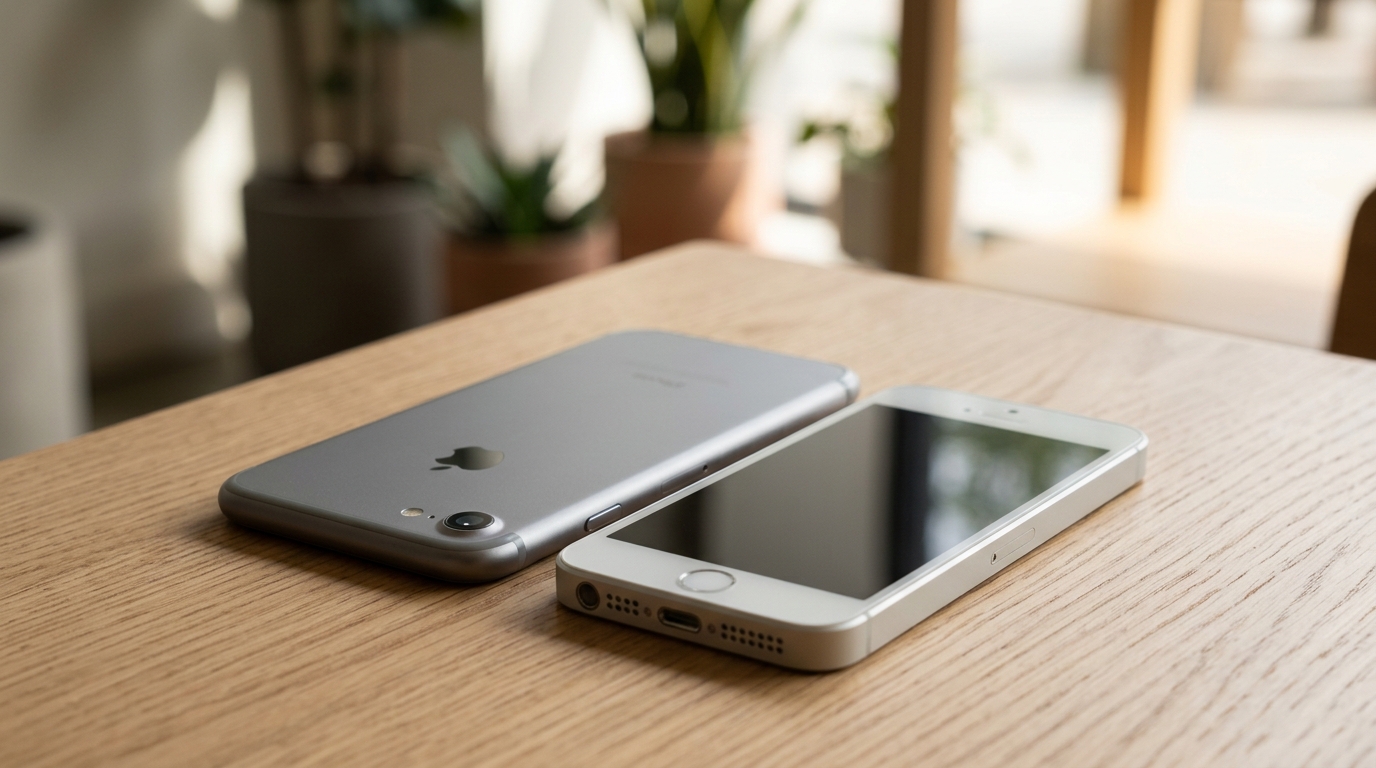
iPhone 7 and first-generation iPhone SE — models that received fresh security patches
- iOS 15.8.7 — for iPhone 6s, iPhone 7, iPhone SE (1st generation)
- iOS 16.7.15 — for iPhone 8, iPhone 8 Plus, iPhone X
If you have an iPhone with the current version of iOS 15, iOS 16, or any version up to iOS 26, and the system is updated to the latest available build — you are protected.
iPhone Data Protection: How It Works
In addition to updates, Apple reminds users about the built-in Safe Browsing feature in Safari. It is enabled by default and blocks malicious websites that have been identified as part of these attacks. This works automatically — no configuration is needed.
Additionally, in the coming days, users with outdated iOS will receive an additional notification directly on their device suggesting they install a critical security update. You definitely shouldn’t ignore it, as you can see the situation is serious. Previously, Apple simply asked users to install the latest update but never linked it to security concerns.
iPhone Lockdown Mode: What It Is and How to Enable It
If for some reason you can’t update your iPhone right now, Apple suggests enabling Lockdown Mode. It’s available starting from iOS 16 and drastically limits possible attack channels: it blocks complex web technologies in Safari, most message attachments, and incoming FaceTime calls from unknown contacts.
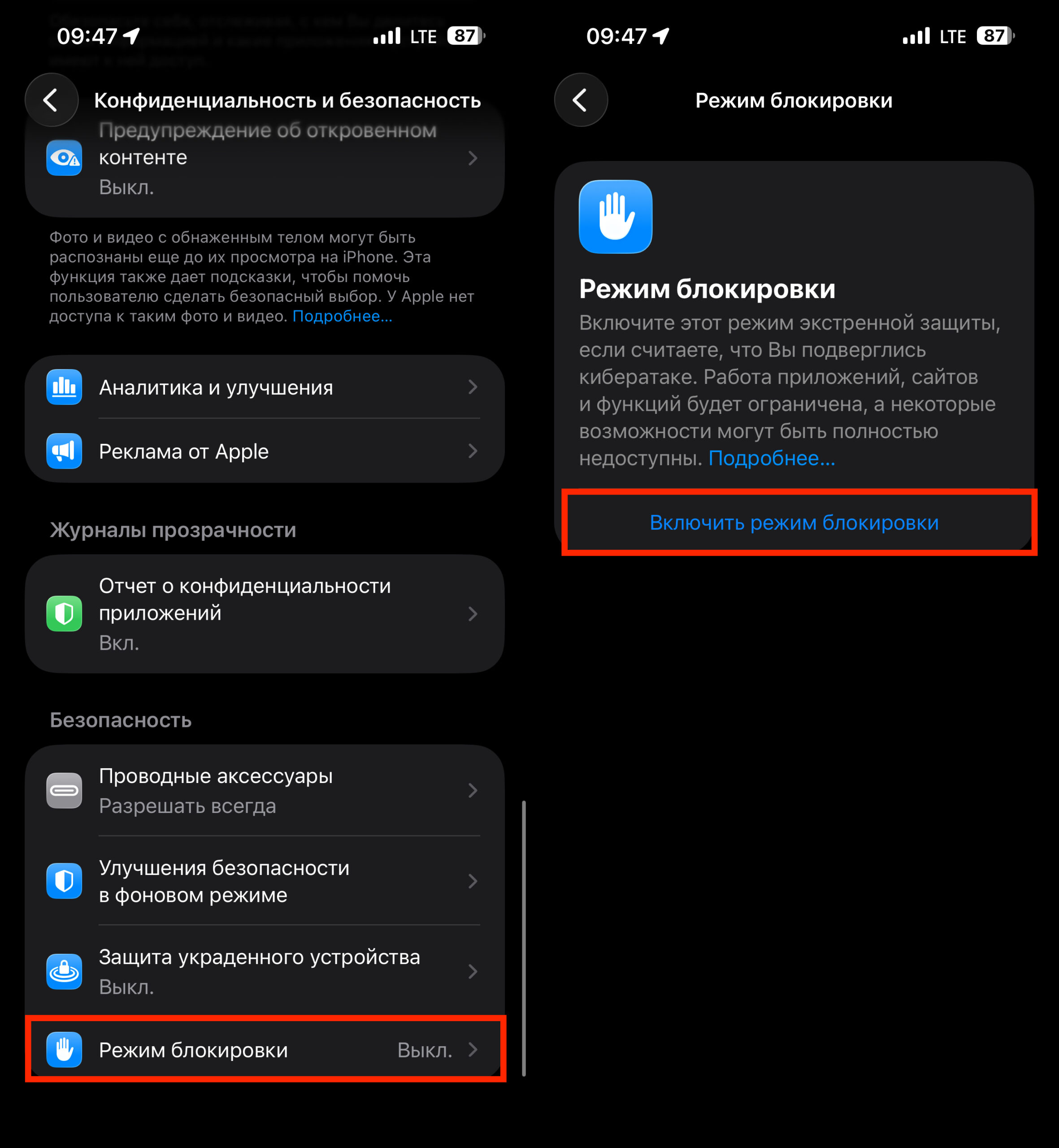
Look for Lockdown Mode here
It’s important to understand: Lockdown Mode is an extreme measure. It was created for people who may become targets of state-sponsored cyberattacks: journalists, activists, diplomats. An ordinary user most likely doesn’t need it — many websites will work with limitations, and some phone features will be disabled. But if an update is unavailable for some reason, it’s better than nothing. You can enable Lockdown Mode in Settings → Privacy & Security → Lockdown Mode.
Should You Update iOS
So far, attacks using Coruna and DarkSword have been recorded in certain countries and are primarily aimed at political and financial targets — data theft, cryptocurrency theft, and espionage. No mass attacks on ordinary users have been detected.
Apple urgently asks iPhone users to update outdated iOS versions
But that’s no reason to relax. If your iPhone is running iOS 13, 14, or a long-outdated iOS 15/16 — you are technically vulnerable. The update process itself takes just a few minutes and costs nothing.
For those who already have the latest version of iOS installed (with the latest patches), no additional action is needed. If you’re using an old iPhone as a backup or gave it to a relative — check the system version in Settings → General → About. It’s precisely these “forgotten” phones that most often remain without updates and become vulnerable.


