Today, March 4, iOS 26.3.1 was suddenly released along with macOS 26.3.1. Although, if you’ve been following the news, the update isn’t all that unexpected. Rumors about it appeared about a week ago — and now the update is already in your iPhone settings. An interim version is certainly a good thing, but why is it needed? Should you download it or skip it and wait for iOS 26.4? Let’s try to figure out what this build is for.
Apple suddenly released iOS 26.3.1. Photo: macrumors
What’s New in iOS 26.3.1
Let’s get straight to it: there are no new features in iOS 26.3.1. Not because Apple is stingy — it’s simply a technical update by its numbering. It focuses on bug fixes and various vulnerabilities, which anyone can learn about on a dedicated page.
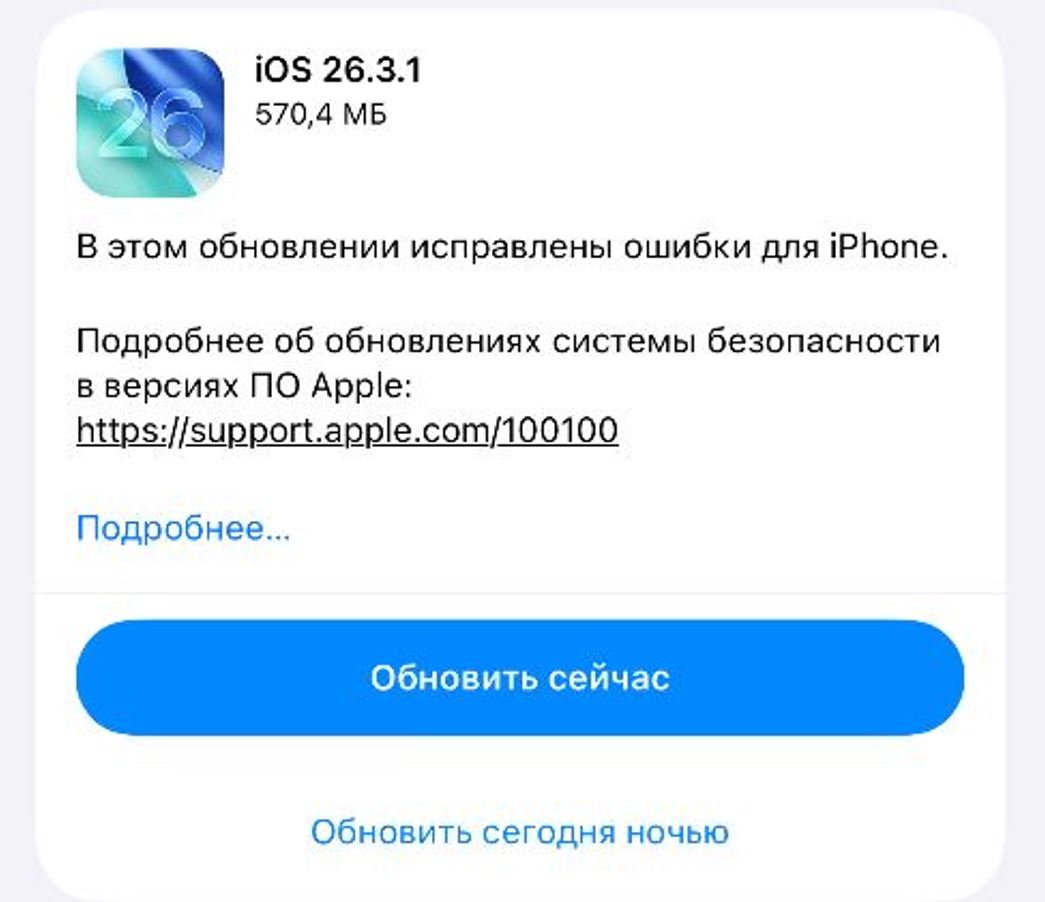
The update is already available in iPhone settings
At the time of publishing, the page hasn’t been updated yet, but that’s normal — the list is revealed a bit later, a day or two after the update is released. It’s no secret that it will list numerous fixed vulnerabilities — and that’s your first reason why you should download iOS 26.3.1.
The update extends support for external displays, including Studio Display (2026) and Studio Display XDR, and also fixes bugs for your iPhone.
The second reason is the release of the iPhone 17e, the new Studio Display monitor, the unusual MacBook Neo, and other laptops. The update will include support and compatibility with all the new products. So if you’re planning to get any of them, you definitely shouldn’t skip this iPhone update. Especially since iOS 26.4 is still being tested — the release is far off. Don’t waste your time.
How to Update iPhone to iOS 26.3.1
Despite being a minor update, it has attracted enormous attention. Even in the middle of the night, many users will want to download the latest iPhone update. It’s better to wait until morning, but if you’re ready, here’s how to download iOS 26.3.1.
Installing the update won’t take long. Photo: mashable.com
- Go to Settings.
- Select “General” — “Software Update.”
- Disable beta versions in the corresponding section if you’ve been following their releases.
- Then search for the update and tap “Update Now.” Or choose “Update Tonight” so the update downloads overnight while your iPhone is charging.
We hope that installing iOS 26.3.1 won’t cause any problems. In any case, all you need to do is three things: charge your iPhone, disable VPN for maximum speed, and free up storage.