Today, March 9, Apple released the fourth beta version of iOS 26.4, along with iPadOS 26.4 and macOS 26.4. The builds are intended for testing by developers and regular users alike. The new software appeared just one week after Apple released the third beta versions, indicating the engineers’ persistent work. The updates bring a number of notable improvements to the iPhone — from new Apple Music features to expanded data protection functions. Let’s break down what’s new in iOS 26.4 and explain how to install it on your iPhone.
A new iOS 26.4 beta has been released. What’s changed? Photo: macrumors
New Features in iOS 26.4
Apple added 9 new emoji in iOS 26.4 beta 4, as well as in other operating systems. Among them: a trombone, treasure chest, distorted face, hairy creature (Bigfoot), fight cloud, orca, and landslide.
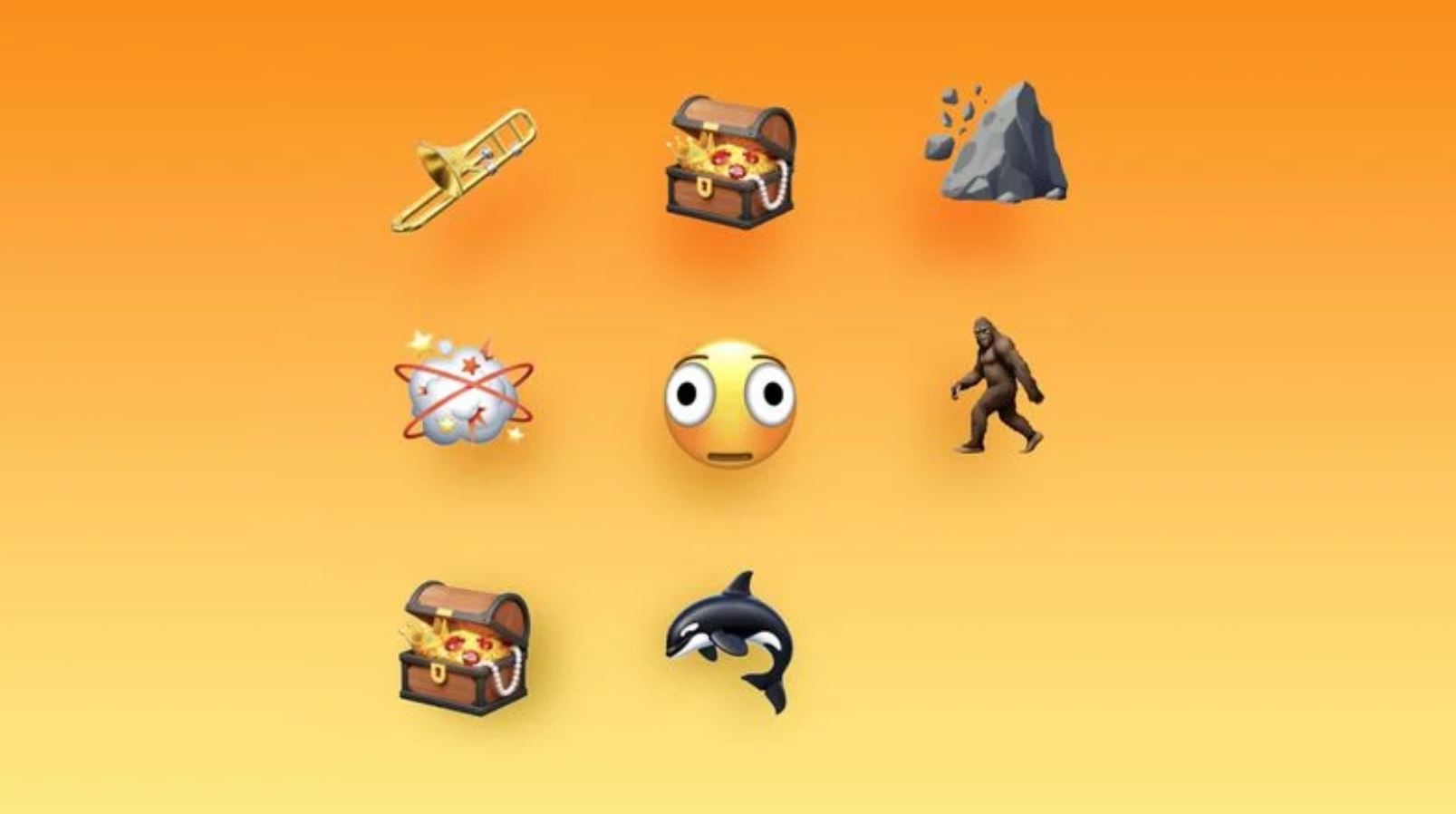
The update includes a set of new emoji. Photo: macrumors
- trombone;
- treasure chest;
- distorted face;
- hairy creature;
- fight cloud;
- orca;
- landslide;
- new skin tone emoji for wrestlers and dancers in bunny ears;
The new emoji are part of the Unicode 17 update (announced in fall 2025). Apple typically adds new emoji in the spring — in fourth iteration updates. Previously, new symbols appeared in iOS 18.4, and iOS 27 may add, for example, a winking face, monarch butterfly, and cucumber.
What’s New in iOS 26.4
In previous beta versions of iOS 26.4, Apple implemented several significant updates. For example, in Apple Music, the Podcasts app, and in system performance.
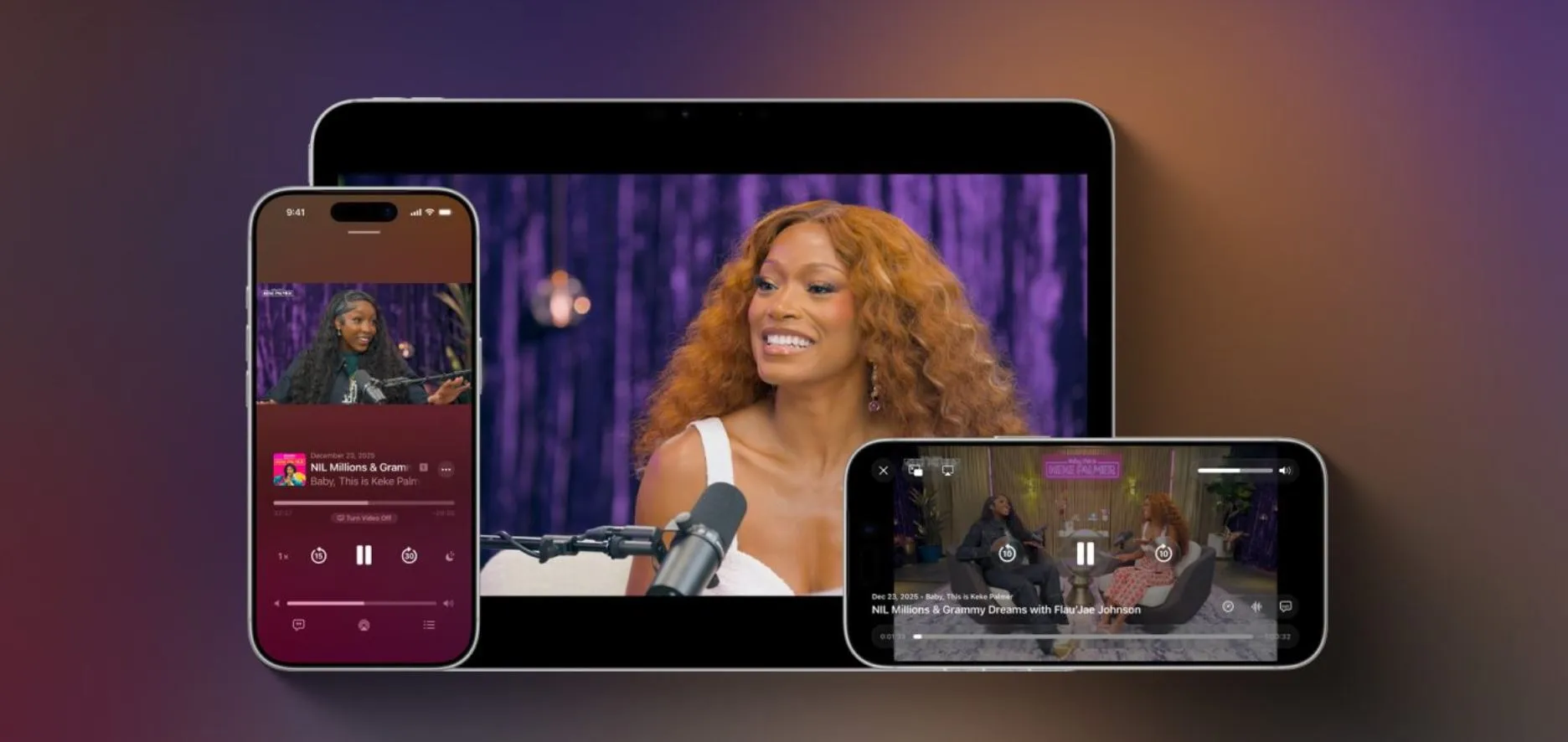
New features affect Podcasts and Apple Music. Photo: 9to5mac
- Playlist Playground — a feature that lets you generate track selections for any idea, mood, emotion, or activity. Simply enter a text prompt.
- Nearby Concerts — a tool for finding local concerts and shows.
- Redesigned album and playlist layout with full-page cover art.
- Built-in video podcast support — you can now create, distribute, and monetize video content directly in the app.
- Video podcasts are integrated with existing Apple Podcasts features, including personalized recommendations and editorial picks.
- Testing of end-to-end encryption for RCS continues — in the future, this will provide full protection for text conversations between Android and iPhone users. Apple is currently testing RCS both in conversations between iPhones and in dialogues between iPhone and Android.
Additionally, Stolen Device Protection is now enabled by default, a new music playback widget has appeared, and average bedtime statistics have been added.
How to Install iOS 26.4 Beta
Don’t rush to install the beta version if there’s no clear need. Experimenting with your main iPhone can lead to crashes — it’s not worth it. But for those who have already downloaded iOS 26.4 beta, the update will definitely be useful: the new build has noticeably improved stability.
- Go to the Apple Developer Program website and sign in with your Apple Account.
- Accept the license agreement, and a developer registration page will appear where you’ll need to confirm your participation.
- Restart your phone and go to Settings — “General.”
- Open “Beta Updates” and select “iOS 26.4 Developer Beta.”
- Select “Software Update” and search for updates, then install iOS 26.4 beta 4 on your iPhone.


