Telegram channels and media outlets have been flooded with reports that Apple is allegedly blocking iCloud access for Russians who try to change their account region. Users are doing this because App Store payments via mobile number stopped working in Russia, and gift card prices have skyrocketed. In reality, there is no special blocking — this is a standard Apple restriction that applies to users worldwide. Let’s figure out why the error appears and how to properly change your account country.
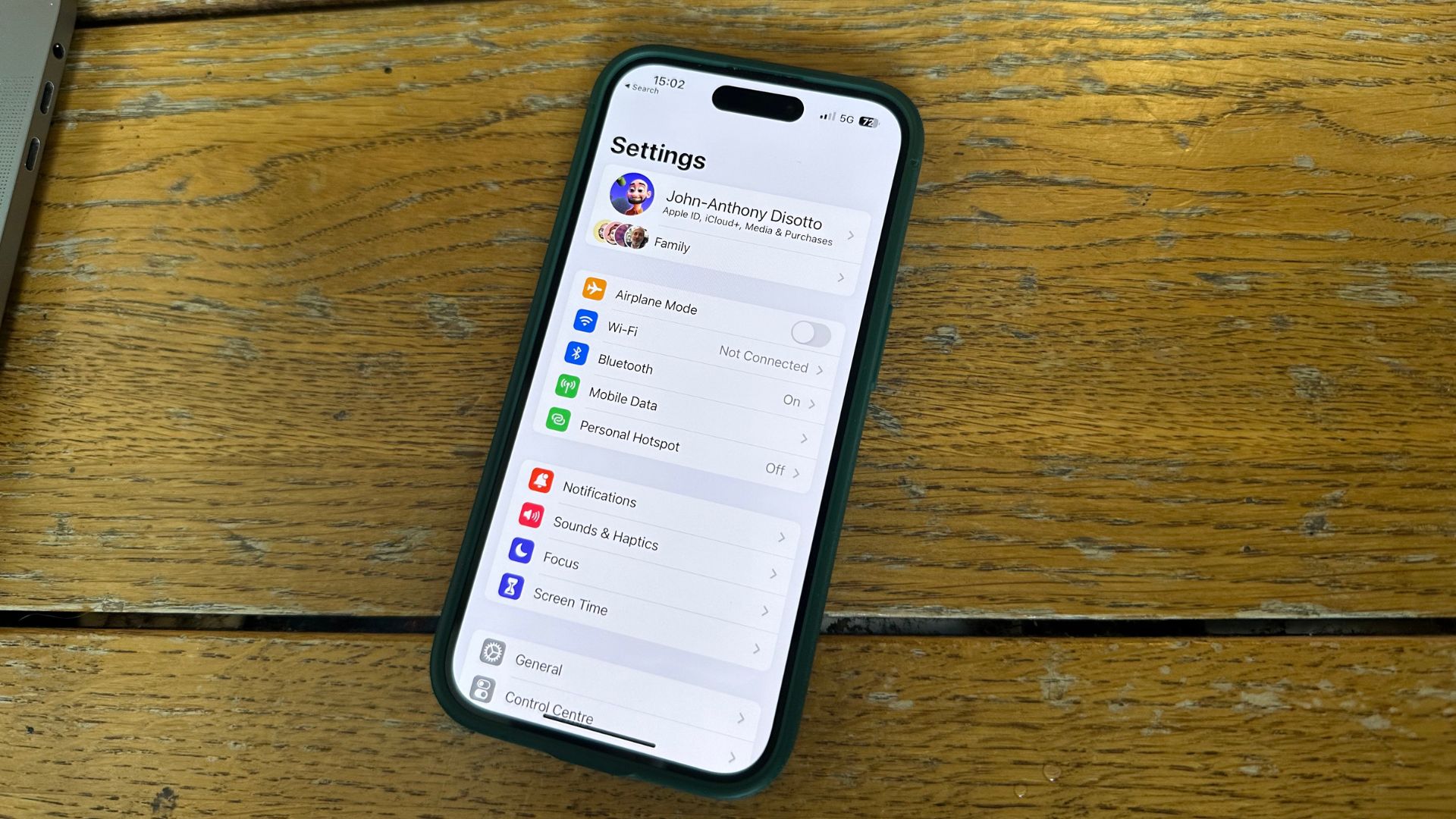
Is Apple really preventing users from Russia from changing their App Store region. Image: imore.com
Apple ID Blocking in Russia — What Actually Happened
The panic was triggered by a post from the Telegram channel SHOT. It claimed that Russians were massively trying to change their Apple ID region in settings to gain access to Apple services payments. Meanwhile, Apple was allegedly “freezing iCloud,” denying users access to photos, videos, documents, and notes.
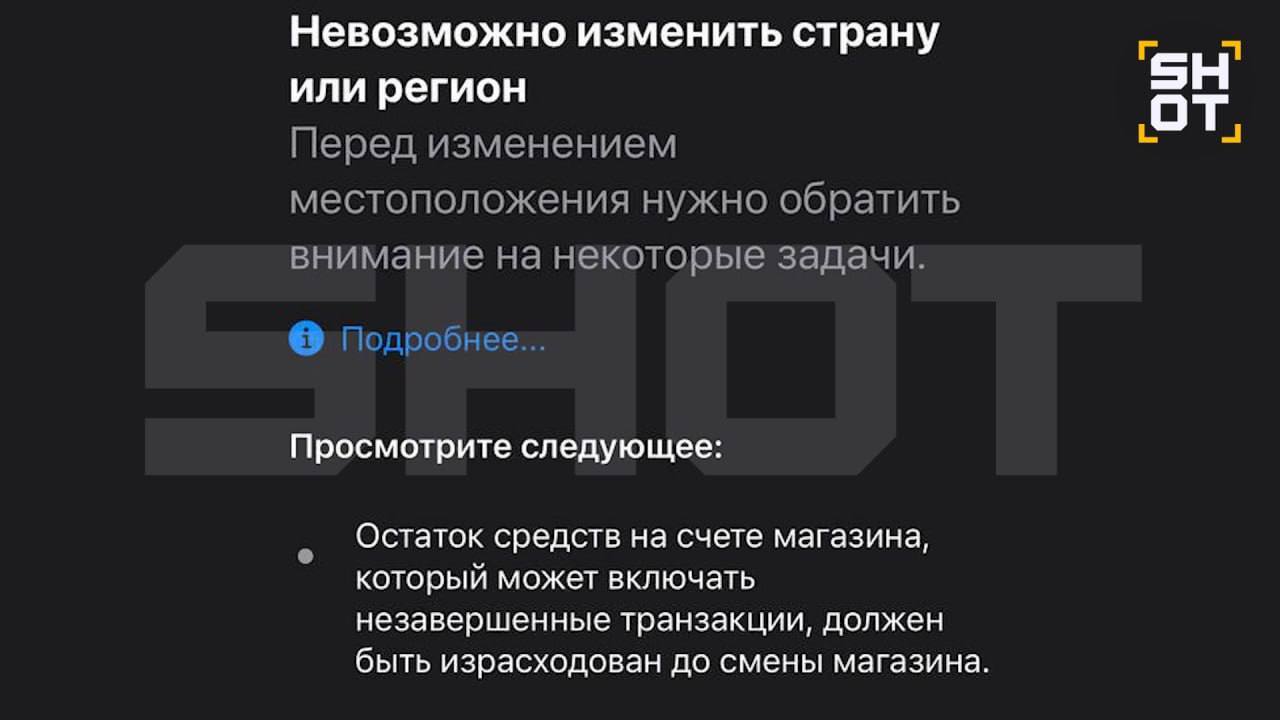
This is a service message that can be received in any country in the world. Image: SHOT
This description is greatly exaggerated. In fact, Apple does not freeze the cloud and does not block access to data. The system simply won’t allow you to complete the region change if the account still has active subscriptions or funds on the balance. The user sees a notification about the inability to change the country — and mistakenly interprets it as a block.
All iCloud data — photos, notes, documents, backups — remain in place and are fully accessible. The issue only concerns the procedure of changing the country in the App Store and Apple ID.
How to Change the iCloud Region — What Conditions Need to Be Met
Apple clearly states in its official instructions: before changing the account region, several mandatory steps must be completed. If even one condition is not met, the system will refuse the transition. Here’s what you need to do before changing the country:
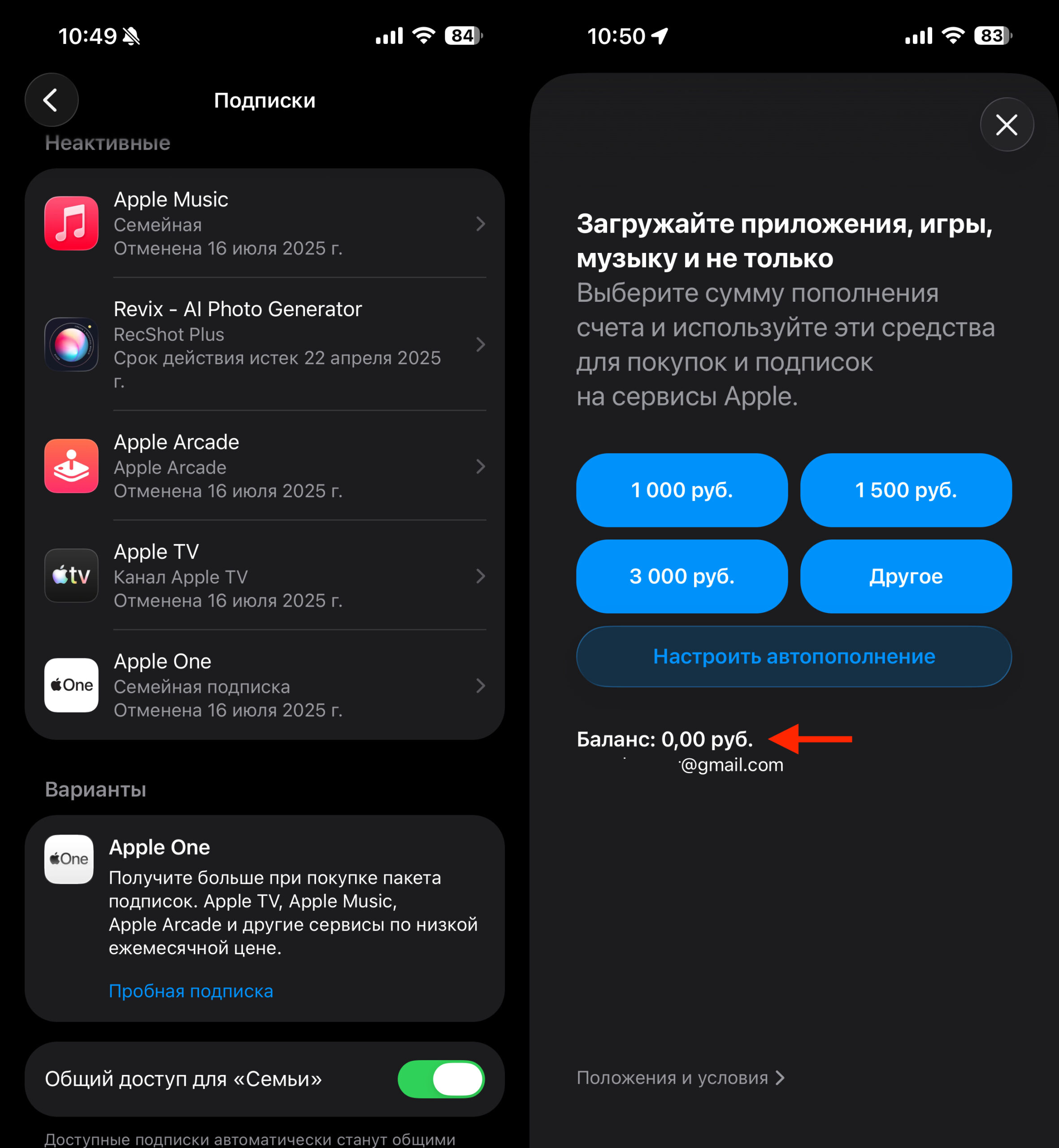
The account must have no active subscriptions and no money on the balance
- Spend or zero out the remaining funds on your Apple ID balance
- Cancel all active subscriptions (Apple Music, iCloud+, Apple TV+, and others)
- Wait for the paid subscription periods to end — they don’t stop immediately upon cancellation but remain active until the end of the term
- Cancel app pre-orders, if any
- Complete movie rentals
- Leave Family Sharing if you are the organizer
Only after fulfilling all these conditions will Apple allow you to change the country or region. This is not a new restriction and not a sanctions measure — these rules have been in effect since the App Store launched for all users in every country worldwide.
Common Questions When Changing Apple ID Region: Zip Codes, Restrictions, and Errors
Many users encounter difficulties when filling in the address for the new region. When switching to another Apple country, the system requests a local address and zip code. You don’t necessarily need to have a real address in the new country — it’s enough to enter any existing address that can be found in public sources.
An important nuance: when changing regions, you will lose access to apps and content tied to the previous store. Apps purchased in the Russian App Store will remain on the device, but you can only update them by switching back. Purchased movies and music from the previous region may also become unavailable.
Linking a bank card to the new region is another barrier. Russian cards are not accepted in most foreign Apple stores. However, when registering for some regions, a “None” payment option appears, allowing you to complete the transition without a card. However, you won’t be able to pay for subscriptions and purchases until you link an appropriate payment method.
What’s Better — Changing the Main Apple ID Region or Creating a Second Account
There are two paths here, and each has its pros and cons.
First option — create a separate Apple ID with the desired region. This is the safest method. You keep your main iCloud account with the Russian region, and use a second account for downloading apps from another store. On iPhone and iPad, you can sign into the App Store with one Apple ID and into iCloud with another. All data, photos, notes, and backups will remain untouched.
Second option — completely switch your main Apple ID to another region. This makes sense if you’re planning a permanent account migration. In this case:
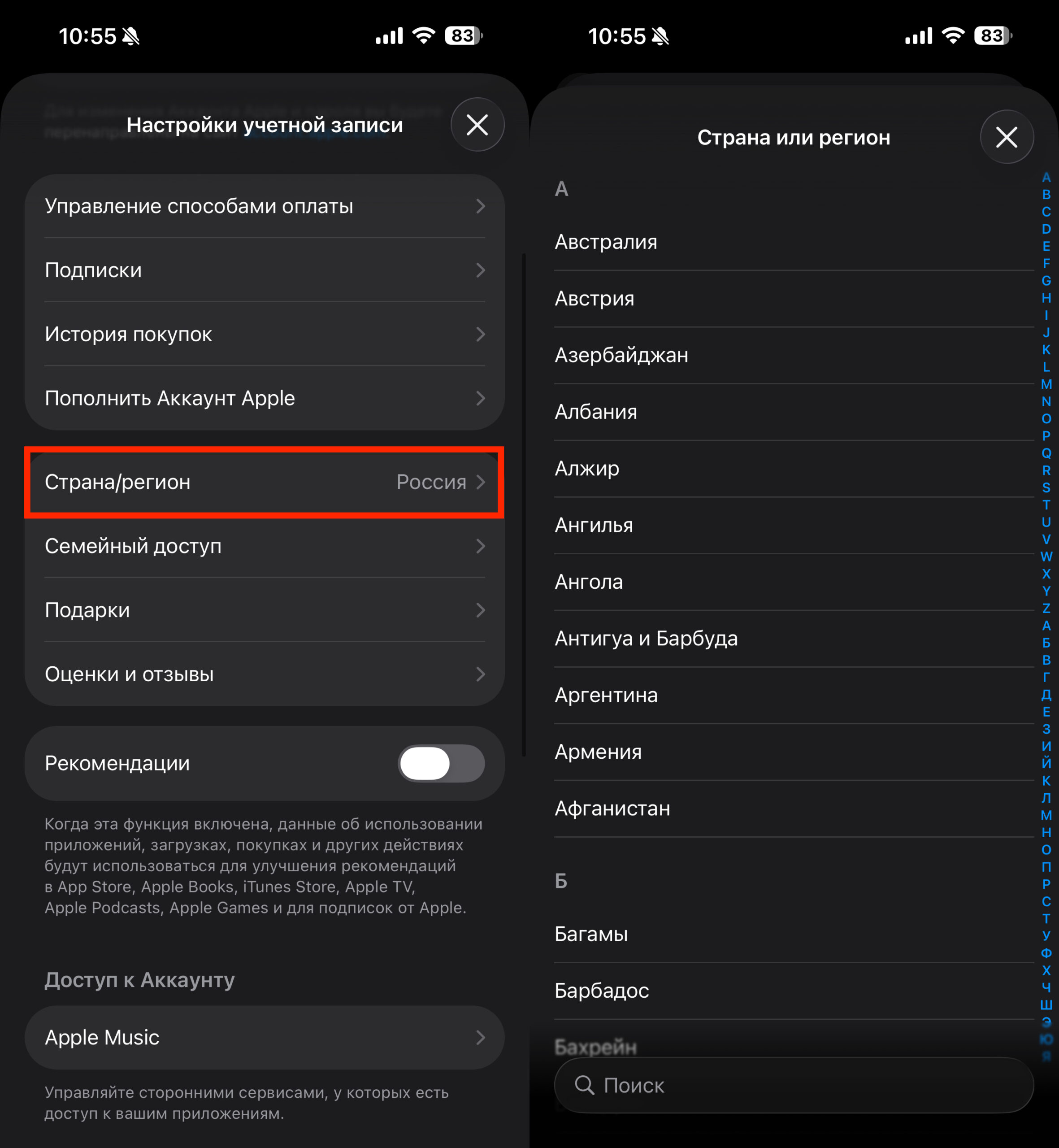
The region is easily changed in your Apple ID settings
- Wait for all subscriptions to end and zero out the balance
- Create backups of all data — to a computer or external drive
- Make sure you are not the Family Sharing organizer
- Only then change the country in Apple ID settings
For most users, the first option with a separate account is simpler and safer. You don’t risk losing access to previously purchased apps and content.
Should You Panic About Apple Restrictions for Russian iCloud Users
In short — no. What is described in panic-inducing publications is neither an iCloud block, nor restricted data access, nor a sanctions measure. This is standard Apple system behavior that has existed for many years and applies to users of all countries without exception.
If you’re not trying to change your region — your iCloud works as usual. Photos, documents, notes, mail, and backups are fully accessible. The problem only occurs when attempting to change the account country without proper preparation.
Those who truly need access to a foreign App Store will find it easiest to create a second Apple ID with the desired region and use it in parallel. This doesn’t require changing your main account and completely eliminates the risk of “freezing” anything. And for those who still want to migrate their main account — it’s enough to meet Apple’s standard conditions: cancel subscriptions, zero out the balance, and wait for paid periods to end.


