Paying for purchases in the App Store from Russia gets harder every year: the usual cards don’t work, you can’t top up your balance, and many apps and games have simply disappeared from the store. New releases come out — but not for us: the Russian catalog has thinned out considerably and is barely updated. And the recent disabling of phone-based payments in the App Store has also significantly dampened the mood of Apple device owners. As a result, an iPhone with a Russian account works at half capacity and becomes significantly less useful. The solution is to set up a foreign Apple ID. In this article, we’ll break down why you need one, how to create it in a few minutes, and how to top up the balance so everything works.
We explain how to create a foreign Apple ID account and top it up from Russia. Photo: macrumors
Why You Need a Foreign Apple ID
Since 2022, Russian iPhone users have been living with serious restrictions from Apple. Many popular apps and games have disappeared from the App Store, familiar payment methods stopped working, and a number of subscriptions became simply unavailable. A foreign Apple ID is the simplest way to regain full access to the Apple ecosystem. Simply put — to pay for iCloud and safely store your data. What else is a foreign Apple Account needed for?
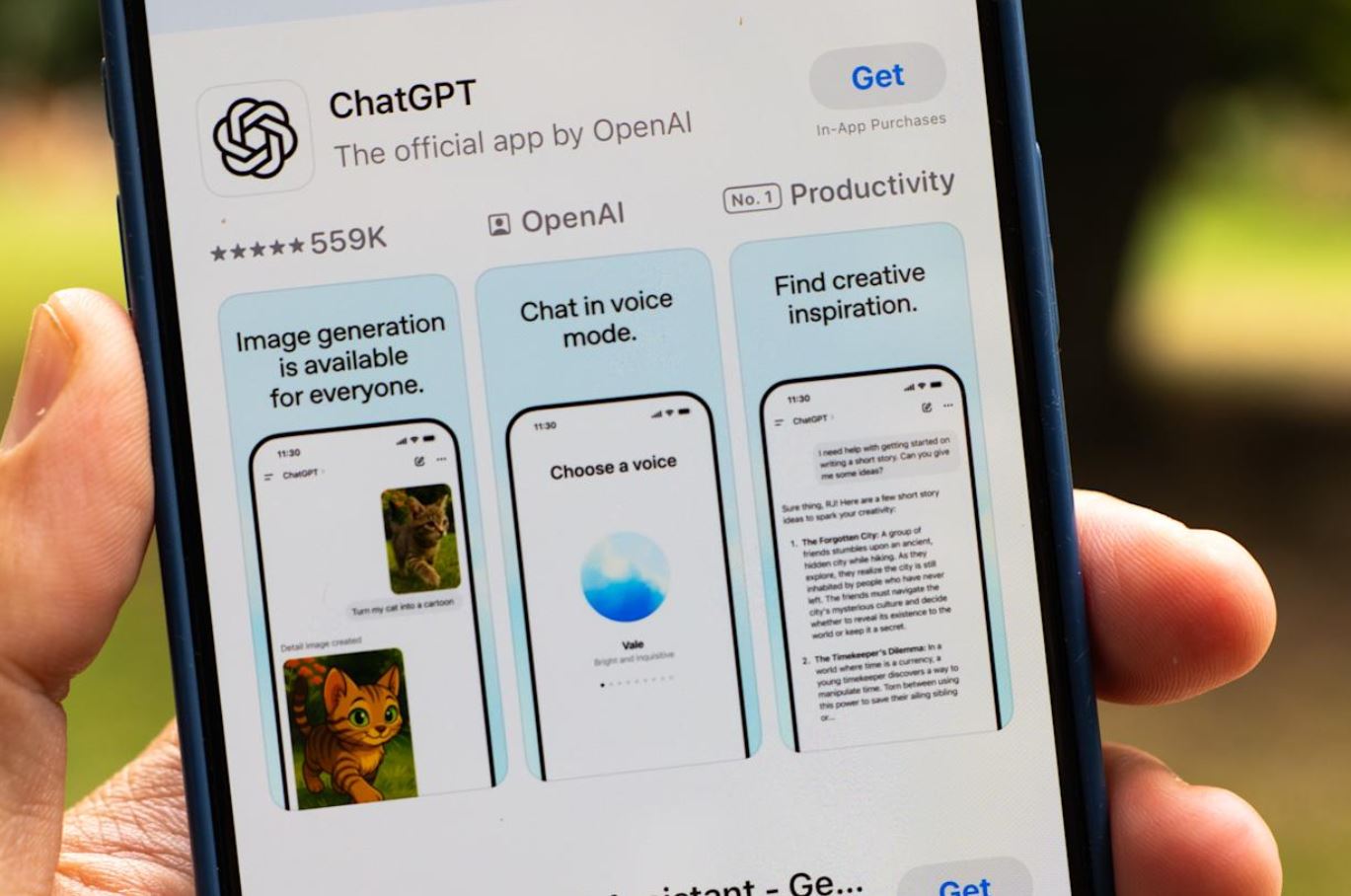
Many foreign apps are simply unavailable due to developer restrictions. Photo: Engadget
- Access to apps removed from the Russian App Store. Spotify, ChatGPT, games like Minecraft and Brawl Stars — all of this can be downloaded through a foreign App Store account.
- Early access to new releases. New apps and games often appear in the US App Store earlier than in other regions.
- Subscriptions to Apple services. Apple Music, Apple TV+, Apple Arcade, iCloud+ — all of this can be paid for through the balance of a foreign account.
At the same time, creating a second Apple ID doesn’t mean you need to give up your main Russian account. You can switch between them right in the App Store without signing out of iCloud — all your photos, contacts, and notes will stay in place.
How to Check Which Region Your Apple ID Is Set To
It’s quite possible you’ve been using a foreign account for a long time without even knowing which Apple ID region is set by default. How do you check?
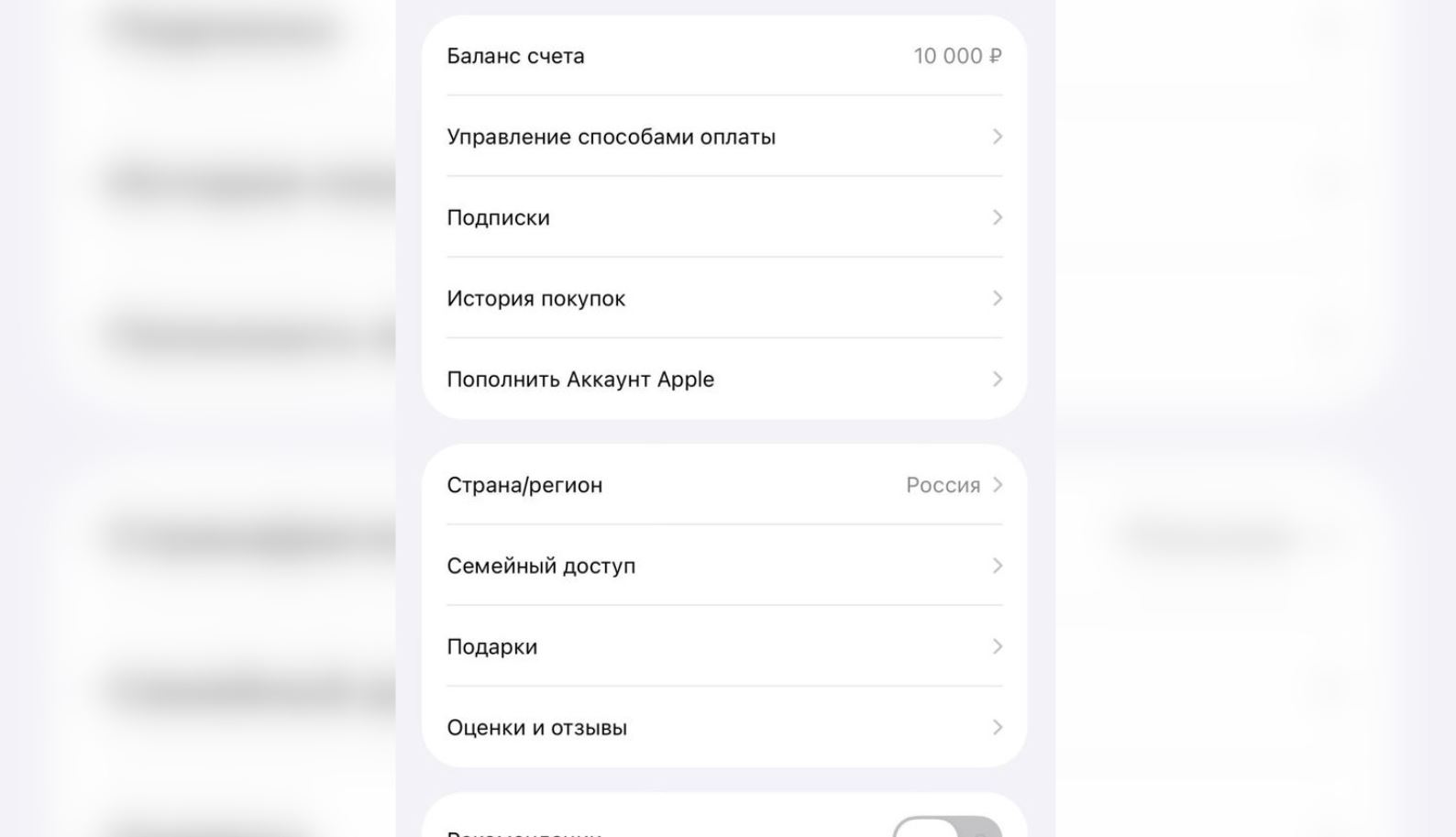
Make sure to check your Apple ID’s linked region
- Open “Settings” on your iPhone and tap your name at the very top.
- Then go to “Media & Purchases” → “View Account.”
- Under “Country/Region,” you’ll see the current account binding.
Another simple way to check your Apple ID region is to open the App Store and scroll all the way to the bottom of the main page: in small text, you’ll see a flag and region name. If you see the Russian flag — it means the account is linked to Russia, and you’ll need a foreign Apple ID to download international apps.
How to Create a Foreign Apple ID
Creating an Apple ID for another country is something anyone can do — no special skills required. The main thing is to use an email address different from the one linked to your Russian Apple Account. Then you need to do the following.
- Go to your iPhone Settings and sign out of your Apple ID.
- Follow this link and create a new Apple ID by clicking the corresponding button. Select the US or another country in the settings. Keep your existing phone number.
- Then fill in all the fields and complete the captcha. A code will be sent to your email.
- Enter the new Apple ID credentials in your iPhone Settings, then go to the App Store and download any app to activate the account.
- The system will ask for payment details, but you can skip them by selecting “None.” However, you will need to enter a billing address: you can use data from a random address generator. Generate it, copy it, and paste it into the corresponding fields.
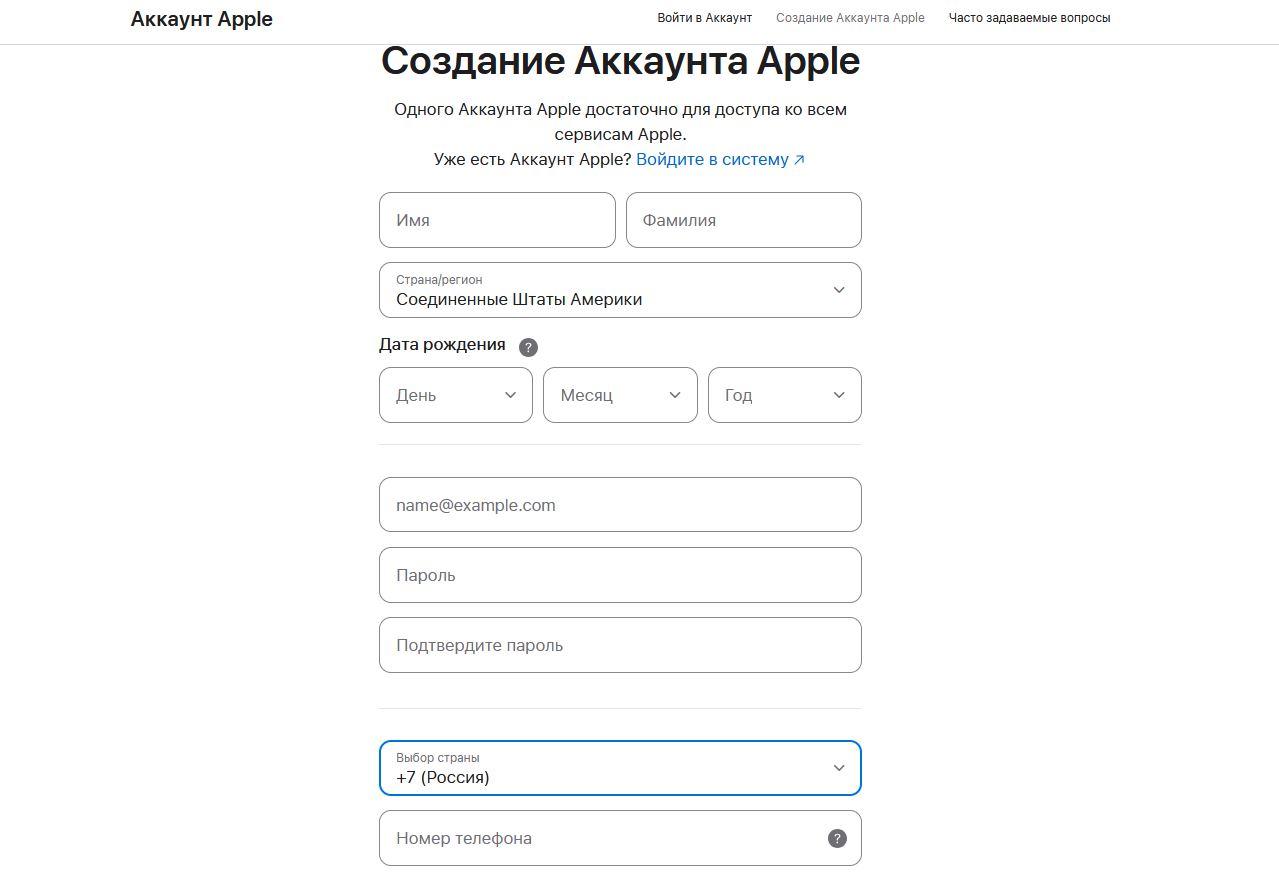
You can create a new account using a Russian phone number
That’s it! Your US Apple Account is created and active: you can download apps unavailable in the Russian App Store. And you can also top up your Apple ID balance in dollars to pay for purchases.
US App Store Gift Card in Dollars — Where to Get One in Russia
Naturally, sooner or later you’ll want to start paying for purchases. But where can you buy an App Store gift card in Russia in 2026? Believe it or not, there are no problems with this at all. You can simply buy a gift card online starting from $2 — it will cost just 250 rubles. There are tons of denominations: up to $200, so it lasts a long time. Given that money on your Apple ID balance is stored indefinitely, you won’t have to worry about paying for purchases for a while. What do you need to do?
- Go to this link.
- Then select the desired Apple top-up card denomination and region.
- Click “Buy.”
- Enter the email address where the code will be sent, then click “Place Order.”
- Then scan the QR code with your camera and pay for the order through your banking app.
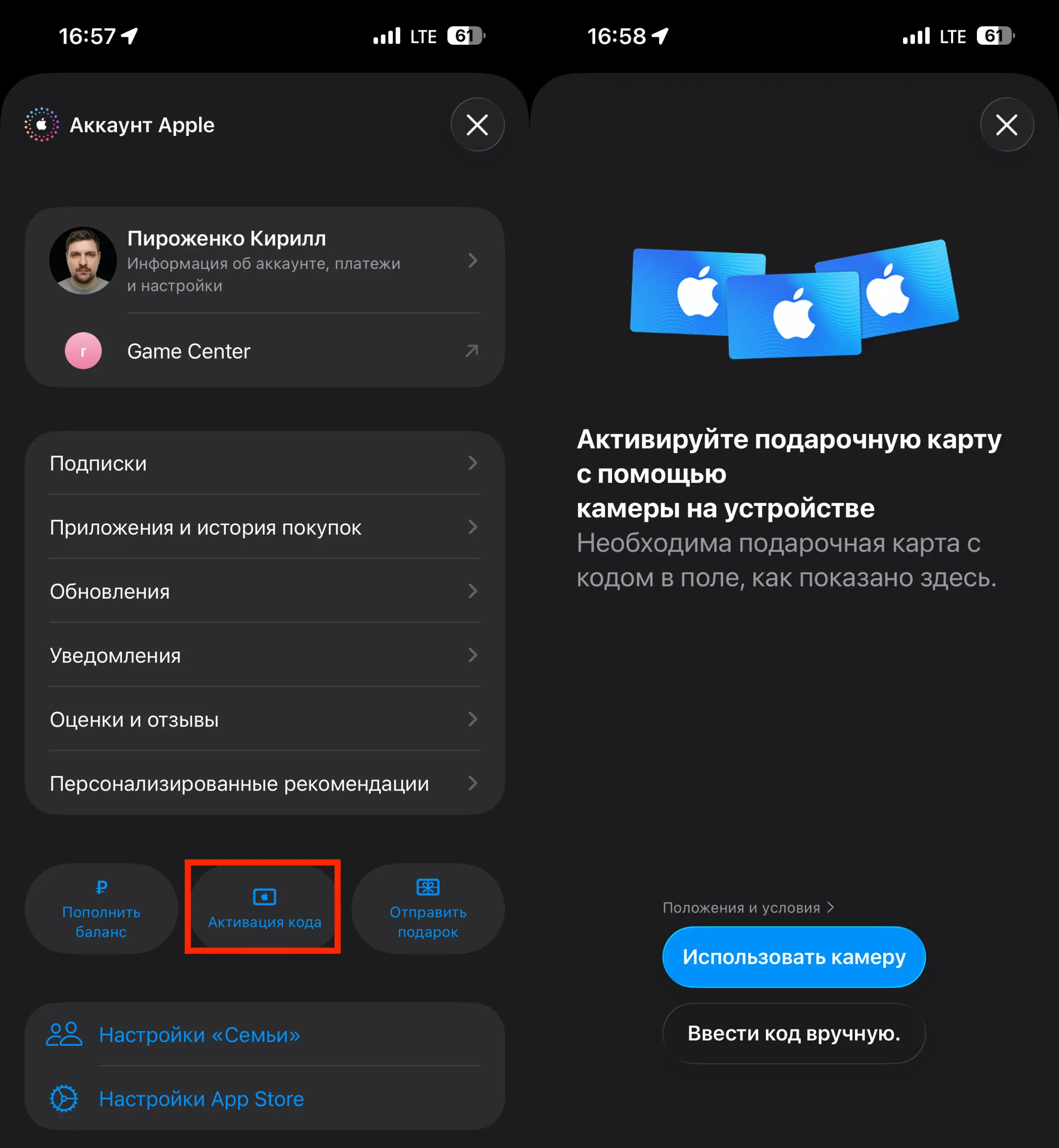
- All that’s left is to copy the code received by email and go to the App Store on your iPhone by tapping the profile icon.
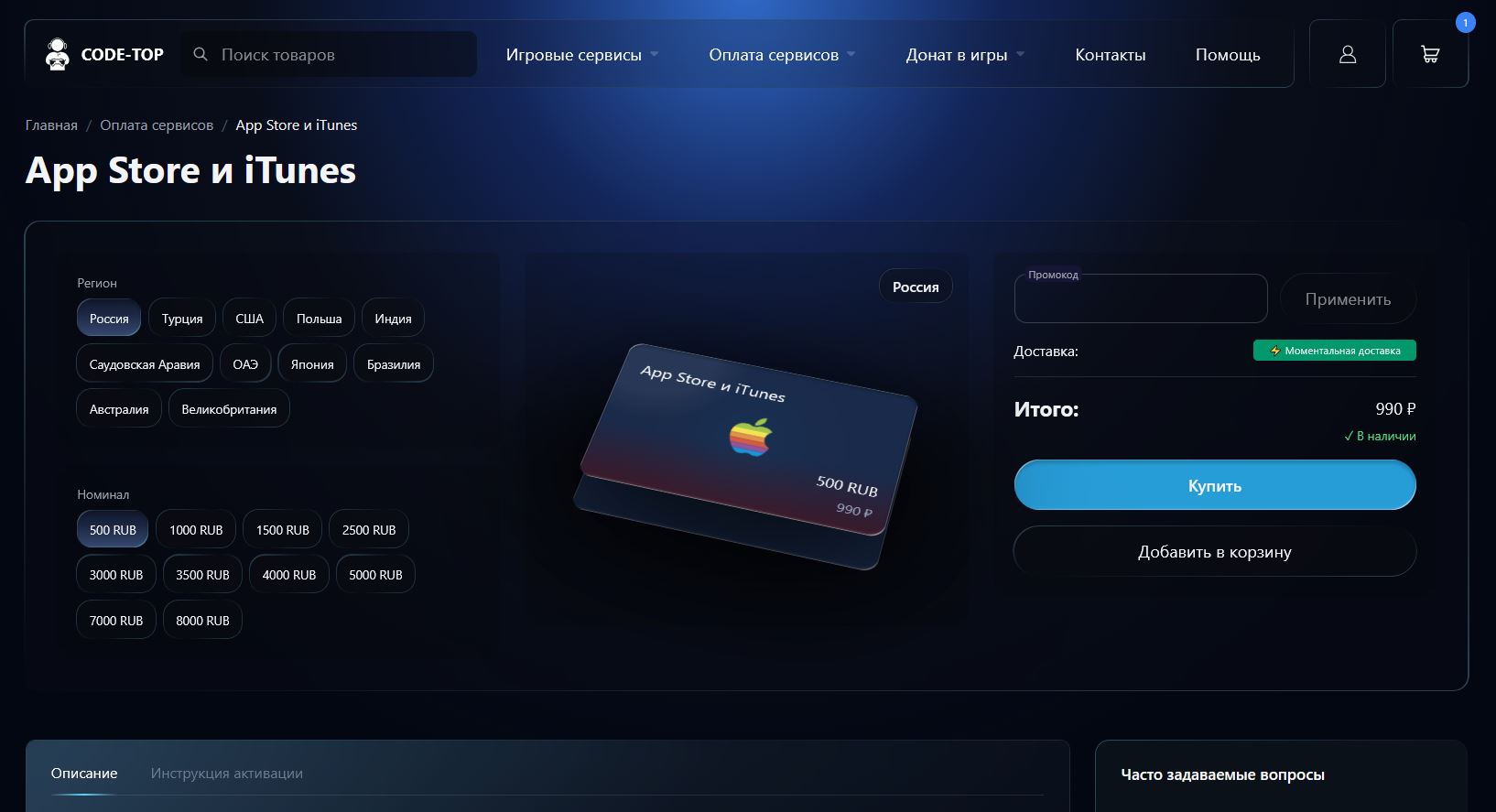
The store has all gift card denominations in stock
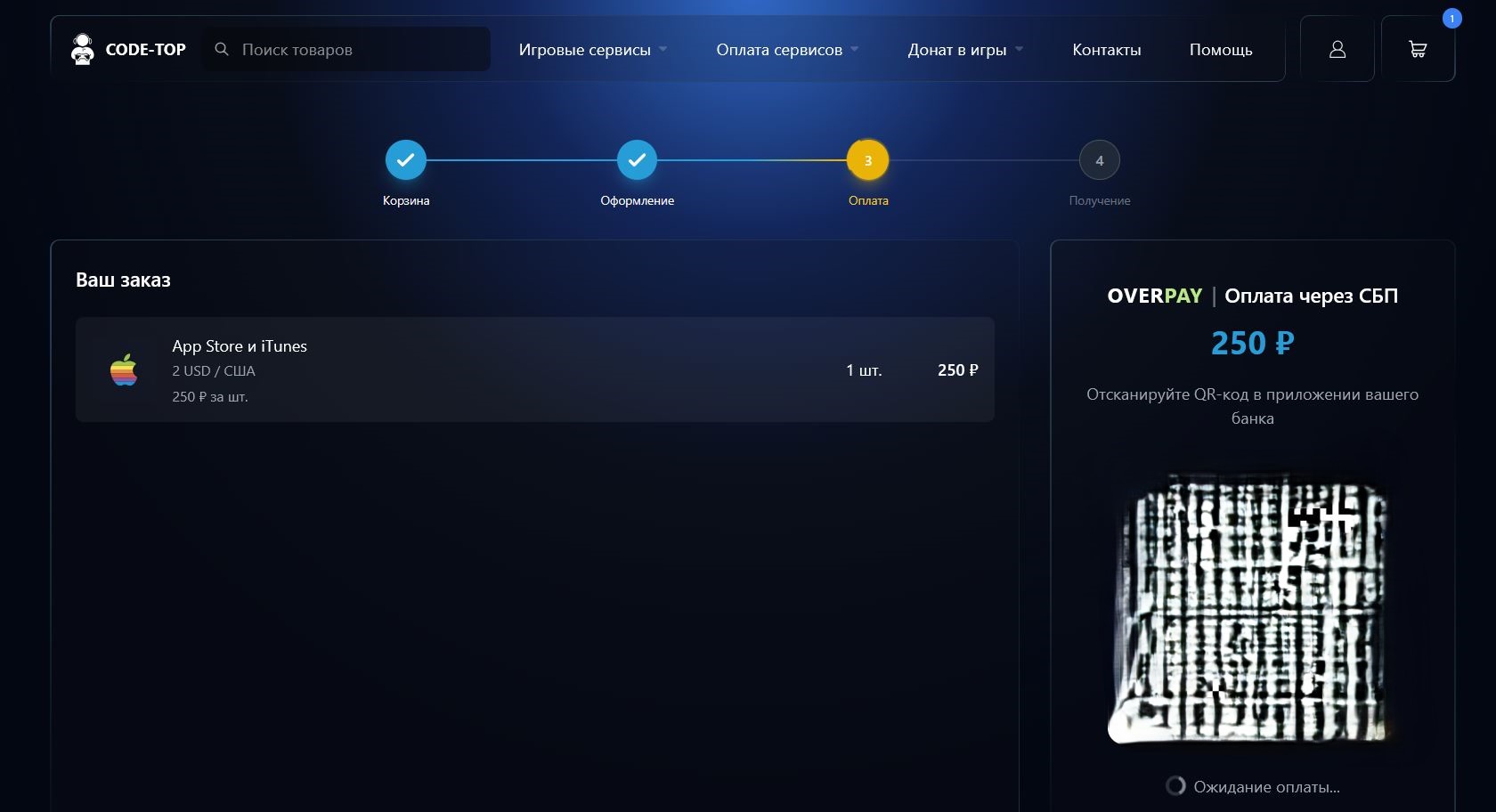
Gift card payment is made via SBP. No need to enter data from the banking app