Apple released iOS 26.4, and the main highlight of this update isn’t new emojis, but noticeable changes across six built-in apps. Apple Music, Reminders, Podcasts, Apple TV, Health, and Freeform received features that genuinely change daily usage. Here’s what’s new in each of them and who should pay attention.
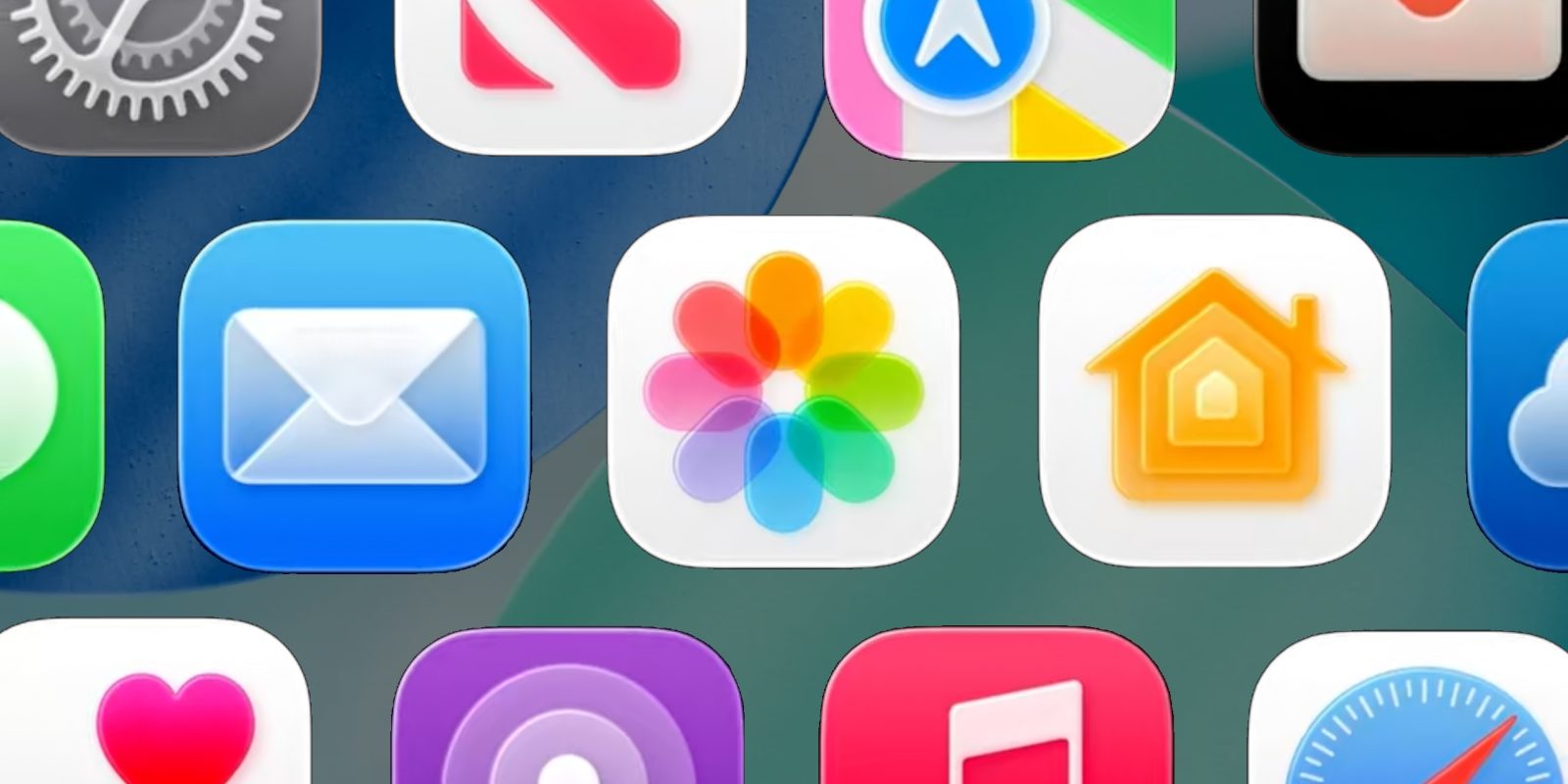
6 iPhone apps that got new features in iOS 26.4. Image: 9to5mac.com
Apple Music Update in iOS 26.4 — What Changed
Apple Music received arguably the most extensive update of all six apps — with five new features at once:
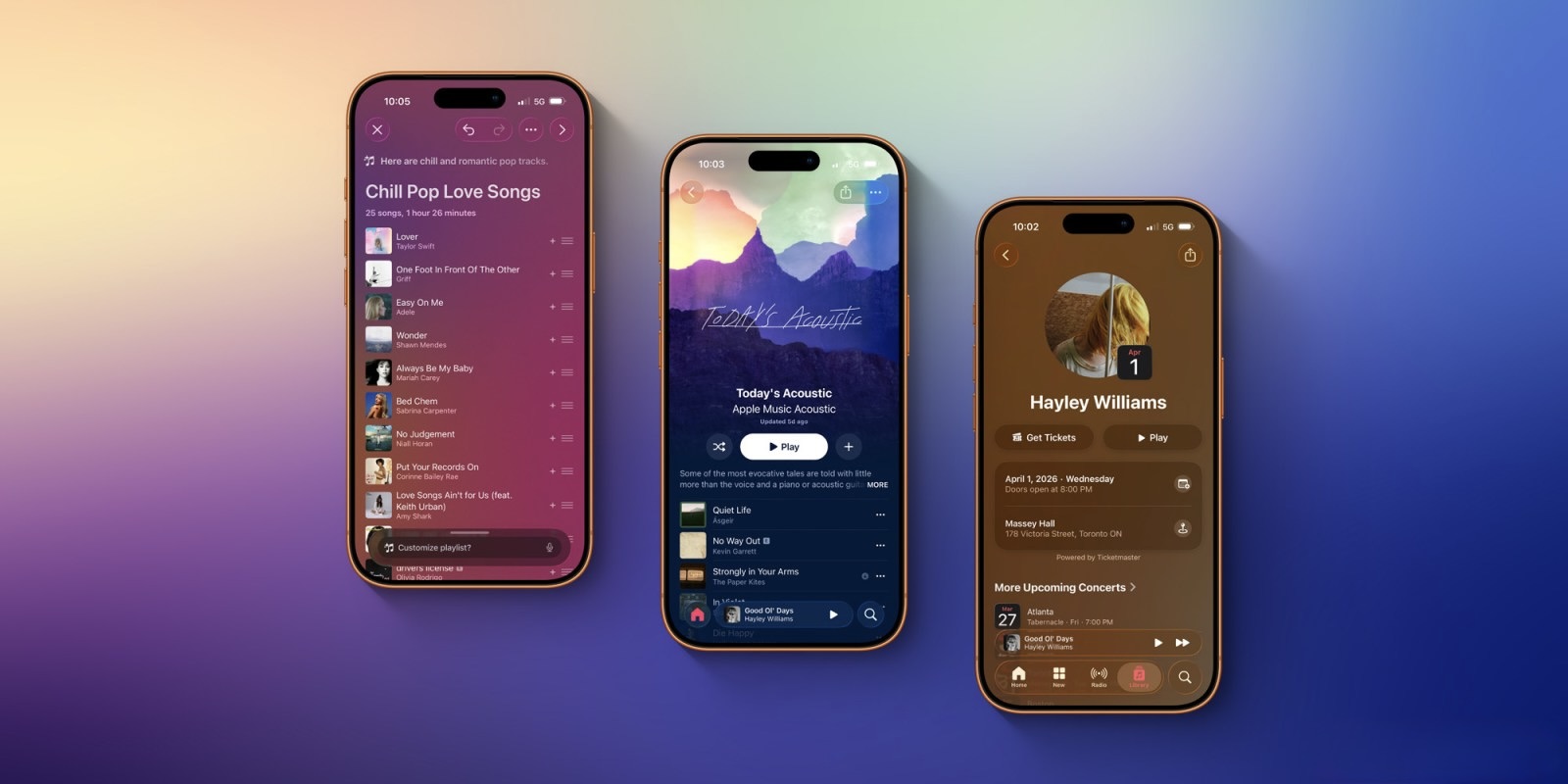
Describe your mood and AI will create playlists for you. Image: 9to5mac.com
- Playlist Playground — a tool for creating playlists using AI. You describe a mood or situation, and the system picks tracks for you.
- New full-screen design for albums and playlists — covers and tracklists now look more beautiful and take up the entire screen.
- Ambient Music widgets for the home screen — background music with a single tap.
- Concert information — right in the app you can see when and where an artist is performing, including venues near you.
- Ability to add a song to multiple playlists at once — a small thing that’s been missing for years.
Important note: Playlist Playground only works on iPhones that support Apple Intelligence. If you have an iPhone 15 or older, this feature won’t be available. The other four new features work on all devices with iOS 26.4.
Reminders on iPhone in iOS 26.4 — What’s New and How Urgent Tasks Work
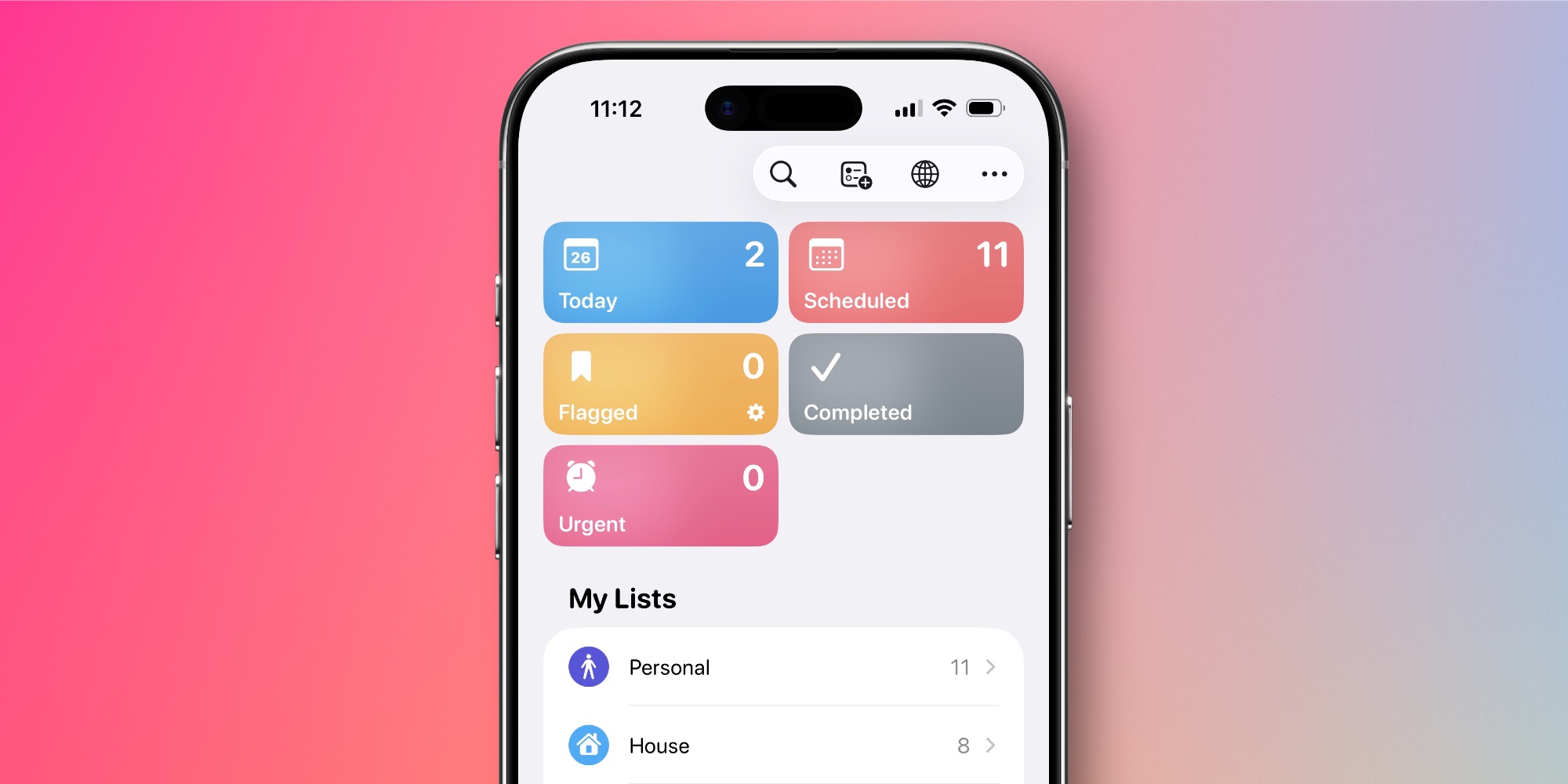
A new list appeared in Reminders. Image: 9to5mac.com
In iOS 26.2, the Reminders app introduced a great feature — the “Urgent” tag. Such reminders don’t just send a notification but trigger a full alarm-like alert at the designated time. They’re pinned to the lock screen via Live Activity and won’t disappear until you mark the task as completed or snooze it.
In iOS 26.4, Apple added what this feature was missing: a separate smart “Urgent” list at the top of the app. Now all your most important tasks with deadlines are gathered in one place, and you don’t need to search for them among regular reminders. If you actively use Reminders for work tasks or important matters, this is one of the most practical improvements in the update.
Video Podcasts in Apple Podcasts — Offline Downloads and Full-Screen Mode in iOS 26.4
Apple Podcasts supported video podcasts long before they became popular on YouTube and Spotify. But the interface for watching them remained outdated. iOS 26.4 fixes this.
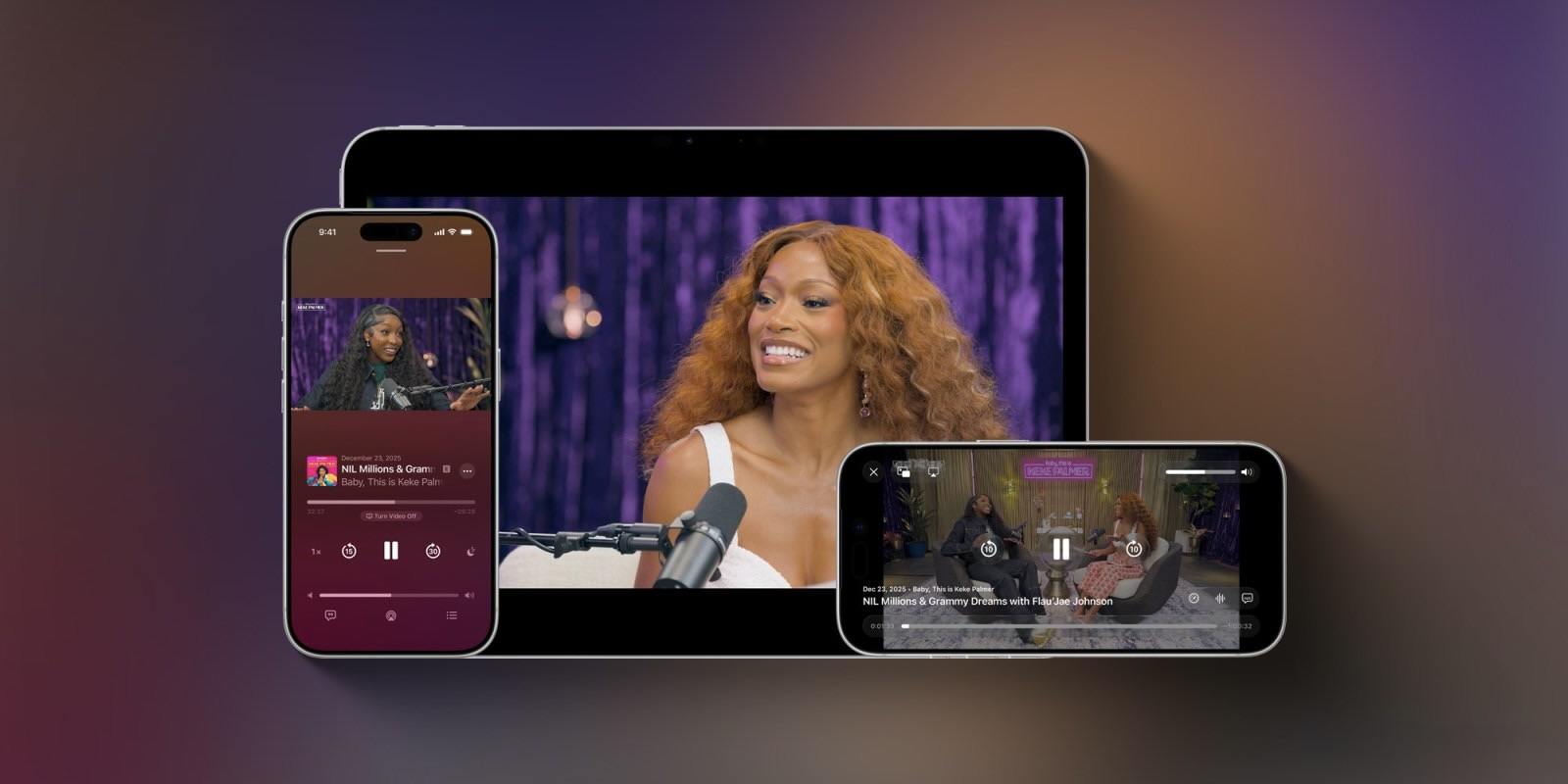
Video podcasts got upgraded. Image: 9to5mac.com
What changed in practice:
- You can switch between video and audio right during playback — if you want to put your phone in your pocket, just switch to audio mode.
- Video can be expanded to full screen in landscape mode.
- Offline download of video podcasts is now available.
- Automatic video quality adjustment based on internet speed — on Wi-Fi you’ll get better picture quality, on a weak mobile signal the video won’t lag.
The number of video podcasts in Apple Podcasts is still limited, especially in the Russian-language segment. But if you listen to English-language shows that are also released in video format, the update noticeably improves the experience.
Subtitle Customization in the Apple TV App
The Apple TV app received convenient subtitle style customization right during playback. Previously, you had to dig through Accessibility settings for this — now everything is just one tap away.
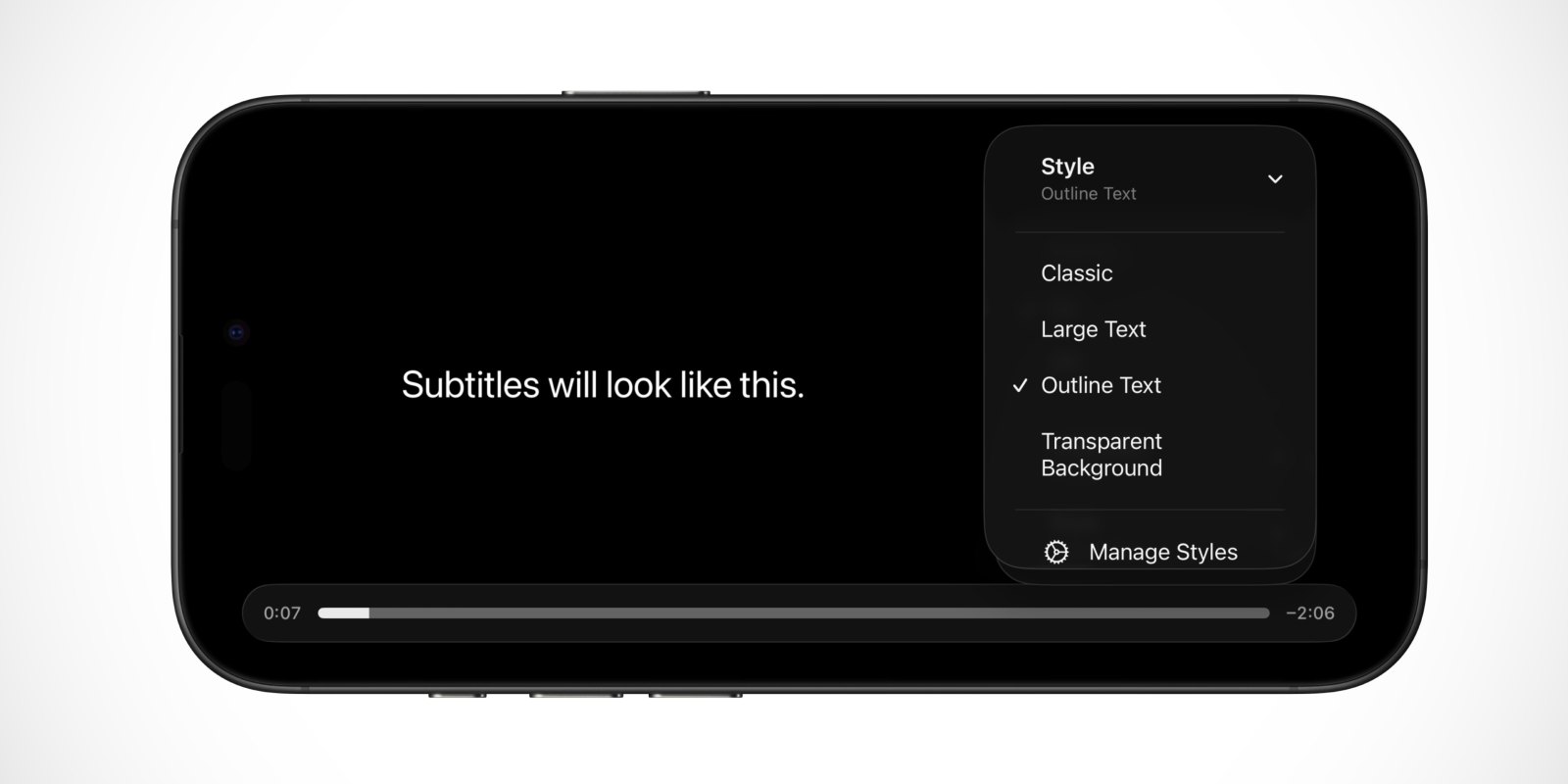
Subtitle customization became more convenient. Image: 9to5mac.com
During playback, tap the subtitles button — a new “Style” menu has appeared there. Ready-made options:
- Classic — standard look.
- Large Text — enlarged font.
- Outline Text — text with an outline, more visible on light backgrounds.
- Transparent Background — no background overlay, subtitles don’t block the picture.
Through the “Manage Styles” button, you can customize subtitles even more precisely. Useful for everyone who watches shows with subtitles — and there are quite a few such people.
Health App in iOS 26.4 — Sleep Schedule and Blood Oxygen Level
The Health app received a new section in “Summary” — visualization of bedtime.
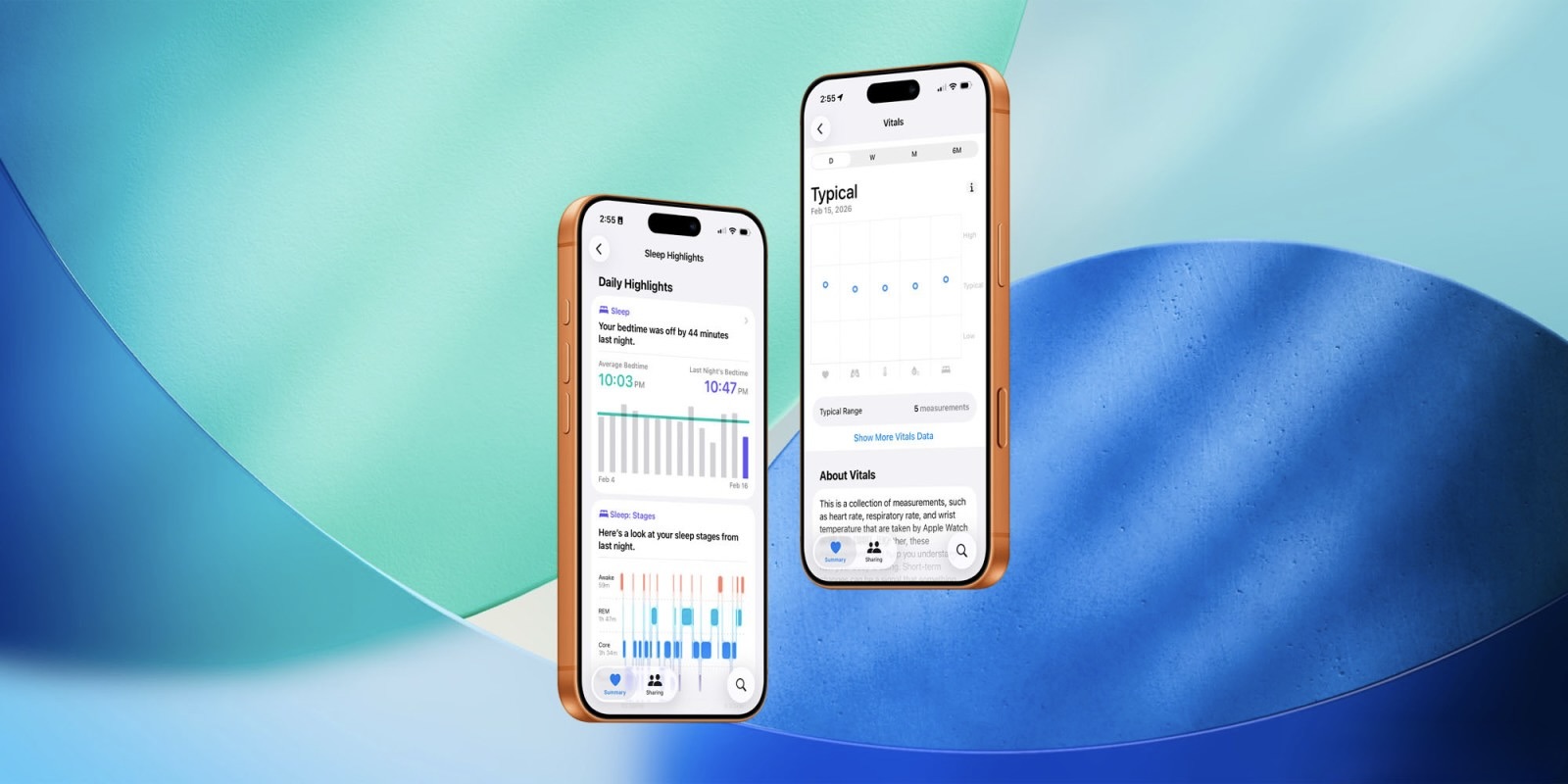
Blood oxygen level is back. Although those who had non-US Apple Watch won’t notice the difference. Image: 9to5mac.com
The feature shows:
- Average bedtime over the past two weeks.
- A day-by-day chart.
- Last night’s data for quick comparison.
If you wear Apple Watch at night and track your sleep quality, this gives you a clear picture of how stable your schedule is.
Additionally, iOS 26.4 brings back blood oxygen level data to the “Health Metrics” section. This data was removed due to Apple’s patent dispute with Masimo, but now that the conflict has been resolved and the Blood Oxygen feature has returned to Apple Watch, the information is once again available in the Health app summary.
AI Images in Freeform on iPhone — New Feature in iOS 26.4
Freeform — Apple’s app for collaborative boards and visual notes — received “premium” features that previously appeared in Pages, Keynote, and Numbers.