Every macOS update brings something new, but users don’t always notice the difference. With macOS Tahoe 26.4, the situation is different: Apple is adding four features at once that will affect everyday work on the Mac. Among them are a long-awaited battery setting, the return of a beloved Safari feature, pro tools in Freeform, and new emoji. A new smart Siri was promised, but Apple once again couldn’t deliver on AI, so we have to make do with what’s available.
New features in macOS 26.4 were found after all. Image: 9to5mac.com
Battery Charge Limit in macOS 26.4: How to Extend Your MacBook’s Lifespan
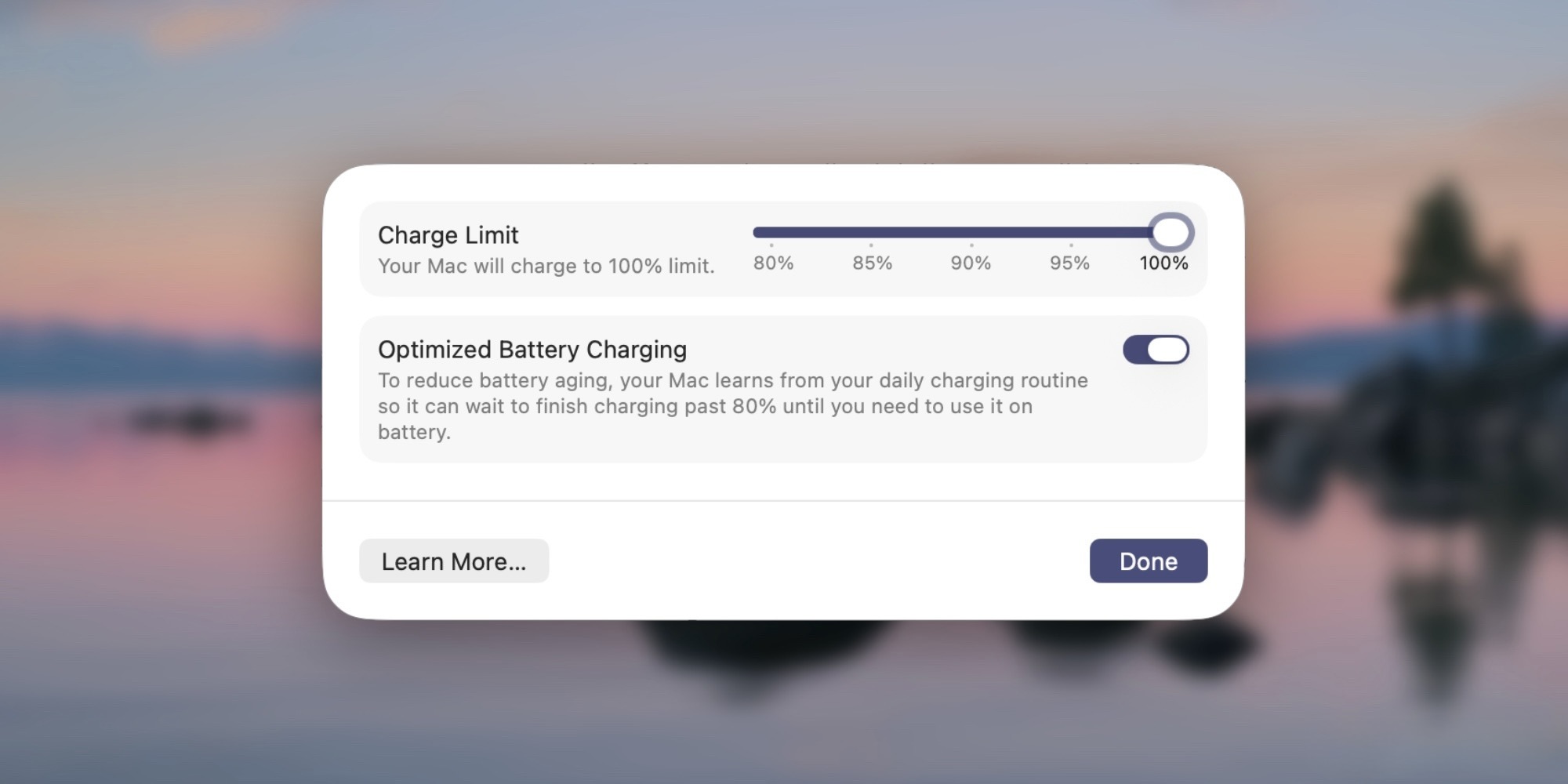
Charge limit has arrived on Mac. Image: 9to5mac.com
iPhone, iPad, and AirPods have long had a built-in option to limit the maximum battery charge level. And now, with macOS 26.4, the Mac finally joins that list. The new Charge Limit feature lets you set a maximum charge level for your MacBook below 100%. You can choose any value in the range from 80 to 100%. According to Apple, setting a lower limit helps extend battery lifespan. Simply put, the battery will degrade more slowly, meaning that after a couple of years, your laptop will retain much more capacity.
You can find the setting in System Settings → Battery. Just click the “i” icon next to the “Charging” option. It may seem like a small thing, but it’s exactly these small things that affect device longevity. Considering that replacing a MacBook battery costs a significant amount of money, this feature could save you a considerable sum. On iPhone, this feature has already become essential for those who care about battery health. Now Mac users are in on it too.
How to Enable Compact Tab Bar in Safari on macOS 26.4
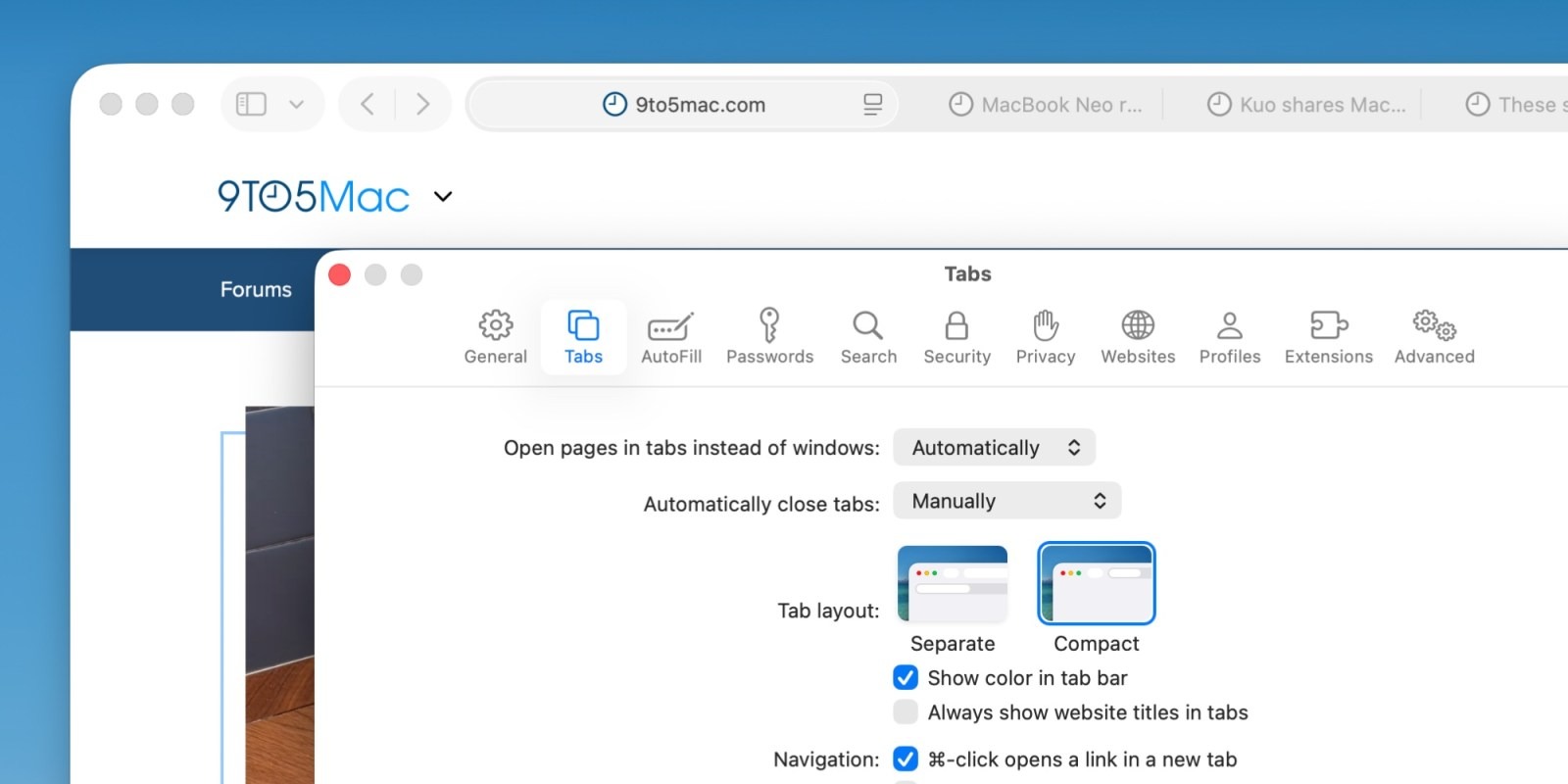
Compact Safari tabs are back. Image: 9to5mac.com
If you’ve been missing the Compact Tab Bar setting in Safari, we have good news: Apple is bringing it back in macOS 26.4. It turns out that after removing this option, users expressed far more dissatisfaction than the company expected. As a result, Apple listened and restored the Compact Tab Bar in Safari settings.
What does this give you? Compact Tab Bar makes the tab bar more compact, allowing more web page content to fit on screen. This is especially useful on smaller laptop displays. But even if you have a 13-inch MacBook Neo or a 27-inch Studio Display XDR, with macOS 26.4 you’ll be able to enable a clean, compressed tab bar at the top of the browser.
Essentially, Apple acknowledged its mistake and corrected it. This is one of those rare cases where community feedback actually influenced the company’s decisions. Compact Tab Bar is a real lifesaver for those who constantly keep dozens of tabs open.
New Freeform Features in macOS 26.4
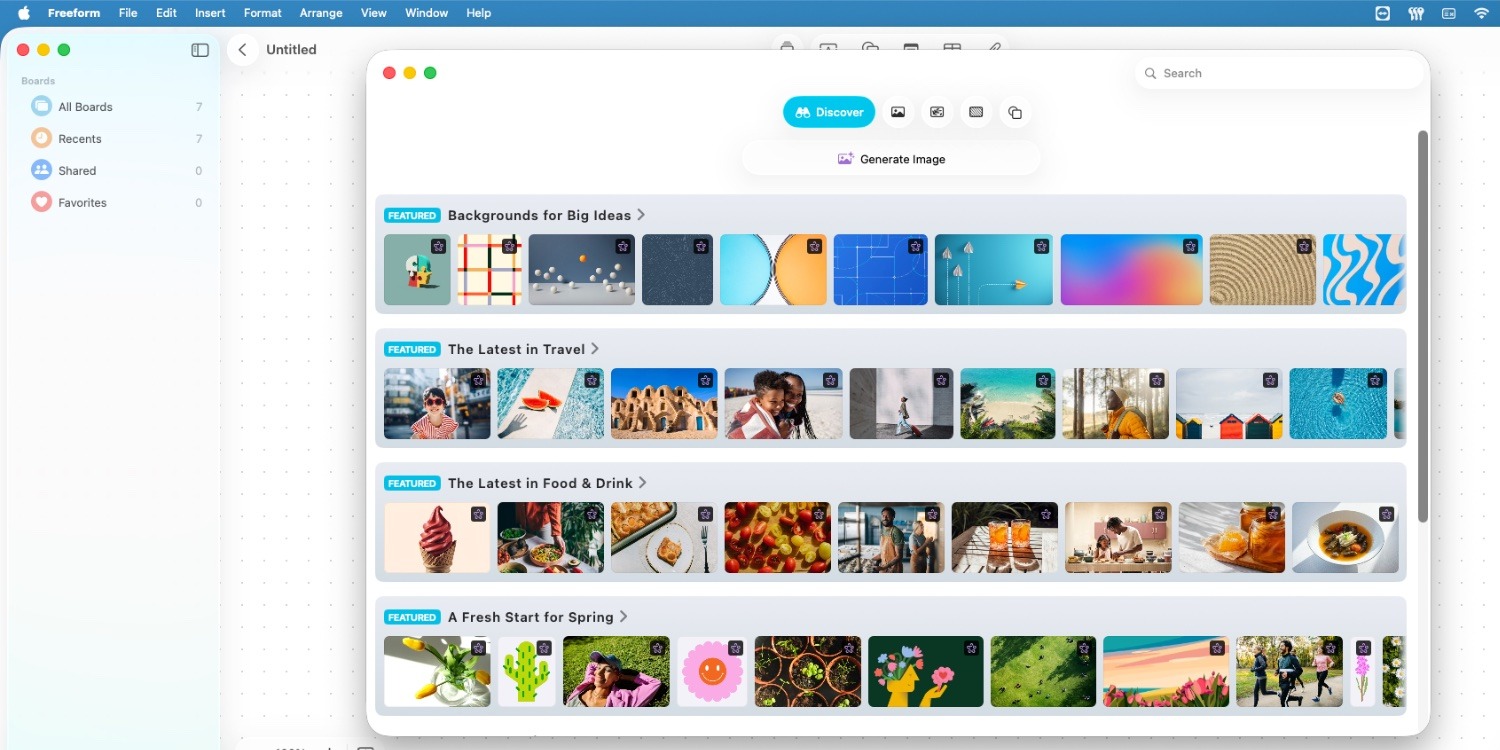
The option is new, but only for those who pay for Creator Studio. Image: 9to5mac.com
When Apple Creator Studio launched earlier this year, the subscription unlocked access to professional apps like Final Cut Pro, Logic Pro, and Pixelmator Pro, as well as exclusive features in Pages, Keynote, and Numbers. At the time, Apple also promised that later this year, Freeform would receive its own share of exclusive capabilities.
And now the moment has arrived. In macOS 26.4, Freeform users with a Creator Studio subscription will be able to:
- use premium images from Content Hub;
- upscale low-quality images;
- receive automatic crop suggestions for images;
- generate new images using OpenAI models.
In other words, Freeform is transforming from a convenient but simple note board into a full-fledged tool for creative work. Image generation through OpenAI models is perhaps the most interesting part. This means you’ll be able to create visual content using artificial intelligence right inside an Apple app.
New Emoji in macOS 26.4
No major update is complete without fresh emoji. In macOS 26.4 (as well as iOS 26.4 and iPadOS 26.4), eight completely new symbols will appear:

Where would we be without emoji. Image: 9to5mac.com
- Ballet Dancer
- Distorted Face
- Fight Cloud
- Hairy Creature
- Landslide
- Orca
- Trombone
- Treasure Chest
But here’s the most interesting part. The Distorted Face emoji looks suspiciously familiar: it closely resembles the squished face from Apple’s controversial 2024 iPad Pro “Crush” ad, in which a hydraulic press destroyed musical instruments and creative objects. At the time, the video sparked a wave of criticism, and Apple even issued a public apology. Now that very image appears to be immortalized as an emoji. Irony at its finest.
macOS Tahoe 26.4 isn’t a revolution, but it’s a set of genuinely useful improvements. The charge limit will protect the battery, compact tabs will reclaim screen space, Freeform will become more powerful, and new emoji will add color to conversations. Sometimes it’s precisely these “quiet” updates that prove most valuable in everyday use.


