Smartphones don’t break suddenly. They degrade gradually: first the battery stops holding a charge, then the phone starts lagging, then the screen dims. And in most cases, we ourselves speed up this process with daily habits that seem completely harmless. I personally was guilty of at least five items on this list until I figured out what’s what.
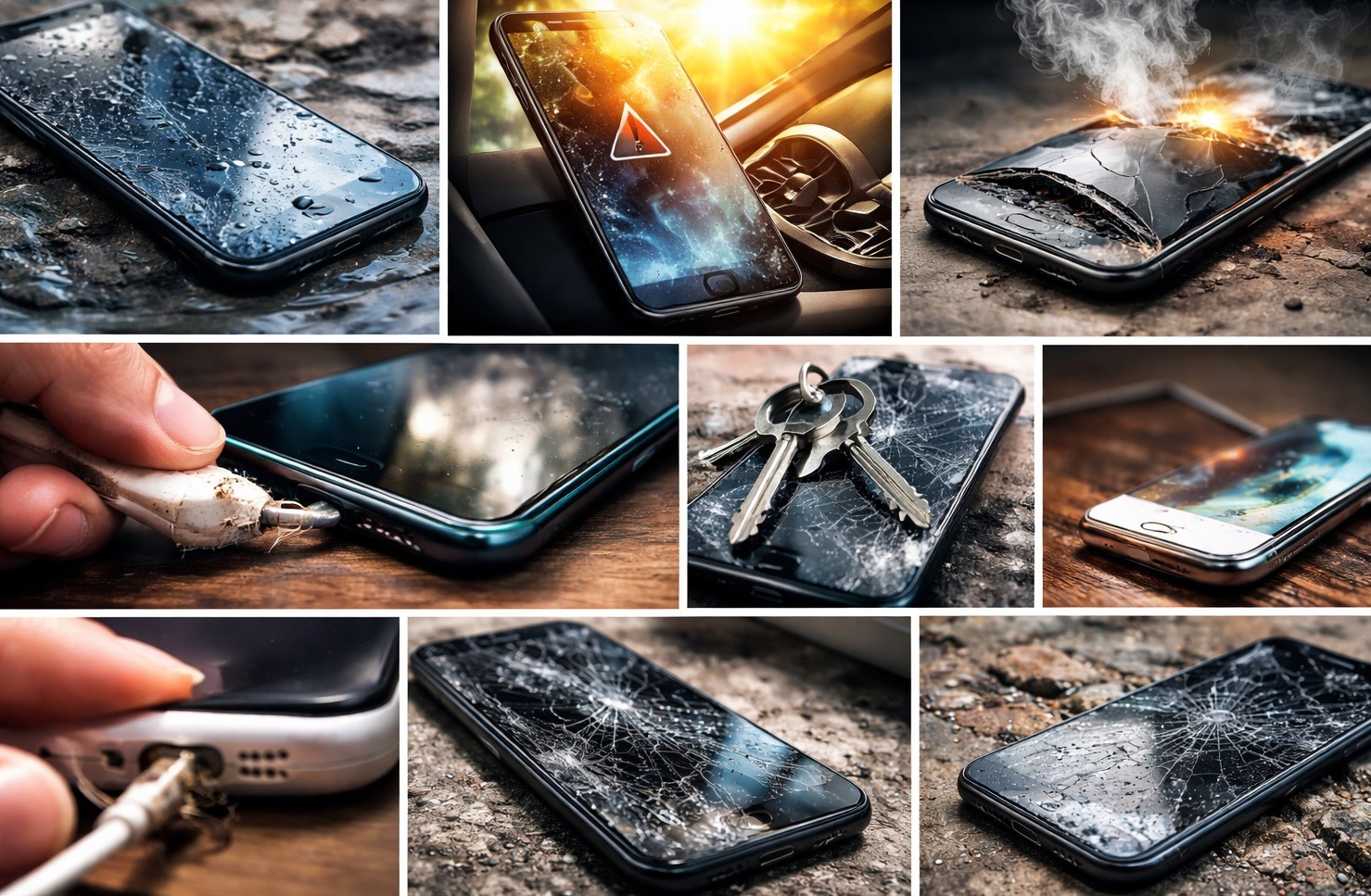
Breaking down the habits that harm your smartphone
How to Properly Charge Your Smartphone
The most common habit and one of the main enemies of the battery. Most people charge their phone to 100% overnight and calmly use it until it’s completely dead. It seems logical: fully charged, fully used. In reality, this accelerates battery degradation.
Lithium-ion batteries are designed so that they’re most comfortable working in the 20-80% range. A full cycle from zero to one hundred is stress for the battery that accumulates with each charge. The general rules look like this:
- plug your phone in at 20-30% and unplug it around 80-90%;
- enable optimized charging in battery settings (the system will slow down charging overnight on its own);
- don’t let your phone drain until it automatically shuts off.
Getting used to this isn’t hard. After a couple of weeks, the new charging routine becomes automatic, and after a year of use, the battery will thank you with noticeably better condition.
What You Should Use to Charge Your Smartphone
The original charger got lost, so you bought the first one you found for a couple of dollars on a marketplace. Sound familiar? Cheap phone chargers don’t maintain stable voltage — it fluctuates, and each fluctuation creates micro-stress on the battery.
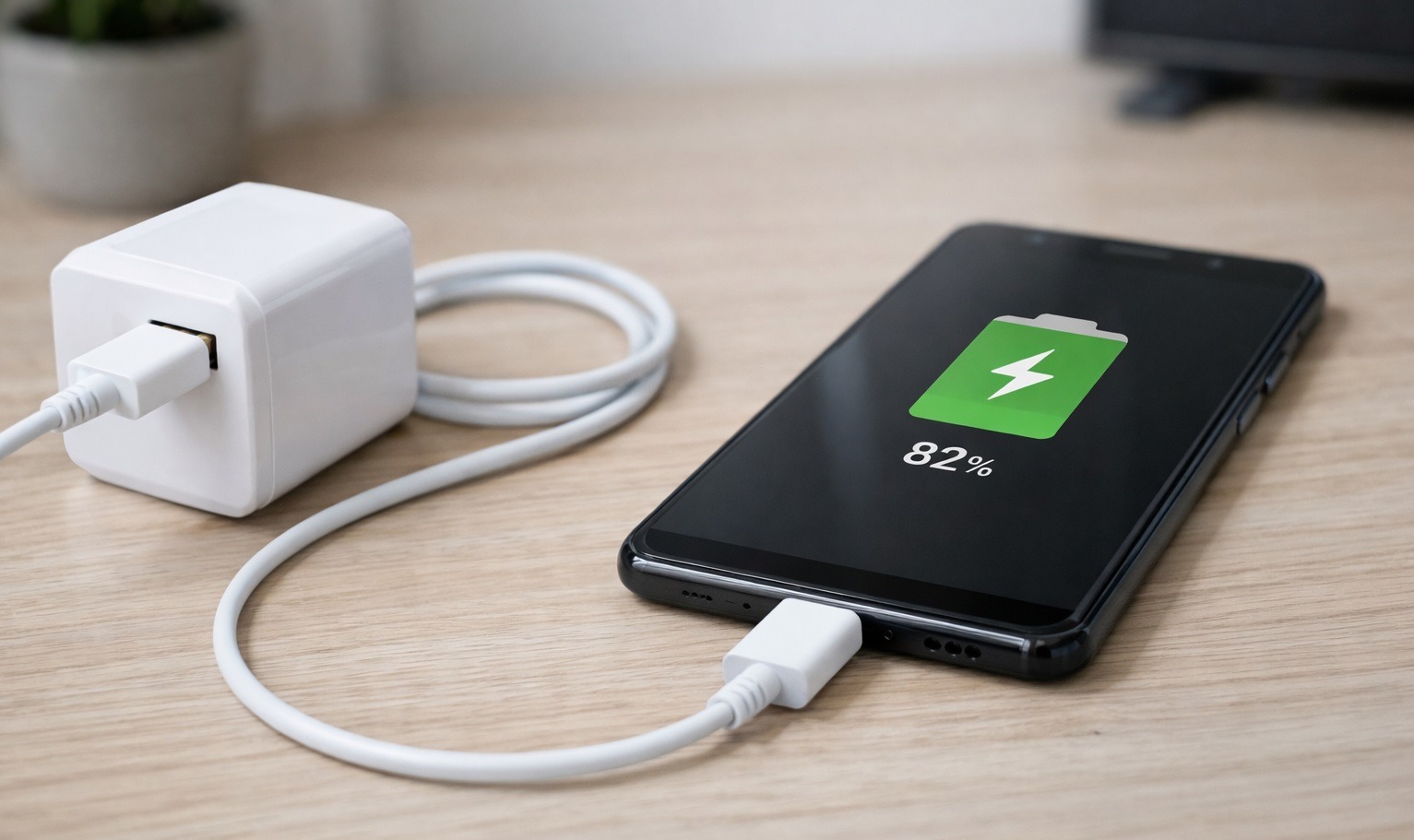
Only use verified accessories
This accumulates unnoticeably. The phone charges, everything works. But after a year, the battery degrades noticeably faster than that of an identical smartphone charged with a proper charger. A cheap cable with thin wire gauge creates resistance and heats up itself — which means it also heats up the smartphone’s port. What to do:
- use the original charger or certified alternatives from well-known brands;
- get cables rated 3A and above;
- if a cable heats up during charging — throw it away.
A good cable costs a few dollars and lasts for years. It’s one of the cheapest investments in the long life of your smartphone.
Does Your Smartphone Need a Case?
A case protects against scratches and drops — that’s its job. But during charging, it turns into a thermos. The smartphone’s body is a radiator through which heat generated during charging dissipates. A case blocks this process, the temperature rises, and the battery works in uncomfortable conditions.
Smartphone overheating during charging is one of the main reasons for accelerated battery degradation. It’s especially critical with fast charging: the higher the power, the more heat is generated. A case plus fast charging equals guaranteed overheating. The solution is simple: remove the case while charging. This is especially important at night when the phone charges for several hours straight.
Smartphone in the Sun: Is It Safe to Use?
Leaving your phone on a windowsill under direct sunlight, placing it on the dashboard in summer, forgetting it on the beach — all of this is far more dangerous than it seems. At temperatures above 40-45 degrees Celsius (104-113°F), a lithium-ion battery begins to degrade many times faster. And the screen risks sustaining irreversible damage from overheating.
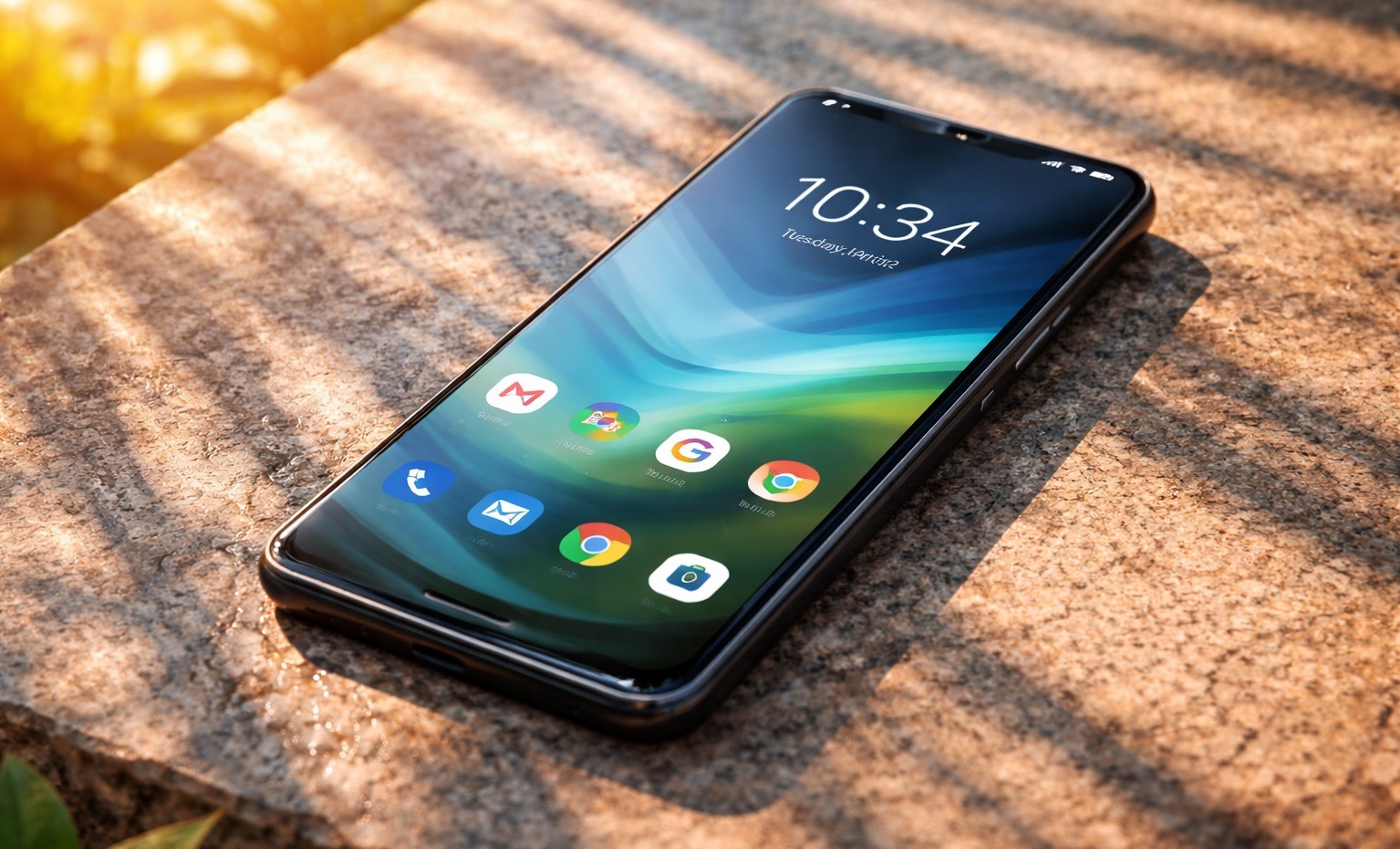
Don’t leave your smartphone in the sun
OLED matrices are particularly sensitive to high temperatures. If your smartphone overheated in the sun, the display suffers first: spots appear, backlight becomes uneven, and burn-in accelerates. Here’s what you should do overall:
- don’t leave your phone under direct sunlight;
- in the car, put it in the glove compartment or under the seat;
- if the phone gets very hot, let it cool down in the shade before putting it on the charger.
The rule is simple: if you’re hot, your phone is hot too. Anything you wouldn’t do to yourself in the heat, don’t do to your smartphone either.
What Does Restarting Android Do?
There are people who don’t turn off their phone for months. Why bother if it works anyway? In reality, RAM gradually gets cluttered with background processes, unfinished tasks accumulate, and the system starts running slower. The smartphone performs worse not because it’s broken, but because it hasn’t been restarted in a long time.
A restart clears the RAM, terminates frozen processes, and gives the system a clean start. Essentially, restarting your smartphone solves almost all problems. This isn’t a joke but a genuinely effective way to restore your device’s responsiveness without any settings changes. It’s enough to restart your smartphone once every few days. It takes half a minute and noticeably affects performance speed.
Maximum Screen Brightness on Android
The screen is the biggest energy consumer in a smartphone. And the higher the screen brightness, the faster the battery drains and the faster the matrix degrades. This is especially true for OLED displays: pixels physically wear out from high brightness. Many people keep brightness at maximum all the time. Outdoors it’s understandable, but at home and in the dark, it’s just a bad habit. Eyes get tired faster, the battery drains quicker, the screen wears out more intensively. What to do:
- enable adaptive brightness — the system will automatically select the optimal level;
- indoors, manually lower the brightness to a comfortable minimum;
- at night, use night mode or reduced brightness mode.
Reducing brightness from 100% to 50% indoors saves up to 20-30% of charge per day. That’s more than any power-saving mode provides.
Is It OK to Use Your Smartphone While Charging?
Playing games, watching videos, or making video calls while the phone is charging is a habit that causes harm in two ways. First, the battery is simultaneously charging and discharging, which creates additional stress on the battery. Second, the load from apps combined with charging produces serious heat.
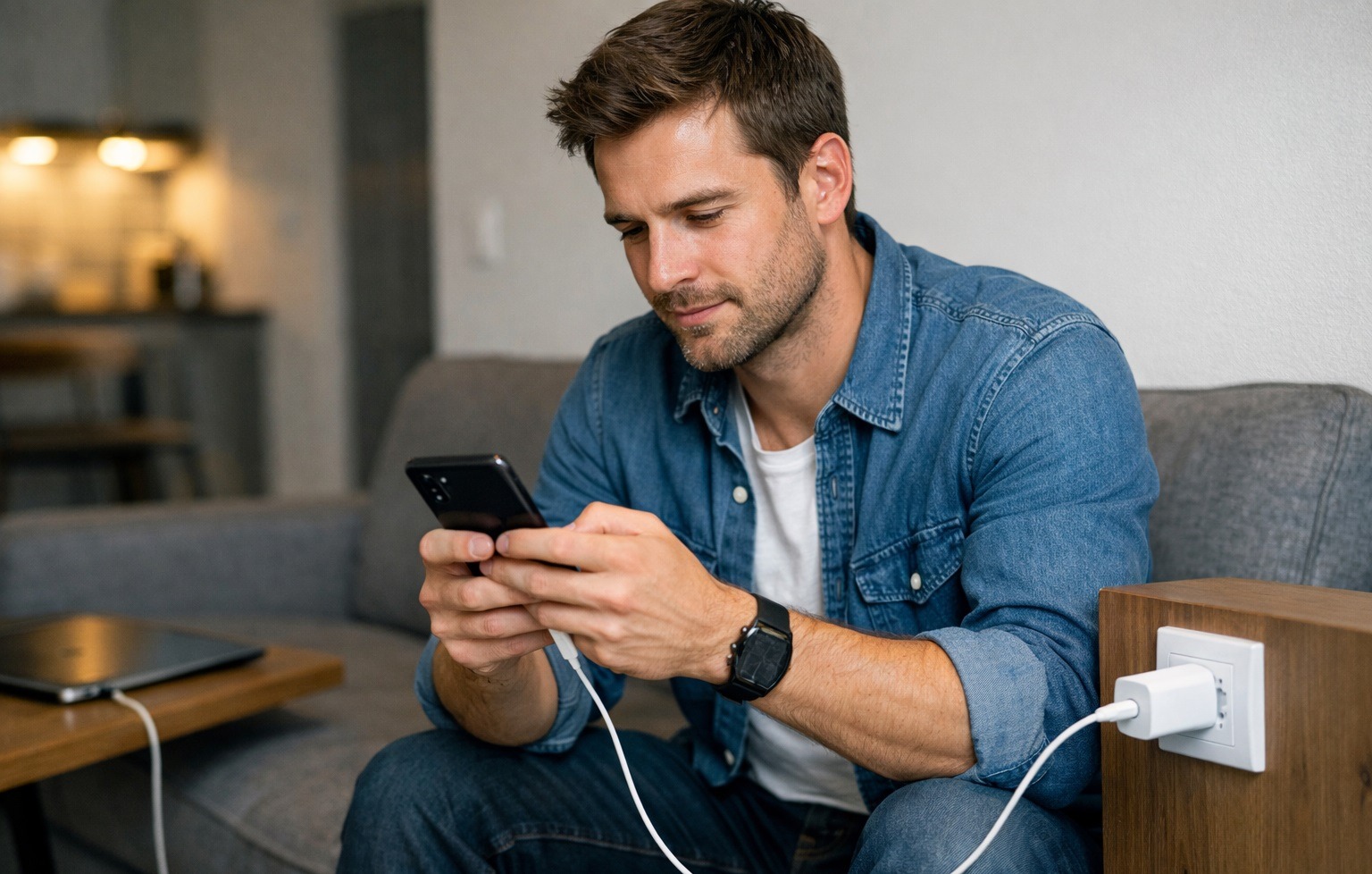
Your smartphone should rest while charging
A smartphone heats up during charging on its own, and that’s normal. But active use at that moment can raise the temperature to critical levels. The battery degrades noticeably faster under such conditions. If you need to urgently charge your phone as quickly as possible, it’s better to place it screen-down and leave it alone. The phone will charge much faster and won’t overheat.
Should You Install Android Updates?
“I’ll update later,” “it works fine as is,” “after the last update everything broke.” I’ve heard these phrases hundreds of times.